I looked over your events and …..which event are you referring to? none of them have the sold out option
Archives: Replies
Replies for tickets on suppota
Reply to: tickets(200110)
Username: eventon
Password: I0aX6Iaf1a5n
Reply to: tickets(200066)
Your browser cache works that way
but a wordpress cache plugin doesn’t- theres alot of things , files, javascripts, css that wordpress can cache for the new visitor to your site
The plugin you use depends on what bluehosts recommends, so a bit of digging
https://www.bluehost.com/help/article/wp-super-cache
and
https://www.bluehost.com/help/article/wp-total-cache
they recommend it because of their server set up
before I moved all my sites to siteground (which has its own built in cache plugin)
I also used:
https://en-au.wordpress.org/plugins/autoptimize/
and on a site full of images I used https://en-au.wordpress.org/plugins/a3-lazy-load/
Reply to: tickets(196135)
Thank you for solving my problem.
Reply to: tickets(181277)
Is this not part of your plugins?
Unfortunately, Invoicing plugin is not part of EventON in any way. It seems there is some kind of incompatibility. Please contact the plugin developer about this issue.
Reply to: tickets(181277)
I disabled EventON, however still cannot login to the website: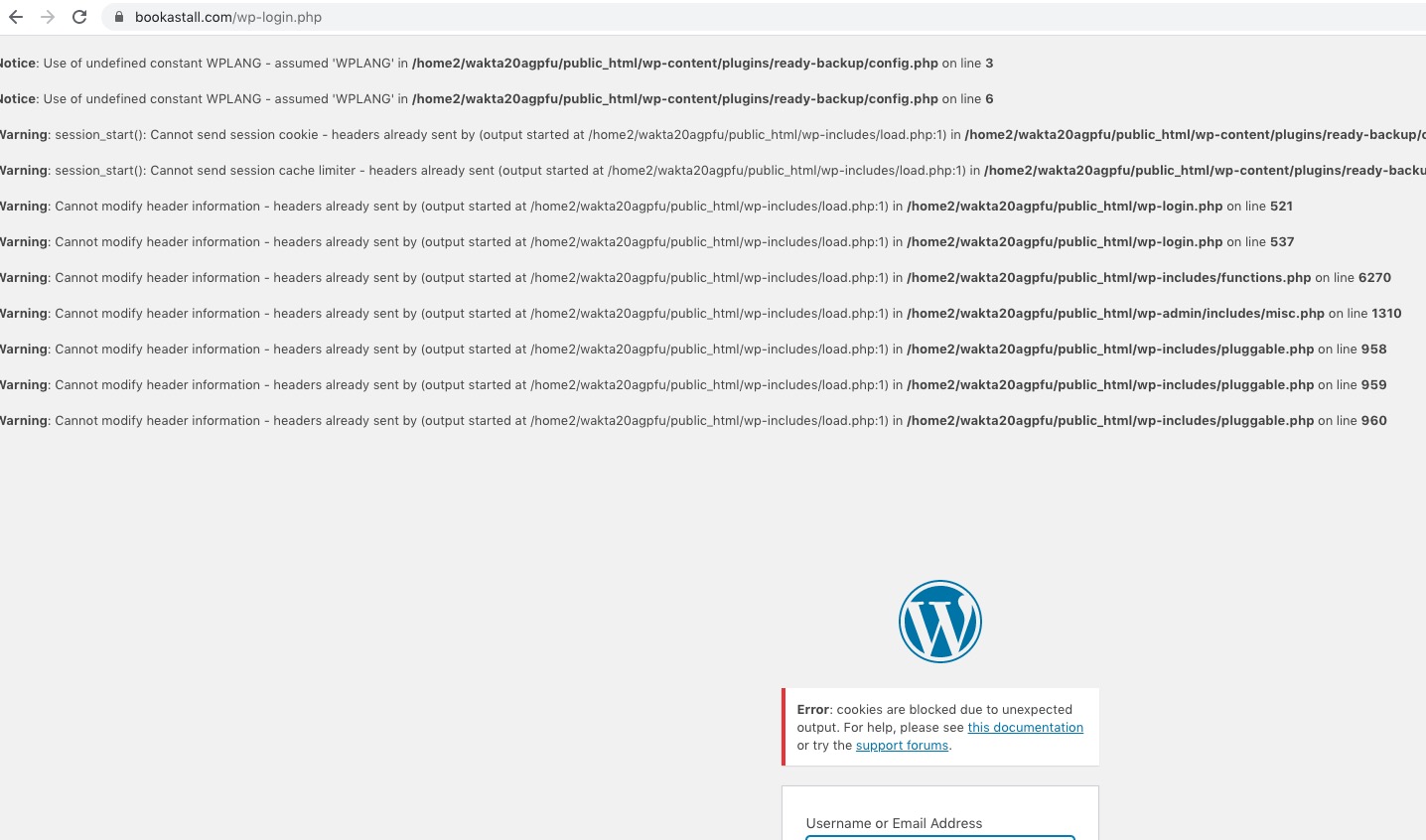
Even after I disabled WP_DEBUG errors front-end output, I still cannot login:
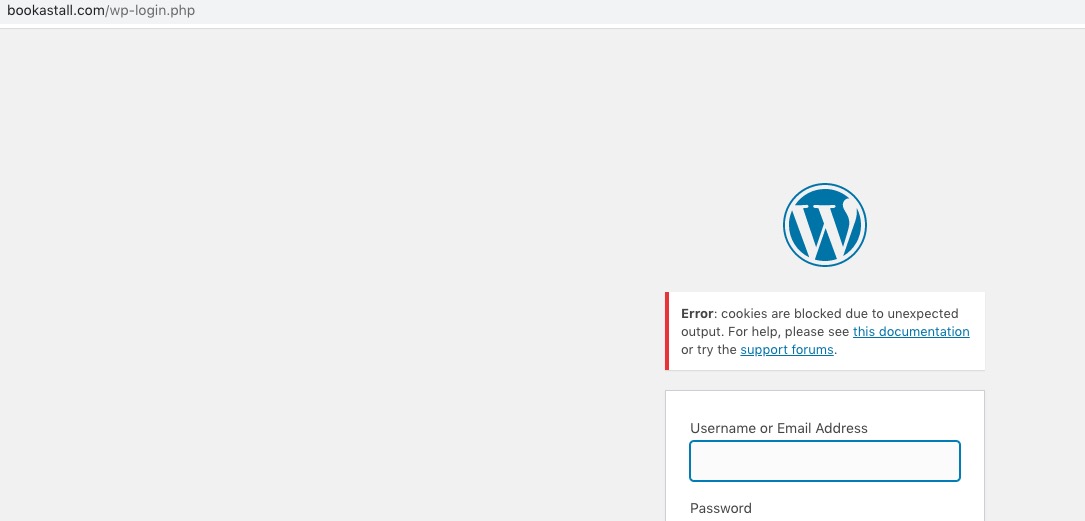
Can you?
Reply to: tickets(199819)
After purchasing an addons for single site… I can upgrade it to multiple site?
Please check this guide: https://docs.myeventon.com/documentations/how-to-upgrade-a-eventon-addon-license/
Reply to: tickets(199101)
Could you allows us to access Events, EventON Settings and Settings > General > Timezone pages of wp-admin?
Reply to: tickets(199795)
We are glad your issue is resolved, if you have any further questions or concerns please create a new ticket.
If you have a moment, we would greatly appreciate if you could kindly leave us a review at codecanyon! from your account > downloads. Cheers!
Reply to: tickets(200029)
We are glad your issue is resolved, if you have any further questions or concerns please create a new ticket.