If you click on the link it downloads the .ics file for you.
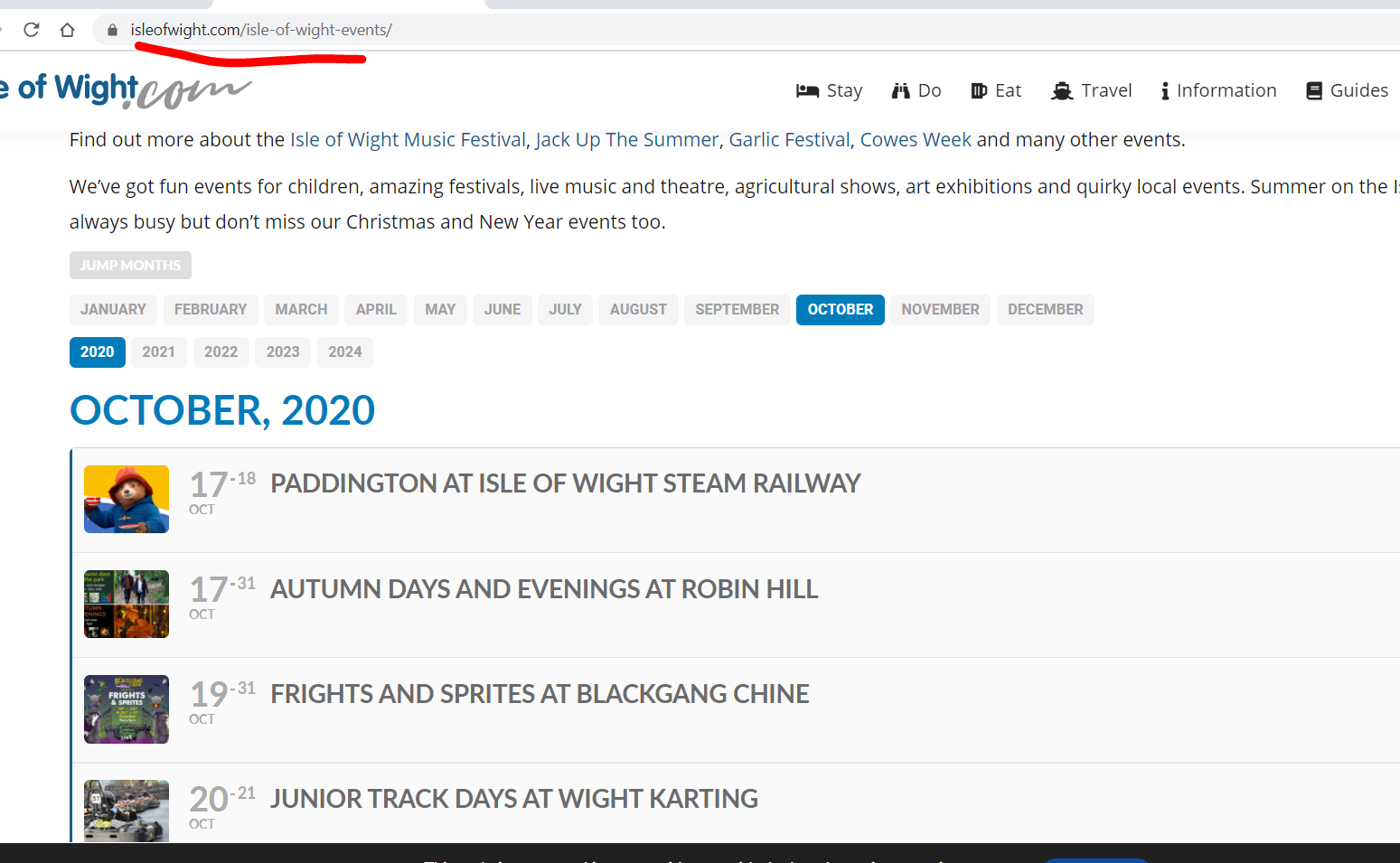
Please take a look at this screenshot:

As you can see ICS Import imports every available events from start to finish of the file. If you want to import more just add more events to the file.
Sorry, it seems to be a problem with microsoft exchange.
My outlook desktop calendar shows events in november and decemer 2021.
But checking the ICS-Link I can’t finde them. So it seems thats not your fault.
Br
Jens
Hi,
it’s not an file. It’s an import viaan ICS-link.
Here the link: https://outlook.office365.com/owa/calendar/0bacadebed5b4d3b91a746ef44286947@rc-dorff.de/264ffe57add14b4bb6bc2c9274f660657190846971849673328/calendar.ics
Br
Jens
Hello,
Unfortunately, we don’t grant refunds on renewal payments: http://docs.myeventon.com/documentations/terms-and-conditions-and-refund-policy/ > 7.4 Subscription Refunds.
Please use this code:
.EVOWV_content.wk_1 .evo_wv_day:nth-child(6), .EVOWV_content.wk_1 .evo_wv_day:nth-child(7) { display: none !important; }
.EVOWV_content.wk_1 .evo_wv_day { width: 20%; }
@media (max-width: 600px) { .EVOWV_content.wk_1 .evo_wv_day { width: 100%; } }

Hello,
This is not correct. ICS Import imports all events from the imported .ics file.
Could you send us your file so we can check?
Hello,
Could you update EventON to 2.9.1, Tickets add-on to 1.8.5 and RSVP add-on to 2.6.12 and check once? Thank you!
it is working you need to clear your cache
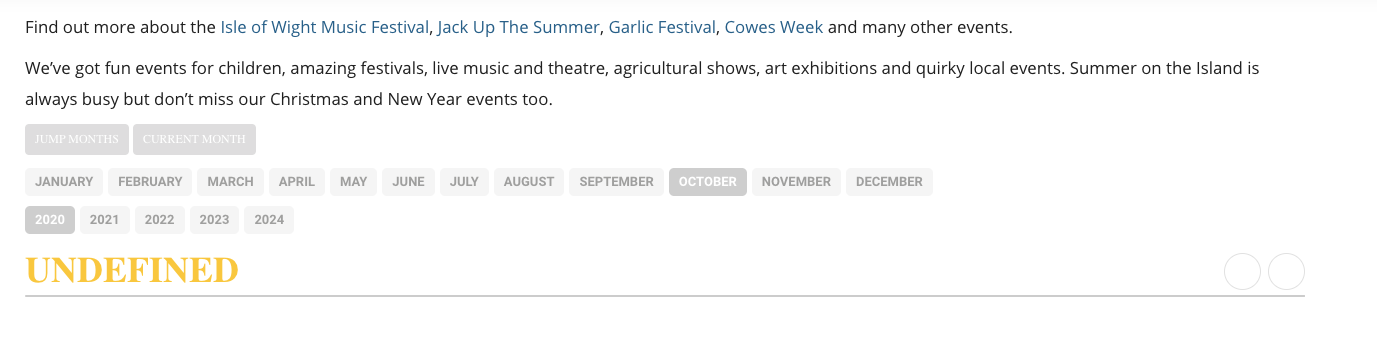
Hi,
Yes we have done all that. Different browsers and not working at all.