Hello,
Just another question: are repeating events supported from other platforms, like Outlook for example? Or are repeating events never supported?
Replies for tickets on suppota
Hello,
Just another question: are repeating events supported from other platforms, like Outlook for example? Or are repeating events never supported?
Ok thanks for that info.
Ok. I would like to move forward. Can you please send me a detailed description of the deliverables just to ensure that we are clear?
That worked. Thanks!
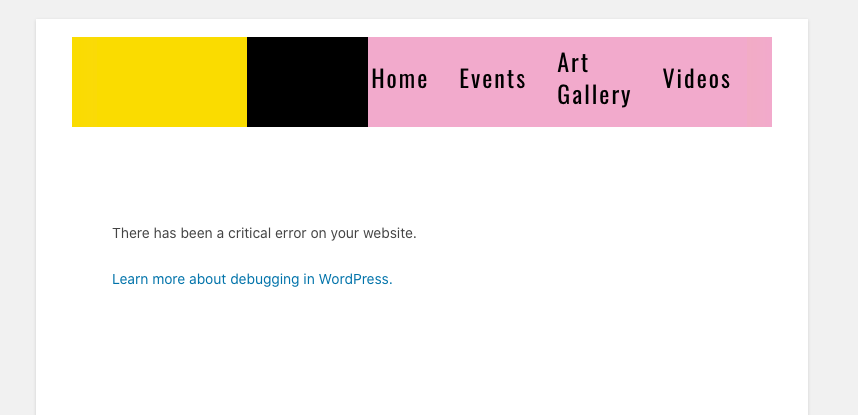
here is the result if i do that
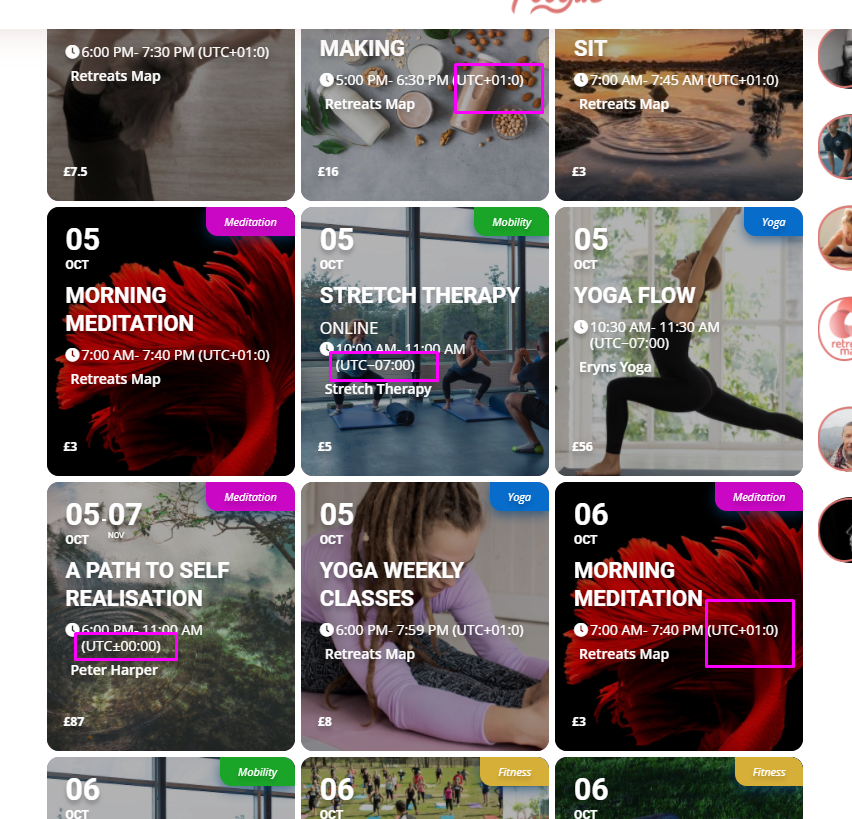
We already have this option, the event organiser has to choose the event time zone from the list.
What I want is a bit different.
For example, the event organiser is based/ located in the UK (time zone UTC+1). They create the event with starting time 6pm. Here there might be 2 options:
a) they need to choose their Time Zone from the list (we have this one already), or
b) they just put 6pm and the system tags this time to their Time Zone based on their IP geo tag.
Option a) or b) will depend on how the next part works.
For the end-user who is looking at this event from:
I have attached for you the screenshot from our website. You can see that currently, each event has an indication of the time zone. But it gets very confusing for the end-user, especially when they look at a lot of events in different time zones. I want for the end-user simply see all the events displayed in their local time, regardless of the location of the organiser.
https://foogin.com/search-events/
Please let me know if you have more questions.
This is how they responded.
(Support | BrightTALK)
Sep 30, 2020, 11:38 PM GMT+1
yeah unfortunately our embeds do not play nice with other plugins. The embed cannot be manipulated in anyway.
Thanks,
Matt
Hi Ashan,
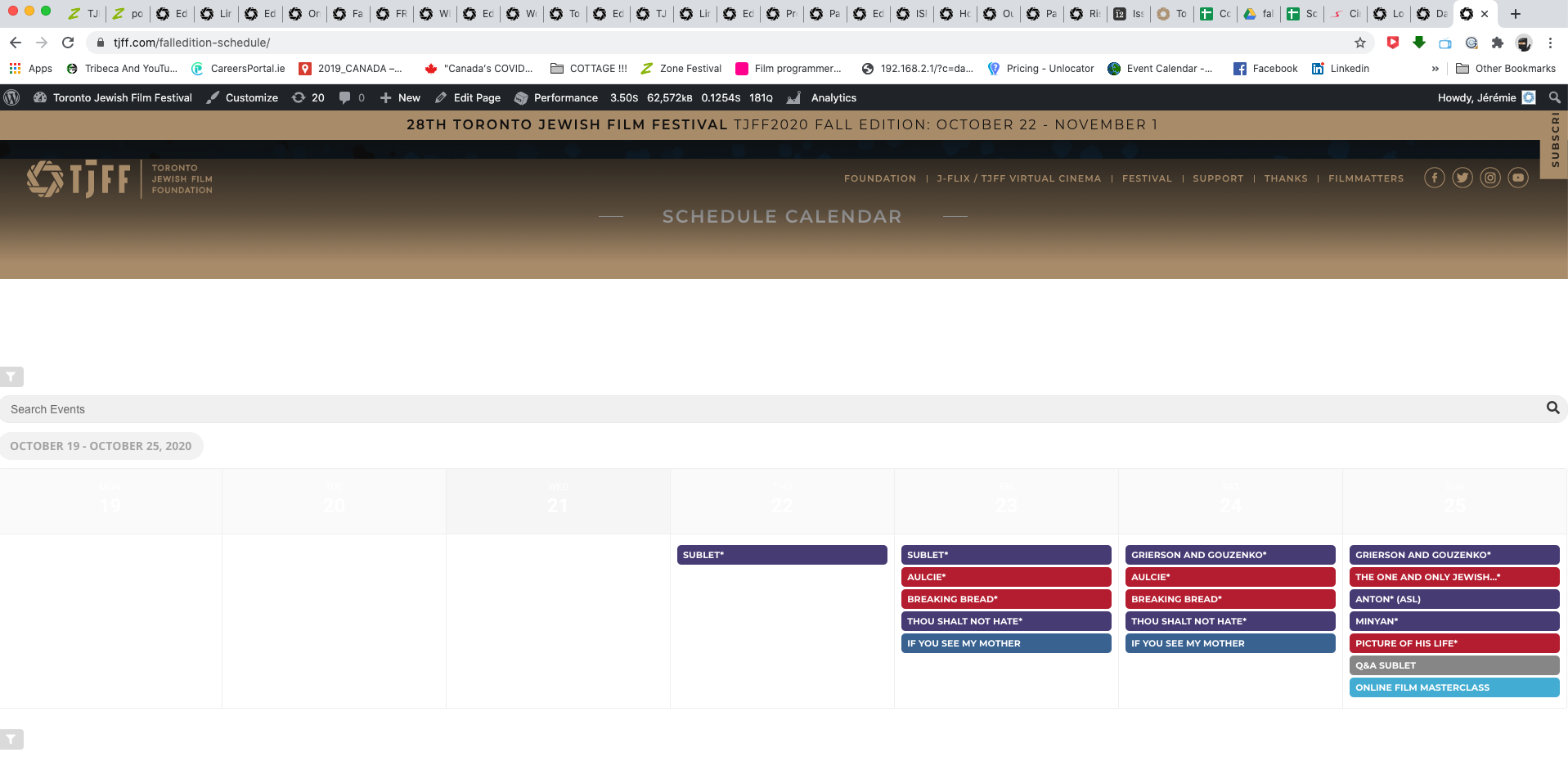
thank you for working on that, however, I would need the code to add on our main website tjff.com as it’s still not working there see page https://tjff.com/falledition-schedule/
As for the time it is gone which is good however I lost the days which is a problem. Can you please help.
IS IT AT ALL POSSIBLE TO HAVE A ZOOM CALL TODAY????
I WOULD LIKE TO RESOLVE THE PROBLEM RATHER THAN CONTINUING THE BACK AND FORTH FOR ANOTHER WEEK.
I’m just asking for 10 minutes zoom to clarify all the issues. PLEASE
Thank you
Hello,
I changed the wp username AND pw to “eventonsupport”. Please try again.
Yes we’re working on a custom single event page. When activating the default single event Template the map is working as it should. What I don’t understand is, as soon as I’m activating our template the Map content is not being loaded.
Since we’re developing as a team actively on this custom template I need to be there to deactivate and reactivate as soon as you’re done with your work. Please let me know when you are able to take a look at it.
I’m working tuesday to thursday from 09:00 am to 05:00 pm UTC+1. Please let me know whether it is possible for you take a look in that timeframe.
Thanks a lot,
Alex
Could you send us links to events with the issue?
No issues with this test event I created: https://www.tavias.de/wp-admin/post.php?post=3741&action=edit&classic-editor. Used this page to create and edit the event: https://www.tavias.de/wp-admin/post.php?post=3738&action=edit&classic-editor