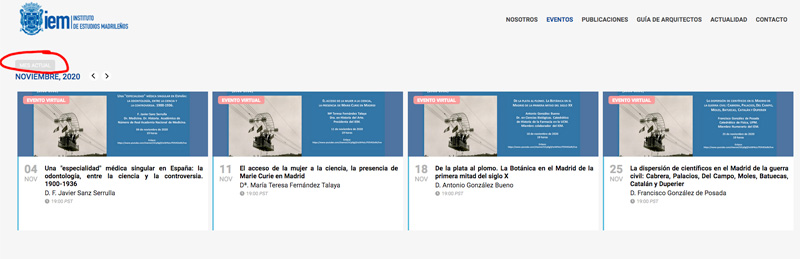
This is the other dub:
2. How can I set or configure correctly “Current month” of the mosaic view with details of the event, attached image:
Replies for tickets on suppota
This is the other dub:
2. How can I set or configure correctly “Current month” of the mosaic view with details of the event, attached image:
Thank you, with this indication:
Please check http://iemadrid.slottmedia.com/wp-admin/options-general.php As you can see “Date Format” and “Time Format” are empty. Could you try any other value?
the problem is solved.
But I have 2 more doubts:
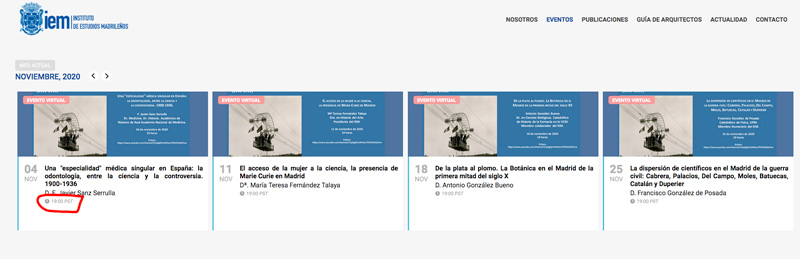
1. How can I remove the time from the mosaic view with details of the event, I attach an image:
Ashish has accepted the job for 100
hi,
so we deactivated the option but events aer still in draft after editing them via action user..
what can we do ?
where is our mistake ?
I disabled EventON > Concatenate all eventon addon style files – Beta (Only supported addons), so now styling should be fixed on https://holisweek.com/3257-2/
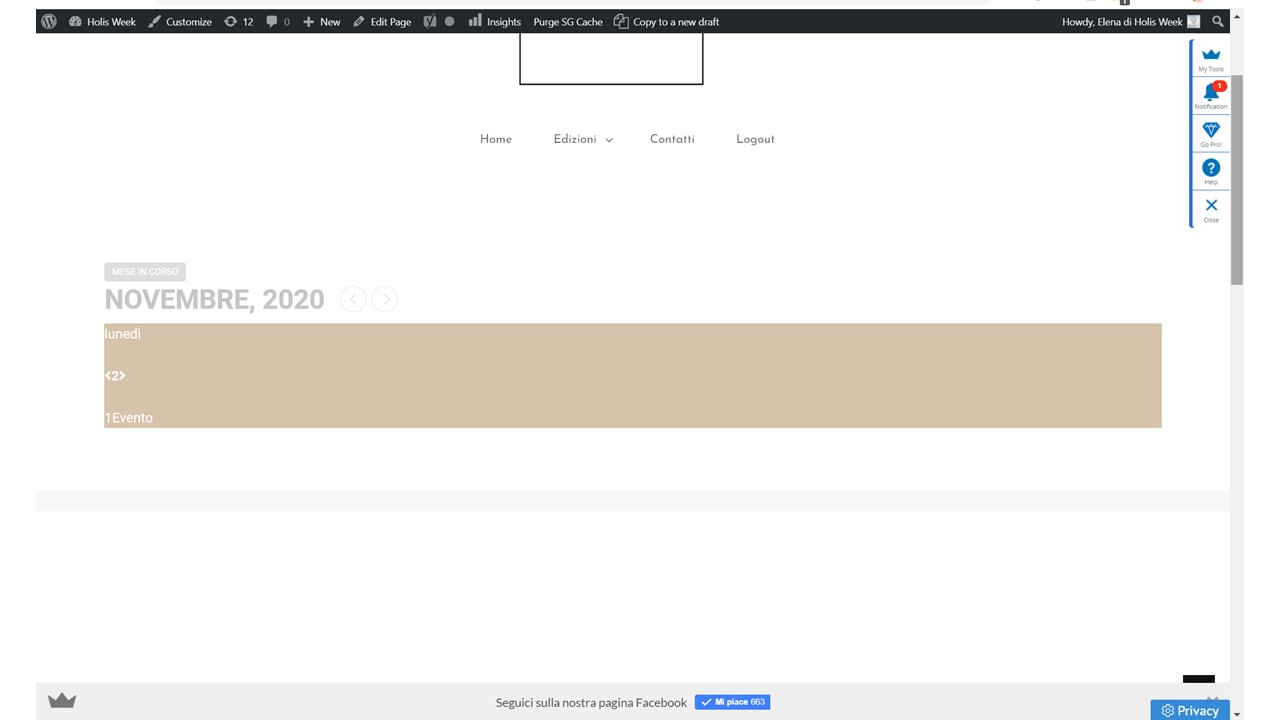
Guys, is going worst and worst… I’m really worry.
Now that is what I see
https://holisweek.com/3257-2/
https://holisweek.com/calendario/
Thank you !
I am just wainting my bank confirmation for the refund and, then, i will close this ticket.
Thank you for your messages, I am going to assign this ticket to Ashan and he will be able to take it from here and find you a solution. Please allow some time for him to get back to you, we greatly appreciate your patience and thank you for being a eventon customer! Also please disable any IP blocking on your site if there are any.
Hello,
Unfortunately, hide_month_headers only works with Event Lists shortcode.
In order to hide the month title in your widget Main Calendar please add this CSS code to EventON > Styles (If you don’t see any change, EventON > turn off Write styles to header > save settings > turn on Write styles to header):
.zox-side-wrap.zoxrel.zoxs .evo_month_title { display: none !important }