Hi Artem,
Thanks for the update – we will be on the lookout for Ashan’s fix.
Take care,
Diana
Replies for tickets on suppota
Hi Artem,
Thanks for the update – we will be on the lookout for Ashan’s fix.
Take care,
Diana
wcti.info/wp-admin
Username: helpdesk
Password: w1f-*mG<kKf
Access to view the event pages is from the secondary menu: My WCTI Portal Page > Events
I have restricted access to a lot, but I think you have access to anything related to EventOn. Please let me know if there is something specific you also need.
Thanks
please read what I commented above, while the site loads faster with the add-ons off, with the EventON still on, the site is still slow.
Here is the site with all the event plugins off: http://natomaspark.aaronmatthewbeta.com/
is it because the virtual meeting link is for a zoom webinar rather than a zoom meeting?
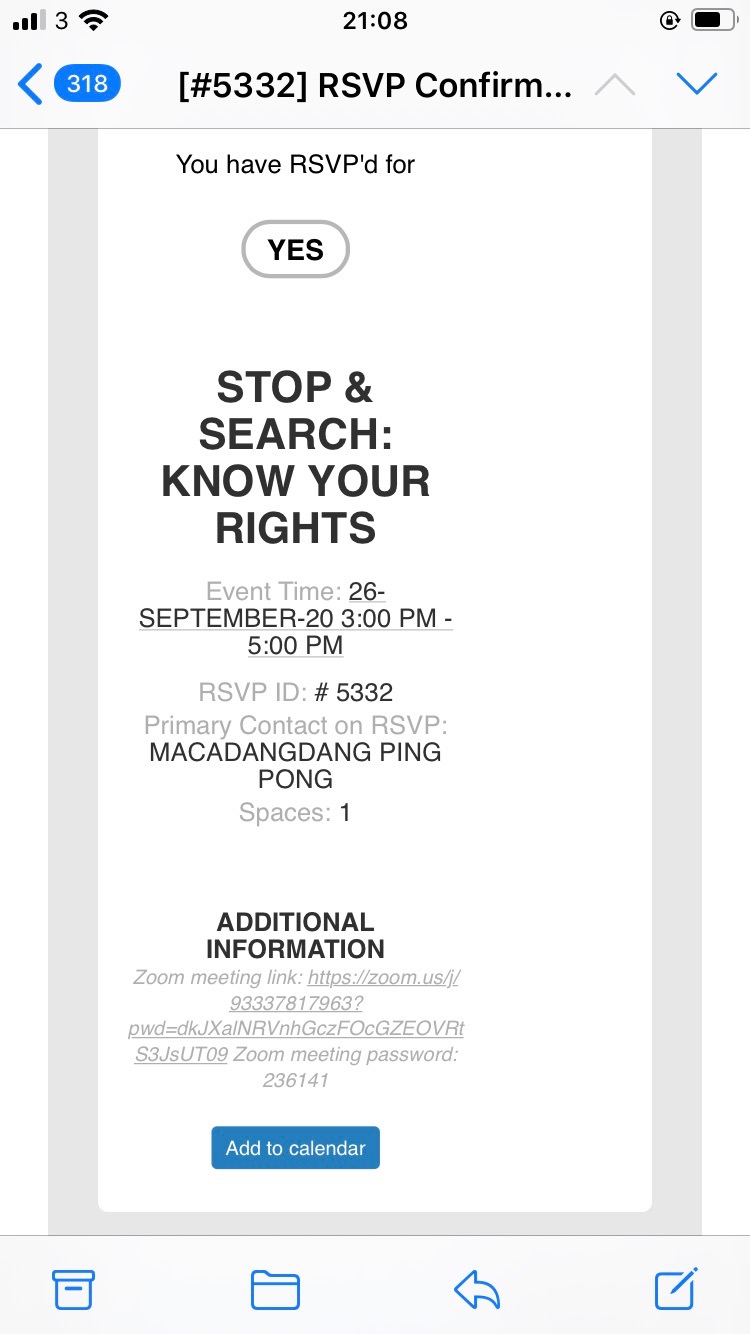
in response to your points:
people not seeing the link:
on a separate note – will there be a microsoft teams option in the future?
thanks for continued help.
Default Event Page contains any shortcode you’ve put there. Doesn’t different from any other page.
Please send us wp-admin access to your site as a private message for us to further assist your situation.
If you want to show variations name in the cart you need to purchase and install Variations add-on. After the installation you need to create variations by following https://docs.myeventon.com/documentations/how-to-setup-and-get-started/
With disabled add-ons your website loads, except the loading time is quite long:
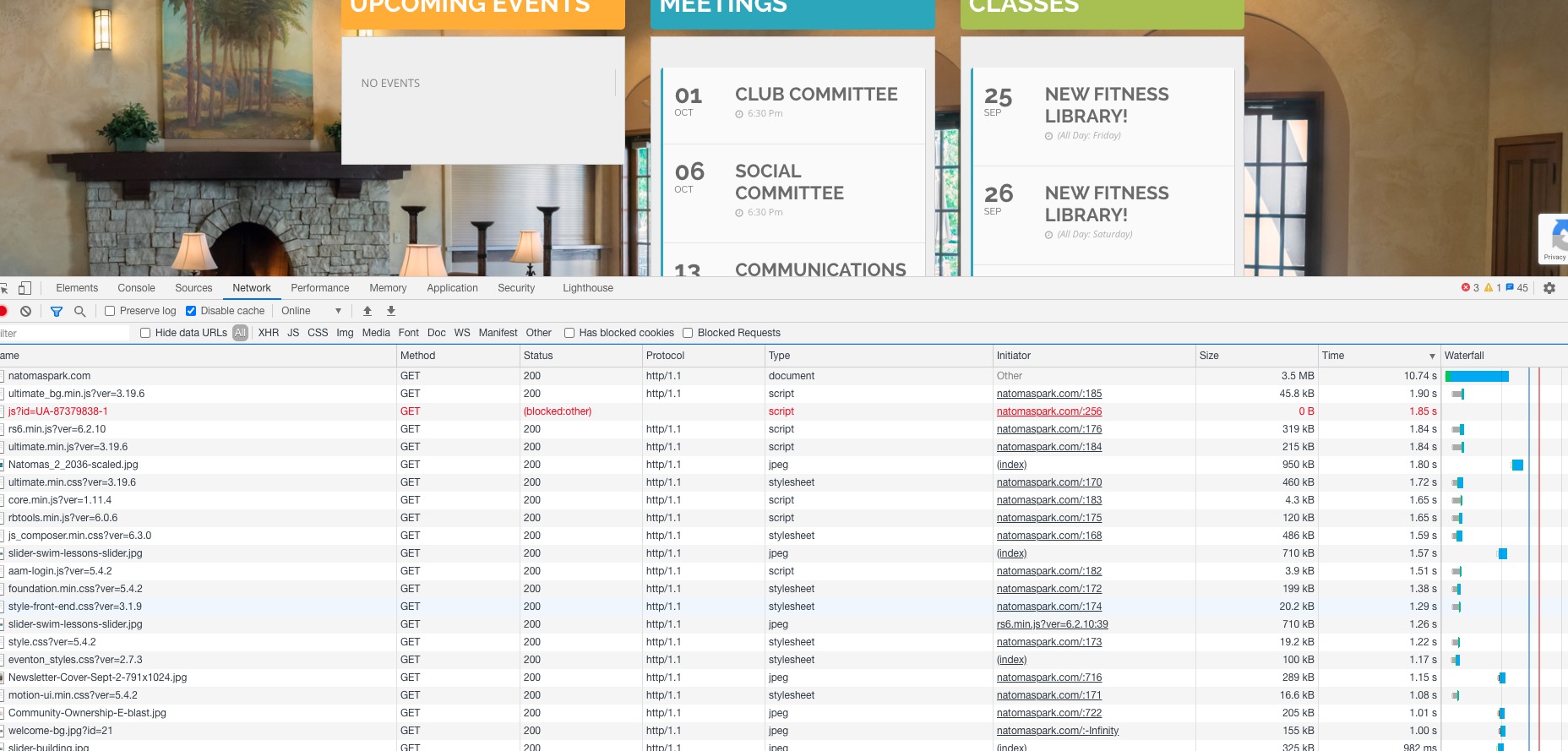
It tales almost 2 seconds to load 45Kb file. This is not normal.
This is a shared hosting environment, I’m not sure how to get access to this. Shouldn’t we focus not on result of the issue, but what is causing the issue?
Because it seems that the problem is in low performance server.
I have variations set in the tickets on the woocommerce side. everything seems to be working other than it not showing which variation in the cart