what does that do? im confused lol
Archives: Replies
Replies for tickets on suppota
Reply to: tickets(197139)
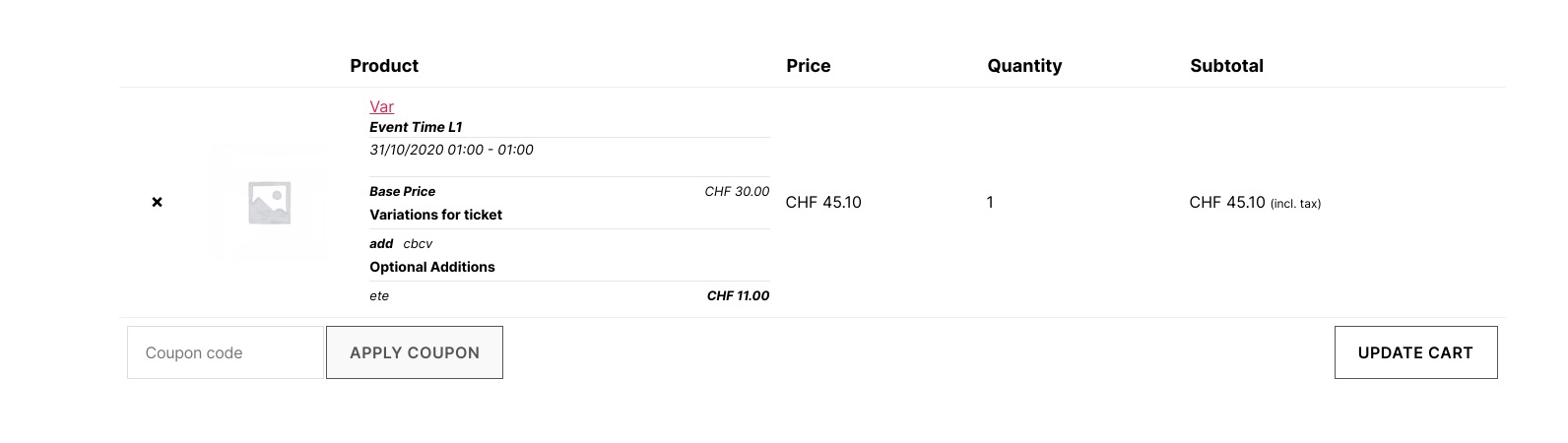
You also need Variations add-on. How it looks with installed add-on:
Reply to: tickets(197112)
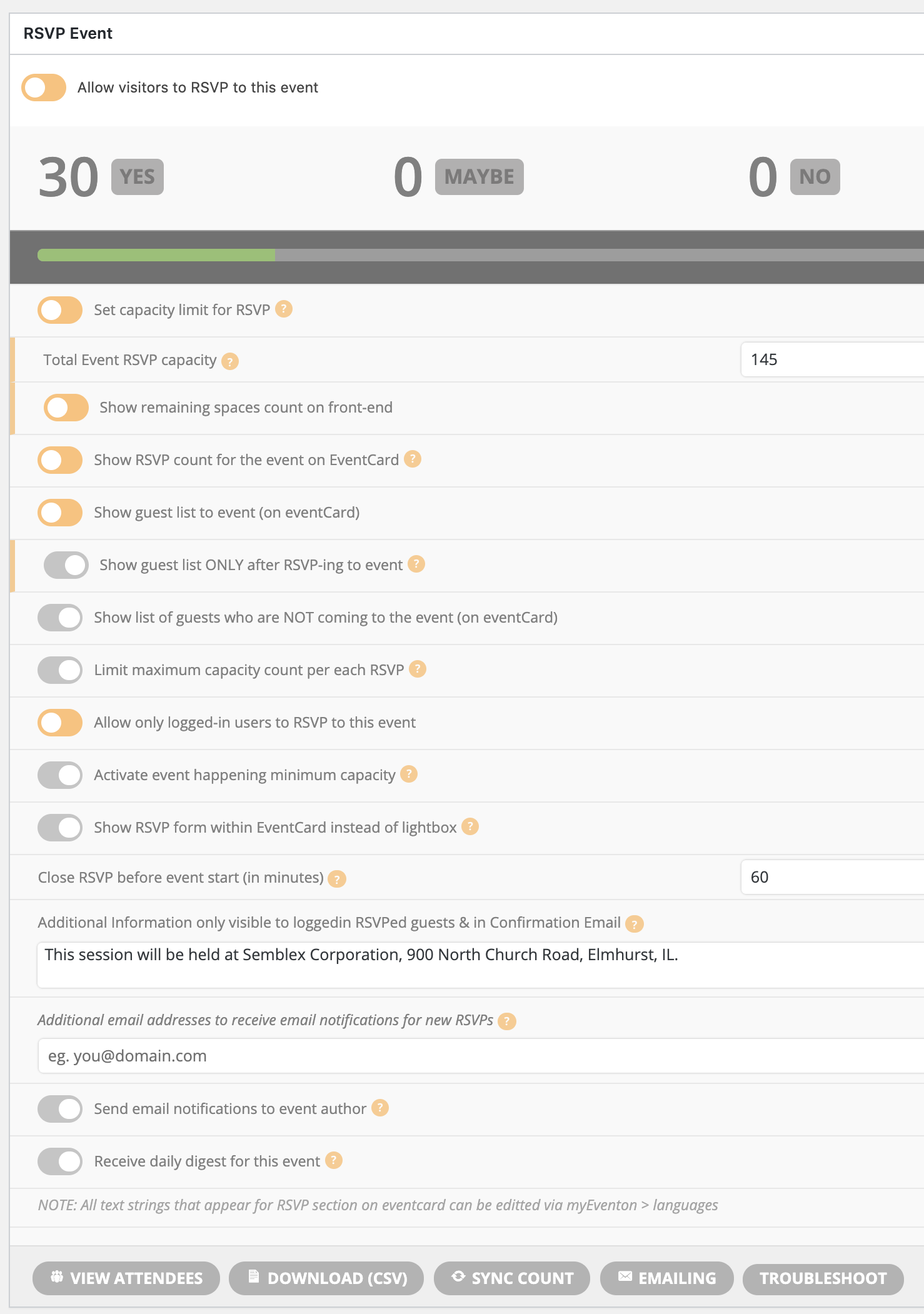
I’m missing something. I’m attaching a screenshot to show what I’m seeing as options in the edit event > rsvp section. Please provide a little more explanation if I’m looking in the wrong place. Thanks.
Reply to: tickets(196544)
Ashan,
I enabled Send email notifications to event author http://dev2.myeventon.com/events/rsvp-9/ but didn’t receive any email.
Reply to: tickets(196544)
I tried this on our test server and it seems there is an issue with Send email notifications to event author.
Thank you for your messages, I am going to assign this ticket to Ashan and he will be able to take it from here and find you a solution. Please allow some time for him to get back to you, we greatly appreciate your patience and thank you for being a eventon customer! Also please disable any IP blocking on your site if there are any.
Reply to: tickets(196544)
I tried to change EventOnSupport’s email, but received this error:
I added a test email address to “Additional email addresses to receive email notifications for new RSVPs” and received this notification email:

Could you also try adding author’s email to Edit Event > RSVP > Additional email addresses to receive email notifications for new RSVPs?
Reply to: tickets(197139)
ok I added my company paypal should be set
Reply to: tickets(192866)
Hi Tony,
Have u upgraded the plugin?
Reply to: tickets(195368)
Hi Sonja,
Closing this one.
Reply to: tickets(160424)
I turned off the add-ons so that you can see the difference and left the main EventON plugin activated. The website and home page load ok, a bit slow, but the full calendar still loads slow, if at all.
http://natomaspark.aaronmatthewbeta.com/the-club/events-meetings-calendar/