Reply to: tickets(197139)
Replies for tickets on suppota
If you are using something like Yoast- when creating the page you can say not to be indexed by search engines
In myeventon>>>>settings>>>single events
I would activate the single event sidebar and wack some important content in that if they did manage to get to the page
you can also activate: single events are only available for logged in users
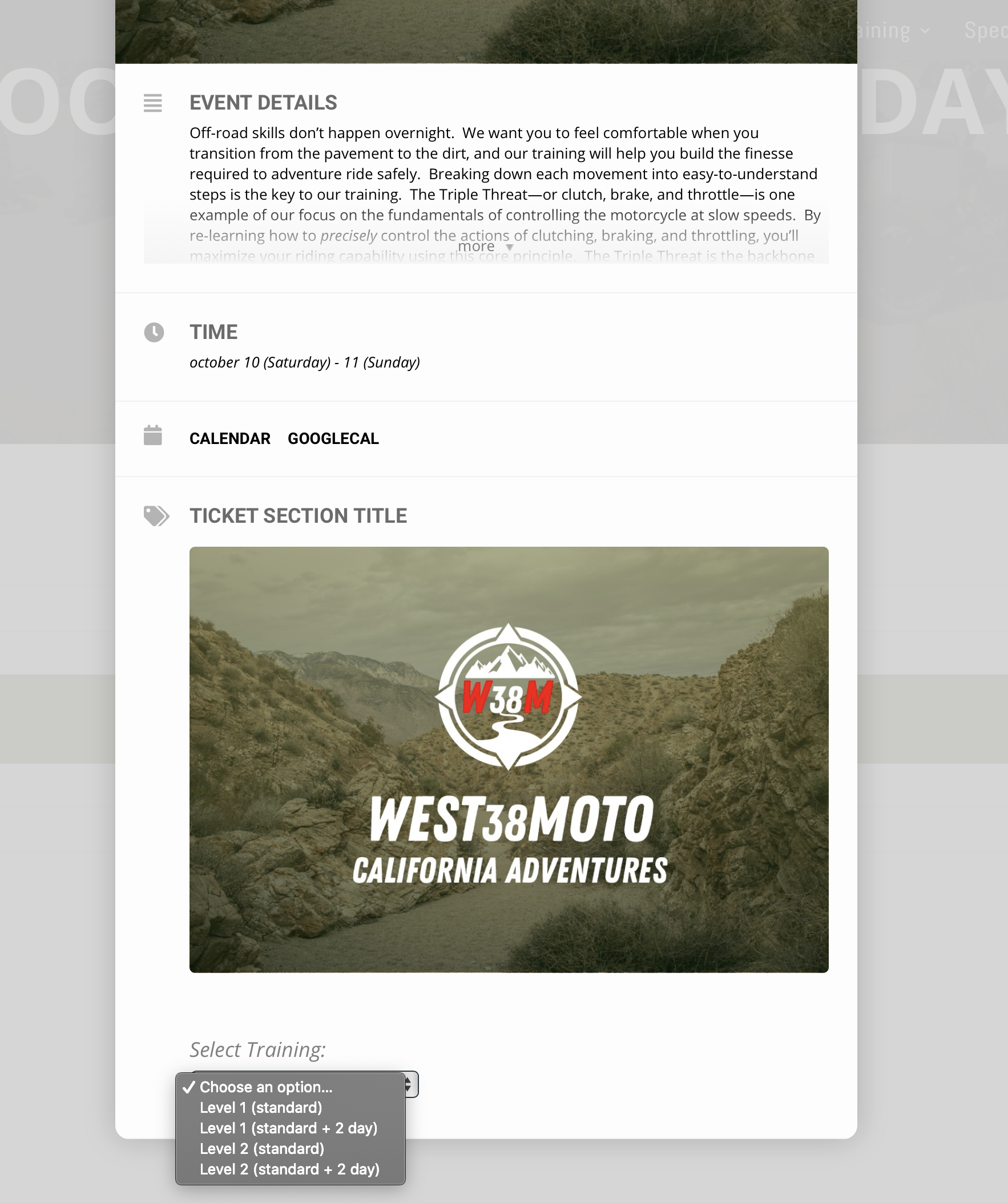
maybe I do need some help lol kinda confused. So I created the event and added it to my page but when you go to the event and select the event variation when they add it to cart it shows just the main title is there a way to have it show the variation? so people dont get confused?
for reference:
www.west38moto.com/book
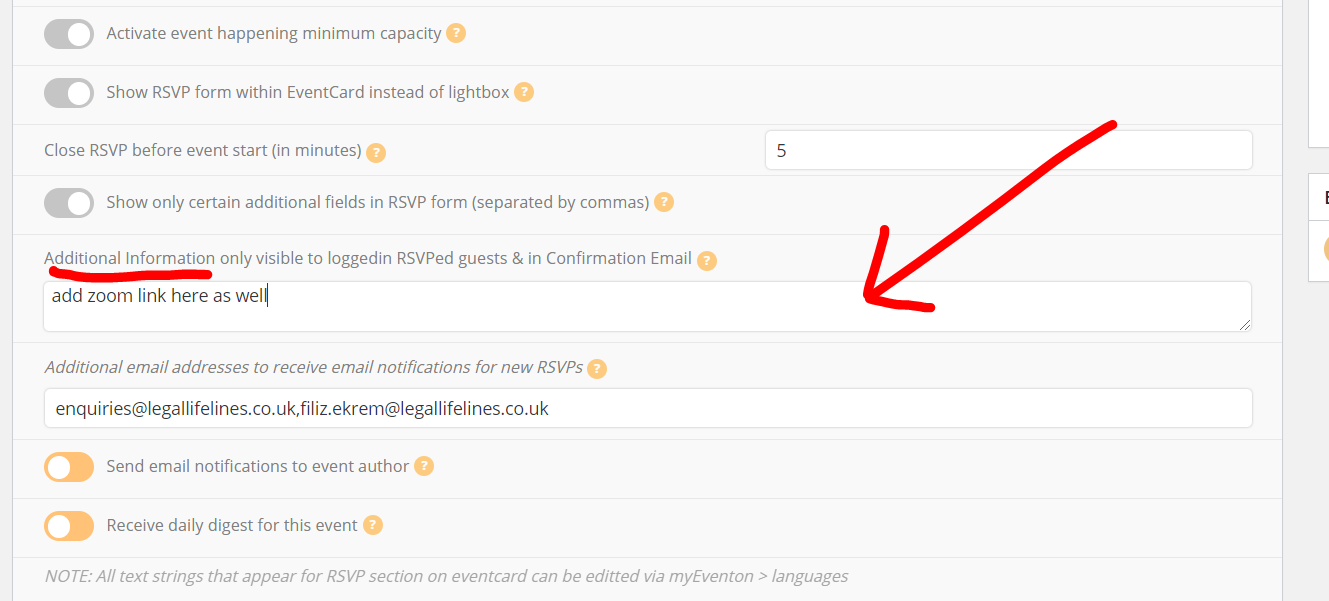
You can also add the zoom link and password here
But in my confirmation email I did receive the link
I setup woocommerce its just confusing ill try to figure it out myself before I ask for more help =] you never learn until you try haha
Please let us know who did the customization work
We have a customized theme.
Here is wp-admin access:
http://test.tjff.com/wp-admin/
username: eventon
password: jcfyNa1uI#cALu6Iz3lUq@W@
Let me know if you need anything else. Thanks for your help
Hello,
For Youtube link you can use Custom Meta Fields: https://docs.myeventon.com/documentations/setup-use-custom-meta-fields-events/. Create one and then enable it from EventON > Action User > Form Fields.
Adding multiple images isn’t available at the moment, I am afraid. You can send us a customization job request by creating a new ticket in here and selecting Customization Request as the category OR Try adding them by following https://docs.myeventon.com/documentations/add-additional-fields-actionuser-event-submission-form/
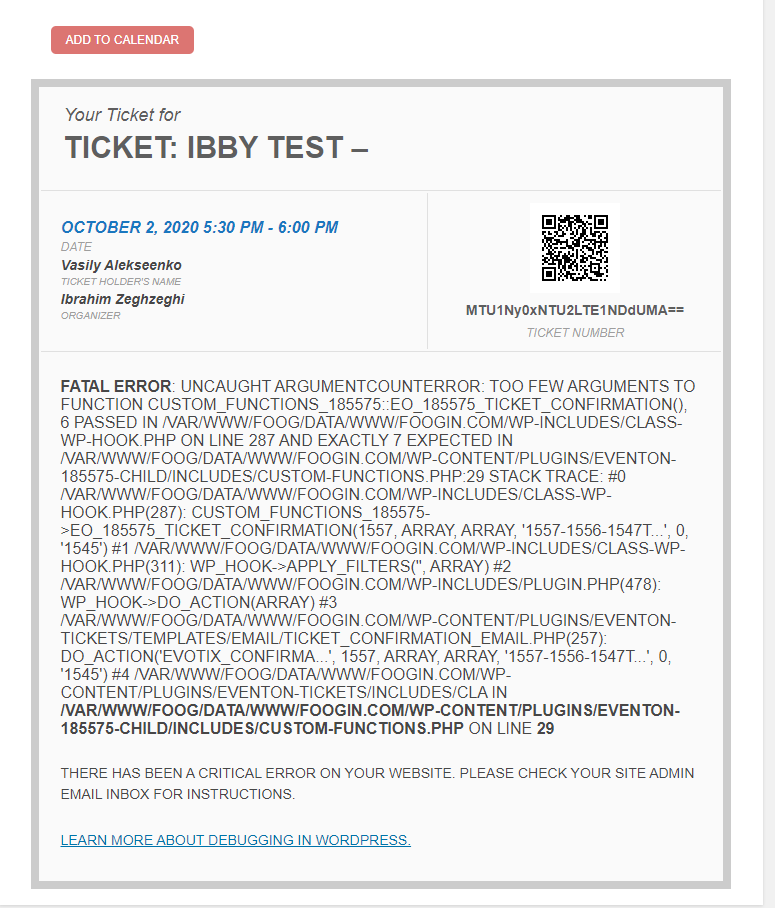
They should be available in $td. Please try var_dump($td) or print_r($td) to check it’s contents.