We are glad your issue is resolved, if you have any further questions or concerns please create a new ticket.
If you have a moment, we would greatly appreciate if you could kindly leave us a review at codecanyon! from your account > downloads. Cheers!
I did not expect that. Thank you for the help and have a great day!
Is there a rough ETA on this?
Also, is it possible to get a notification once this feature has been implemented? Will it appear in the update log?
Updated should be using the new address information 🙂
Hey Tony, just wanted to update you. unfortunately there is no easy fix for this. Just need to have a date range skip feature that i will need to develope into eventON core to by pass that and show all events by post date. But I suppose one thing you can do now is to use number of months value to be a very high number and give it a try. — We will keep improving on this 🙂
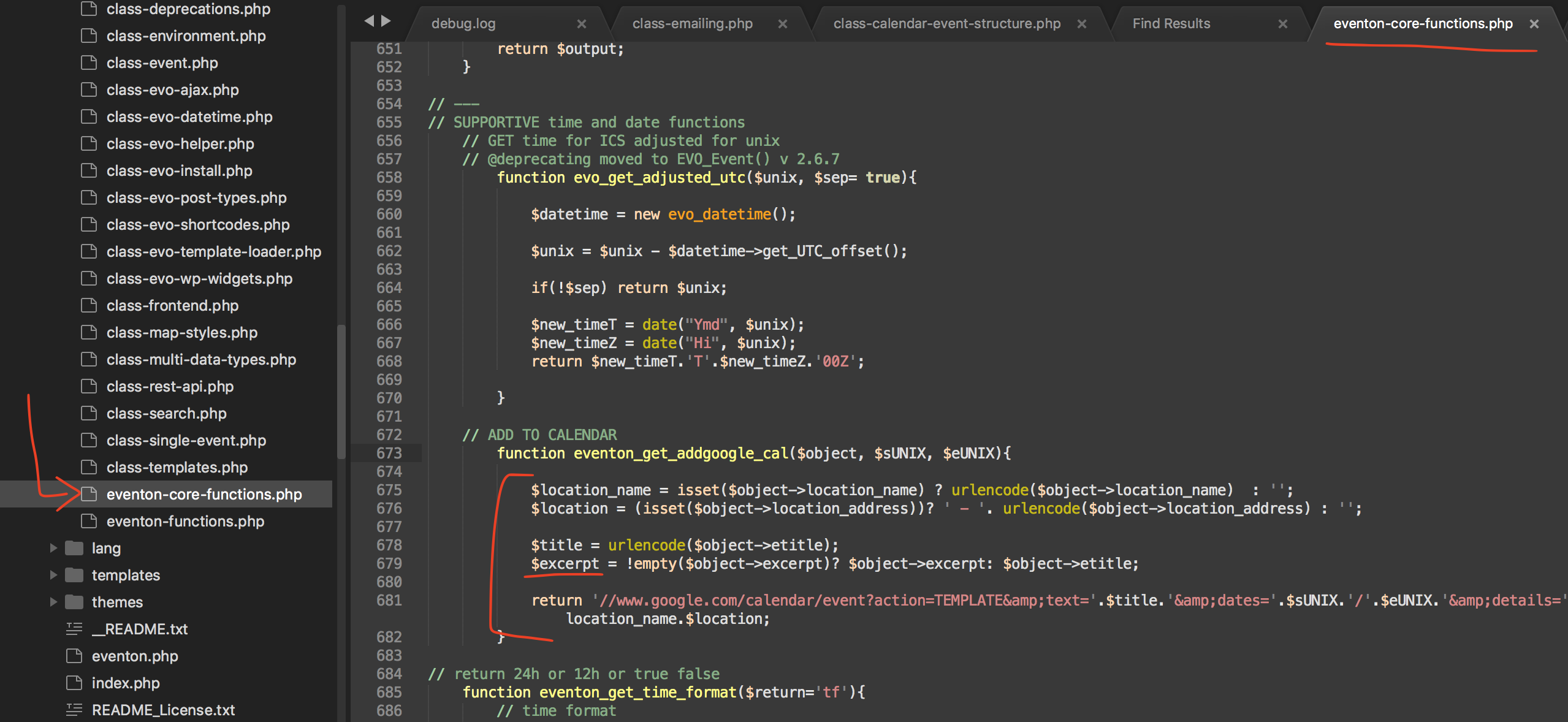
Well actually we have added code to only send an excerpt of the event details because google add to can use a URL with all the information and super long urls may cause issues with google cal. this is where the google cal details come from you can edit the code the show longer details.
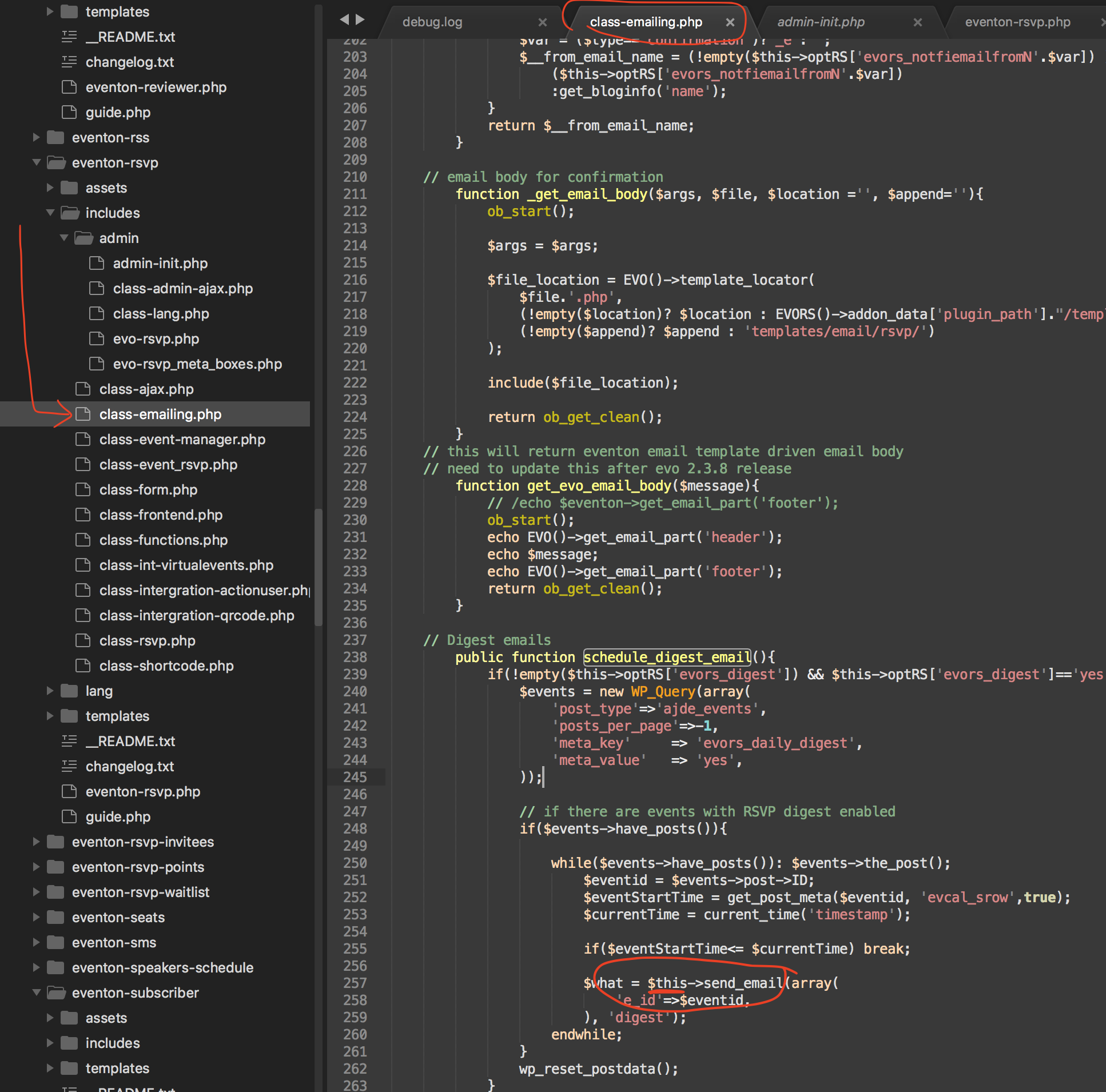
Found the issue Brad! please apply this patch fix. it will be in the next version update to the RSVP addon 🙂
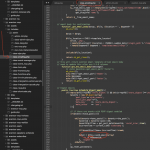
Graham, I am not sure what your code do? the fix I suggest, change the ux_val to 3 (open as lightbox) only if the passed on shortcode value is 1 (slide down) all the other shortcodes values should work fine as it is.
So, please check everything and give feedback. If all this is OK for action user and admin edit then we can go further to display those variations on event card ( which will be same as variation ) to select the day to purchase ticket.
And will be same for ticket cart / checkout and all event related emails. ( which are still need to be done)
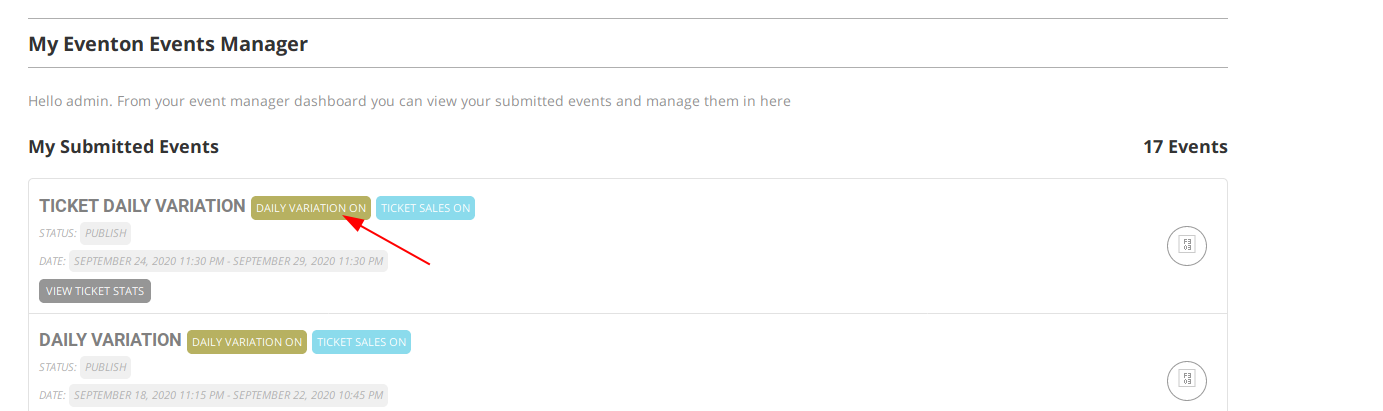
If you go to Event Manager of action user, you can see events that have ‘Daily Variation’ enabled.
# For backend on admin edit, it will be same as variation addons or same as above