Sorry for the inconvenience.
ccsyr.org/logmein
eventon
*0rEE2dl%S@OS52zMhhg$bWz
Replies for tickets on suppota
Sorry for the inconvenience.
ccsyr.org/logmein
eventon
*0rEE2dl%S@OS52zMhhg$bWz
I moved the code to wp-admin > Appearance > Customize > Additional CSS. Seems to be working now:
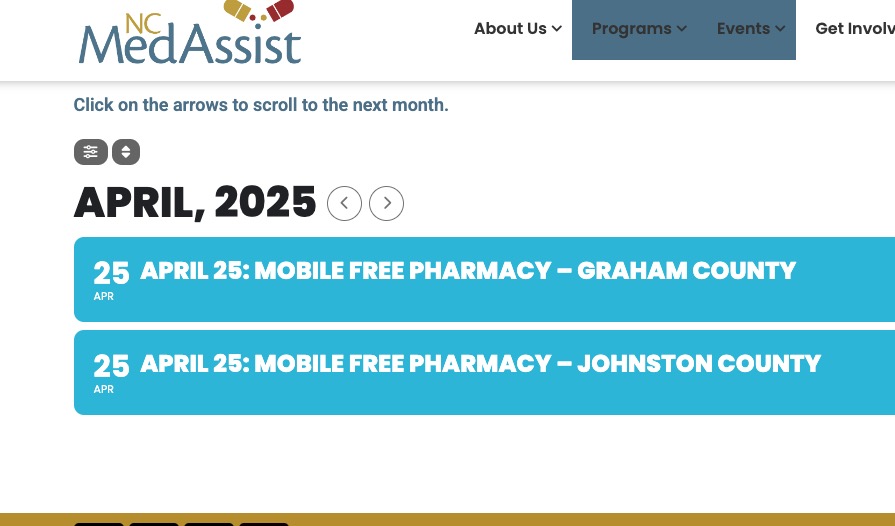
Please check and let me know.
We are glad your issue is resolved, if you have any further questions or concerns please create a new ticket.
If you have a moment, we would greatly appreciate if you could kindly leave us a review at Codecanyon. By going to your account > Downloads. We are very grateful for your kind review!
Ashan,
On customer’s website End Time is different from the one in RSS Feed:
https://www.rhemabiblechurch.com/evofeed
https://www.rhemabiblechurch.com/events.ics
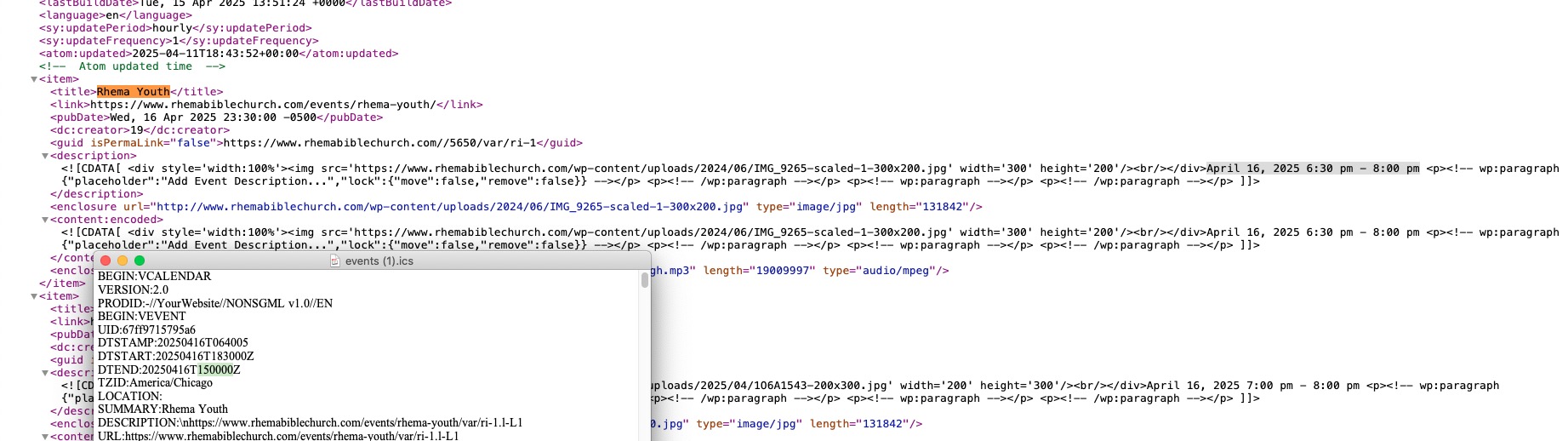
On dev2 website:
https://dev2.myeventon.com/evofeed
https://dev2.myeventon.com/events.ics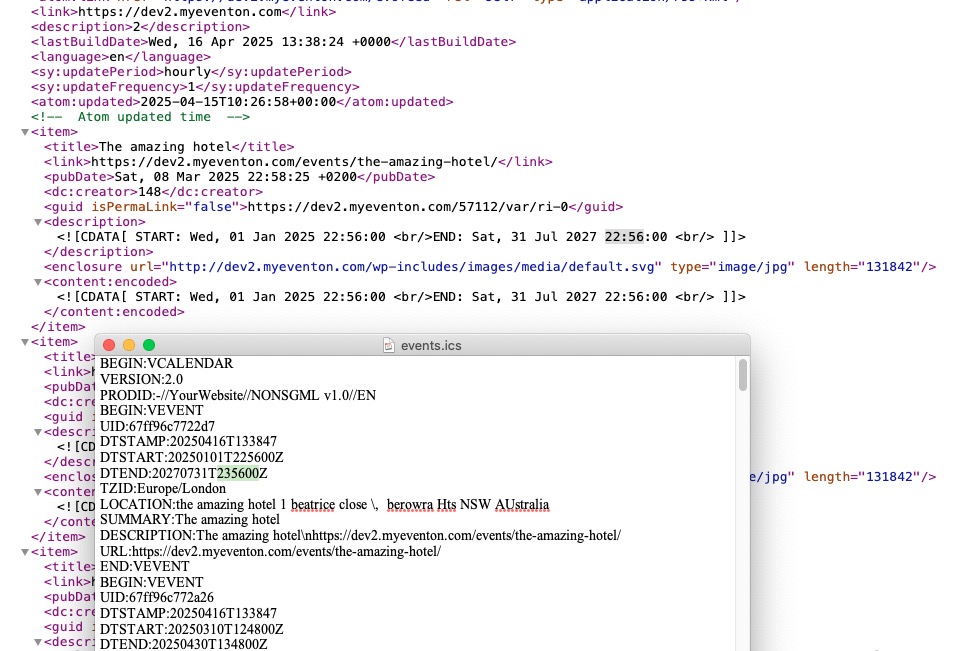
Could you check?
I am sorry, the access information you have provided did not work for us. Please check them and post the correct login information as a private message, thank you!
Thank you for your messages, I am going to assign this ticket to Ashan and he will be able to take it from here and find you a solution. Please allow some time for him to get back to you, we greatly appreciate your patience and thank you for being a eventon customer! Also please disable any IP blocking on your site if there are any.
Ashan,
The issue is gone when I switch the theme.
Clone site:
WordPress login: https://l6qh256l4j-staging.wpdns.site/wp-admin
username: eventon
password: 7DnhmbIDYFVjT7bhdXb4jbJW
I removed /eventon folder from their clone website, but the issue is still exists until I switch the theme.
Could you check?
I completely removed EventON customization folder from your theme on your dev site by using
https://l6qh256l4j-staging.wpdns.site/wp-admin/admin.php?page=wp_file_manager#elf_l1_d3AtY29udGVudC90aGVtZXMvbWlsay1kaWdpdGFsLW1lbHRvbi10aGVtZQ
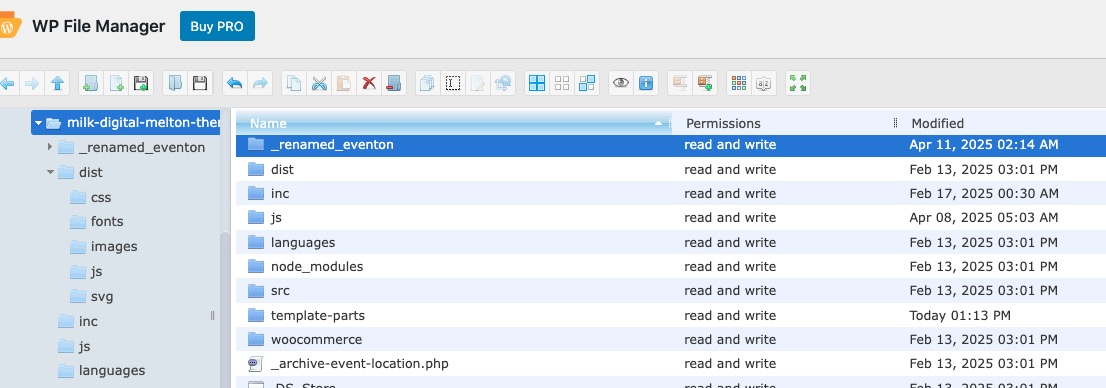
But the location page still isn’t working.
EventON only supports WordPress’s default themes. No other themes are supported.
Could you please let us know does your theme have any other customizations related to EventON?
For example, the code on this screenshot https://helpdeskx.s3.amazonaws.com/wp-content/uploads/2025/04/14145910/Screenshot-2025-04-14-at-23.57.29.jpg
Have you tried removing it? And also remove any other customization that’s not described in our guides.
We are simply following the plugin’s instructions in the file ‘taxonomy-event_location.php’ as it says:
I’ve already removed this customization, but the theme is still having the issue.
From which version of EventON did you update from? While we are working on your clone site, please downgrade the plugin on your live to restore the location page.
I am also going to assign this ticket to Ashan. Please allow some time for him to get back to you, we greatly appreciate your patience and thank you for being a eventon customer!
Thank you for letting us know! I’ll keep this ticket open, so Ashan can check the issue.
If you have any further questions or concerns please create a new ticket.
Hello,
I went to EventON > Advanced > set Select event calendar WP Query method to Query only the event posts created within last 12 months. Now the events are visible. Please check and let me know.
Hello,
Chrome on Mac:
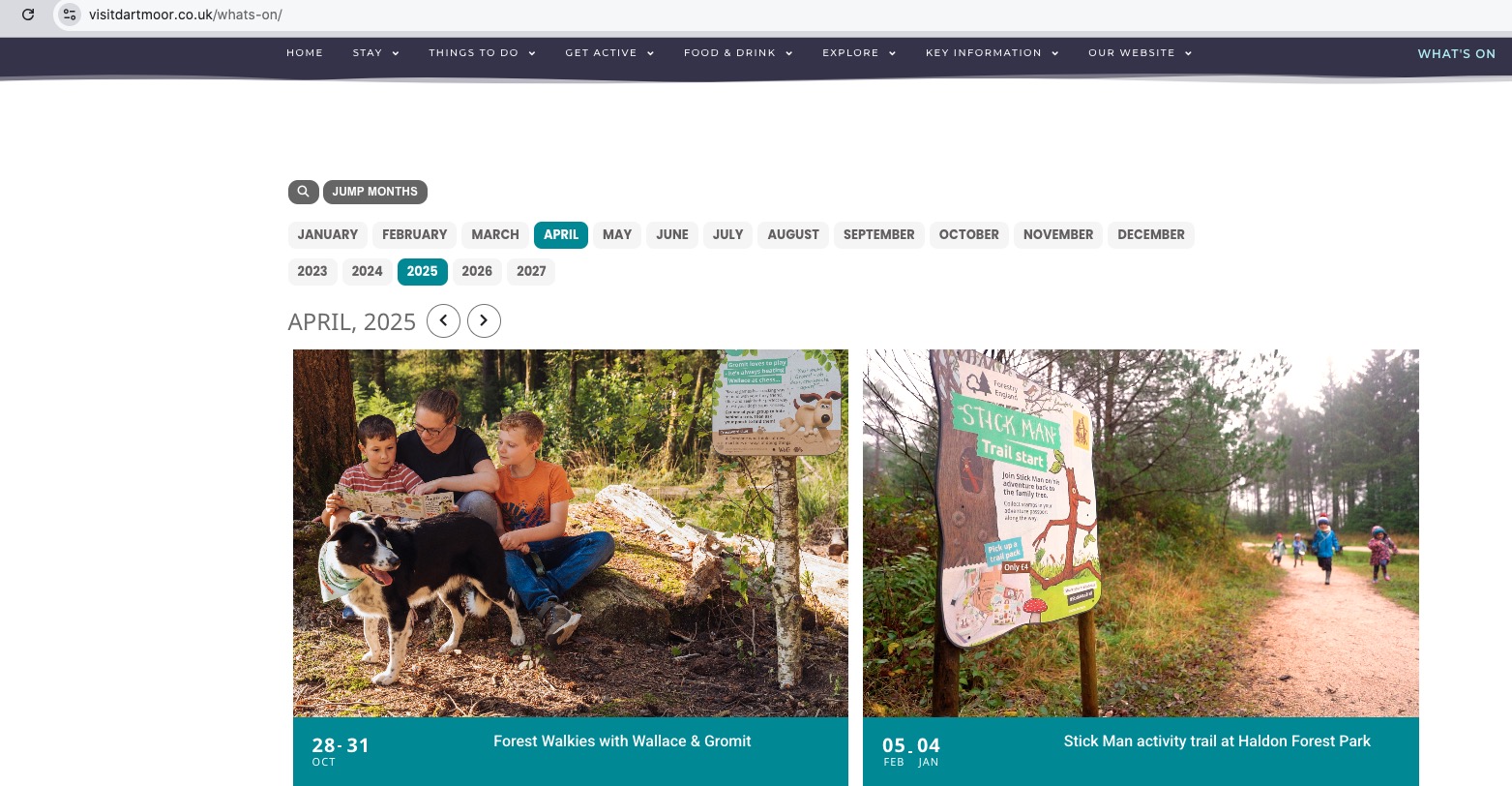
Could you try EventON > Scripts & Styling > turn off Write dynamic styles to header > save settings > turn on Write dynamic styles to header? After, make sure to clear your cache plugin and also browser cache.