Help. I need help here ASAP please.
Replies for tickets on suppota
Help. I need help here ASAP please.
Hello!
I can’t find it: https://www.flashbacksalou.com/wp-admin/post.php?post=261596&action=edit
Does it work with unassigned seating? or only with assgined? I’ve changed number 40 to assigned but I can’t see it neither…
Many thanks for your quick reply.
David
Hello,
I am sorry, the access information you have provided did not work for us. Please check them and post the correct login information as a private message, thank you!
Hello,
This is the default WordPress functionality that can be set from Edit Link:

The same in Posts, Pages and so on.
EventON doesn’t have the functionality to change all links in Event Details to New Window, but maybe there is a third-party plugin that can help you with this.
Ashan,
The same on dev2:
https://dev2.myeventon.com/wp-admin/post.php?post=57083&action=edit
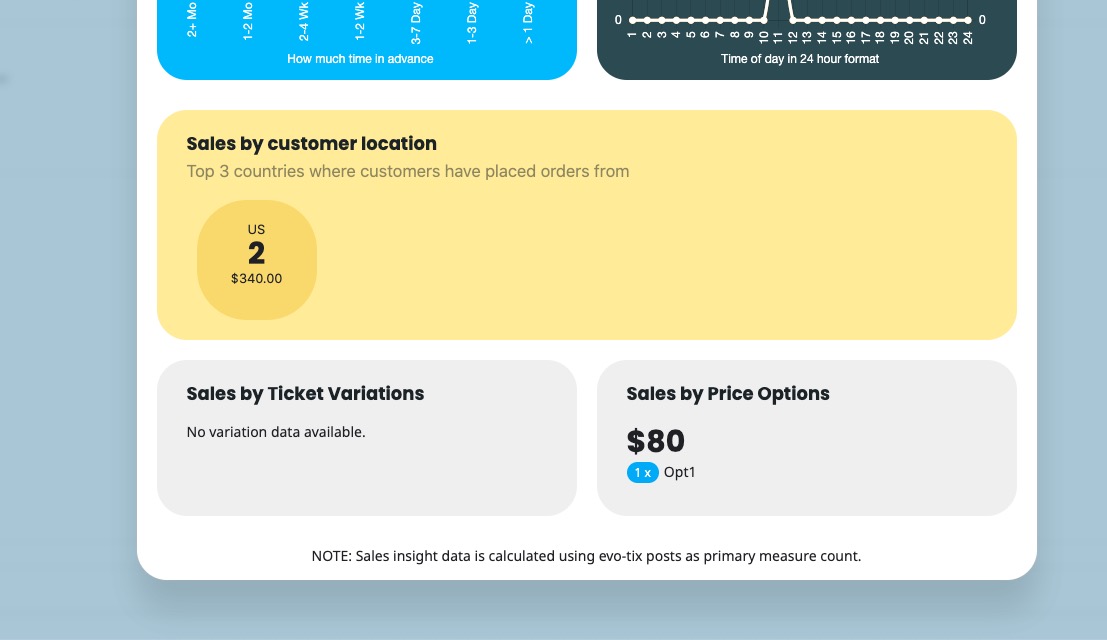
Hello,
Thank you for your messages, I am going to assign this ticket to Ashan and he will be able to take it from here and find you a solution. Please allow some time for him to get back to you, we greatly appreciate your patience and thank you for being a eventon customer!
Are you referring to this part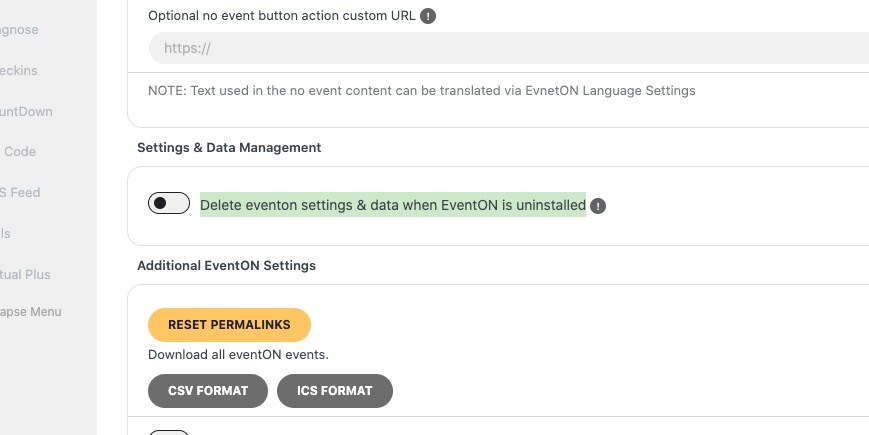
If so please enable it and then save settings. Next go to wp-admin > Plugins > disable EventON > now delete it.
Hello,
You enabled EventON > Enable RTL (right-to-left all eventon calendars), so arrows go from right to left. This is correct.
Hello,
Please follow this instruction:
To update eventon to latest version: If you are unable to do autoupdate, you can go to codecanyon your account > download and get the latest eventon version as zip file. Then you can go to your website > make sure “Delete eventon settings & data when EventON is uninstalled” is Deslected from eventon settings, delete old eventon, install new one and activate. This link will further explain the process it. Also you can follow us on twitter to get real-time announcements on updates!
After updating EventON, please also update all of add-ons.
To update eventon addons: You can download latest eventon addons from myeventon > my account. Then you can go to your website, deactivate old addon and install new one and activate then delete the old addon. This link will further explain the process. Also you can follow us on twitter to get real-time announcements on updates!
I am also having an issue that looks like EventOn is clashing with another WooCommerce plugin and wondering if you can help me with that?
Make sure to update everything first. Then please follow the instructions in this documentation to activate debug in your site to see any PHP errors recorded that can provide insight on to whats going on. Please reply with a link to debug.log file. If you are not able to do this please send us FTP access to your site so we can do this for you.
EventON and the rest of add-ons are disabled except Slider. Can I enable them?