Hello,
Please follow this guide on how to cancel your subscriptions:
https://docs.myeventon.com/documentations/how-to-cancel-addon-subscription-before-auto-renew/
Replies for tickets on suppota
Hello,
Please follow this guide on how to cancel your subscriptions:
https://docs.myeventon.com/documentations/how-to-cancel-addon-subscription-before-auto-renew/


Ok kindly update to the latest version of ICS addon 2.0.6 should give you option to delete already imported events, this will delete all of it. and then you can re-import.
I also fixed the sync import to not re-import existing events.
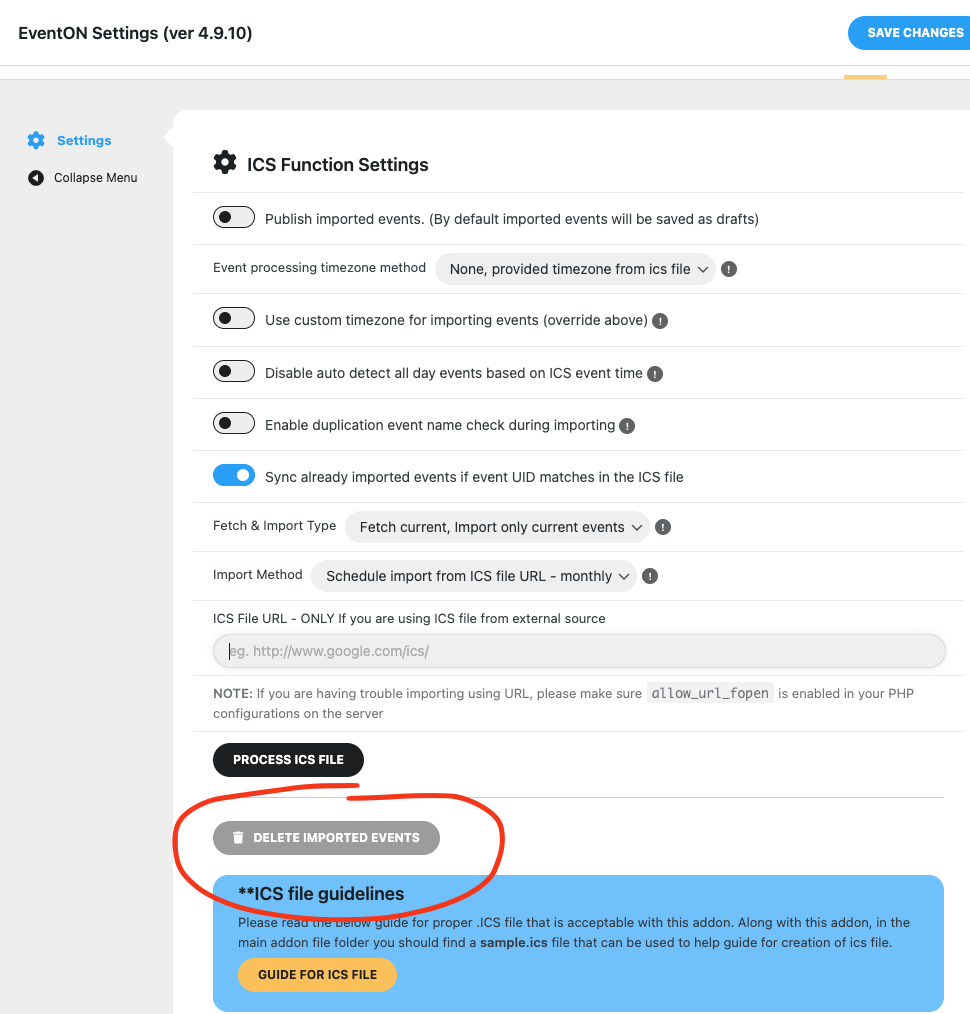
I thin kthe solution here would be to use the sync already imported events, which should stop re-importing those event. But that settings is not doing anything either. So please allow me to check this us from our end and I think we will release a new update to ICS addon, with this setting functioning correctly.
I think that will stop same events importing multiple times.
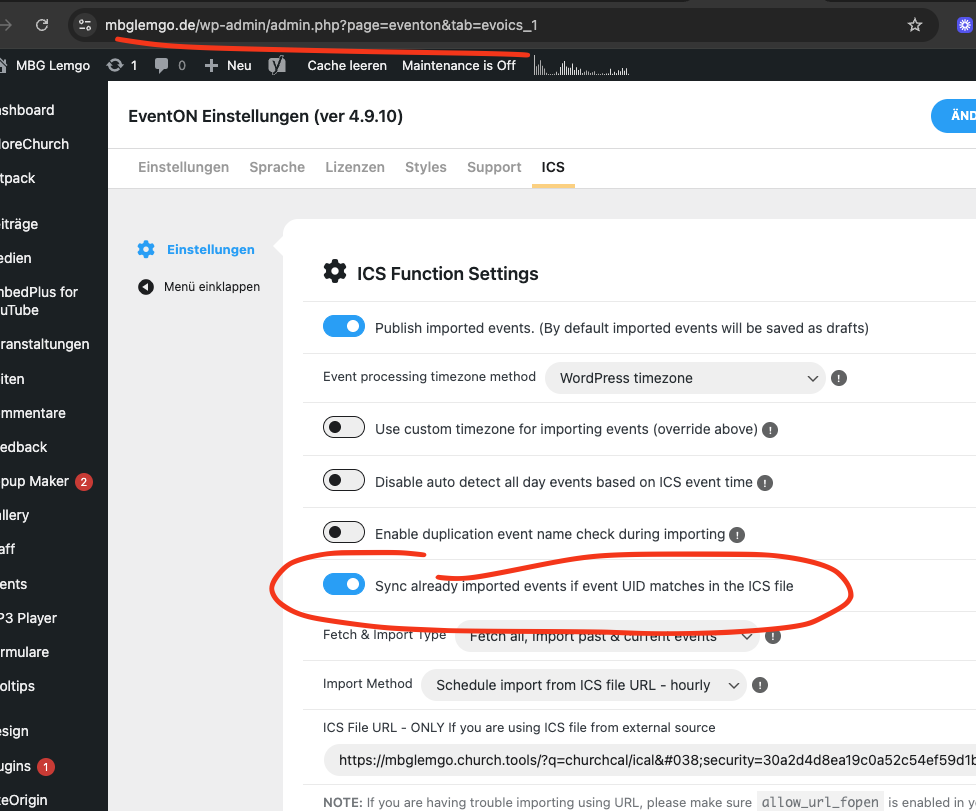
It helped. Thank you very much.
Please send us wp-admin access to your site from “Access Info” box on right side menu, to further assist your situation.
you are using 1.1.3 version of the weekly view (from 5 years ago) where as we are now up to 2.1.6
To update eventon addons: You can download latest eventon addons from myeventon > my account. Then you can go to your website, deactivate old addon and install new one and activate then delete the old addon. This link will further explain the process. Also you can follow us on twitter to get real-time announcements on updates!
https://docs.myeventon.com/documentations/changelog-weeklyview/
and right at the top I also added an event search which will search the event type 211 for events from the next 12 months
Hello we released a new version of seats addon, please update to the latest version.