Could you send us a screenshot and page link?
Archives: Replies
Replies for tickets on suppota
Reply to: tickets(193379)
Hi, this worked is it also possible to change the Organizer text size(on our page Kontakt). Thank you!
Reply to: tickets(193450)
Hi, Thank you for getting back to me so quickly.
The site is systems-mindset.com and you can log in with the following:
User: eventOn
Pass: $$TempEventOn$$
This is a development site and has a ‘coming soon’ page that will prevent you from seeing the site without being logged in as an Admin.
Iain.
Reply to: tickets(192394)
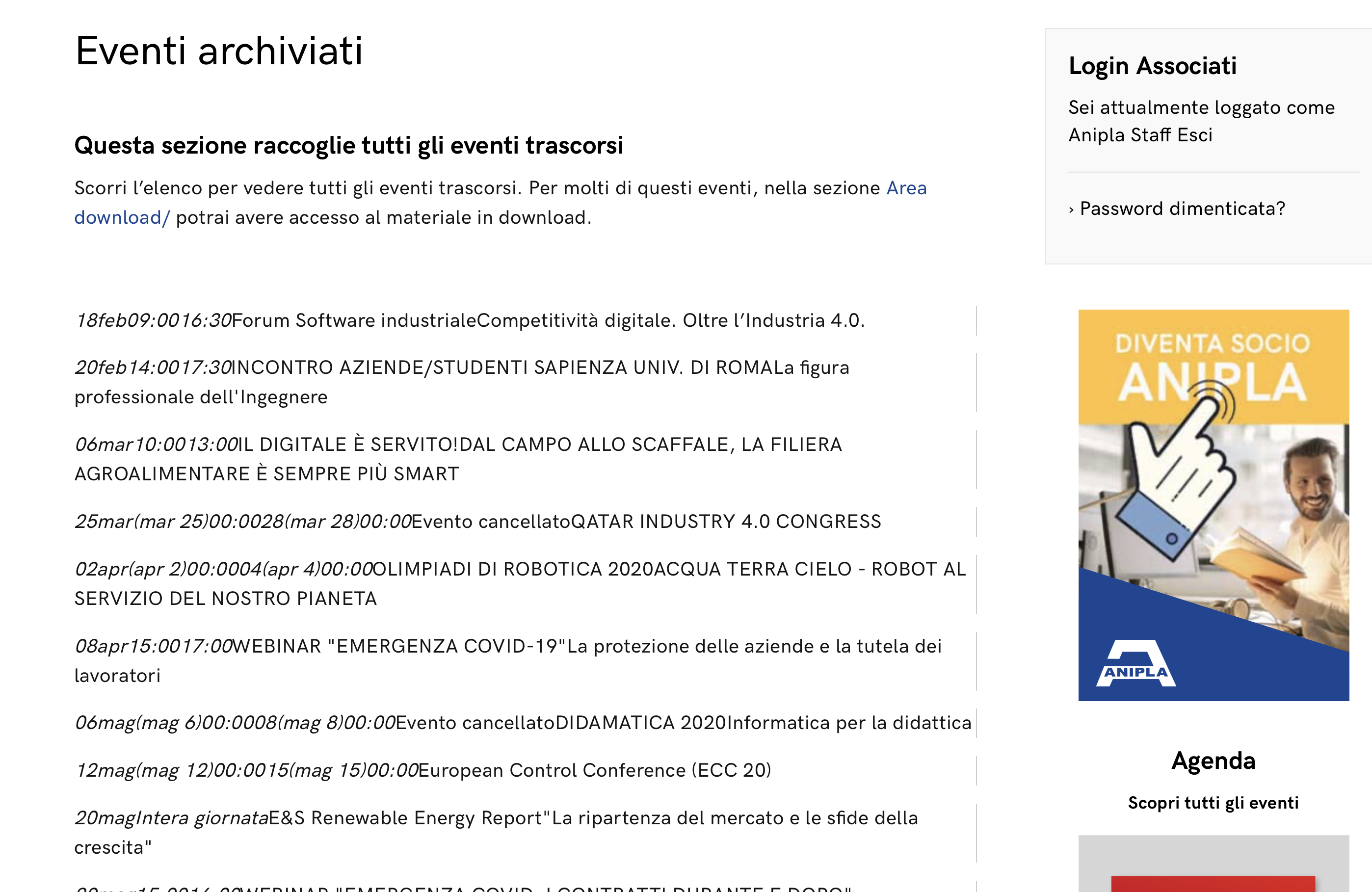
Hi,
in this page there are two list (sorry probably I forgot to write it), because I left also (top) the old one list (code without using list ext). So what you saw depends form this code:
<div class=”cs-container-calendar”>
[add_eventon_list number_of_months=”4″ month_incre=”-4″ hide_mult_occur=”yes” show_year=”yes” show_year=”yes”]
[add_eventon_el el_type=”pe” pec=”cd” number_of_months=”48″ show_year=”yes”]
</div>
Here the issue is that in the bottom part (with list ext code) no year appears.
So, now i’m trying to leave only the following code (list ext), that you can see in this test page (https://www.anipla.it/eventi-archiviati-duplicate/):
<div class=”cs-container-calendar”>
[add_eventon_el el_type=”pe” pec=”cd” number_of_months=”48″ show_year=”yes”]</div>
<div></div>
..but trying this way I get 2 problems:
– I can not see the years (September 2020, October 2020…January 2021)
– I get no-style result as you can see in attached picture (or testing the https://www.anipla.it/eventi-archiviati-duplicate/ page)
I give you the WP access (just in case)
user: eventon
password: eventon1789!!##
Thanks, Giorgio
Reply to: tickets(193437)
Hi, I did provide these when creating the ticket.
https://www.elgintownhall.co.uk/wp-login.php
Username: adminthemes
New Password: ct^aAmUh*qxg5zBfuHd7dbOZ
We have also now noticed that on the single event pages, the ticket stock increase and decrease buttons have also stopped working.
Reply to: tickets(193451)
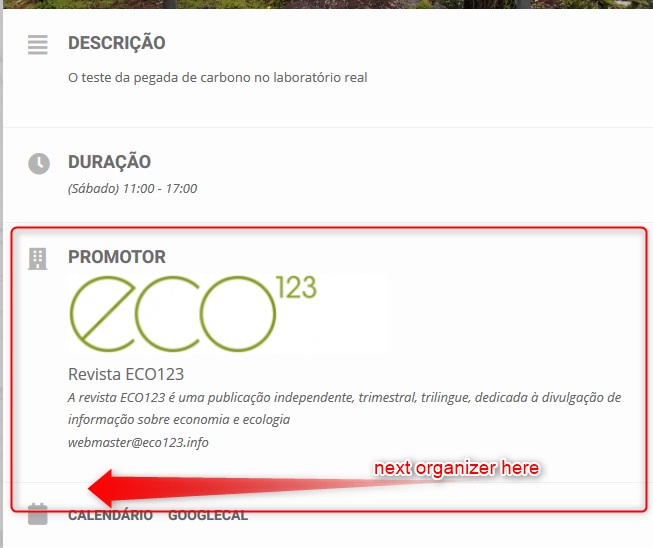
Hi, before I proceed to a payment, I would need to understand some stuff.
If I’m able to add more than one organization to an event, does that mean that:
- The All organizations will appear in the same block
- Whe listing organizations with this shortcode
[add_eventon_li cat_type=”event_organizer” ux_val=”X” it_hide_desc=”yes” it_stop=”yes” li_layout=”list”]
all organizations will appear?
3. when showing an organization archive as here http://demo.myeventon.com/event-location/portland-bridges/
all related events will appear?
Cheers
Reply to: tickets(193389)
Can you post the Order ID too please?
Reply to: tickets(193423)
Please send us wp-admin access to your site as a private message for us to further assist your situation.
Reply to: tickets(193385)
If you have a moment, we would greatly appreciate if you could kindly leave us a review at codecanyon! from your account > downloads. Cheers!
Reply to: tickets(193377)
Thank you for your messages, I am going to assign this ticket to Ashan and he will be able to take it from here and find you a solution. Please allow some time for him to get back to you, we greatly appreciate your patience and thank you for being a eventon customer! Also please disable any IP blocking on your site if there are any.