Hello,
Thank you for your messages, I am going to assign this ticket to Ashan and he will be able to take it from here and find you a solution. Please allow some time for him to get back to you, we greatly appreciate your patience and thank you for being a eventon customer! Also please disable any IP blocking on your site if there are any.
We are glad your issue is resolved, if you have any further questions or concerns please create a new ticket.
If you have a moment, we would greatly appreciate if you could kindly leave us a review at Codecanyon. By going to your account > Downloads. We are very grateful for your kind review!
Perfect! Thank you for sharing this with us and other customers.
If you have any further questions or concerns please create a new ticket.
Hey there,
I solved my issue. In case anyone else ever has to deal with a similar problem:
- I use the free plugin “Force Sell for WooCommerce” to add the additional charge to the cart
- I use the free plugin “Discount Rules for WooCommerce” to then reduce the intial ticket price by the same amount added through the addition charge
Works like a charm and doesn’t interfere with Eventon so all works as it should!
Kind regards, Philip
Hi Artem
Thank you very much. That fixed the problem!
Best wishes
Eric
I have definitely not set the button to display:none. I only changed the color.
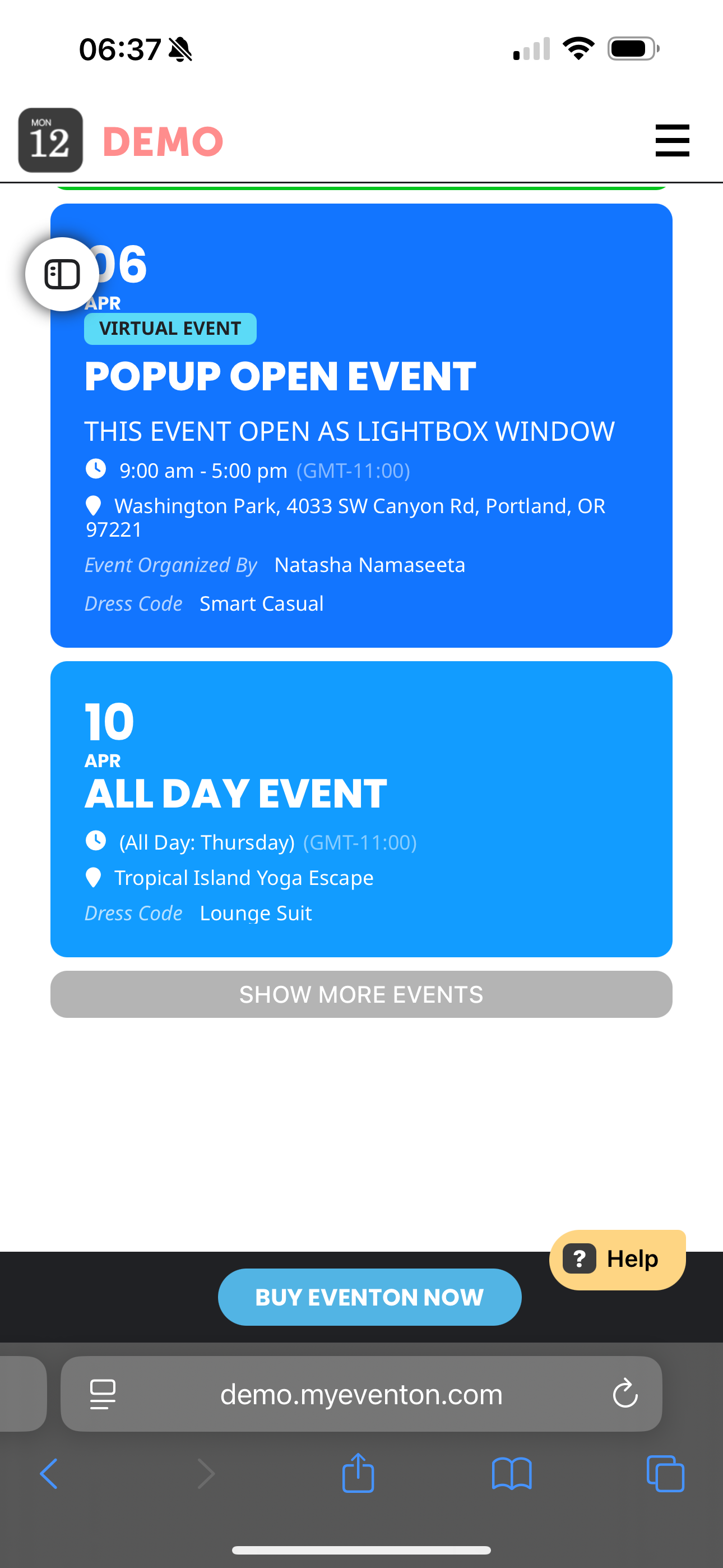
Hi Ashan,
no I Mean that in actual version I have (4.6.8) I see Date and Title in the same line (what I want). From 4.7 version to actual version in my iPhone I see Date in first line and title in second line. I check also your demo and on iPhone I see as screenshot.
Host: 67.225.133.94
FTP Username: myeventon@chicagobuzz.net
password: f$D^.^67@CWe
FTP server: ftp.chicagobuzz.net
FTP & explicit FTPS port: 21
and then open this page
https://thebeatbali.com/guestlist-discounts/the-mesa-bali-guestlist-and-ticket-discounts/
and tell me why that opens so fast.
I have to get this website faster bro. It drives me mad