Hello,
I went to EventON > Advanced > set Select event calendar WP Query method to Query only the event posts created within last 12 months. Now the events are visible. Please check and let me know.
Replies for tickets on suppota
Hello,
I went to EventON > Advanced > set Select event calendar WP Query method to Query only the event posts created within last 12 months. Now the events are visible. Please check and let me know.
Hello,
Chrome on Mac:
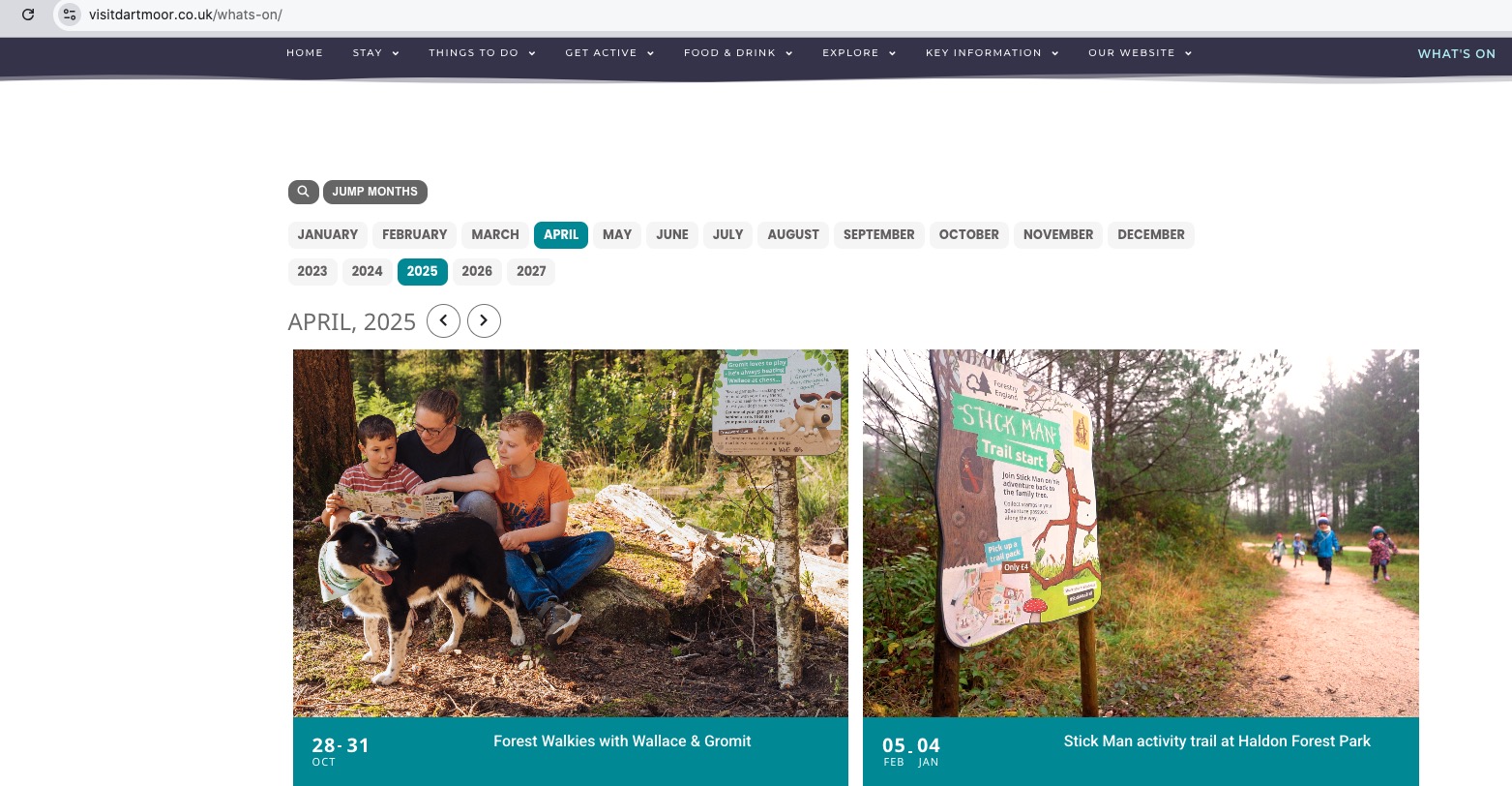
Could you try EventON > Scripts & Styling > turn off Write dynamic styles to header > save settings > turn on Write dynamic styles to header? After, make sure to clear your cache plugin and also browser cache.
Hello,
Could you update RSVP add-on to the latest version?
No issues on our test site:
https://dev2.myeventon.com/surl/HDb5d2ztjPdg
To update eventon addons: You can download latest eventon addons from myeventon > my account. Then you can go to your website, deactivate old addon and install new one and activate then delete the old addon. This link will further explain the process. Also you can follow us on twitter to get real-time announcements on updates!
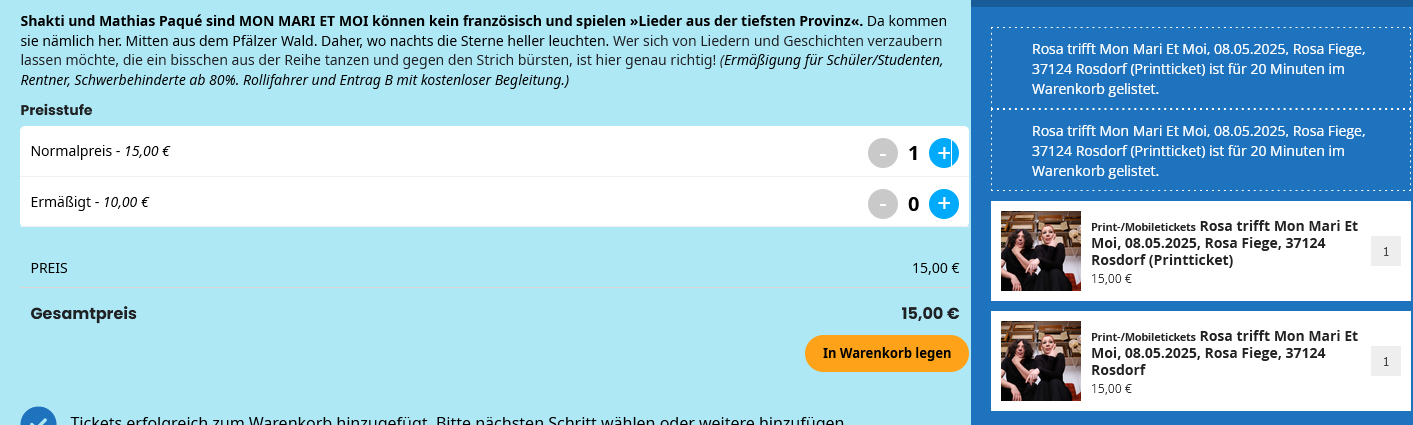
See the video here of what is happening
Hi
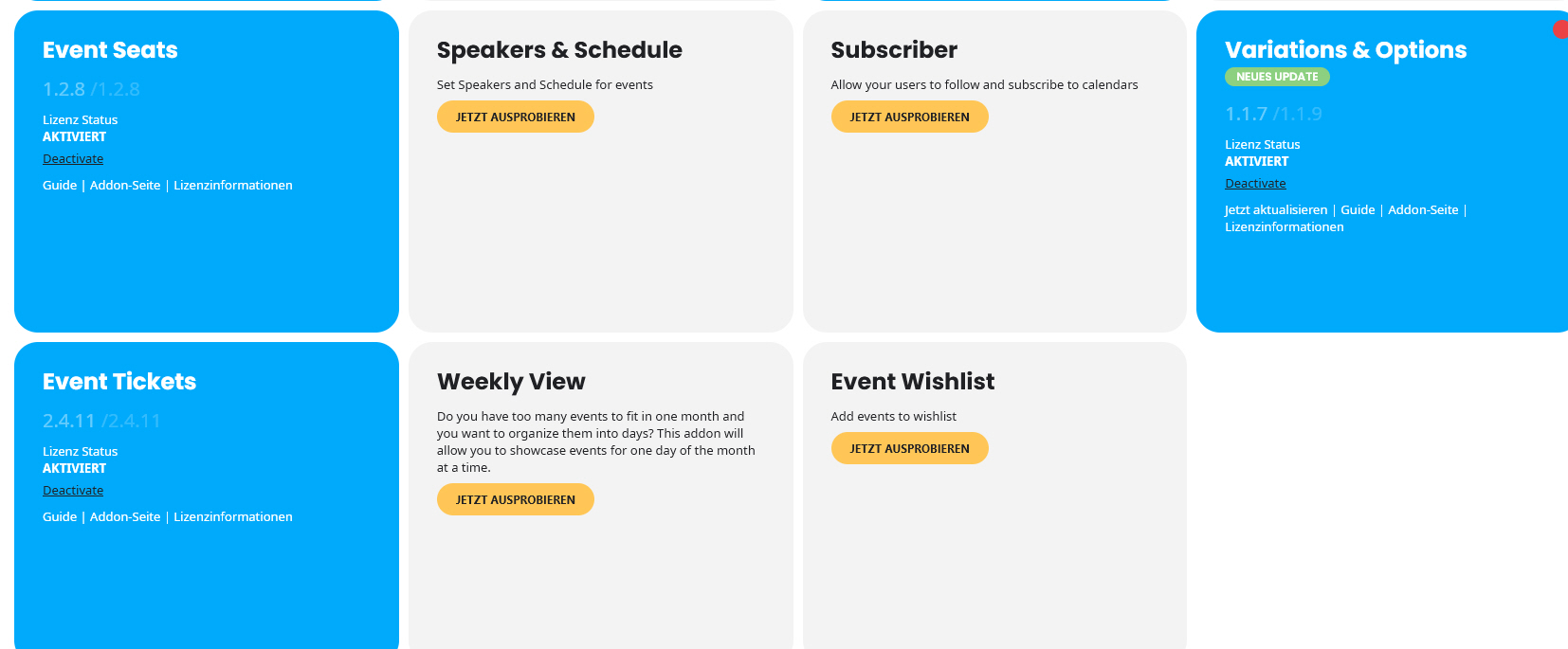
Thanks for the update, I’ve bought a new licence for the add on Events API via your site and have replaced that with the old one and it seems fine now. I’ve activated my licence on the live site, it won’t let me activate it on the dev site too so I’ve left that for now.
On the live site I’ve switched the licence to mine and that didn’t help, I’ve then removed the old version of the plugin and replaced with a fresh download and that seems to have worked fine, I’ve left the dev site as it was in case you need to look at fixing that issue for other users.
Many thanks for your help.
Regards
Amanda