Reply to: tickets(385742)

Hello,

Thank you for your messages, I am going to assign this ticket to Ashan and he will be able to take it from here and find you a solution. Please allow some time for him to get back to you, we greatly appreciate your patience and thank you for being a eventon customer! Also please disable any IP blocking on your site if there are any.

Reply to: tickets(385657)

Ya me funciona error mio, es muy interesante y me gusta este addon, lo único que hecho de menos es que se pudiera descargar un pdf del listado de asistentes de cada evento por separado y poder buscar eventos pasados, solo aparecen los futuros eventos.

Reply to: tickets(382044)

Thank you very much for your support and for continuing to improve EventON.

I have updated to the latest version 4.9.6, but unfortunately, the issue regarding Quform forms (specifically with dynamic logic and Google reCAPTCHA) still persists.

After careful testing, I can confirm the following:

  • The hasUnclosedTags() validation is still being triggered in the html-eventcard-details.php file (even if disabled in EventON settings under “Diagnose”).
  • The file continues to use html_entity_decode() combined with checking for unclosed HTML tags, which seems to alter the content slightly and interferes with the DOM structure required by Quform.
  • As a result, conditional logic and frontend functionalities in Quform do not work properly, breaking important parts of the forms.

Temporary Solution:

The only working workaround is to replace the related section in html-eventcard-details.php with:

$_full_event_details = stripslashes($object->fulltext);
echo apply_filters('evo_eventcard_details', EVO()->frontend->filter_evo_content($_full_event_details));

Thus, removing the hasUnclosedTags() verification and decoding step.

Important:

  • This issue occurs even if the Diagnose HTML validation is disabled in EventON settings.
  • Simply loading the event details content directly (without validating for unclosed tags) makes Quform and other frontend JavaScript dependent plugins work correctly again.

My suggestion for future EventON versions:

  • Either: Completely skip the hasUnclosedTags() check when the setting “Diagnose HTML” is disabled (currently it seems partly active even if the setting is OFF).
  • Or: Provide a filter or hook for developers to disable or bypass the HTML validation manually.

Thank you again for your efforts.
Please let me know if you need any more technical information or if I can assist by sending specific examples or the corrected file I am currently using.

Reply to: tickets(384933)

hi
question for you.

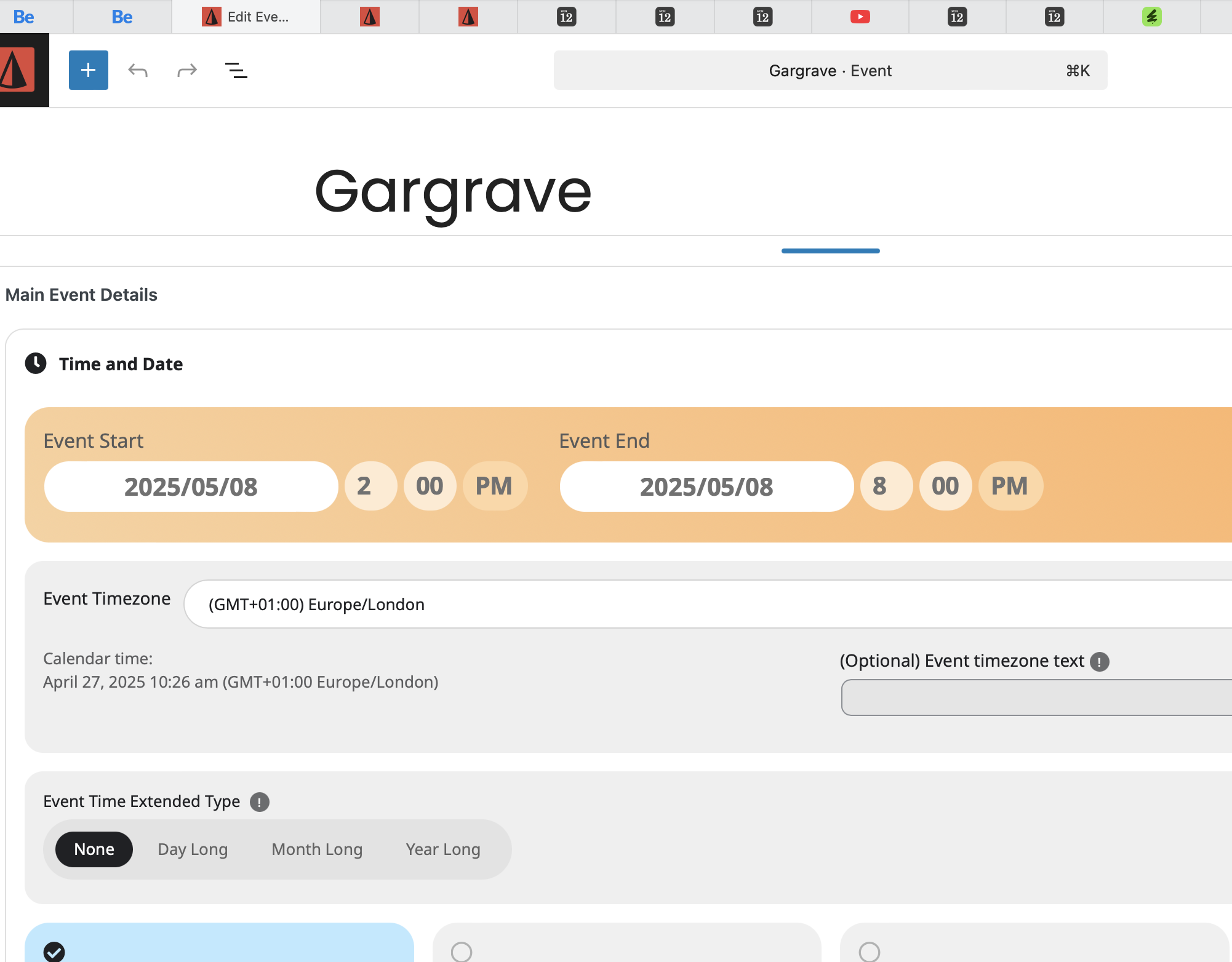
  1. my ‘Gargrave’ events dont show now. can you tell me why not?
    you can see the page here: https://northpizza.co.uk/location/

    i changed the start date in settings as i didnt want the event showing on the 1st May.
    also how do i NOT show one event in the future when ive set it up as a ‘reoccurring event’

Reply to: tickets(381287)

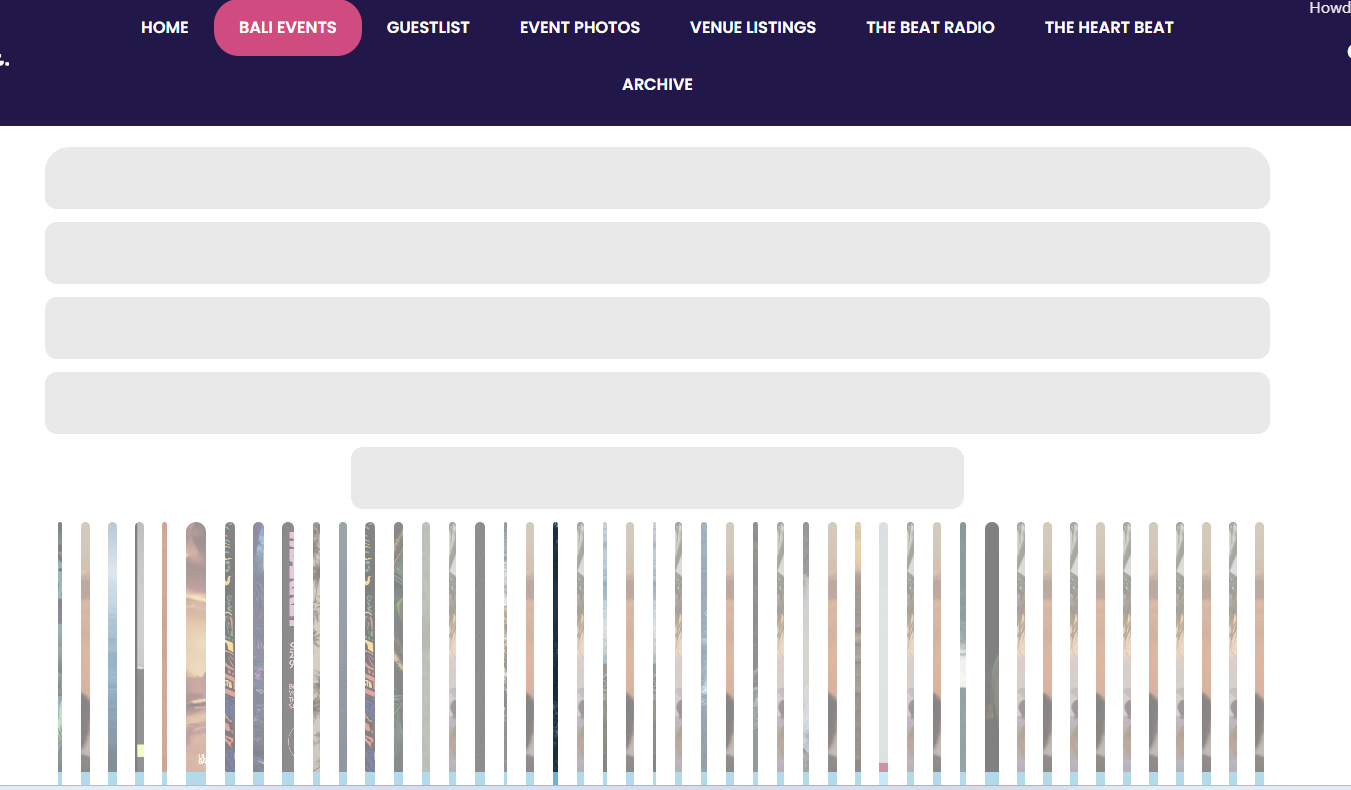
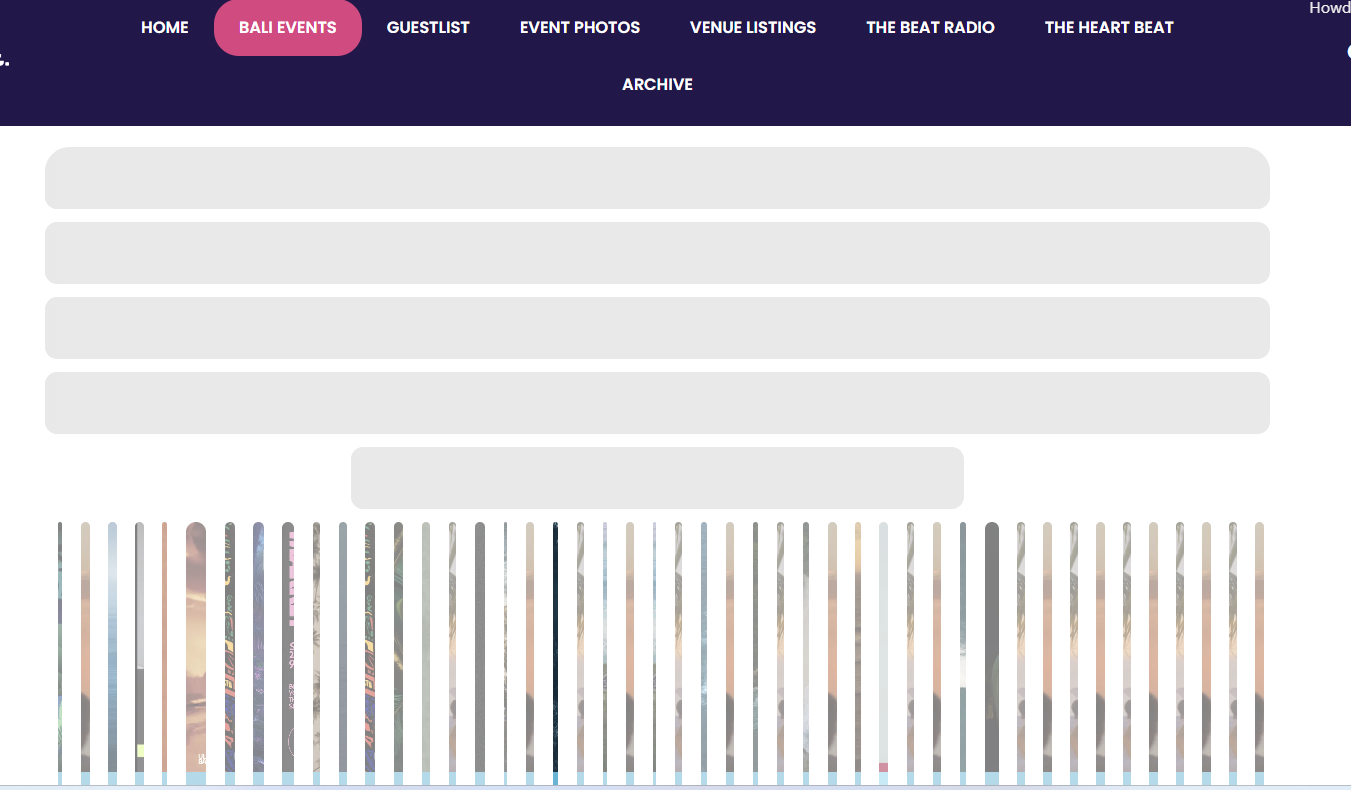
I don’t think I attached the screenshot before. This is the problem. Attached. It’s like there a massive conflict somewhere. The calendar below is still normal.

It is already two times I have restored a backup. The next morning when I wake up the slider is like this again.

Any idea what the problem is??

Reply to: tickets(381345)

Hi, I am working on the reminder

How may dynamic tags can I use? So far, there’s only {event-name} {event-link}

Which are quite limted. Can I use tags for event time, event date ?

Can I send different reminders for each event category ?

Thanks

Reply to: tickets(385627)

UPDATE: This is my current code with some changes. Same address issue:


add_action(‘init’, function () {
if (isset($_POST[‘opret_event’])) {
// Hent input fra formularen
$street_address = sanitize_text_field($_POST[‘street_address’]);
$city = sanitize_text_field($_POST[‘city’]);
$date = sanitize_text_field($_POST[‘date’]);
$start_time = sanitize_text_field($_POST[‘start_time’]);
$end_time = sanitize_text_field($_POST[‘end_time’]);

try {
// Beregn start- og slutdato
$start_dt = new DateTime(“$date $start_time”);
$end_dt = new DateTime(“$date $end_time”);

$start_ts = $start_dt->getTimestamp();
$end_ts = $end_dt->getTimestamp();

// Opret event med titlen “Privat Loppemarked i (bynavn)”
$event_title = ‘Privat Loppemarked i ‘ . $city;
$event_id = wp_insert_post([
‘post_title’ => $event_title,
‘post_content’ => ‘Adresse: ‘ . $street_address . ‘, ‘ . $city, // Kombiner adresse og by
‘post_status’ => ‘draft’,
‘post_type’ => ‘ajde_events’,
]);

if ($event_id) {
// Tidsfelter
update_post_meta($event_id, ‘_start’, $start_ts);
update_post_meta($event_id, ‘_end’, $end_ts);
update_post_meta($event_id, ‘evcal_srow’, $start_ts);
update_post_meta($event_id, ‘evcal_erow’, $end_ts);
update_post_meta($event_id, ‘evcal_allday’, ‘no’);
update_post_meta($event_id, ‘evcal_hide_endtime’, ‘no’);

// Opret location term hvis den ikke eksisterer
$location_name = $street_address . ‘, ‘ . $city; // Brug både gade og by
$existing_location = term_exists($location_name, ‘event_location’);
if (!$existing_location) {
$new_location = wp_insert_term($location_name, ‘event_location’);
if (!is_wp_error($new_location)) {
$location_id = $new_location[‘term_id’];
} else {
$location_id = 0;
}
} else {
$location_id = $existing_location[‘term_id’];
}

// Tildel location til eventet via term_id
if ($location_id) {
wp_set_object_terms($event_id, $location_id, ‘event_location’);

// Opdater location metadata korrekt
update_term_meta($location_id, ‘location_name’, $location_name);
update_term_meta($location_id, ‘location_address’, $street_address . ‘, ‘ . $city); // Korrekt adresse
update_term_meta($location_id, ‘location_city’, $city); // By
update_term_meta($location_id, ‘location_country’, ‘Danmark’); // Land
}

// Farve på eventet
update_post_meta($event_id, ‘evcal_event_color’, ‘#f39c12’);

// Tilføj event type
wp_set_object_terms($event_id, ‘Privat loppemarked’, ‘event_type’, true);

// Tildel forfatteren til “rasmusheise”
$user = get_user_by(‘login’, ‘rasmusheise’);
if ($user) {
// Opdater forfatteren til eventet
$update_post = [
‘ID’ => $event_id,
‘post_author’ => $user->ID,
];
wp_update_post($update_post);
} else {
// Fejl: Bruger findes ikke
set_transient(‘eventon_form_message’, ‘Fejl: Bruger “rasmusheise” findes ikke.’, 10);
wp_redirect($_SERVER[‘REQUEST_URI’]);
exit;
}

// Bekræftelse og redirect
set_transient(‘eventon_form_message’, ‘Event oprettet!’, 10);
wp_redirect($_SERVER[‘REQUEST_URI’]);
exit;
} else {
set_transient(‘eventon_form_message’, ‘Fejl: kunne ikke oprette event’, 10);
wp_redirect($_SERVER[‘REQUEST_URI’]);
exit;
}
} catch (Exception $e) {
set_transient(‘eventon_form_message’, ‘Fejl i dato eller tidspunkt’, 10);
wp_redirect($_SERVER[‘REQUEST_URI’]);
exit;
}
}
});