Hello,
It can work with this customization:
.ajde_evcal_calendar.boxy .eventon_list_event .evcal_desc .evcal_desc3 { display: block !important; }
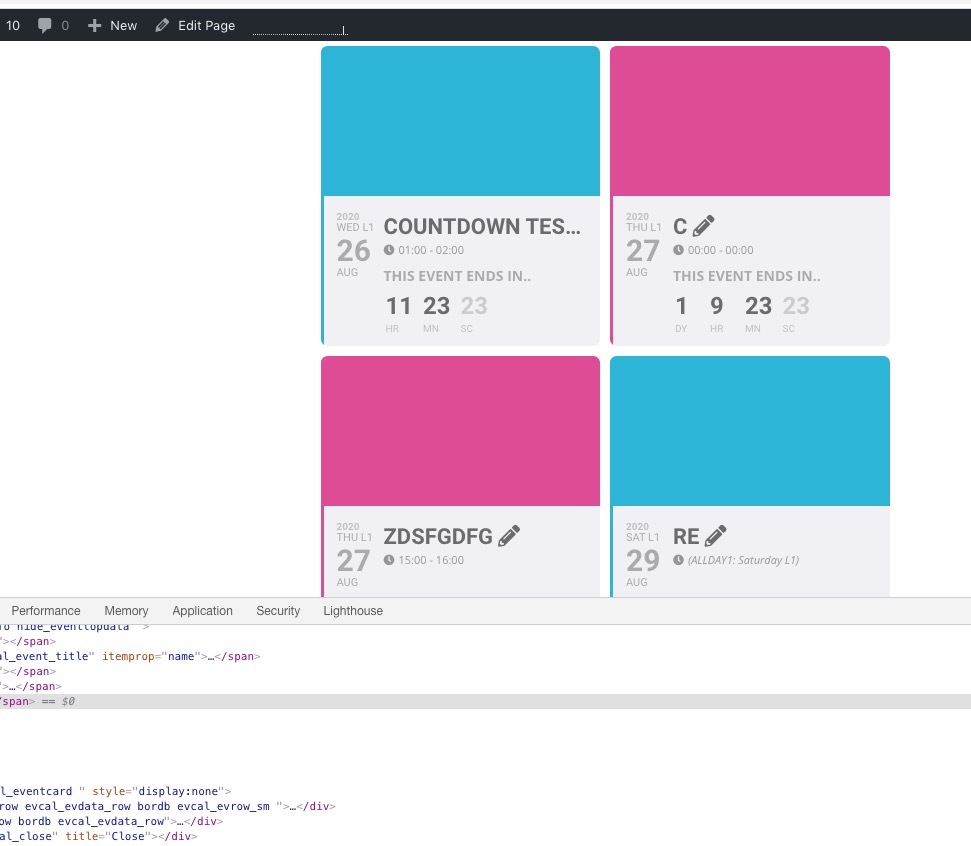
Please check and let us know.
Replies for tickets on suppota
Hello,
It can work with this customization:
.ajde_evcal_calendar.boxy .eventon_list_event .evcal_desc .evcal_desc3 { display: block !important; }
Please check and let us know.
Hello,
We are very sorry for the delay. We had issues with Helpdesk.
You don’t need to uninstall the plugin. Please go to EventON > Licenses > find EventON and press Deactivate. Now you can activate it with your new license key.
Please check and let us know.
The problem is in this code:
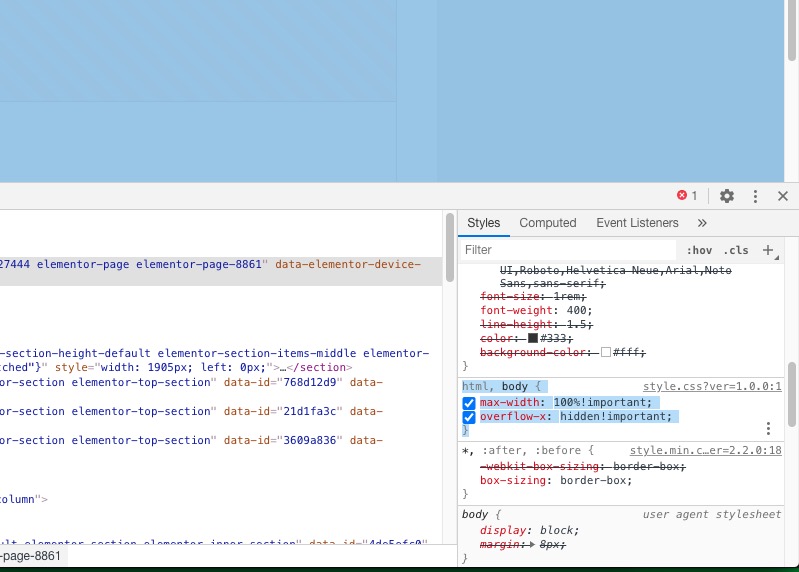
Please try this code:
body.evo_overflow { overflow-y: initial !important; overflow-x: initial !important; }
Or remove the one from style.css.
You have multiple js errors on Edit Page: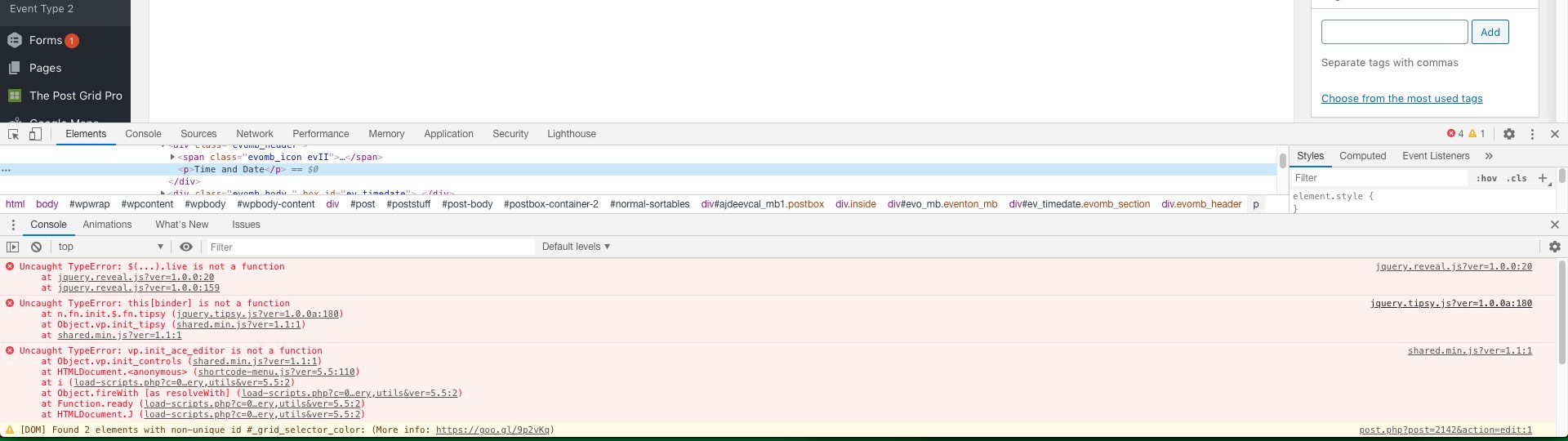
Could you fix them? You can find and resolve them by following this guide. Once these javascript errors are fixed, eventon scripts will be able to run properly and will resolve your issue.
Select Set Event Image
Are you referring to this part?
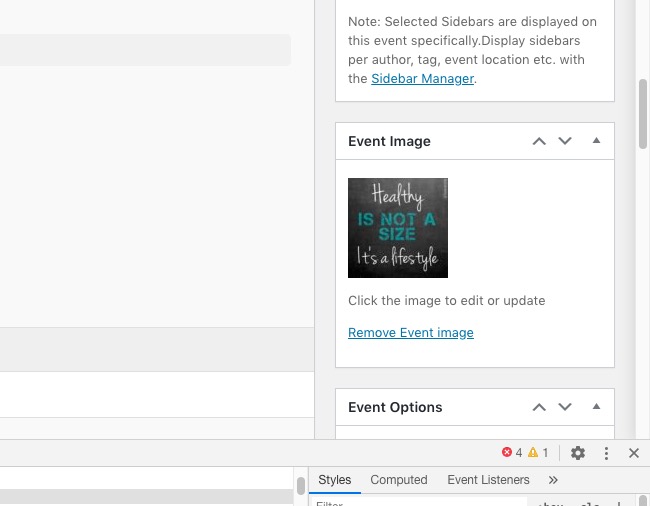
If so then please fix js errors.
Without WP 5.5 we cannot test this, I am afraid.
The thing is that I don’t think that the problem is in EventON, since on our test server we installed WP 5.5 and EventON is working without any issues:
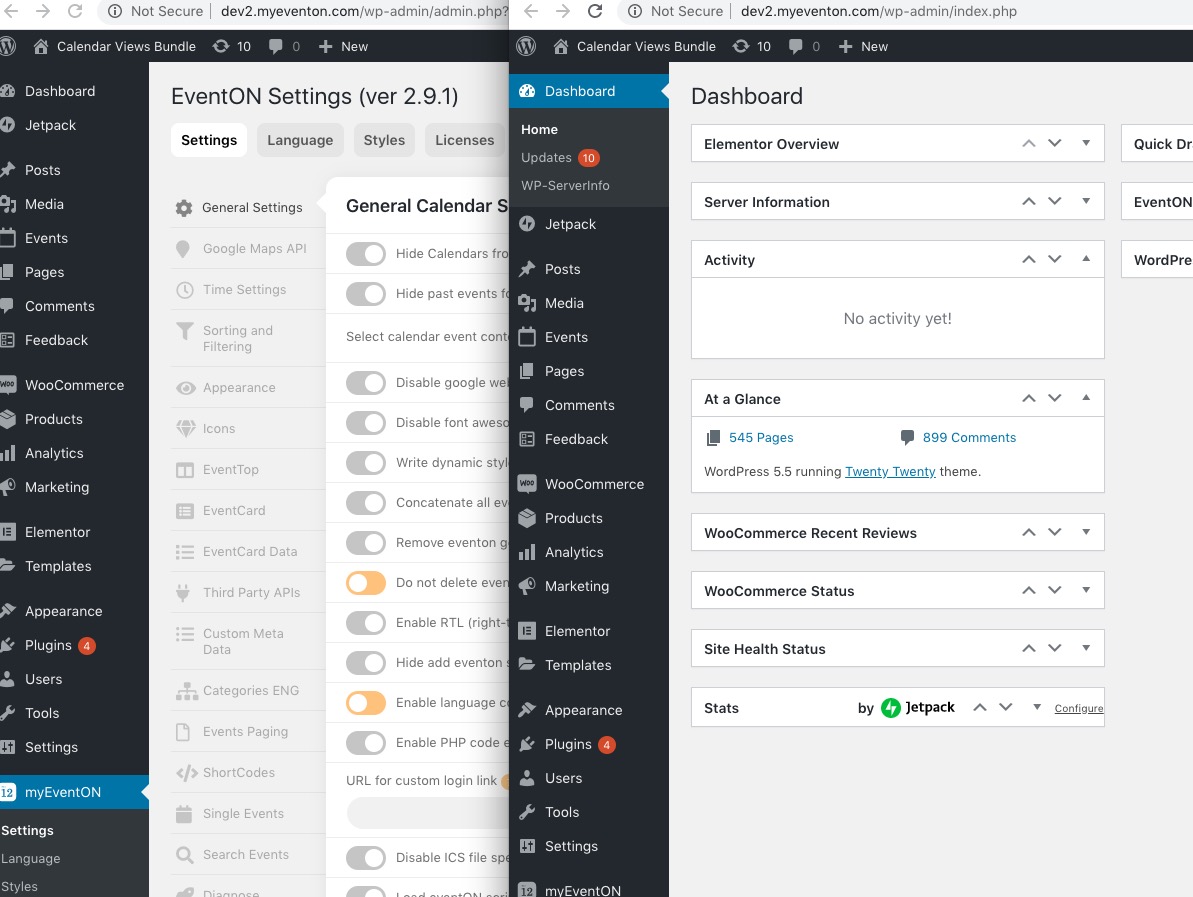
We had multiple tickets with the same issue and the problem was with their themes.
Hi,
Access: https://techxpert.guru/wp-login.php
User: eventontemp
Pass: pZI82(u5hb5bzw0jwdY6udIc
Regards
Paul
I don’t really understand what to do? We only have one calendar, I didn’t create this one: https://latinxartsalliance.org/9808-2/
Hello,
Please send us wp-admin access to your site as a private message for us to further assist your situation.
Where do I find the event type?
Hello,
It’s visible on this page https://latinxartsalliance.org/9808-2/ with regular [add_eventon] shortcode:
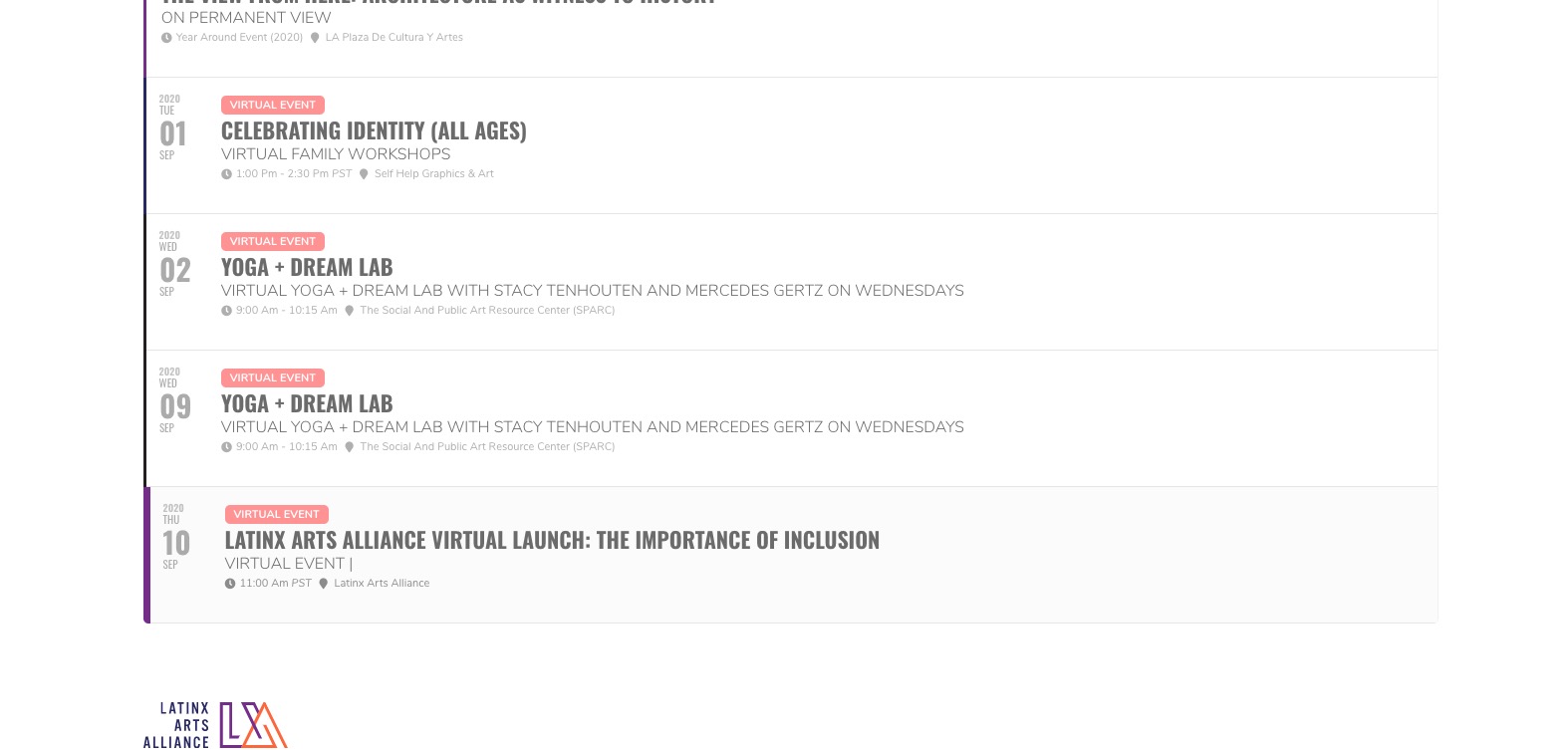
Could you check and make sure that event types are correct?