You can see here. Its after i send you the temp login.
Replies for tickets on suppota
You can see here. Its after i send you the temp login.
Hi, access info is stored again. What is working is 3.0.11. I’ve You can update and try the plugin, I have saved a current backup. If it doesn’t work, please roll back to a previous version. Thanks.
I have changed the theme and it was fix… Is it a problem of the Visual Composer Starter theme, then?
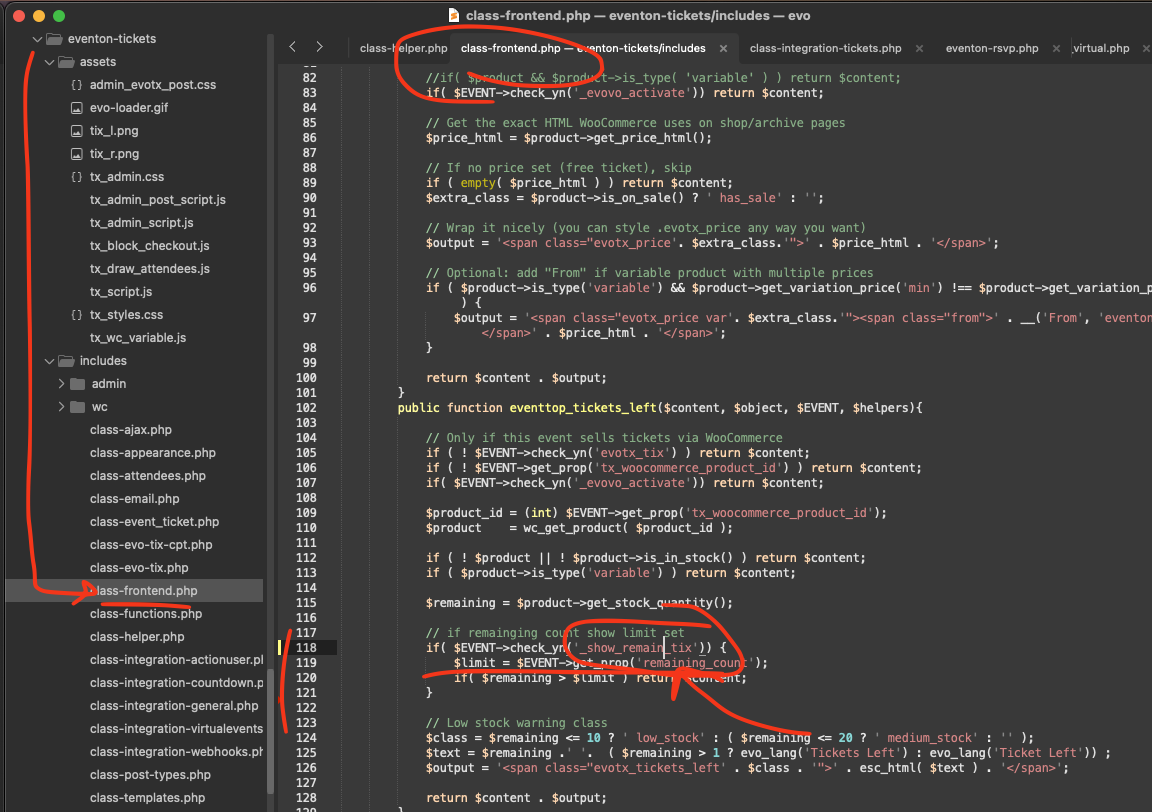
Tadas, thank you my friend for informing us of this. And sincere apologies for the delay. Kindly apply this code change and that will fix the remaining count issue on eventop when limit is set.
code: if( $EVENT->check_yn(’_show_remain_tix’)) {
Artem, 3.1 is the version I was using that caused the problem so on 2/5/2026 you suggested that — ”In the mean time kindly downgrade to RSVP 3.0.12”. However, I’ve searched the download sections on Eventon’s website and I cannot find the earlier version of 3.0.12 and the most current version I have prior to 3.1 is 2.9. So I switched back to that and now it’s working. So, I suppose I’d like to get a refund for my purchase of rsvp 3.1. Can you assist me with that?
I am sorry, but I was referring to ”The best way to tell #1” of the guide. Could you try switching the theme and turn off plugins one by one?
You can also use Troubleshooting Mode:
https://docs.myeventon.com/documentations/troubleshooting-using-the-health-check-plugin/
This whole ticket is private, so only us and you can see it.
Could you elaborate more about the hack?
Unfortunately, we don’t know how your cache plugin works and why it doesn’t update the search results correctly.
Unfortunately, still not working. Could you create a new user and then send us Login/Pass combination?
I am sorry, the access information you have provided did not work for us. Please check them and post the correct login information as a private message, thank you!
Please make sure to clear your browser cache.
Seems to be working on my side:
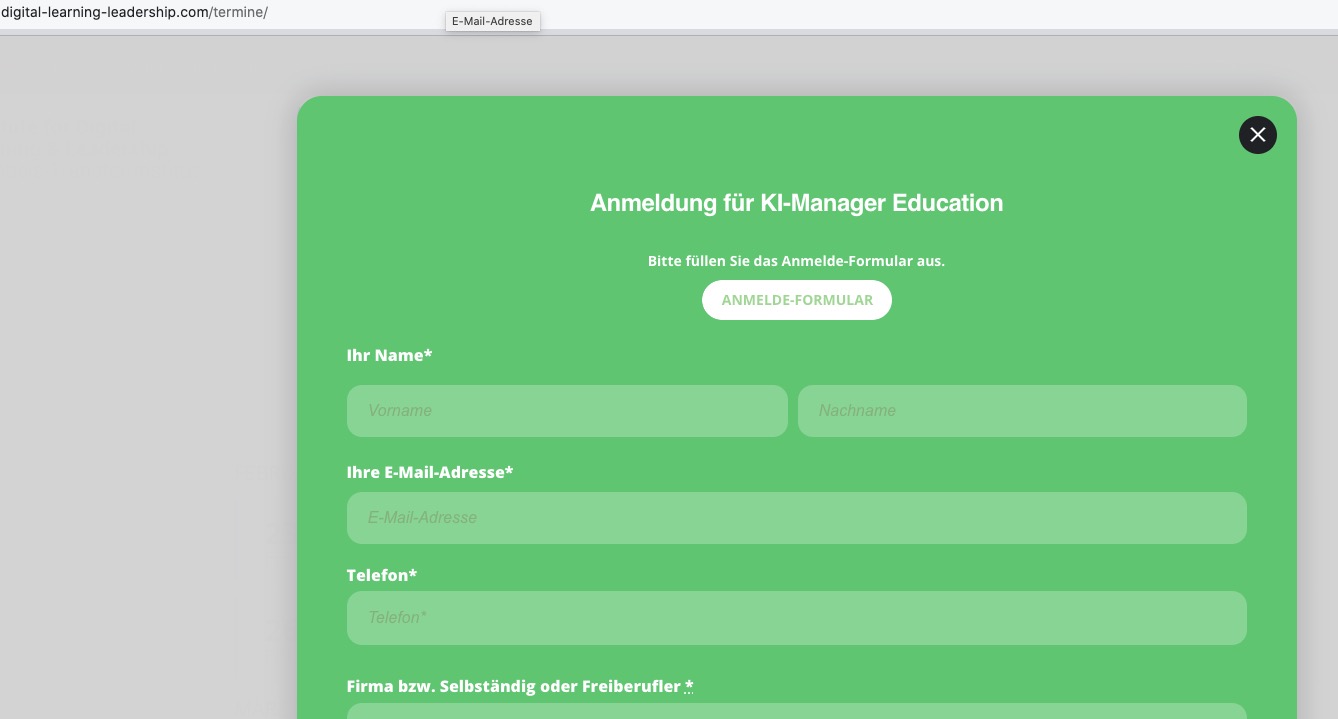
You can use any email you like. Just create a new user and then send us Login/Pass.
If you still need one, please use thisboxformail@gmail.com