Hi, it fixed the title for Mike (although not centred) see image.
https://freeimage.host/i/dexfCN
Replies for tickets on suppota
Hi, it fixed the title for Mike (although not centred) see image.
https://freeimage.host/i/dexfCN
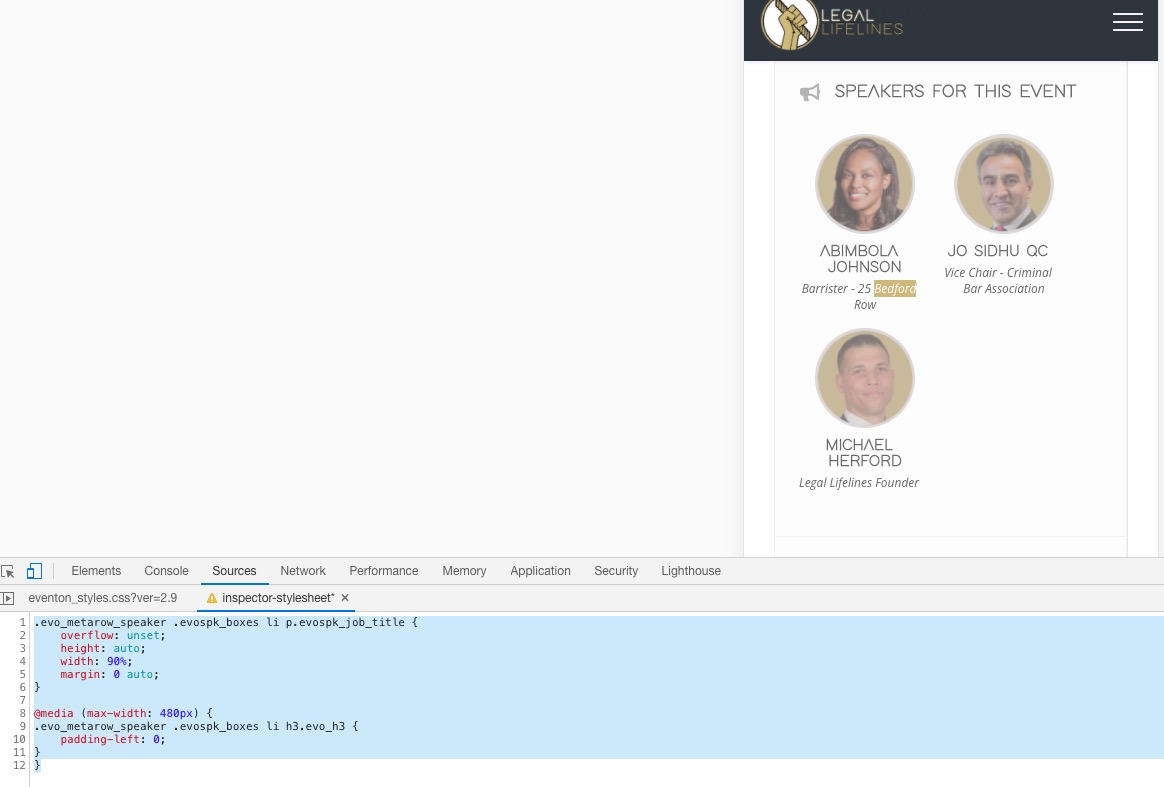
Please add this CSS code to EventON > Styles (If you don’t see any change, EventON > turn off Write styles to header > save settings > turn on Write styles to header):
.evo_metarow_speaker .evospk_boxes li p.evospk_job_title {
overflow: unset;
height: auto;
width: 90%;
margin: 0 auto;
}
@media (max-width: 480px) {
.evo_metarow_speaker .evospk_boxes li h3.evo_h3 {
padding-left: 0;
}
}
Hello,
Thank you for your messages, I am going to assign this ticket to Ashish and he will be able to take it from here and find you a solution. Please allow some time for him to get back to you, we greatly appreciate your patience and thank you for being a eventon customer!
Hello,
Please send us wp-admin access to your site as a private message for us to further assist your situation.
Please also go to EventON > Appearance > make sure that “Hide month navigation arrows” is disabled.
Hello,
Unfortunately, this is not possible without customization as we changed the filter style quite a lot in recent versions of EventON.
You can send us a customization job request by creating a new ticket in here and selecting Customization Request as the category.
Hello,
Do you want to sync events from EventON to Google Calendar or Calendar’s events to EventON?
If 1 then please go to EventON Settings > Download all eventON events. > press ICS FORMAT. Now import the file.
If 2 then use ICS Importer add-on: https://www.myeventon.com/addons/ics-importer/. Try on http://dev.myeventon.com/wp-admin/
Hello,
I was able to add a couple of tickets to Cart correctly from my side:

The problem is that when I click on VER CARRITO or PROCESO DE PAGO, it just reloads the page. Are you using some kind of WooCommerce plugin that does this?
hace created the event following the instructions
You used this guide https://docs.myeventon.com/documentations/set-variable-prices-tickets/?
Please also note that EventON has limited compatibility with Woo’s variations so please use Variations and Options add-on: https://www.myeventon.com/addons/ticket-variations-options/. Try on http://dev.myeventon.com/wp-admin/
Hello,
Unfortunately, I cannot access the website:
Your access to this site has been limited by the site owner
Your access to this service has been limited. (HTTP response code 503)
If you think you have been blocked in error, contact the owner of this site for assistance.
Could you allow me?
Please also update EventON to 2.9, if needed. To update eventon to latest version: If you are unable to do autoupdate, you can go to codecanyon your account > download and get the latest eventon version as zip file. Then you can go to your website, deactivate old eventon, activate (Do not delete eventon settings & data when EventON is uninstalled) from eventon settings, delete old eventon, install new one and activate. This link will further explain the process it. Also you can follow us on twitter to get real-time announcements on updates!
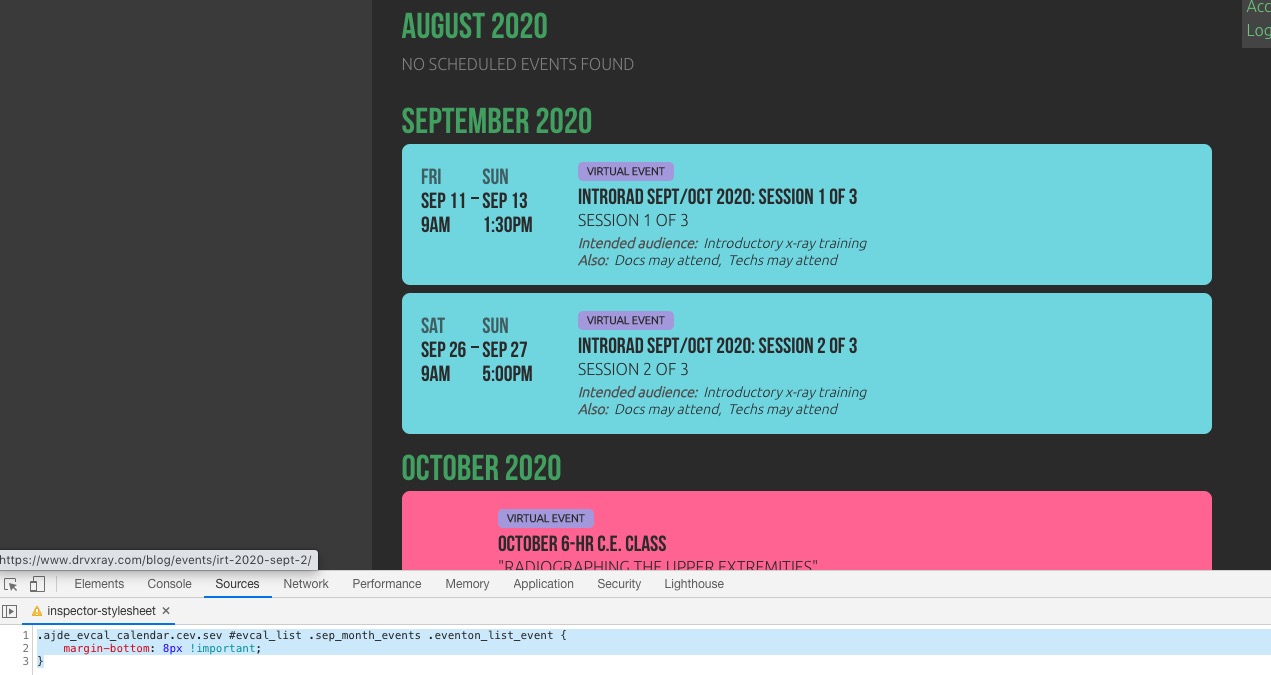
Please add this CSS code to EventON > Styles (If you don’t see any change, EventON > turn off Write styles to header > save settings > turn on Write styles to header):
.ajde_evcal_calendar.cev.sev #evcal_list .sep_month_events .eventon_list_event { margin-bottom: 8px !important; }
Meanwhile please use ESE as a temporary solution: https://docs.myeventon.com/documentations/use-eventon-shortcode-executor-widget/