Thank you for your support.
Just to help you more, if you check this page you can see the loading indicator works when switching between months:
https://ccsyr.org/join-us/volunteering/
Si I think there shoud not be CSS conflcit.
Anyways, I remain waitin or your kind reply.
Hi, it worked! Thanks very much
I don’t think so? Before submitting the ticket, I reviewed all the cache settings in our plug in and set it to NOT cache this page.
I shared access info when submitting this ticket, but I just did it again. Let me know if you need anything else. Thx.
FYI…Just checked the page this AM and the events are grayed out…as before. I updated/saved the page, and now it is functioning as expected. However, at some point between now and tomorrow morning it will stop working and I’ll have to update/save again.
Hi Artem,
Yes, I will explain the issue in three clear steps, and I ask that you please read each of them carefully:
-
I purchased your plugins for my website eight years ago. Ever since, it has been impossible to update them—neither on my own nor through external experts—without the site breaking.
-
This year, I decided to pay your team directly for support, under the assumption that since you created the plugins, you would know how to update them properly. As requested, I paid $140 for the new versions.
-
Despite this, your team has not been able to update the plugin successfully. There has been no clear explanation or lasting solution for the issue, and I’m still forced to run outdated versions that compromise site functionality. In short, I’ve paid for something I cannot use.
Therefore, I’m requesting a refund for the payment until you are actually able to deliver a working, up-to-date plugin installation that doesn’t break my site.
Best regards,
Raquel Escobar
Hello,
Please send us wp-admin access to your site from “Access Info” box on right side menu, to further assist your situation.
Could you go to EventON > enable Remove schema data from calendar and Remove JSON-LD data for events?
Also – in the Hebrew home page we still see May events, even though it’s supposed to be only this month and upcoming:
https://israel-classics.org/
Hello,
DailyView doesn’t show Date Block, but the rest should be visible. You can compare both on
https://dev2.myeventon.com/test-973/
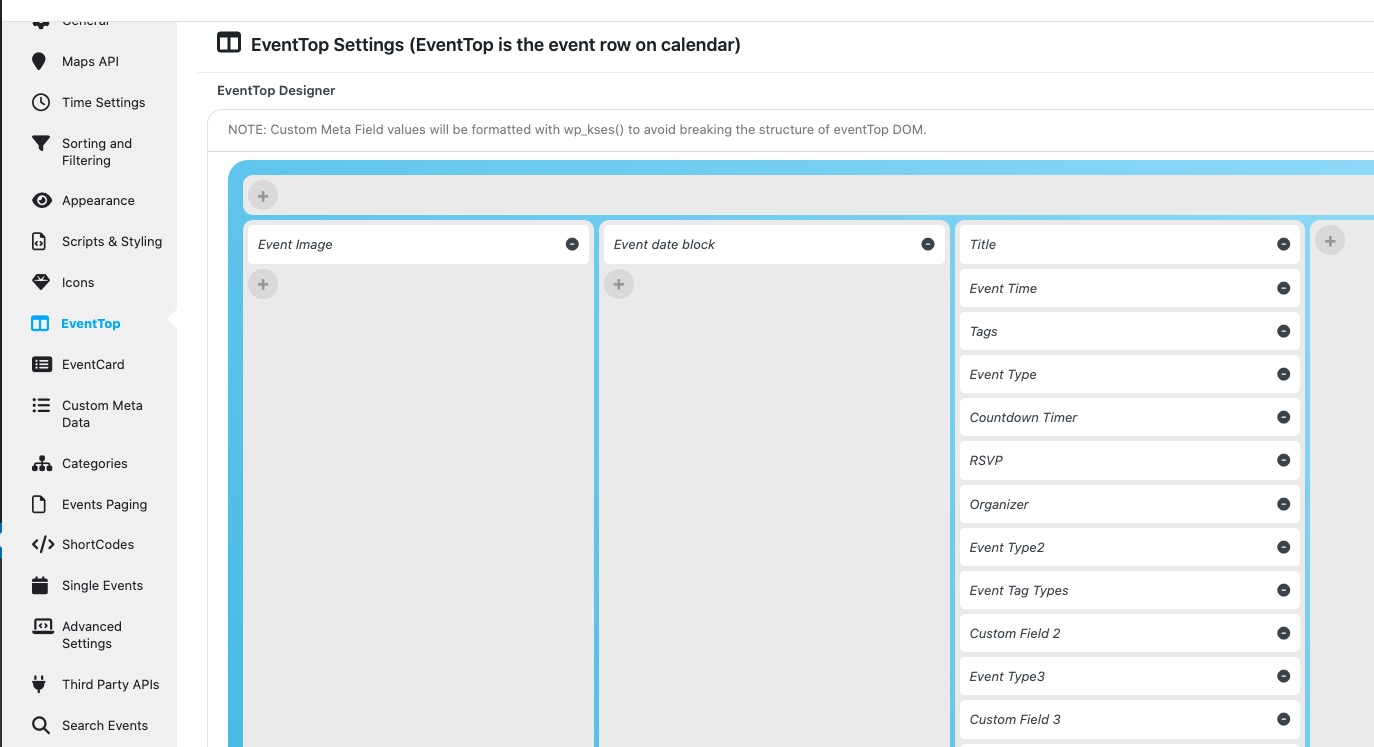
Could you check EventON > EventTop > arrange fields like this:
Please send us wp-admin access to your site from “Access Info” box on right side menu, to further assist your situation.
Please send us wp-admin access to your site from “Access Info” box on right side menu, to further assist your situation.
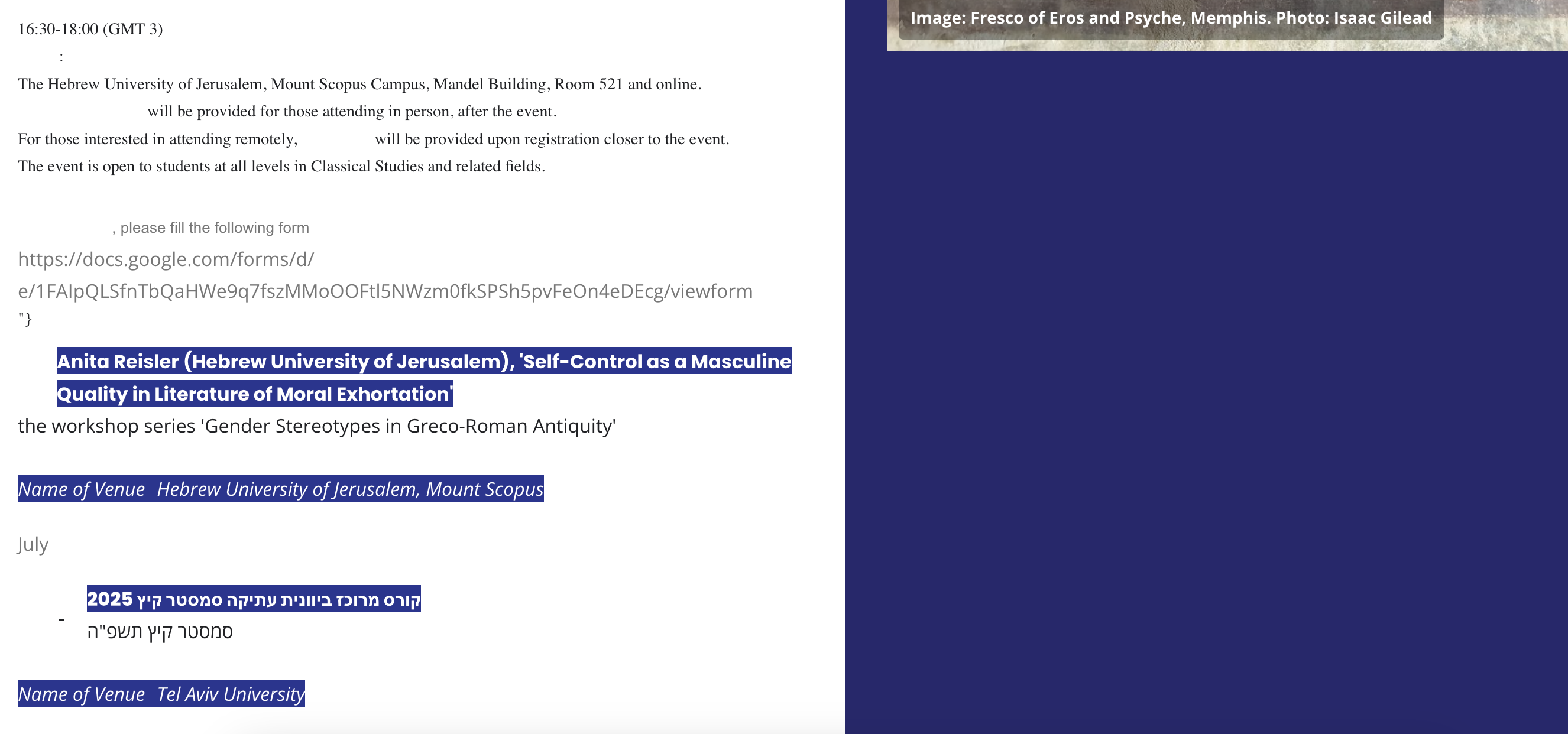
This is the general view that I need
This is the DailyView I had