Hi Ashan,
Thanks so much for actioning this. We are getting closer.
Yes it does look like it is working now on the stage: https://l6qh256l4j-staging.wpdns.site/event-location/banchory-community-centre/
I even put my custom templates back: /eventon/taxonomy-event_location.php and it is working fine.
I don’t want to be using the map, so I wish to disable that. In my EventOn Settings > Maps API , It is already disabled.
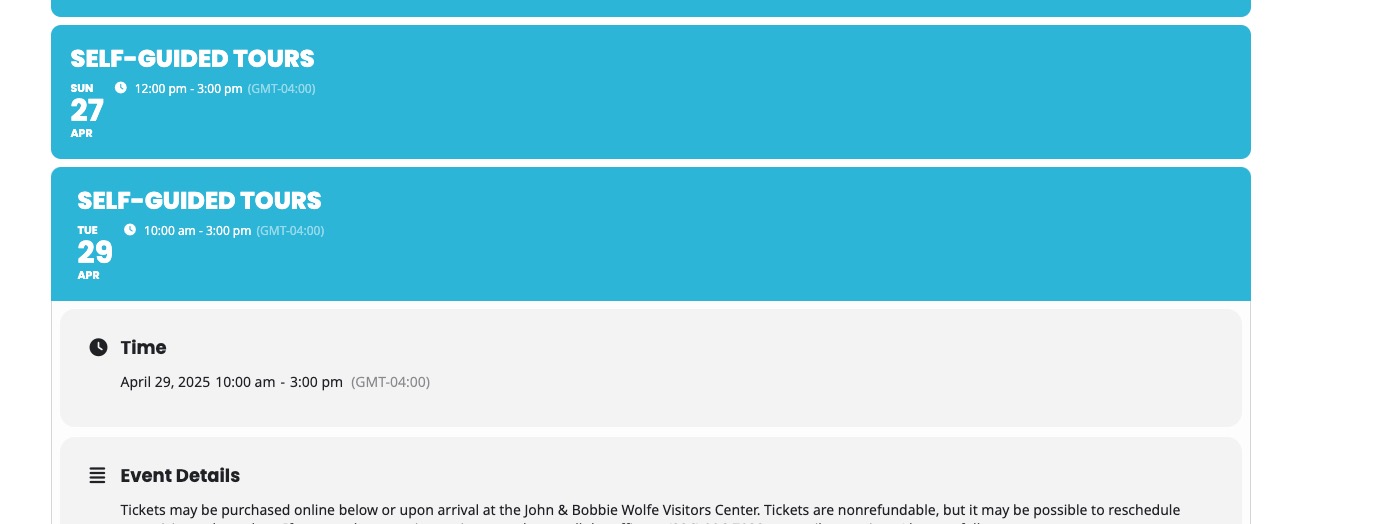
This is my live website: https://meltonlearning.vic.gov.au/event-location/arnolds-creek-childrens-community-centre/
As you can see, it is still not working. But how come it works on the stage site? Both the live and stage have the same EventOn settings. Am I missing something?
Thank you!
Hello , thanks!
the is Version 1.1.10
and EventOn version Version 4.9.5
Ashan,
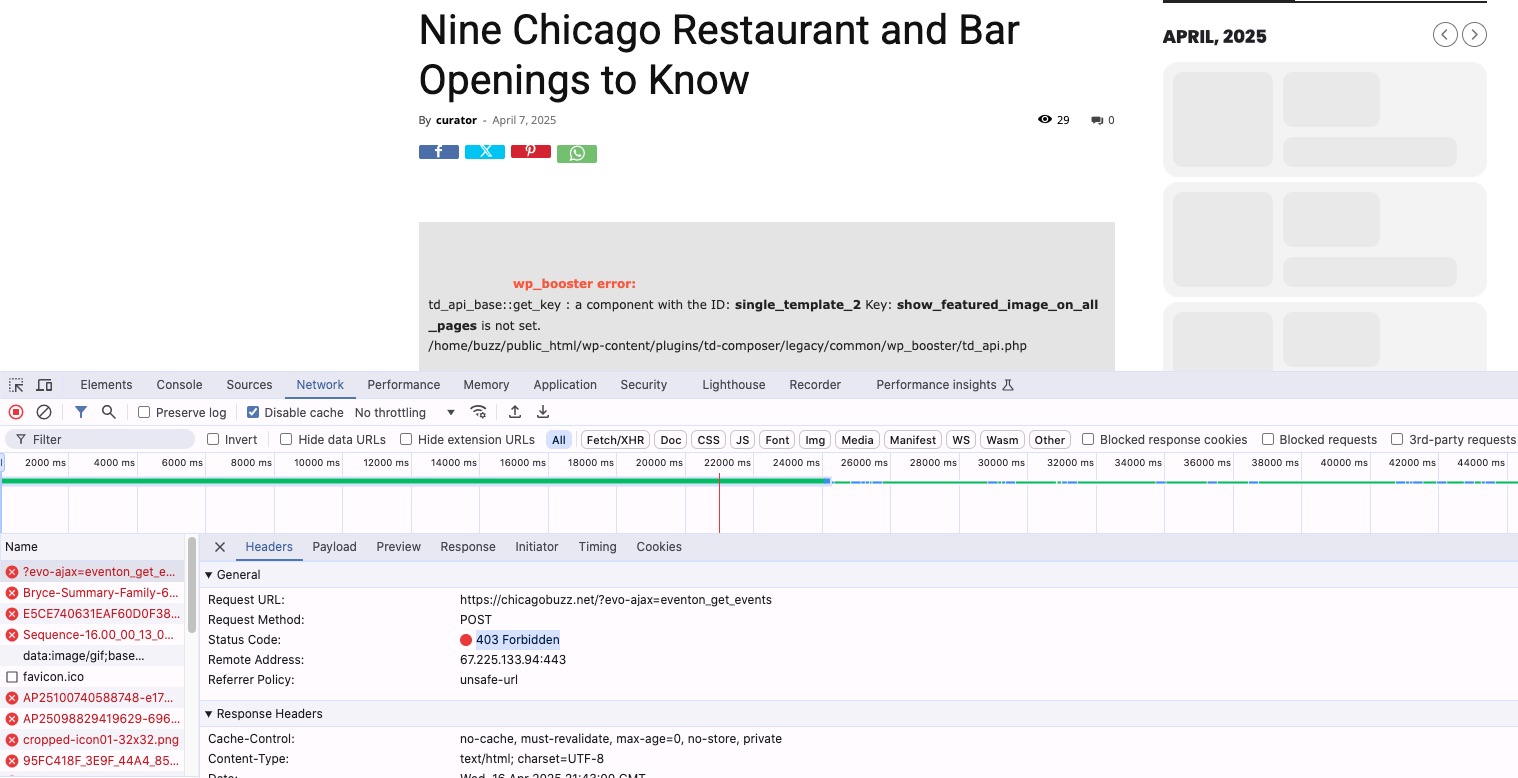
The issue is that when you try to switch between months it shows:
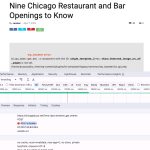
Regular shortcode works.
I also tried to test this without any plugins and the default theme, but cannot show the widget. I enabled “Create Single Events Page Sidebar”, added the widget, but it still doesn’t show the sidebar with any of WP’s themes.
Could you check?
We are sorry for the delay.
I am going to assign this ticket to Ashan and he will be able to take it from here and find you a solution. Please allow some time for him to get back to you, we greatly appreciate your patience and thank you for being a eventon customer! Also please disable any IP blocking on your site if there are any.
Hello,
We are sorry for the delay.
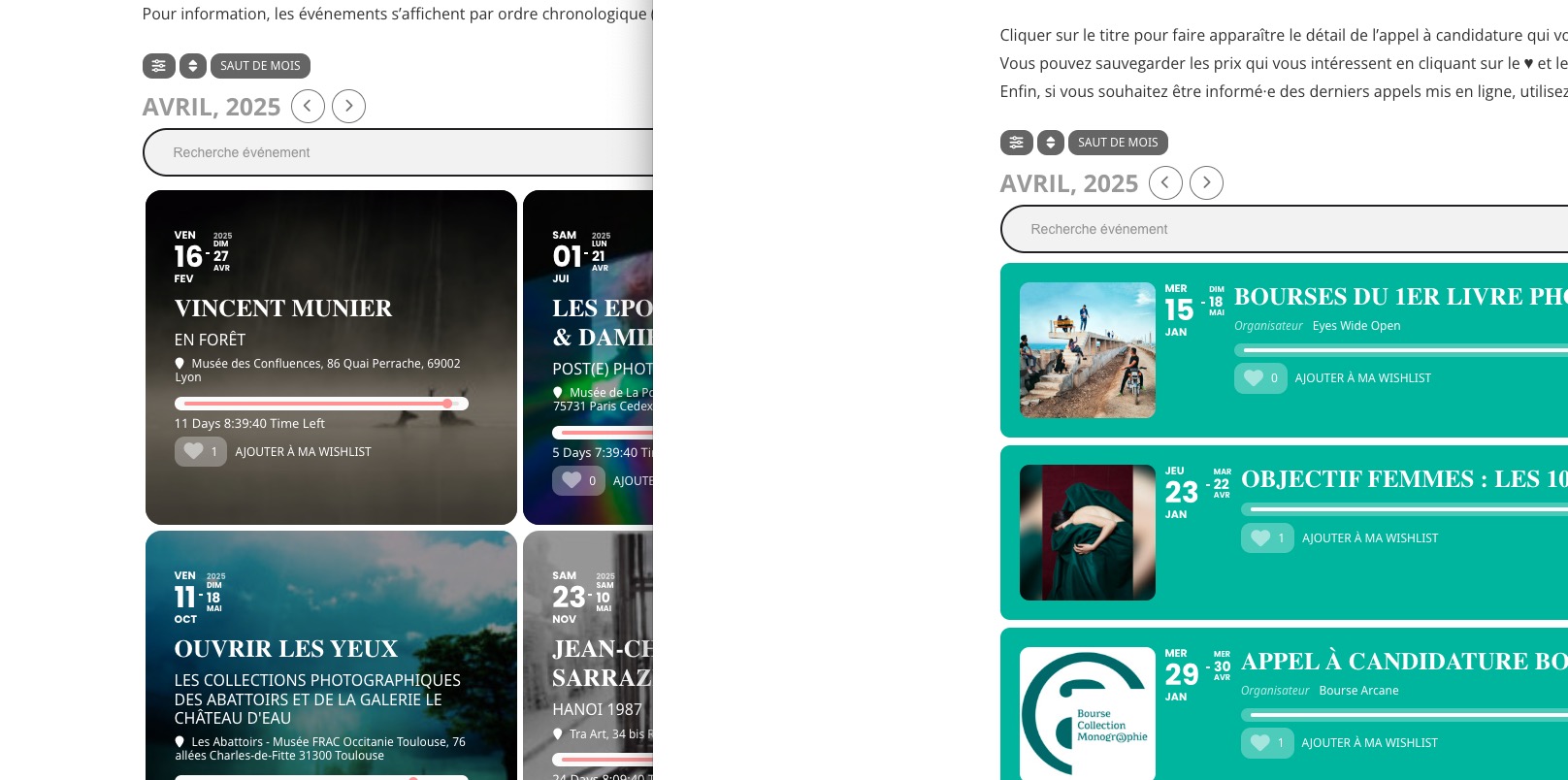
Depending on which calendar your want to replace, please replace dv_view_style=onedayplus with dv_view_style=def.
Then just add these at the end:
fixed_day=28 fixed_month=4 fixed_year=2025
Hello,
From this guide:
https://docs.myeventon.com/documentations/update-eventon/
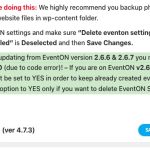
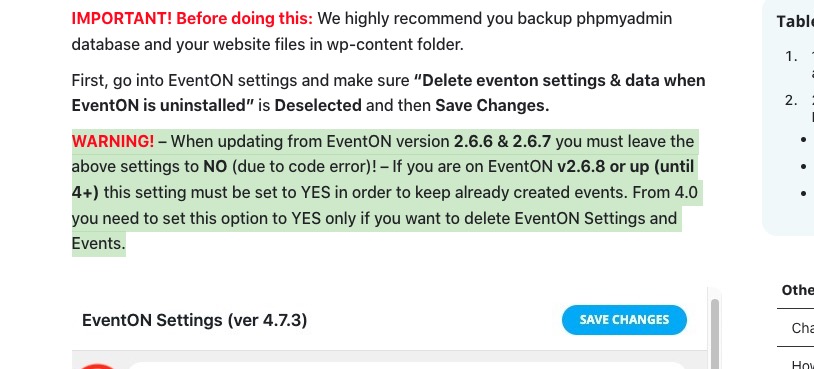
Since your version is 2.6.12, please make sure to enable the option before updating EventON.
Hello,
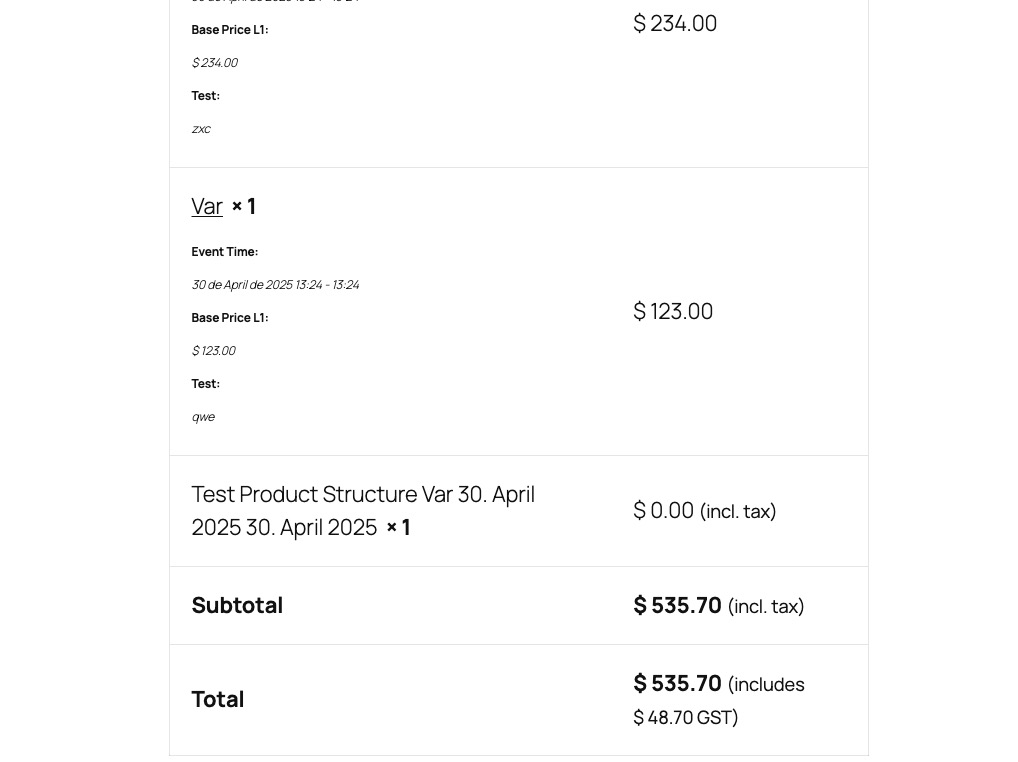
On my side:

If the issue continues on your website, please follow the instructions in this documentation to activate debug in your site to see any PHP errors recorded that can provide insight on to whats going on. Please reply with a link to debug.log file. If you are not able to do this please send us FTP access to your site so we can do this for you.
Ashan,
The same on dev2:
https://dev2.myeventon.com/events/var-22/
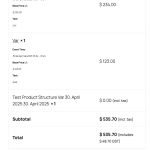
On customer’s website you can try this event:

It seems that I’ve managed to recreate the issue on our test site. I am going to assign this ticket to Ashan and he will be able to take it from here and find you a solution. Please allow some time for him to get back to you, we greatly appreciate your patience and thank you for being a eventon customer! Also please disable any IP blocking on your site if there are any.
Ashan,
1. The same on dev2:
https://dev2.myeventon.com/events/var-22/
Please also check 4 a) and b).