Hello Roman please update to the latest version of API addon 2.0
https://docs.myeventon.com/documentations/changelog-event-api/
Should give you a new URL option to get standard JSON format 🙂
Replies for tickets on suppota
Hello Roman please update to the latest version of API addon 2.0
https://docs.myeventon.com/documentations/changelog-event-api/
Should give you a new URL option to get standard JSON format 🙂
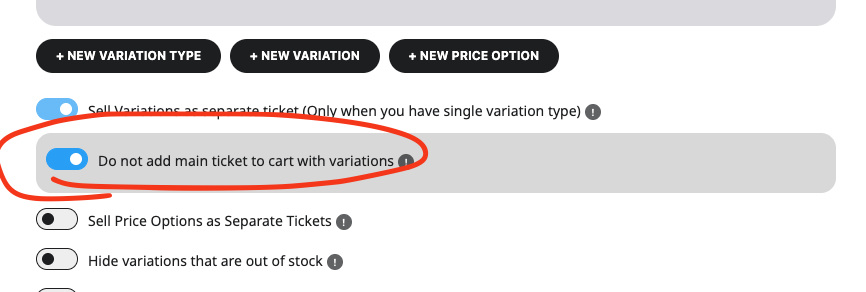
kindly update to the latest version of variations addon 1.1.9
https://docs.myeventon.com/documentations/changelog-variations-options/
and make sure to enable.
It was caused by a malicious plugin which I deleted. Everything is now working as it should.
I have also upgraded to the latest version of the calendar
I have disabled Google Map – https://tinyurl.com/22fs62oz. but the widgets still not load.
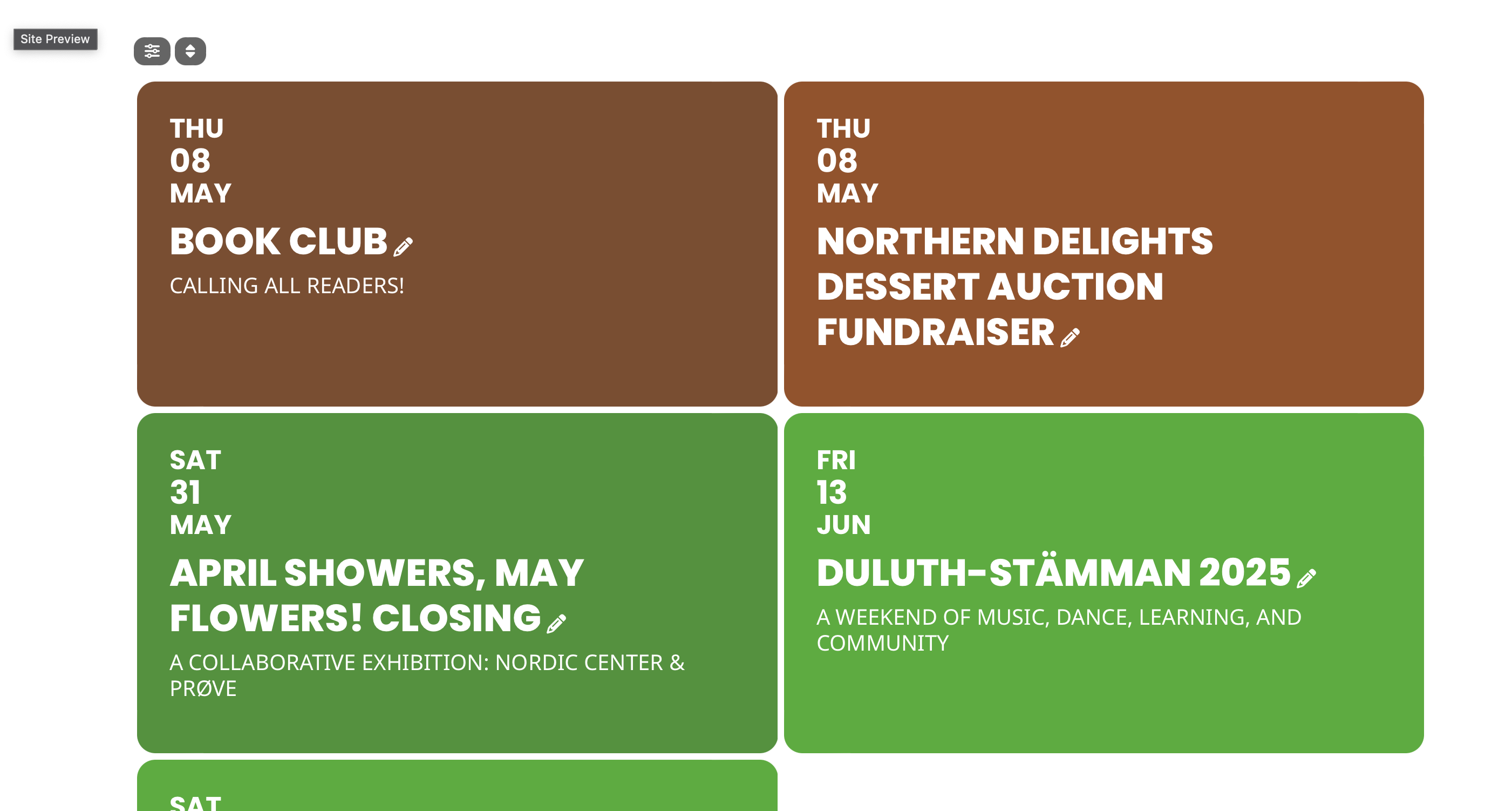
Thank you! That did work for the most part… but I can’t seem to increase the size of the date number.
Can you tell me how to adjust that?
Thanks again!
Scott
When I ran trouble shooting through Site Health, the “plugin” that is causing the issues is the Core Handler. I’m not sure how to approach that issue since it’s not really a plugin.
So are the widgets trying to access Google Maps ? I don’t want to use Google maps can I disable it ?
Ashan,
Please check:
However, any solution that the whole box/images is clickable? Not just the text area?
The same on dev2 because of tile_style=”3″:
https://dev2.myeventon.com/test-918/
Thank you for your messages, I am going to assign this ticket to Ashan and he will be able to take it from here and find you a solution. Please allow some time for him to get back to you, we greatly appreciate your patience and thank you for being a eventon customer! Also please disable any IP blocking on your site if there are any.