Hello,
Thank you for your messages, I am going to assign this ticket to Ashan. Please allow some time for him to get back to you, we greatly appreciate your patience and thank you for being a eventon customer!
Replies for tickets on suppota
Hello,
Thank you for your messages, I am going to assign this ticket to Ashan. Please allow some time for him to get back to you, we greatly appreciate your patience and thank you for being a eventon customer!
Ashish has accepted the job for 200
Hey Cheryl,
I am almost done, only missing to pull the dates, for some reason it does not work.
Any progress on this please
Hi and thanks for the quick response.
Privacy reasons meaning avoiding communication of the website with servers in the US (make “google fonts” work locally and trying to find a way around “awesome font” as well)
I understand, but one thing you can probably help me with is that now the widget ends up on ALL pages of the website… How do I insert it ONLY on one page? Thank you!
Thank you. That didn’t provide a solution. I have made the edits, but the result is the same:
[add_eventon tiles=”yes” tile_bg=”1″ tile_style=”1″ tile_count=”3″ tile_height=”250″show_et_ft_img=”yes”event_type_1=”157″
fixed_month=”7″ fixed_year=”2020]
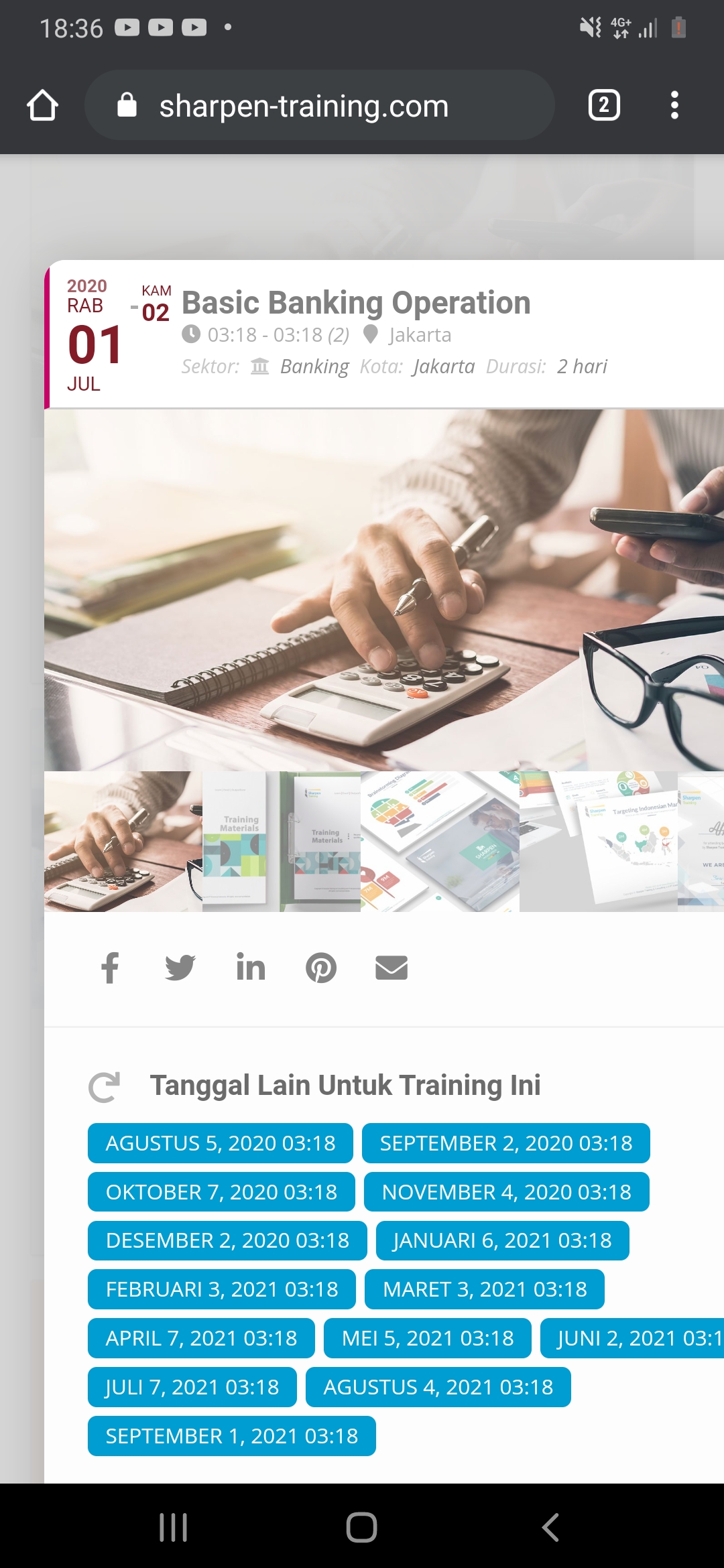
Thanks Ashan, I changed the code and it seems to work fine again !
Best regards, Tony
Hi Artem
Thanks so much for the speedy reply, really appreciated.
[add_eventon_list fixed_year=”2020″ hide_so=”yes” hide_month_headers=”yes” tiles=”no” tile_bg=”1″ tile_count=”4″ hide_end_time=”yes” hide_empty_months=”yes” hide_past_by=”ss” ux_val=”1″ fixed_month=”07″ number_of_months=”1″ show_et_ft_img=’yes’]
thank you 🙂
All the best
Dan