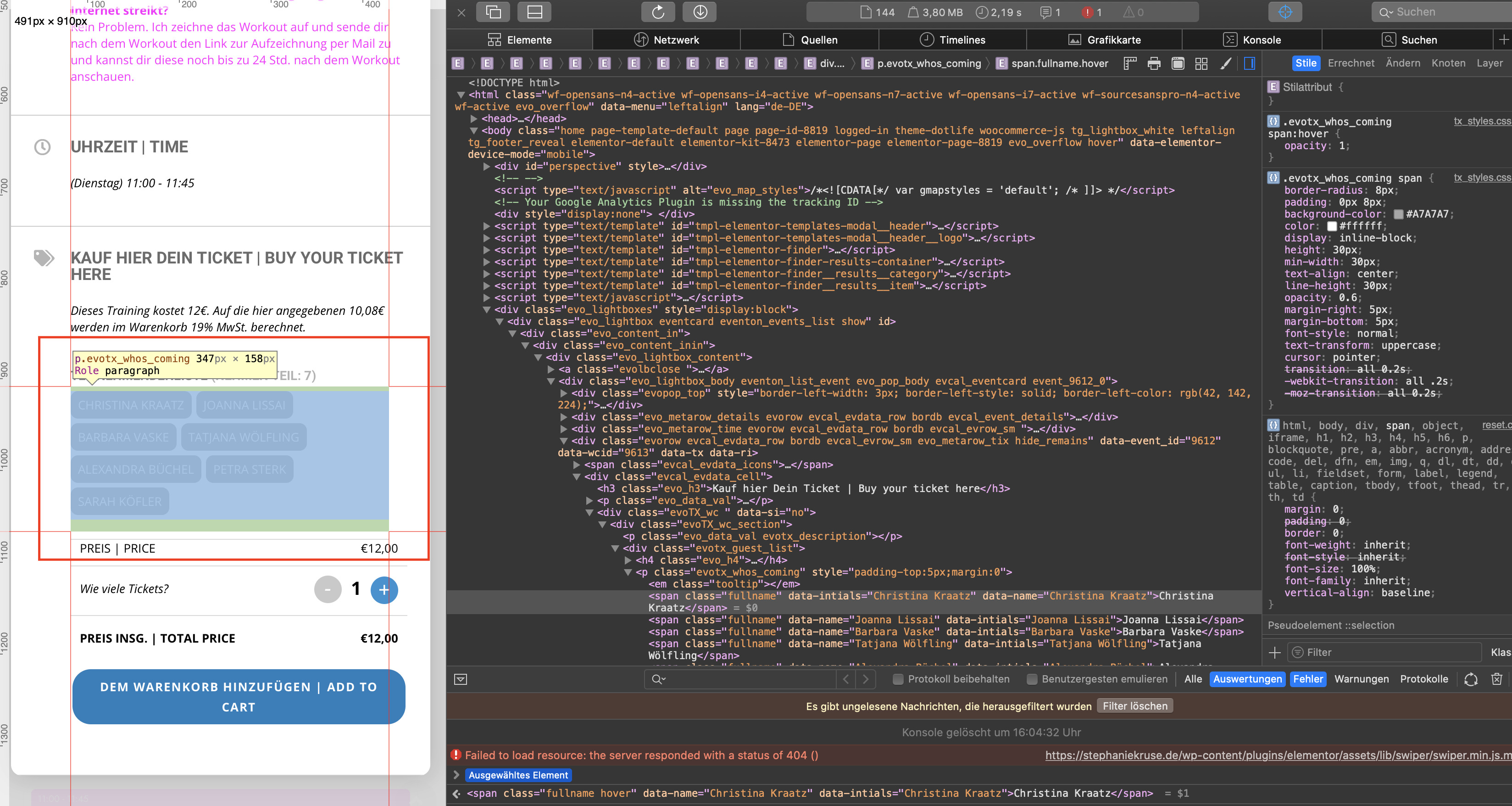
Thanks for a correct display:none code! Thanks!
Replies for tickets on suppota
Thanks for a correct display:none code! Thanks!
Ashish has accepted the job for 250
Not showing Edit button either activating EventON > Action User > User Capabilities > enable Edit Events.
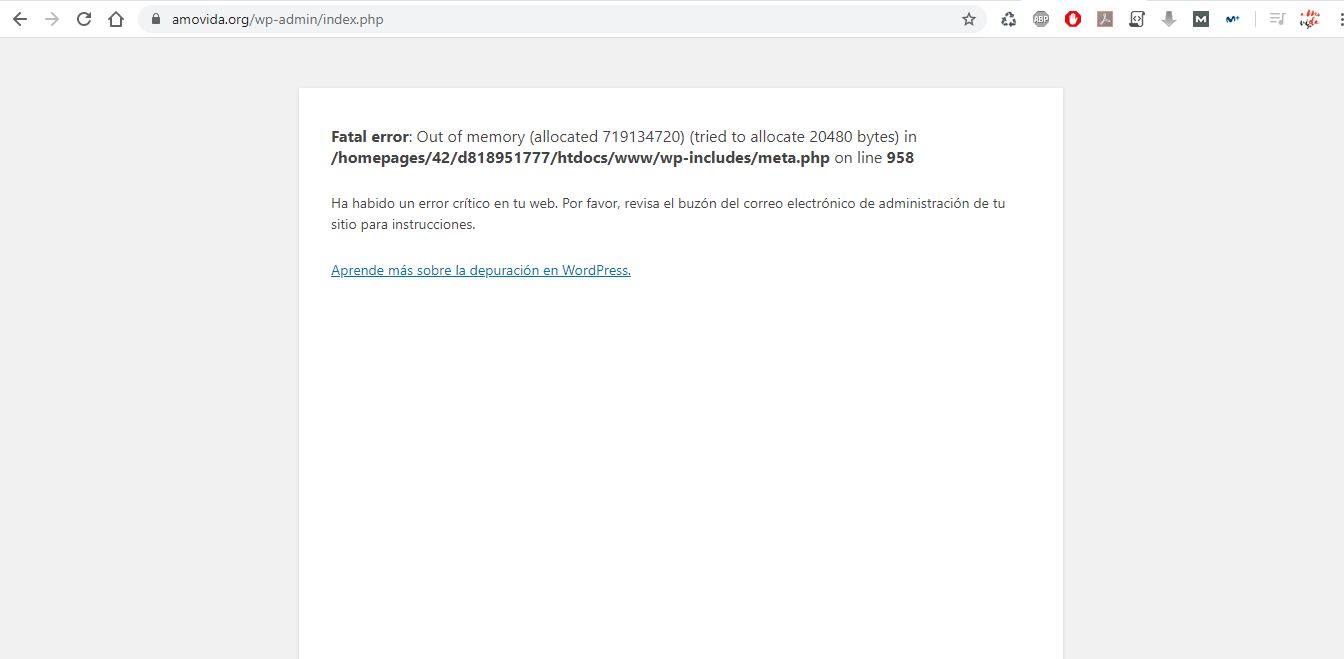
Yes, the hosting company revised that and increased the memory in wp-config.php and php.ini to 2048MB. They even changed my web hosting to another more powerful server and they have told me that the more memory it gives, the more it needs. Right now it consumes the most of the machine, which is 720MB of memory per PHP thread.
The version I have of EventON is 2.6.5. So it only gives me an error when going to WordPress Appearance but if I update to the latest version it gives me an error when I log into WordPress.
All other emails seem to be performing as expected.
Basilis,
I understand … I do hope you can help quickly .. this is a critical system.
Basilis,
I don’t know if they are the same problem … they manifest in 3 different failures. (unresponsive calendar build, input screens not closing, email not sending) are you saying all of these are definitely related?
Hi Artem
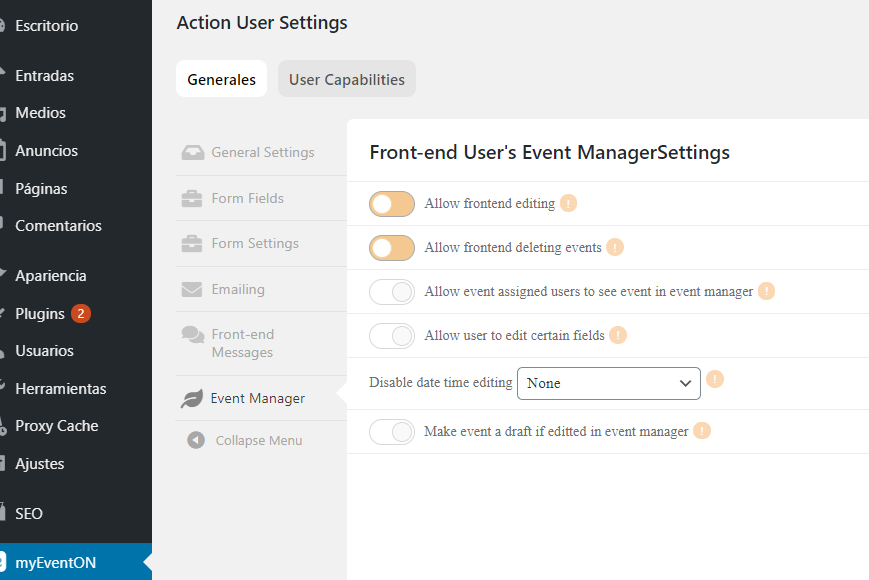
I attach you a screenshot about configuration for Subscribers, they all can edit and delete its own events. Before this problem, both functionalities were possible,
After dissapearing the icons, after that, the Edit Button dissapeared too.
You are not answering my question.
My question is : I use event list shortcode for listing events from a category. When I use the shortcode generator with category selector the shortcode dont show the event list. The shortcode is not working. Before It was working properly.
When I remove the category attribute from shortcode events its showing all the events.
Solve the issue.