Update: If you see some strange issues like long loading and error 520 or 524, don’t reload the site – wait 1 minute and then reload.
Archives: Replies
Replies for tickets on suppota
Reply to: tickets(176464)
1. Please check http://addons.myeventon.com/event-lists-extended/ > Tile Layout with Event List Ext. Addon. Please purchase and install this add-on https://www.myeventon.com/addons/event-lists-extended/. Try on http://dev.myeventon.com/wp-admin/
2. Use this code to make it darker:
.ajde_evcal_calendar.boxy .eventon_list_event.hasbgimg::after { opacity: .5; background-color: black !important }
I cannot seem to locate the text to make it brighter,
To make brighter what exactly? Could you send us a screenshot?
Reply to: tickets(177204)
It seems there is an incompatibility issue with the theme. Please add this CSS code to EventON > Styles (If you don’t see any change, EventON > turn off Write styles to header > save settings > turn on Write styles to header):
.eventon_events_list .eventon_list_event .evcal_desc .evcal_time::before, .evo_pop_body .evcal_desc em.evcal_time::before, .eventon_events_list .eventon_list_event .evcal_desc .evcal_location::before, .evo_pop_body .evcal_desc em.evcal_location::before { font-family: ‘evo_FontAwesomeS’,’evo_FontAwesome’,’evo_FontAwesomeB’ !important; }
body .EVOSR_section input[type=”text”] { max-width: 100%; }
This should fix search and event locations issues.
Reply to: tickets(175773)
It is not full, having some issues with my hosting, please ignore that. Please try again.
Reply to: tickets(177223)
ok, then I would prefer the fields as in the screenshot
Reply to: tickets(177223)
It would make it better for you to use this properly, will not have actually price change.
Reply to: tickets(175773)
Hi Basilis,
Calendar? You confused me now as this should be done in the event manager (which is an event list for my clients only) not the calendar.
Here it is:
https://www.radnasebi.com/moj-nalog/moji-dogadjaji
Reply to: tickets(175773)
Also, your web space is full.
I am trying to upload files and it says that you have reached quota limit
Reply to: tickets(177096)
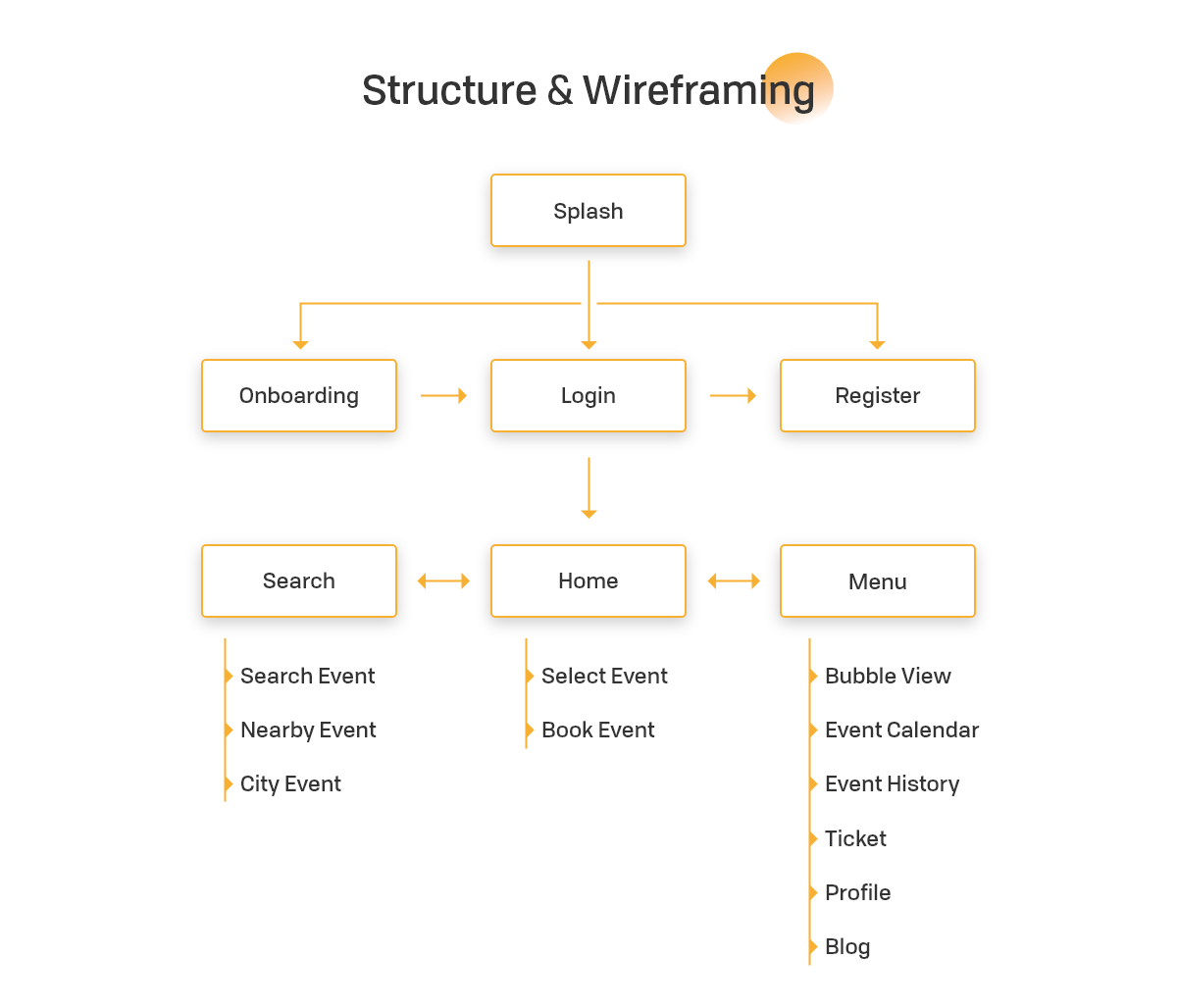
https://codecanyon.net/item/evently-event-calender-mobile-app-template-for-eventon-html-css-android-ios-ionic-4/24883205
Yes, I want to use this theme or a similar theme.
I would be glad if this theme.
The system, which is an advanced membership section where I can use Eventon plugins easily.
I want users to upload events and another users join events.

i bought ACTION USER I will buy other plugins.

Waiting for return. Thanks for your help.
Reply to: tickets(177223)
would that make it cheaper?