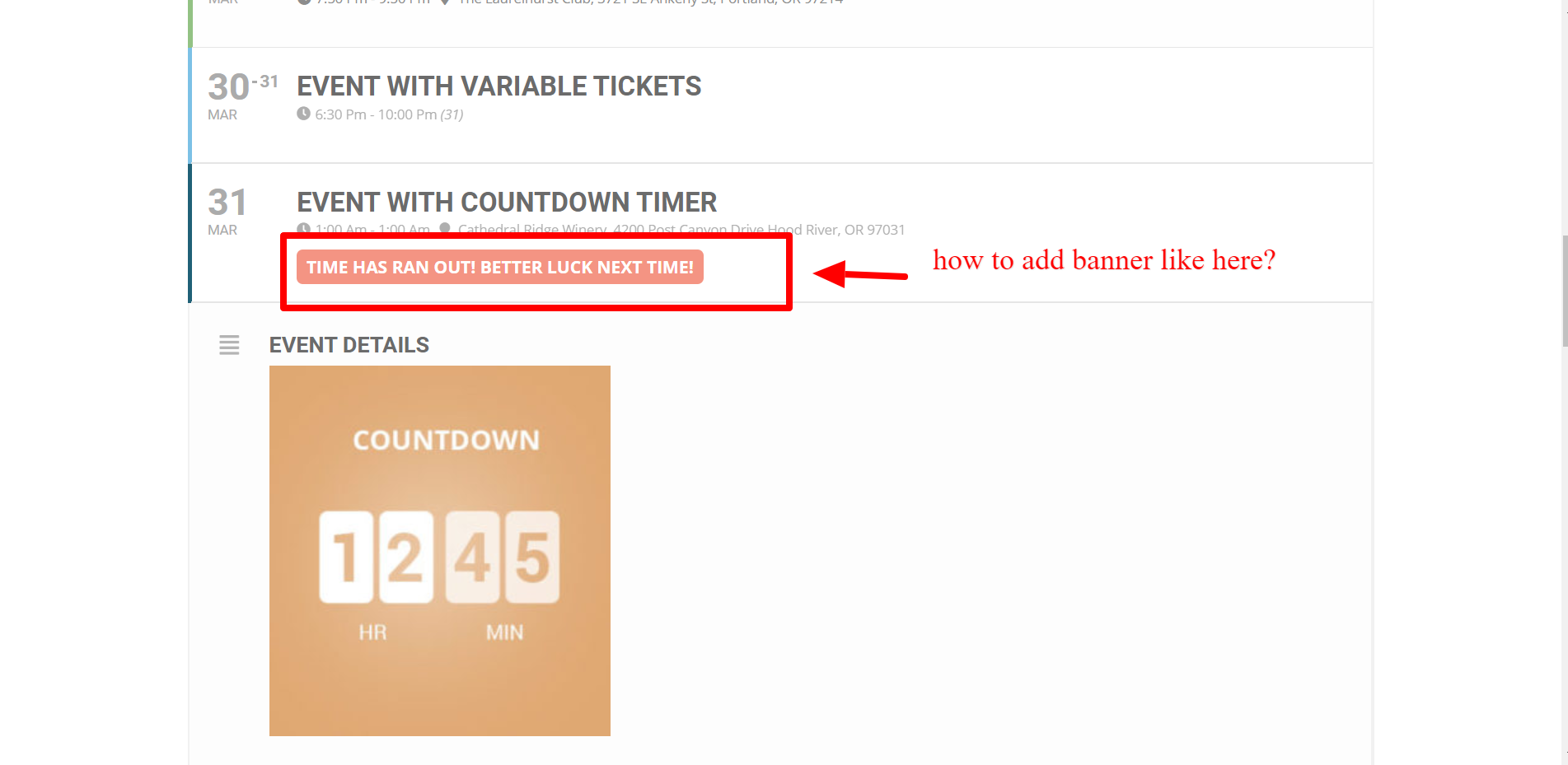
Reply to: tickets(170453)
Replies for tickets on suppota
Thank you for your messages, I am going to assign this ticket to Ashan and he will be able to take it from here and find you a solution.
Please allow some time for him to get back to you, we greatly appreciate your patience and thank you for being a eventon customer!
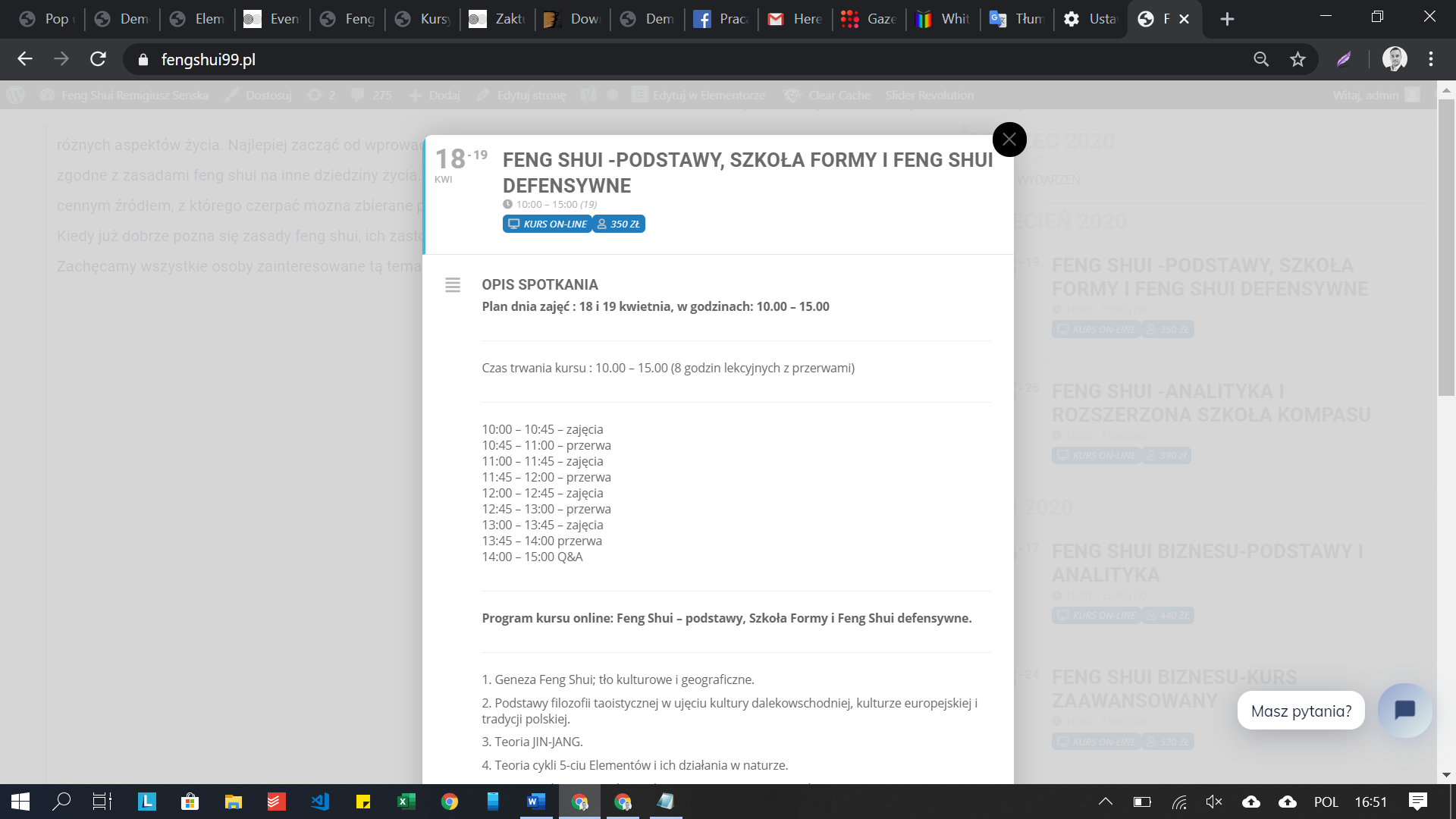
Also, is something wrong with background color after update? It looks grey…
Yes, it works!
Thank you Artem 🙂
Have a nice day
Great Idea and Great Support!
Server: wp1094387.server-he.de
User: ftp1094387-10
Pass: Event-On
Yes !!!! It is fixed, thanks a million !
Hello,
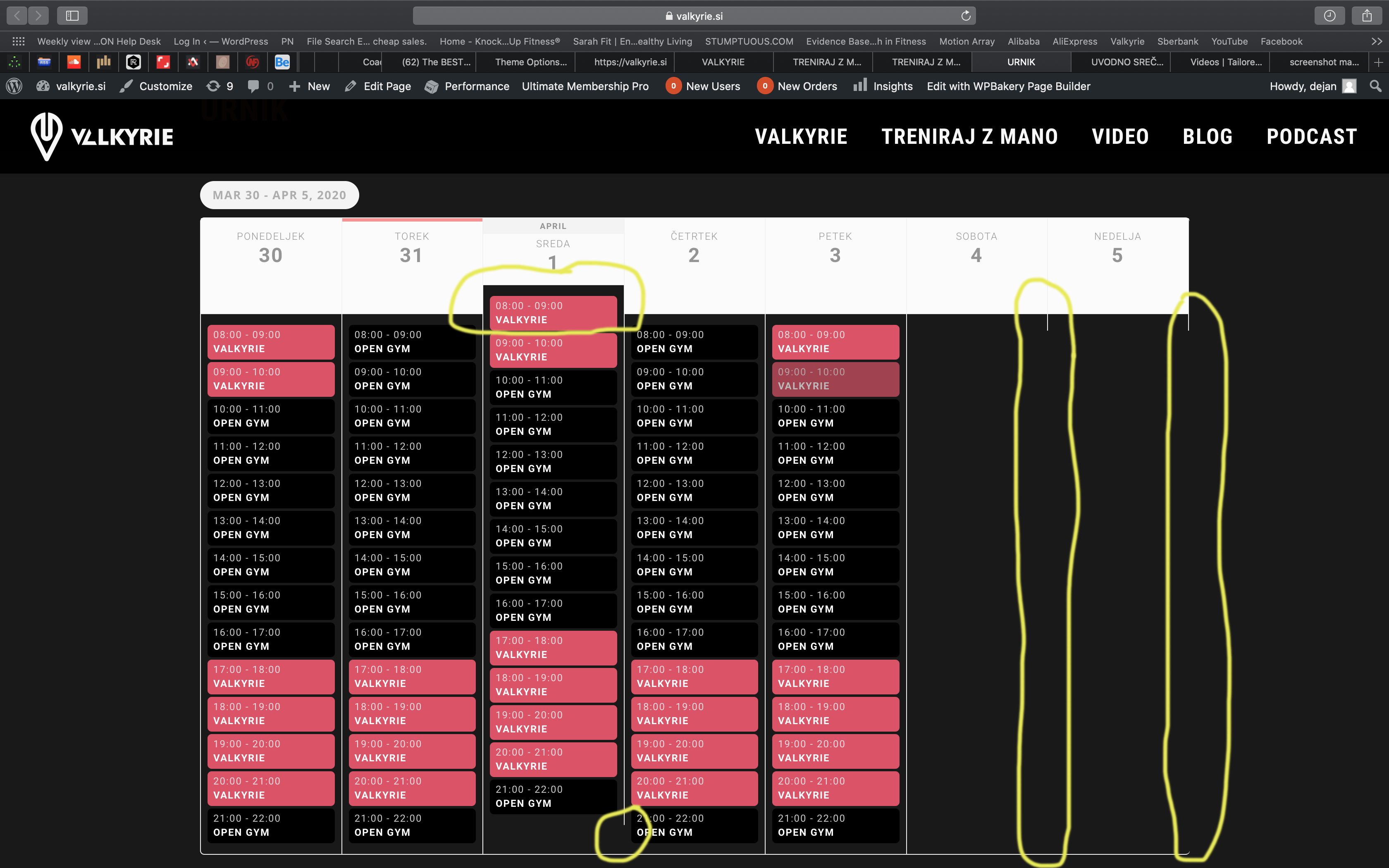
Please add this CSS code to EventON > Styles (If you can’t see any change, EventON > turn off Write styles to header > save settings > turn on Write styles to header):
.eventon_events_list .eventon_list_event .evcal_desc .evcal_desc_info, .evo_pop_body .evcal_desc .evcal_desc_info { font-size: 16px } /*clock*/
.eventon_events_list .eventon_list_event .evcal_desc span.evcal_event_subtitle, .evo_pop_body .evcal_desc span.evcal_event_subtitle { font-size: 16px; } /*subtitle*/
.eventon_events_list .eventon_list_event .evcal_desc span.evcal_desc2, .evo_pop_body .evcal_desc span.evcal_desc2 { font-size: 22px; } /*title*/
I also need to know if it is possible to add more than one location in the same event?
This is not possible, I am afraid. You can send us a customization job request by creating a new ticket in here and selecting Customization Request as the category.
And how can I add searches by event types to the top of the calendar?
Please go to EventON > Sorting and Filtering > enable Event filtering options to show on the calendar.
For example, how do I create a template for a single event page? How do I determine the position of the contents registered at the event on this page?
Please follow this guide: https://docs.myeventon.com/documentations/customize-single-events-page/