Hello Artem,
I continue to have this problem and I cant’ find the correct shortcode to use.
On the homepage (www.orthotes.com) I want to list the last 4 events. I can do it but only for the month in course.
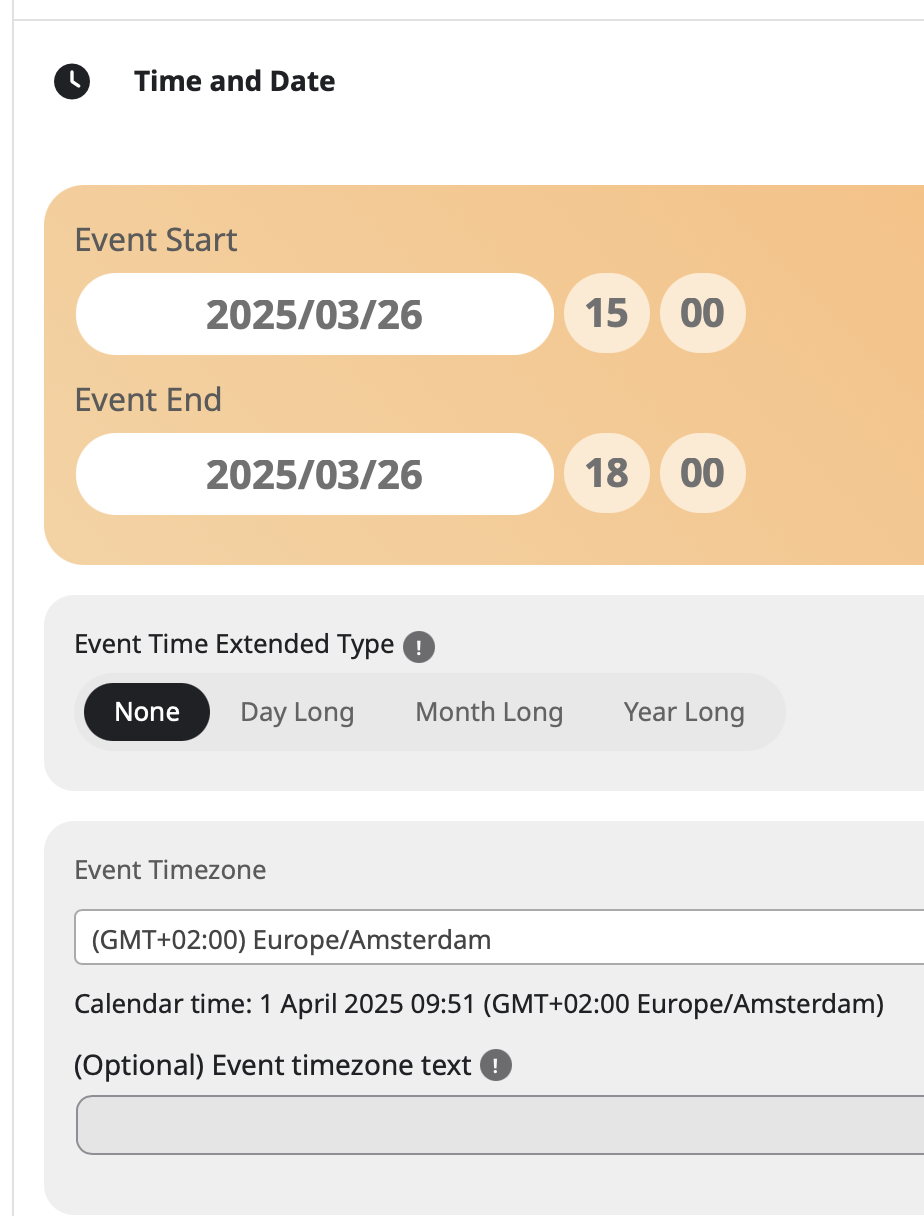
Until yesterday (31 March) I had 4 events of March (and not the event coming in April) and today (1 April) the 4 events of March are disappearead and the upcoming event of April is appeared.
But I would simply need to show in the homepage 4 events from the event yet to come to the last, in sequence.
1 event of April
3 events of March
total = 4 events
And in case I add, for example, an event coming next May the list should be updated in this way:
1 event of May
1 event of April
2 events of March
I use this shortcode:
[add_eventon_list event_count=”4″ hide_past_by=”ss” hide_month_headers=”yes” event_order=”DESC” show_et_ft_img=”yes”]
Could you suggest me the right shortcode?
Thank you so much!
Diego