We began using another product for our calendar….it just had some layout features that we needed. Your product is great and we used for quite. awhile. Thanks-Anna
Archives: Replies
Replies for tickets on suppota
Reply to: tickets(169254)
The order ID is #82136.
Thank you.
Reply to: tickets(169702)
Hi Artem
Thanks. That helps partially.
How can I have the last date of the second module shown in the list? So far I got it to show the first occurence (4days). The second is only visible when the event cart is opened. Otherwise it is misleading…
Thanks
Ray
Reply to: tickets(169755)
Mmm that’s really weird. I had already cleared the cache and even resaved the plugin settings before opening a new ticket.
Turns out was the browser cache. I had to do a hard ctrl+f5 refresh to see the fix.
Thanks and have a nice weekend.
JP
Reply to: tickets(169578)
i mean it s was working
now not working, it not display any map
this is for wordpress
https://bdlalpesnord.fr/wp-admin/
login: bdlalpesnord@gmail.com
pwd: **bdlalpesnord@73100**
Reply to: tickets(169812)

Reply to: tickets(169812)

Reply to: tickets(167187)
I have uploaded the work. You can check now.
Reply to: tickets(169588)
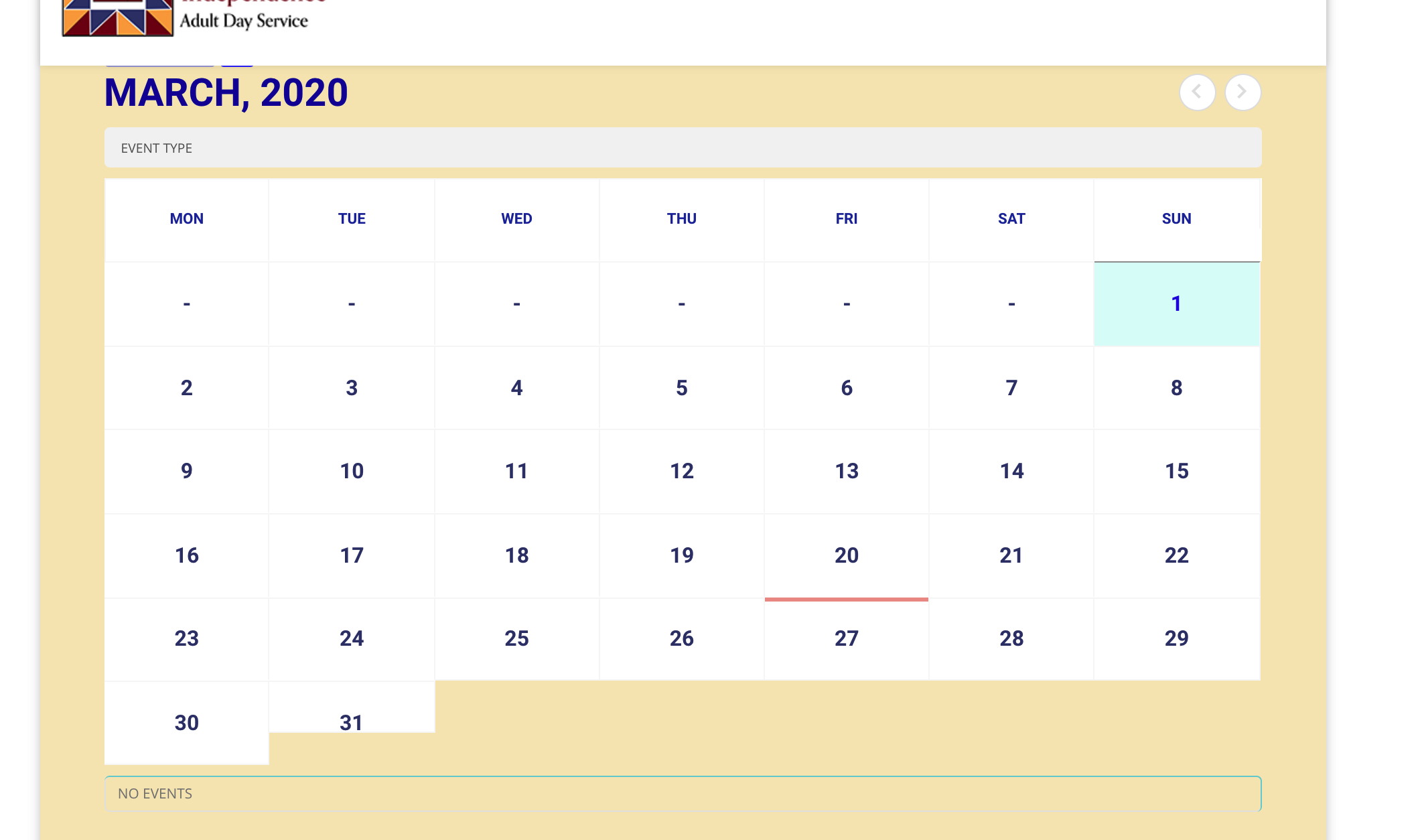
Well I just checked again and my site doesn’t show any results when I filter for “menu” for example, though i do have an event that has that designation. See screenshot. Sometimes there is too much traffic on that server. Try to log in again – or tell me if there is something I needed to make sure I did in order to have this feature work?
Reply to: tickets(169790)
Thank you! i will try to change the font.
On the other hand, what I want is to add a button that says buy entry and link it to our ticket sales page, is that possible, add a linked button to an external page?
Thanks 🙂