Thank you for your messages, I am going to assign this ticket to Ashan and he will be able to take it from here.
Please allow some time for him to get back to you, we greatly appreciate your patience and thank you for being a eventon customer!
Replies for tickets on suppota
Thank you for your messages, I am going to assign this ticket to Ashan and he will be able to take it from here.
Please allow some time for him to get back to you, we greatly appreciate your patience and thank you for being a eventon customer!
The update was not yet available. I just downloaded and installed it manually and when activating the plugin the same error occurs again.
My hosting company is IONOS by 1 & 1
sweet! https://hawkridgesys.com/training/course-schedule
That appears to work! thank you. Ill keep doing testing
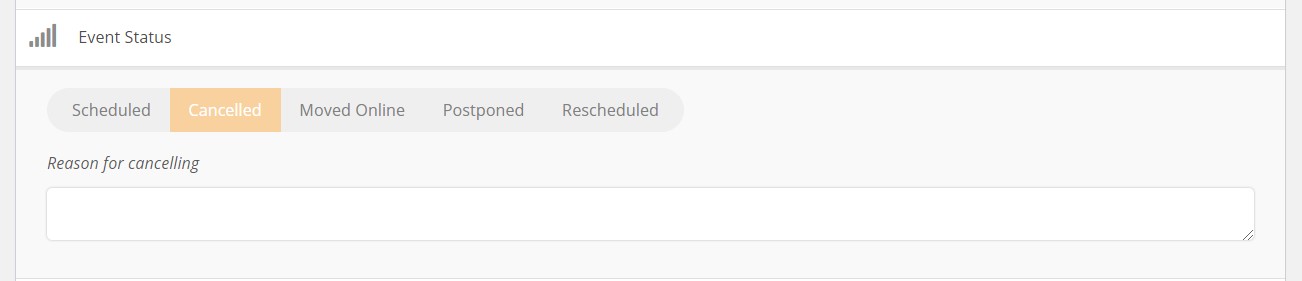
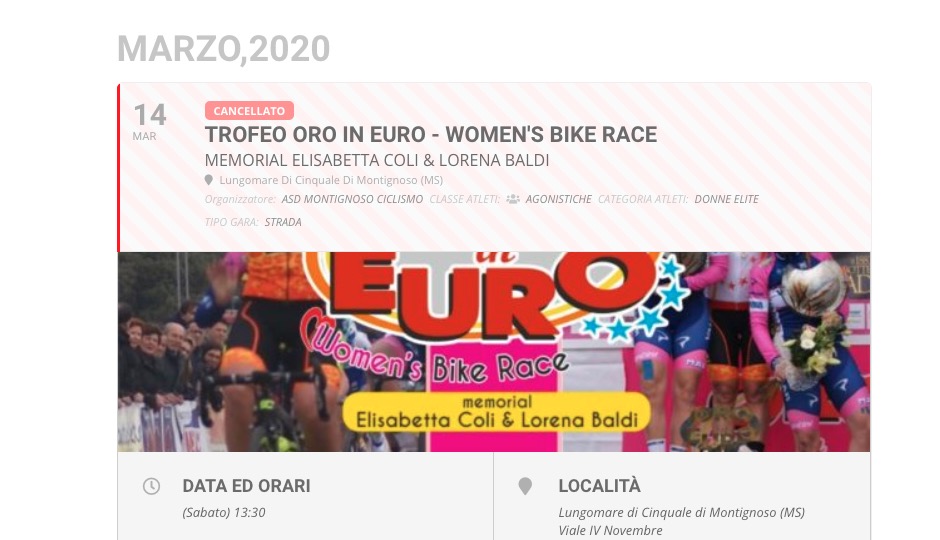
In this event, and in the all with Cancelled state, is impossible change the state in:
Scheduled
Moved Online
Postponed
Rescheduled
For ex. another event with this problem:
https://www.segreteriagare.it/wp-admin/post.php?post=1579&action=edit
I would like to change from canceled to postponed, but when save back to cancelled events
We can close this ticket – problem solved 🙂
Hi – that worked! I wondered if adding that code there instead would do the trick and it did.
Interestingly, I added this code >> .eventon_fc_daynames {background-color: #ffffff;
} to the styles area for eventon to change the background color behind the days and that worked! I wasn’t sure if it would because I wasn’t entirely sure I was targeting the right element but I guessed right. LOL I may get this yet 🙂
Try adding this to the shortcode:
event_type_4=”NOT-all”
Hello,
Could you elaborate more? Not sure what the issue is:
Please try updating EventON to 2.8.7 and other add-ons as well. Please check for latest versions from here.
Could you tell us which hosting company do you use?
Hello,
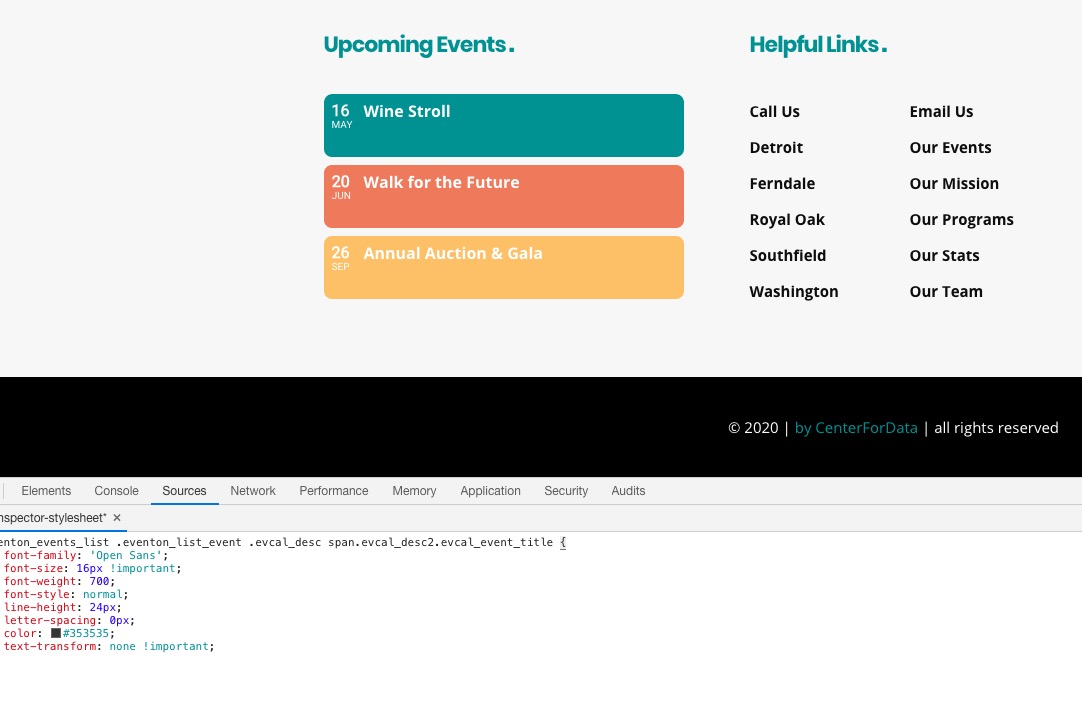
Please add this CSS code to EventON > Styles (If you can’t see any change, EventON > turn off Write styles to header > save settings > turn on Write styles to header):
.eventon_events_list .eventon_list_event .evcal_desc span.evcal_desc2.evcal_event_title { font-family: ‘Open Sans’; font-size: 16px !important; font-weight: 700; font-style: normal; line-height: 24px; letter-spacing: 0px; color: #353535; text-transform: none !important; }