Hello,
1. Thank you for your great suggestion, at the moment it is not supported. However please create a new ticket and select Feature Request as category so others can vote on your idea and get it moved into development faster. OR You can send us a customization job request by creating a new ticket in here and selecting Customization Request as the category.
2. Please enable it here: https://docs.myeventon.com/documentations/how-to-show-various-information-in-eventtop/
3. Please check https://docs.myeventon.com/documentations/hook-eventtop/
Unfortunately, I cannot load wp-admin so please try this code:
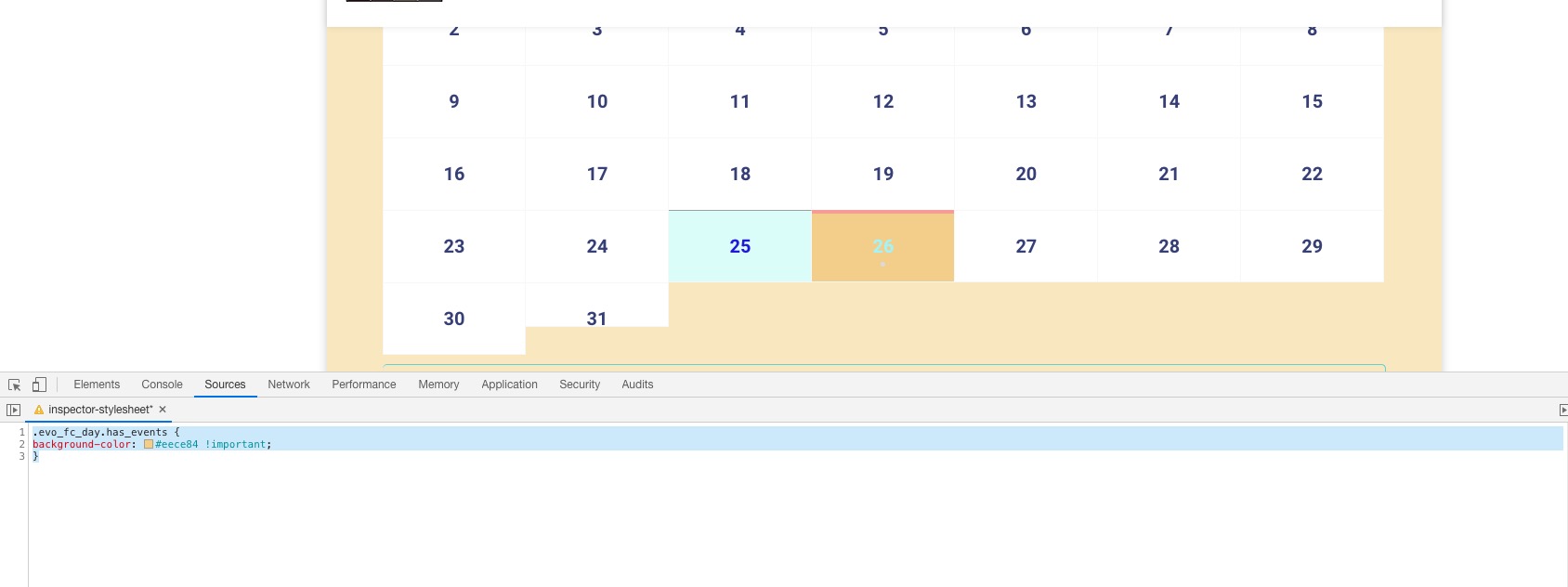
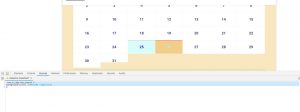
.evo_fc_day.has_events { background-color: #eece84 !important; }
You can add it to wp-admin > Appearance > Customize > Additional CSS.
Christian Ferrari,
Could you create a separate ticket with login info for us to check?
Hello,
-can I choose also a custom URL for the “REGISTER” button?
Thank you for your great suggestion, at the moment it is not supported. However please create a new ticket and select Feature Requestas category so others can vote on your idea and get it moved into development faster. OR You can send us a customization job request by creating a new ticket in here and selecting Customization Request as the category.
-If not, is there a way to delete the “REGISTER” button in order to have only the “LOGIN” button?
Please add this CSS code to EventON > Styles (If you can’t see any change, EventON > turn off Write styles to header > save settings > turn on Write styles to header):
body .evoau_submission_form.loginneeded .evcal_btn[title=”Register”] { display: none !important }
Yes, I have already done that and I have verified that it solves the error. But I need to use your plugin. It is one of the essentials on my website.
that hides the filter, yes, but the actual events listed in event_type_4 still show in the calendar feed.