Hi Aaron,
I od not have a backup. Please restore a backup fro your hosting provider, I have told you not to do that 😀
There are ways to update, but only by having the software to git.
Replies for tickets on suppota
Hi Aaron,
I od not have a backup. Please restore a backup fro your hosting provider, I have told you not to do that 😀
There are ways to update, but only by having the software to git.
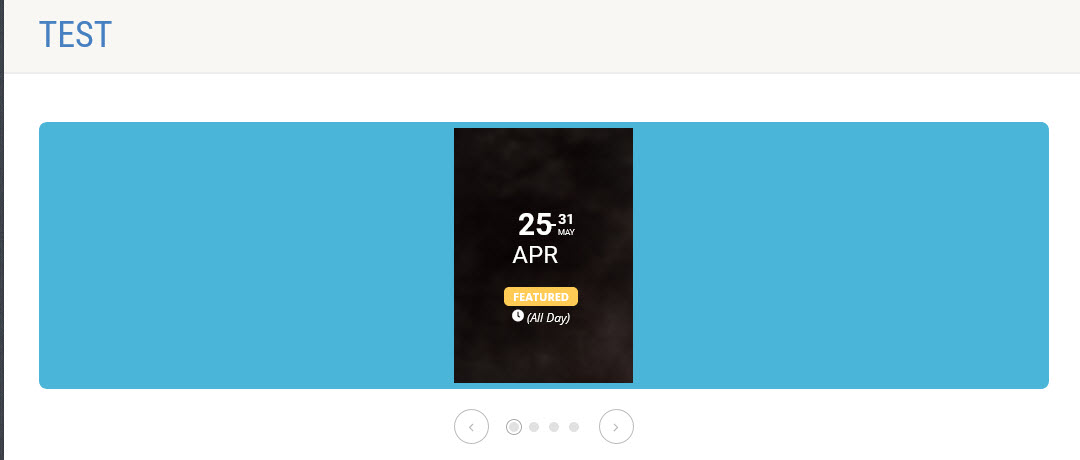
We tried that, using this code:
[add_eventon_slider slider_type=”def” slide_style=”imgbg” slide_auto=”yes” slider_pause=”6000″ slide_pause_hover=”yes” slide_nav_dots=”yes” slide_loop=”yes” event_count=”4″ hide_mult_occur=”yes” ]
and it looks like the attached.
Hi,
It seems that the add to cart button is not working in a single click now. It needs more than 2 clicks to work.
But I don’t receive that error now.
Please fix the add to cart button click issue.
Regards,
Vijay
Hello,
I tried to edit this event https://aliaom.com/events/yogatherapie-prenatal-8-10-mai-2020/ (https://aliaom.com/wp-admin/post.php?post=5044&action=edit&lang=fr) and got:
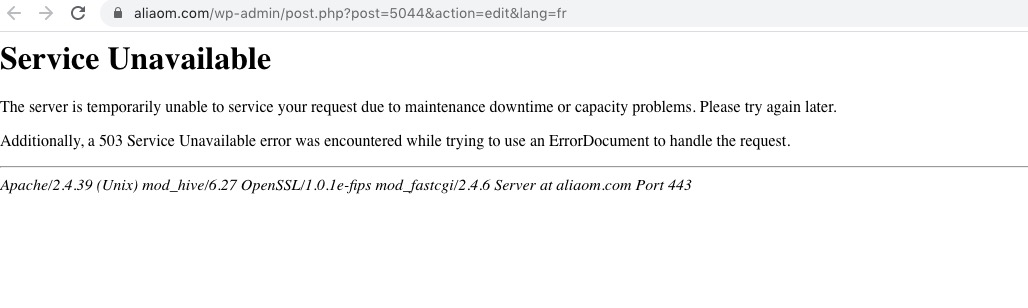
After some time it started to work. After I tried to edit EventON Settings and got the same error.
Added a ticket:
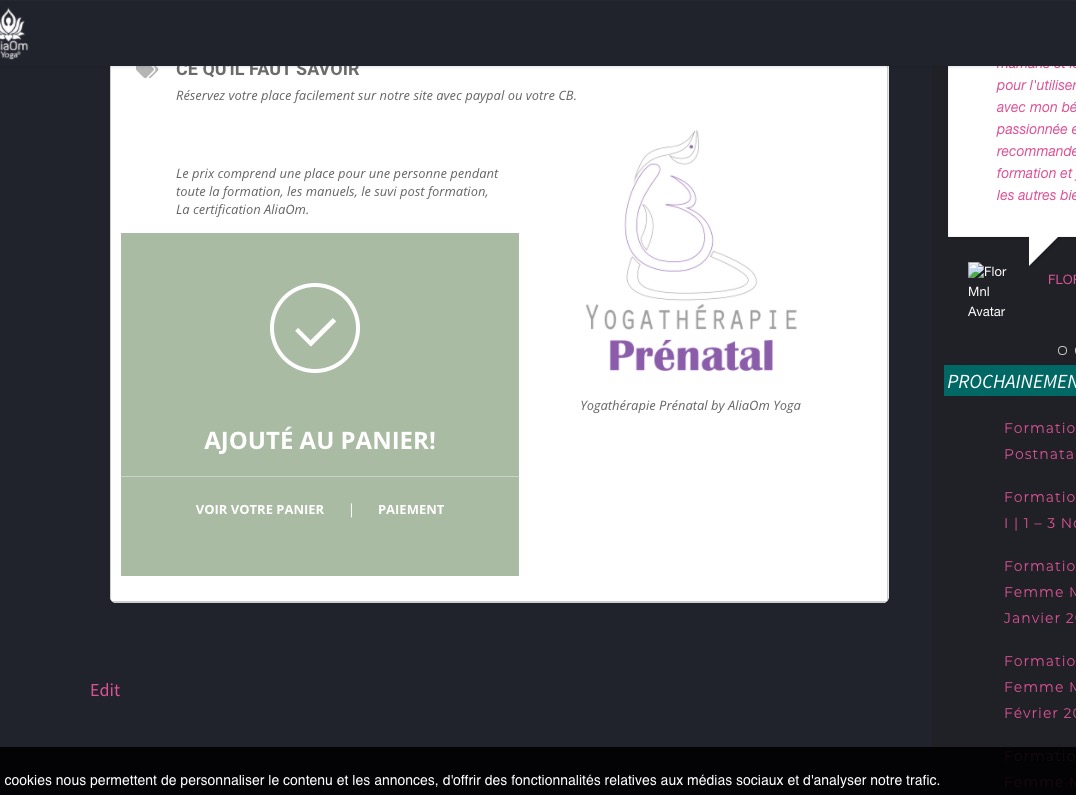
But when I tried to load Cart got the same error.
It seems that there is an issue with the server. Please contact your hosting provider.
Ashan,
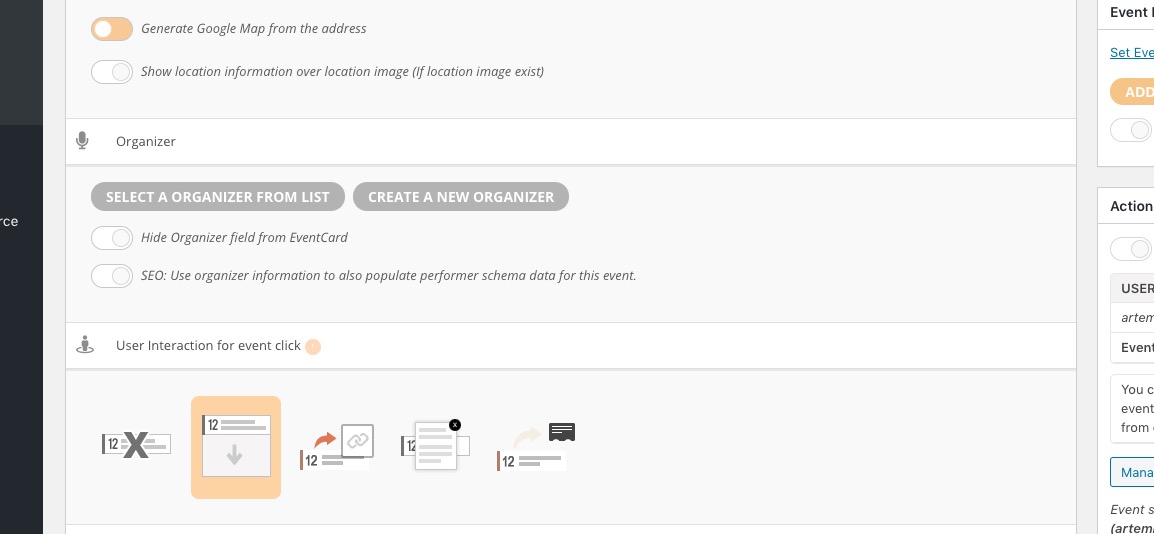
Added http://dev2.myeventon.com/wp-admin/post.php?post=21549&action=edit&classic-editor from Action User Submission Form but no Organizer is selected:
Thank you for your messages, I am going to assign this ticket to Ashan and he will be able to take it from here and find you a solution. Please allow some time for him to get back to you, we greatly appreciate your patience and thank you for being a eventon customer! Also please disable any IP blocking on your site if there are any.
Hello,
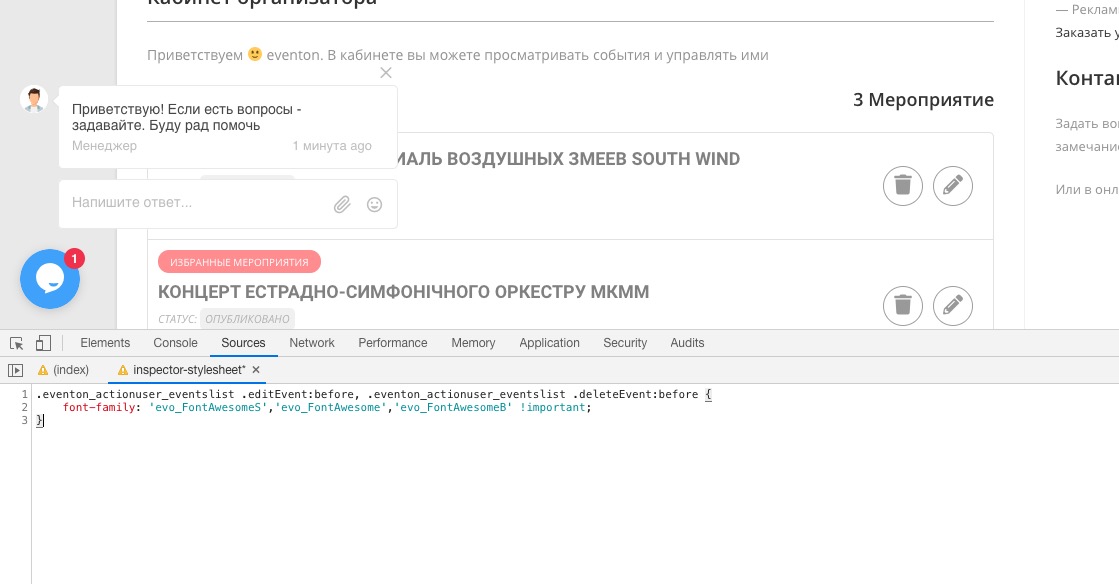
Please add this CSS code to EventON > Styles (If you don’t see any change, EventON > turn off Write styles to header > save settings > turn on Write styles to header):
.eventon_actionuser_eventslist .editEvent:before, .eventon_actionuser_eventslist .deleteEvent:before { font-family: ‘evo_FontAwesomeS’,’evo_FontAwesome’,’evo_FontAwesomeB’ !important; }
Hello,
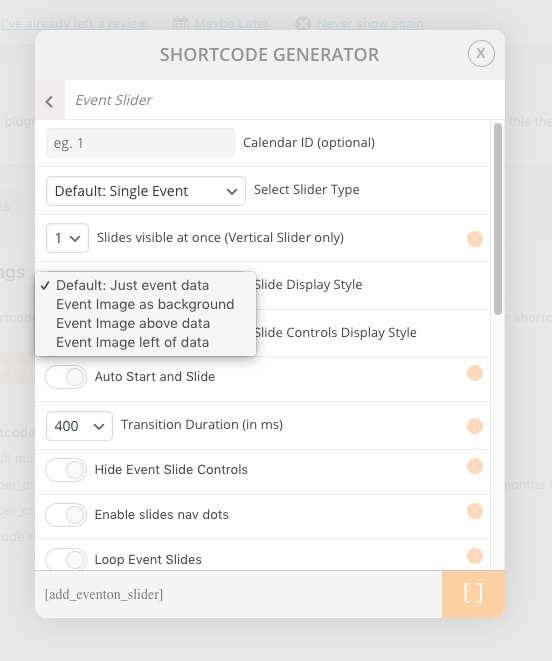
Please go to Shortcode Generator and use Slide Display Style: Event image as Background:
Hello,
JSON data contains Location Info: http://dev2.myeventon.com/wp-json/eventon/events

If you want to show EventON’s calendar on external website then it does show Location in EventTop as well:
http://dev2.myeventon.com/21532-2/