We are glad your issue is resolved, if you have any further questions or concerns please create a new ticket.
If you have a moment, we would greatly appreciate if you could kindly leave us a review at codecanyon! from your account > downloads. Cheers!
We are glad your issue is resolved, if you have any further questions or concerns please create a new ticket.
If you have a moment, we would greatly appreciate if you could kindly leave us a review at codecanyon! from your account > downloads. Cheers!
Hi!!
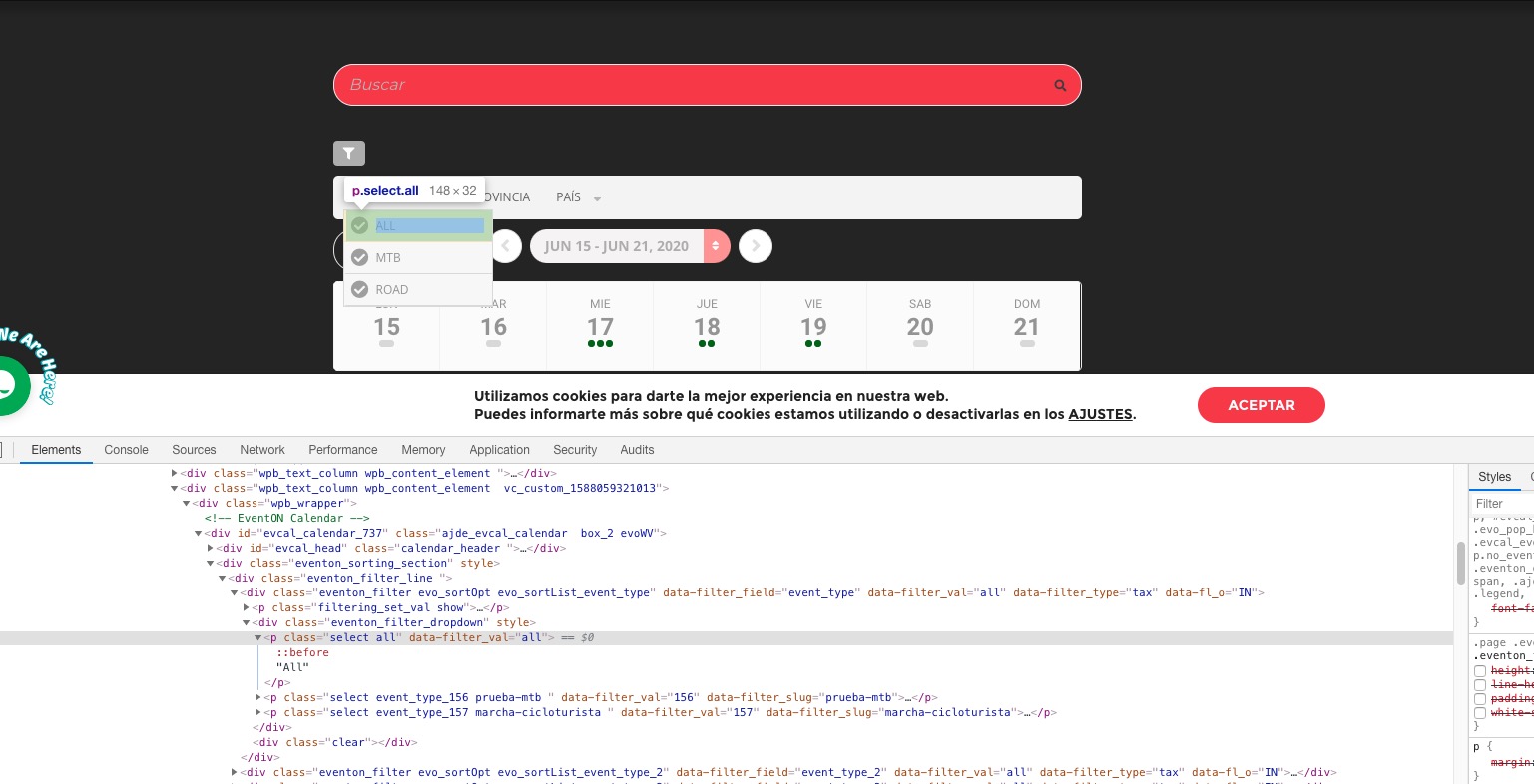
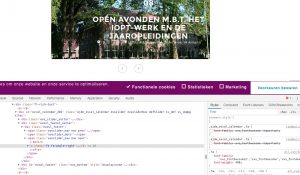
thanks! I change de padding ” padding: 0 10px!important;” to ” padding: 0 30px!important;”
Thanks and I close de ticket!!
Since you are already purchased RSVP add-on you can follow https://docs.myeventon.com/documentations/set-additional-fields-rsvp/ and use Field Type: Drop Down. Now add booking slots for your customers to choose from.
I cannot find Bookings add-on associated with this email. Could you send us Order ID?
I am going to assign this ticket to Ashan. Please allow some time for him to get back to you, we greatly appreciate your patience and thank you for being a eventon customer!
Could you send us a screenshot? If you are referring to this
please remove this code from style.css:
.page .evo_srt_options p, .eventon_filter_dropdown p { height: 30px!important; line-height: 30px!important; padding: 0 10px!important; white-space: nowrap; }
Hello,
Loco Translate translates the back-end (https://docs.myeventon.com/documentations/translating-eventon-backend/). To translate the front-end please follow https://docs.myeventon.com/documentations/how-to-translate-calendar-front-end/
Unfortunately, german translation is no available at the moment.
Hello,
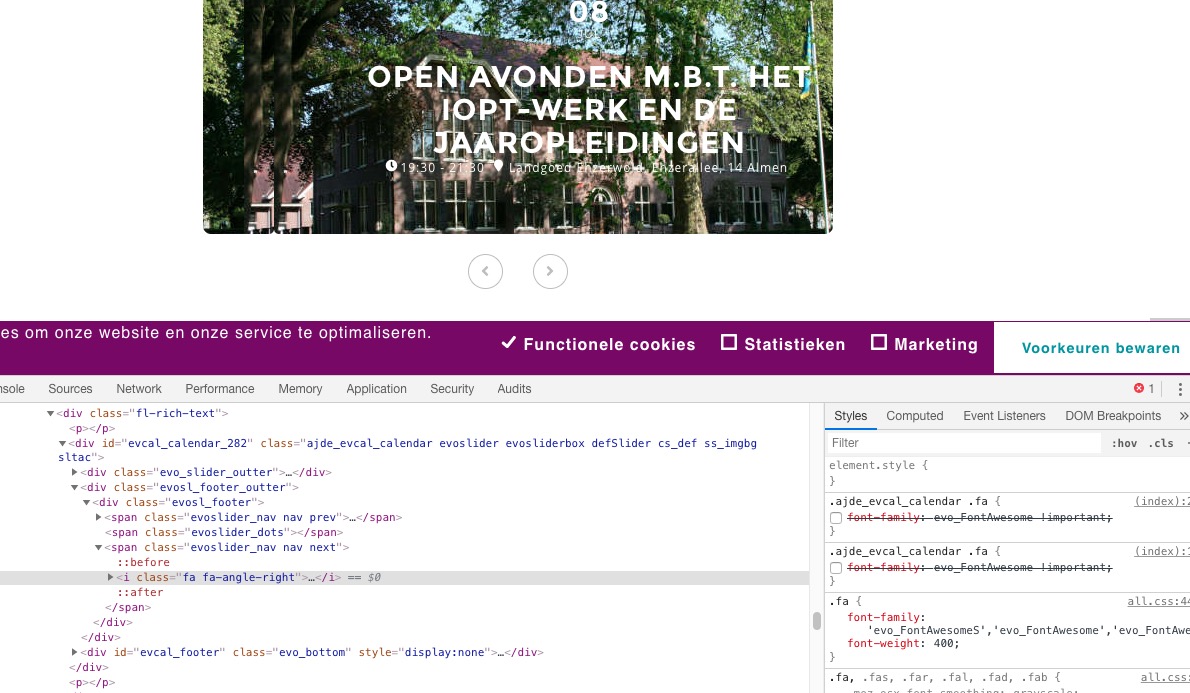
Could you go to EventON > Styles > comment this code:
.ajde_evcal_calendar .fa { font-family: evo_FontAwesome !important; }
If you don’t see any change, EventON > turn off Write styles to header > save settings > turn on Write styles to header.
Hello,
Please install Event Tickets add-on: https://www.myeventon.com/addons/event-tickets/. After go to EventON > Tickets > Default event ticket stop selling time base: When Event Ends.
Hello,
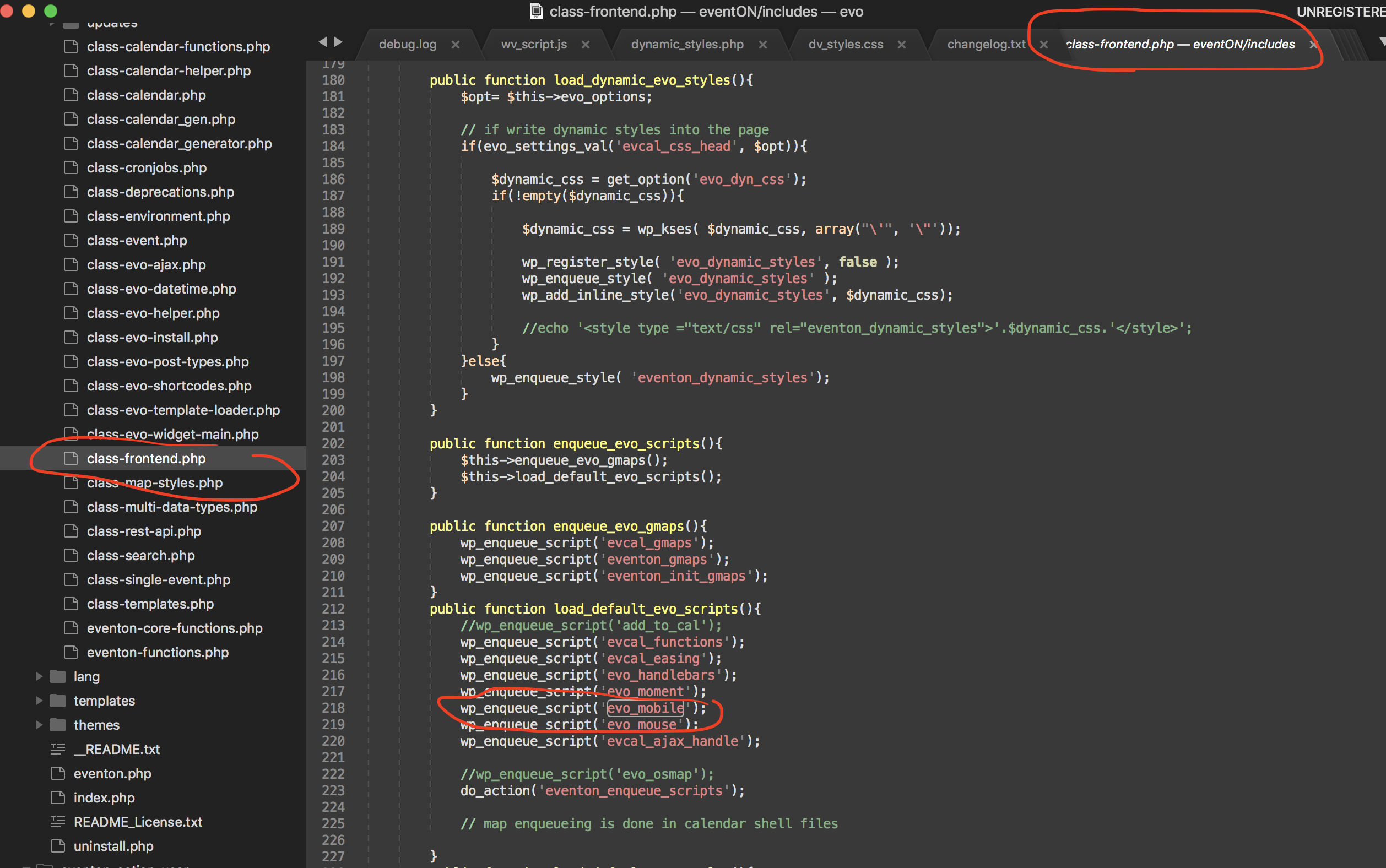
Could you try this patch fix:
https://helpdesk.ashanjay.com/wp-content/uploads/2020/05/Screen-Shot-2020-05-05-at-1.47.29-PM.png
the code highlighted in circle comment that out by adding // before the line and save and see if that will do the trick. Make sure to clear cache after you make the changes.
Great! its works perfect just the margin was a little more right but I fixed with the CSS.
Thank you : )