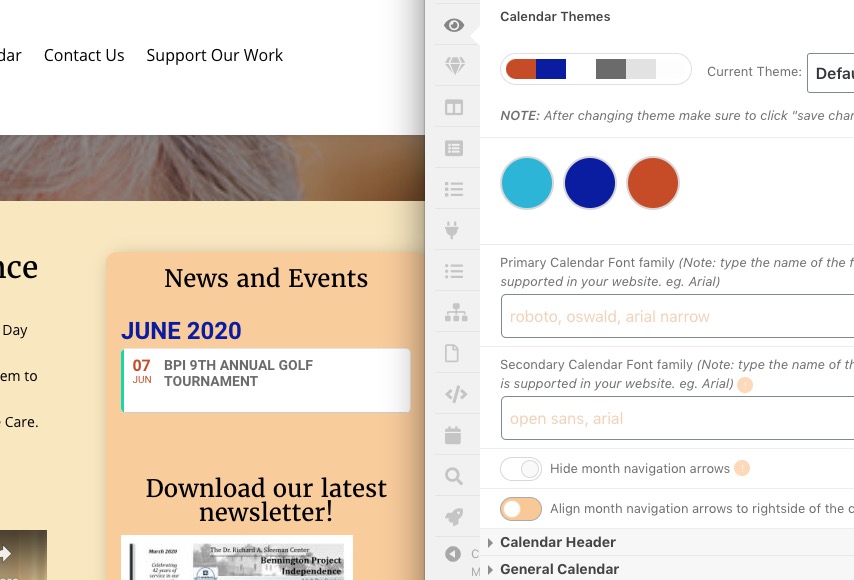
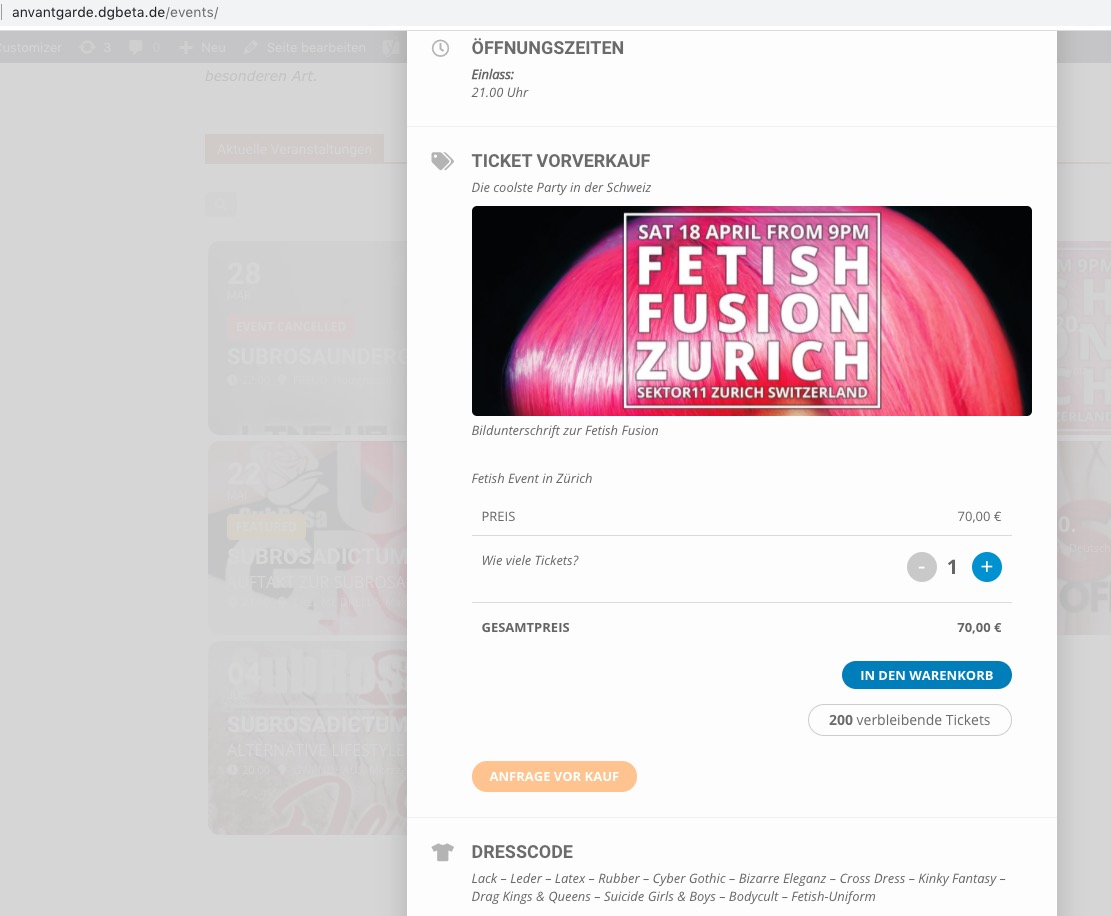
Hello,
Thank you for your messages, I am going to assign this ticket to Ashan and he will be able to take it from here and find you a solution. Please allow some time for him to get back to you, we greatly appreciate your patience and thank you for being a eventon customer!
Hello,
From my side colors are identical and there are no months arrows:
[add_eventon_list number_of_months=”3″… shortcode cannot show months arrows since they are only available for Main Calendar [add_eventon].
The light grayish-blue
Could you send us it’s HEX color code?
Also when you change colors in EventON > Appearance and don’t see any changes please EventON > turn off Write styles to header > save settings > turn on Write styles to header > save settings.
Hello,
Could you tell us which events have this issue? From my side all events show tickets:
in the woocommerce Frontend Page.
By default all EventON’s ticket products are hidden in Woo’s shop. If you want to show them please go to wp-admin > Products > Edit Ticket > Publish > change Catalog visibility.
If you add filter_type=”select” to the shortcode all event types will still be available for users to click. Could you elaborate more with screenshots, if possible?
Hello,
You can use Action User addon to allow users to add events from the frontend:
https://www.myeventon.com/addons/action-user/
You are welcome.
how can I verify the refund?
Thanks again
Angelo.
Yes you see it correctly, but you shouldn’t see all the dates but only the 3 nearby events of the month. (as you can see from the code I entered)
Until the last update it was fine, with the last two it doesn’t work anymore.
Thank you

Icon edit and trash don t display on event edit
i deleted all cache but still same pb

before post an event, on eventcard map display
now not display
check picture before