Hello,
Thanks for your answer.
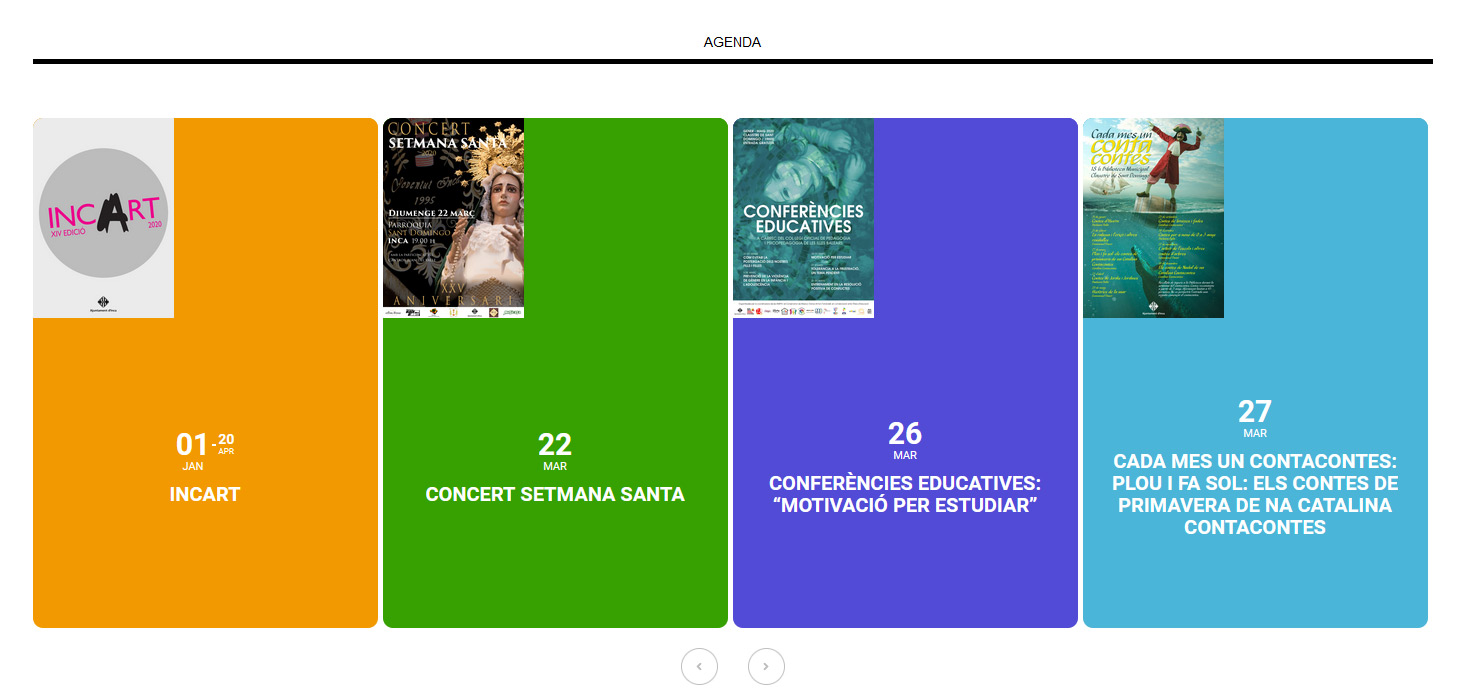
1.- Now I see Eventon styles as well. But I placed css code * { font-family: Arial,Helvetica,sans-serif; color: #000000; } and .date {…} css code in styles.css of the theme wp-content/theme/css/styles.css and I can´t see the right styles for date of the theme. Any suggestion?
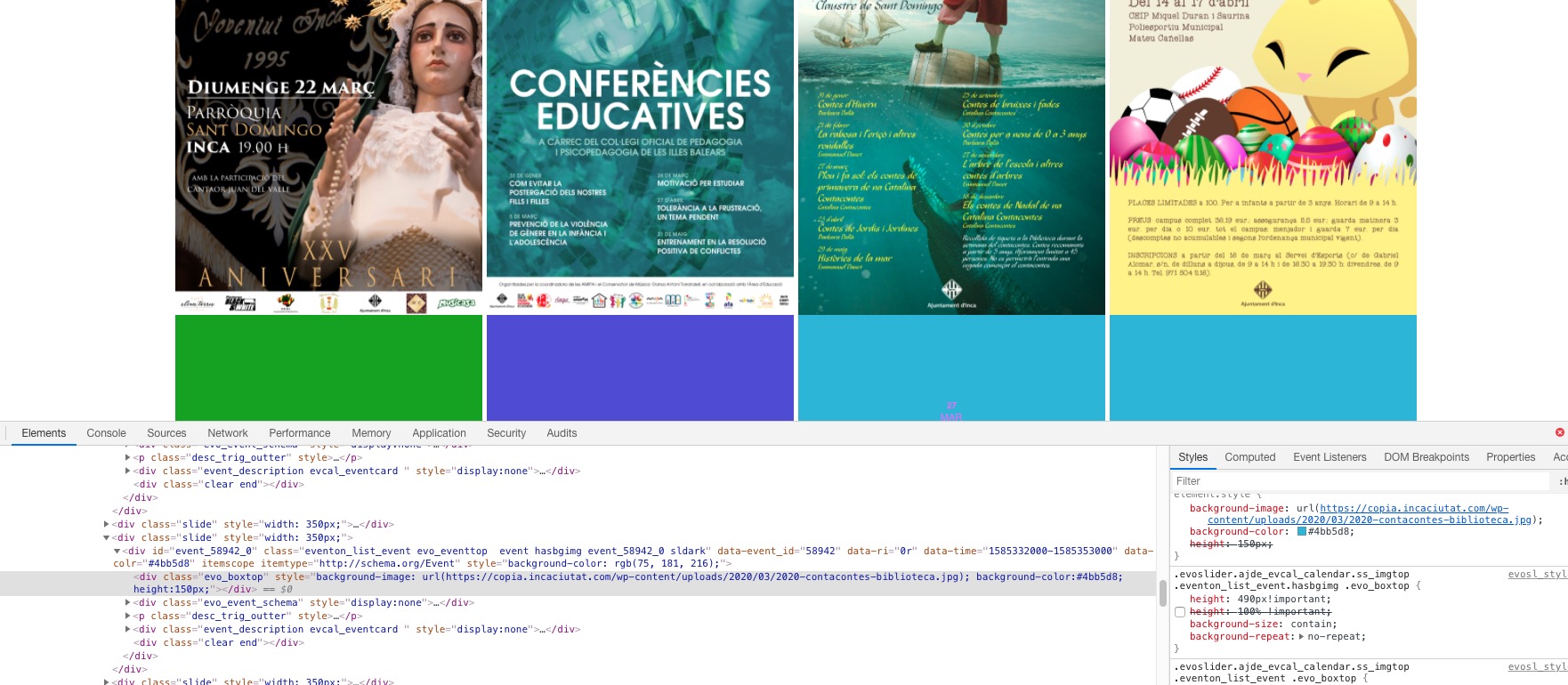
2.- It doesn´t work. I follow your instructions and I attach what I see.
I have another additional question. I would like that the slider has 5 or 6 columns. How can I do it?
Thx in advance for your help!
Javier
can you check too google map API
it don t work
i don t understand why
The page I showed you uses a custom template. Your template did not do what I needed.
You can see an actual event by clicking on one of the event titles. This would take you to the details page, like this: https://ripontriathlon.co.uk/events/skipton-triathlon/
What I am asking is, how can I include the time, date and location of the event on my custom template page at https://ripontriathlon.co.uk/events/
Thank you.
Please use this code:
.tax-event_location .page-header { display: none !important }
.tax-event_organizer .page-header { display: none !important }
Hello,
Could you add hide_mult_occur=”yes” to the shortcode? This options hides multiple occurrence of events.
The problem is poor performance on the server which leads to high execution times. Try increasing Maximum Execution Time (just contact your host, this is a standard procedure). This should fix this issue.
Hello,
1. Please remove .date style from https://copia.incaciutat.com/wp-admin/admin.php?page=rt_styling_options > Custom CSS. The same with font. Please remove this style:
* { font-family: Arial,Helvetica,sans-serif; color: #000000; } or move somewhere where it doesn’t override plugin’s defaults. To the theme’s style.css, for example.
2. Please add this CSS code to EventON > Styles (If you can’t see any change, EventON > turn off Write styles to header > save settings > turn on Write styles to header):
.evoslider.ajde_evcal_calendar.ss_imgtop .eventon_list_event.hasbgimg .evo_boxtop { height: 490px !important; background-size: contain !important; background-repeat: no-repeat !important; }
Hello,
Thank you for your messages, I am going to assign this ticket to Ashan. Please allow some time for him to get back to you, we greatly appreciate your patience and thank you for being a eventon customer!
Ashan,
On dev2 when you switch between months it also stops working: http://dev2.myeventon.com/20958-2/
Go to April and then back to March
Hello,
Thank you for your messages, I am going to assign this ticket to Ashan and he will be able to take it from here and find you a solution. Please allow some time for him to get back to you, we greatly appreciate your patience and thank you for being a eventon customer! Also please disable any IP blocking on your site if there are any.