Could you also please tell me how to add a radio button? I need to ask if each ticket holder is a member with a Yes/No radio button.
Thank you
Replies for tickets on suppota
Could you also please tell me how to add a radio button? I need to ask if each ticket holder is a member with a Yes/No radio button.
Thank you
Ok, I see now that I needed all of the code on the tutorial page to be added to make it work. My question now is: How do I edit the current fields? I need First Name, Middle Name, Last Name fields instead of “Full Name”
Thank you
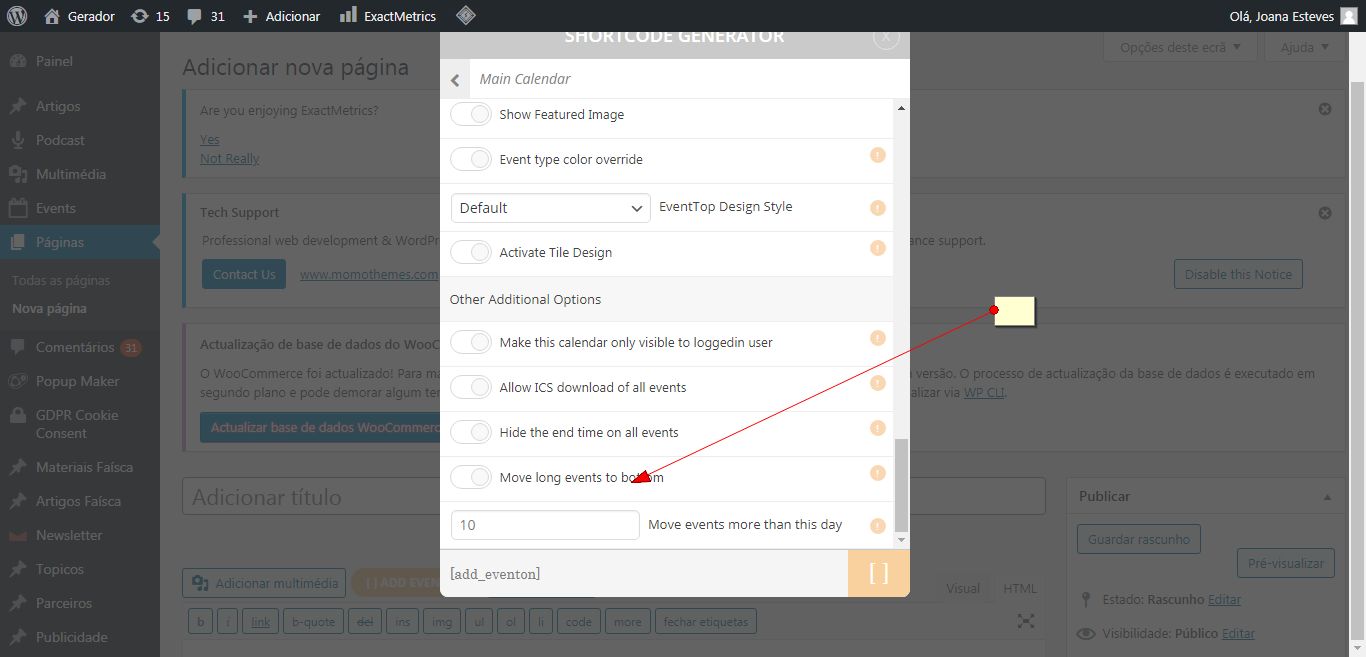
This is a screenshot from your site. It is showing the option.
Please clear all caches, including from your browser and check once.
Ok, thank you but please refund the addon.
Please attach a screenshot of what you want removed. I am not seeing it from our end.
Also, please check once by clearing all caches, including from your browser.
@Aterm, thanks.
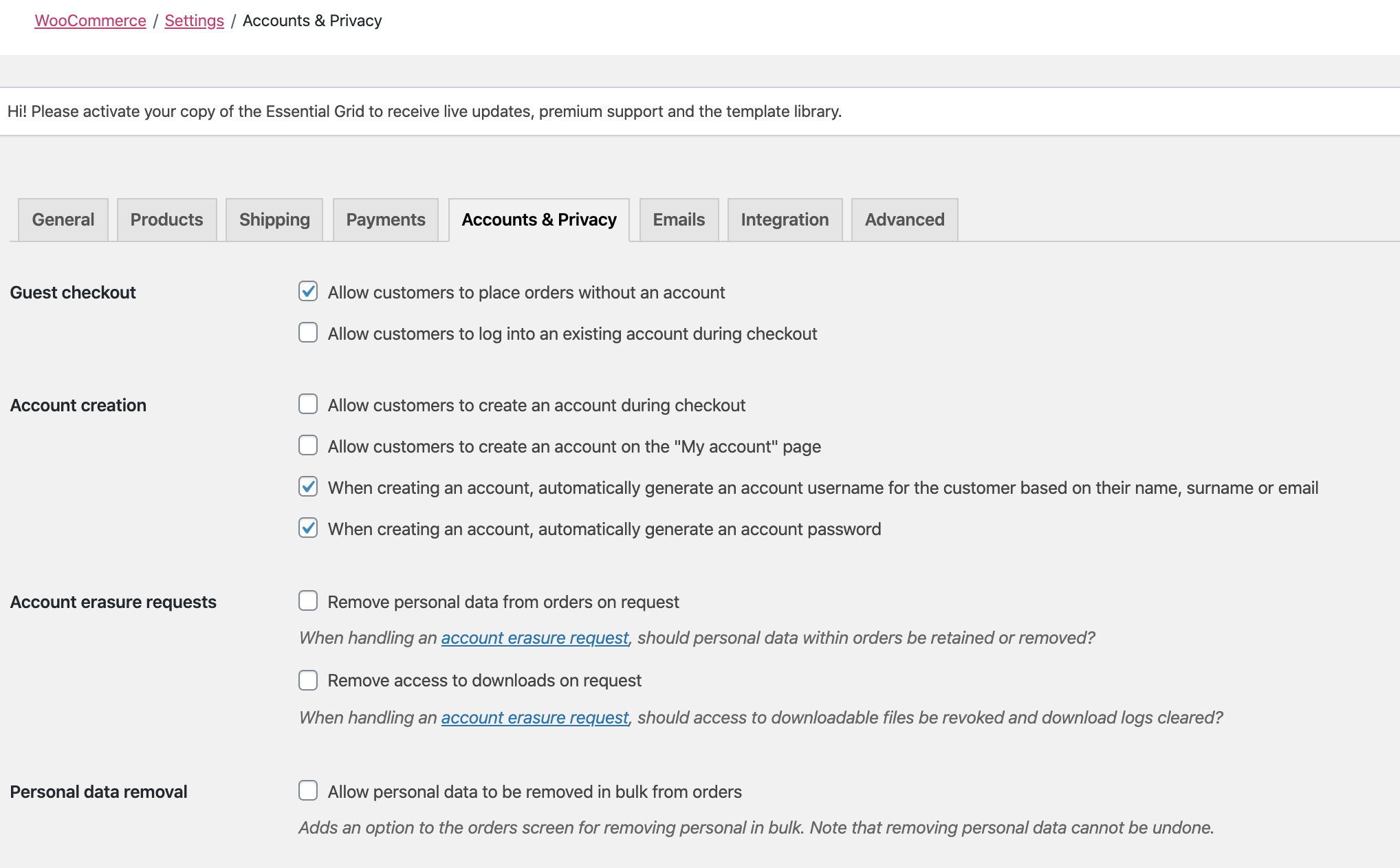
Thank you but I need this now, it is mission critical and will force me to have to find a whole new calendar plugin if I can’t resolve this. We bought the plugin because it said it was Woocommerce compatible but there was very little documentation on what that meant. My client is very upset with me because I have not only invested a lot of time and their money in EventOn but several addon’s as well. I hope you can help me find a workaround if we have to wait or I will be forced to start over with another and request a refund:(
hey Jens,
We didn’t no. We are still working over the issue and we appreciate your patience more than you think 🙂
Hi Ian,
Thank you for your message.
AS the slider is not our addon, have you considered to message the plugin developer?