Hello,
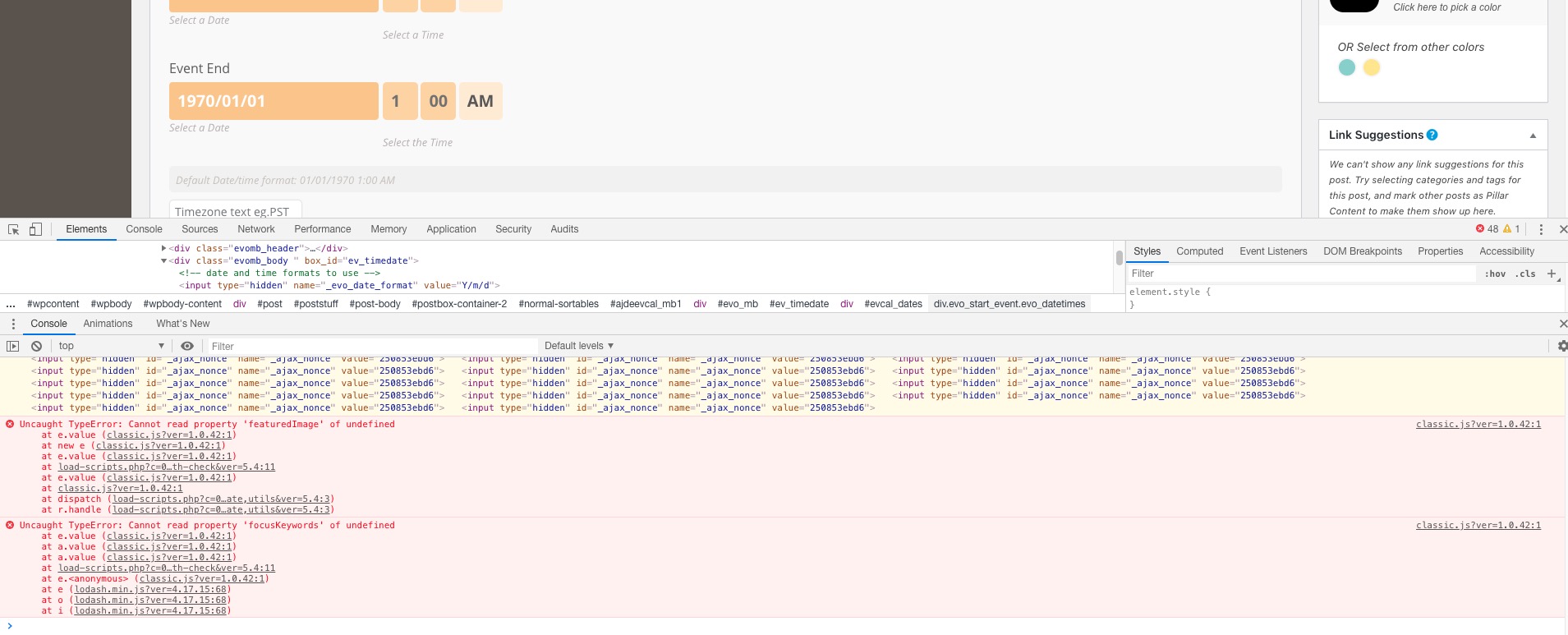
It seems your website have javascript errors caused by other plugins/theme.
You can find and resolve them by following this guide. Once these javascript errors are fixed, eventon scripts will be able to run properly and will resolve your issue.
Please start with disabling SEO by Rank Math plugin.
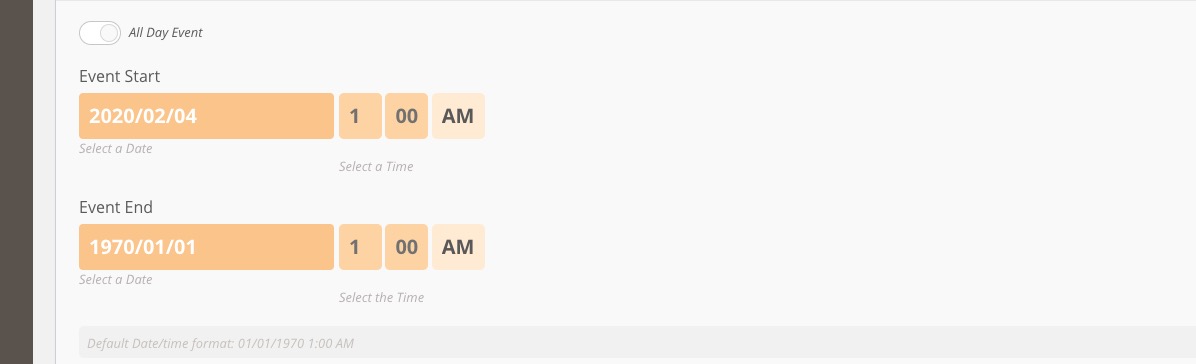
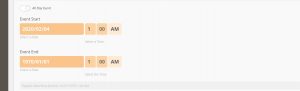
You can also just type in your date:
Hello,
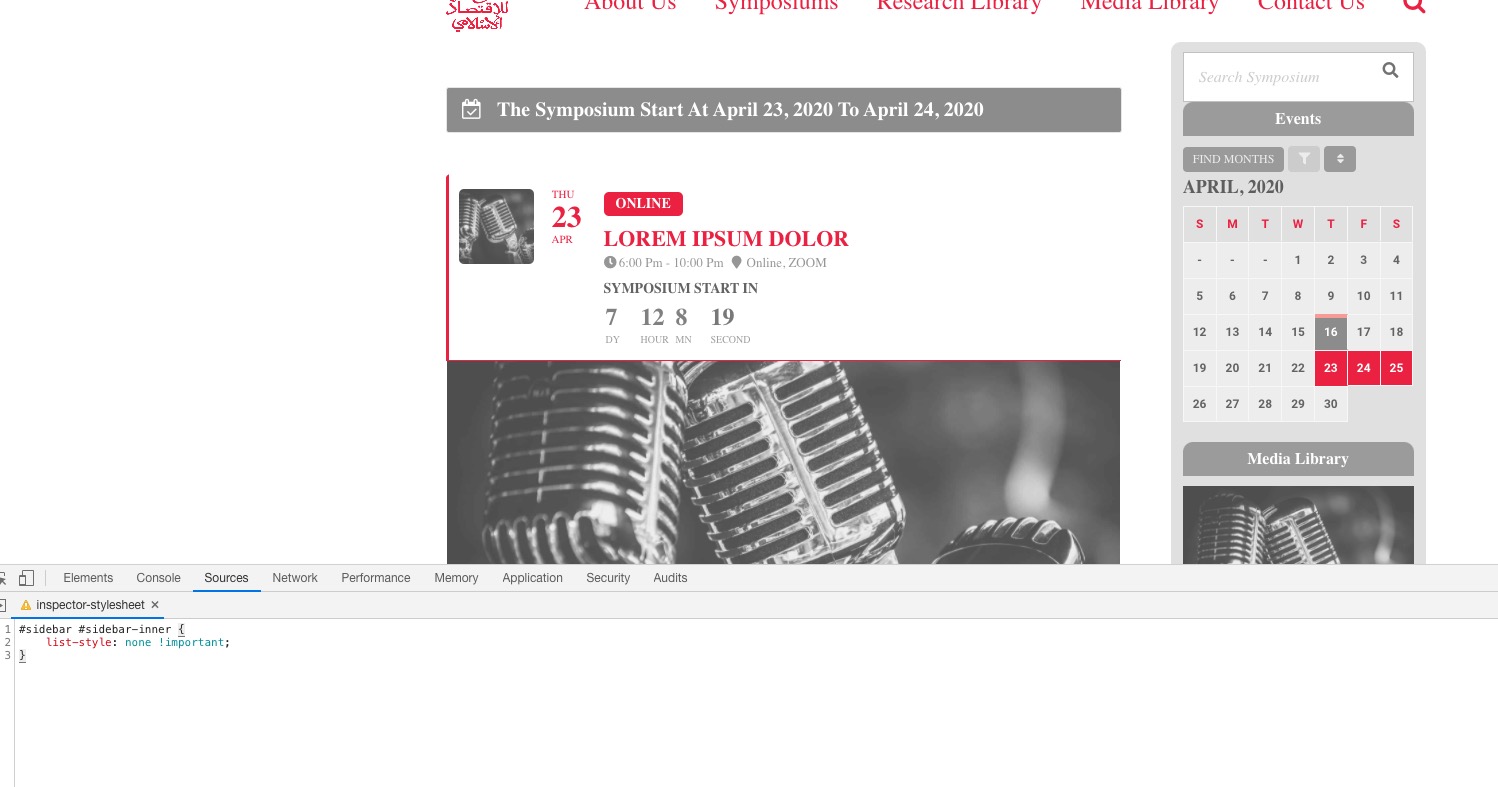
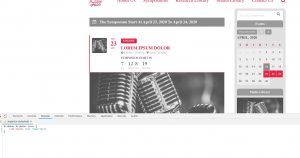
Please add this CSS code to EventON > Styles (If you can’t see any change, EventON > turn off Write styles to header > save settings > turn on Write styles to header):
#sidebar #sidebar-inner { list-style: none !important; }
We are glad your issue is resolved, if you have any further questions or concerns please create a new ticket.
If you have a moment, we would greatly appreciate if you could kindly leave us a review at codecanyon! from your account > downloads. Cheers!
It seems that WPLMS developer didn’t update EventON add-ons, so you need to ask them about your original issue. OR You can go to https://www.myeventon.com/addons/, purchase DailyView separately, install it and deactivated the version from WPLMS.
Hi, no. The issue is not fixed yet although im using a caching plugin, have no unused plugins and optimized my database.
I am wondering why the calendar on the front page ist loading slow (www.waldviertelakademie.at) while the calendar on the events-page is loading perfectly quick: https://www.waldviertelakademie.at/veranstaltungen/
Thanks
just to add to this, i have tried to update via ftp and through admin
You can change the hyphen color with this code:
.ajde_evcal_calendar.cev .evcal_cblock .evo_end:before { background-color: black !important; }
Hello,
Could you elaborate more? If you need to update EventON please follow:
To update eventon to latest version: If you are unable to do autoupdate, you can go to codecanyon your account > download and get the latest eventon version as zip file. Then you can go to your website, deactivate old eventon, activate (Do not delete eventon settings & data when EventON is uninstalled) from eventon settings, delete old eventon, install new one and activate. This link will further explain the process it. Also you can follow us on twitter to get real-time announcements on updates!
Hello,
Booking add-on works within events. FullCal shows events and events show Booking blocks.
Please follow this guide to set up Booking Blocks correctly: https://docs.myeventon.com/documentations/general-user-guide/
We are glad your issue is resolved, if you have any further questions or concerns please create a new ticket.