Hi Artem,
Thanks for that but it doesn’t seem to have done the trick. I followed the link you sent but I couldn’t find anything relating to a date filter.
I tried this code:
[add_eventon_list hide_past=”yes” number_of_months=”12″ hide_empty_months=”yes” event_type_6=”286″ show_et_ft_img=”yes” jumper=”yes” exp_jumper=”yes” filter_type=”select”]
It loads the events for the upcoming year but the date range jumper is missing.
Basically, I would initially like the calendar to show events for the upcoming year but I also want to be able to filter by date with your date ranger filter.
Is this not possible?
Thank you
Ok so I figured out how to change the missing lines, however, the lines are not aligned so the weights look very wonky and some still look 2px. Please help! Here is the code now being used:
.eventon_fullcal .evo_fc_day {
border-top: 1px solid #828080 !important;
border-right: 1px solid #828080 !important;
border-bottom: 1px solid #828080 !important;
border-left: 1px solid #828080 !important;
}
.eventon_fc_days{
border-left: 1px solid #828080 !important;
}
Also, please help with the size of the day box like your demo. Thank you!
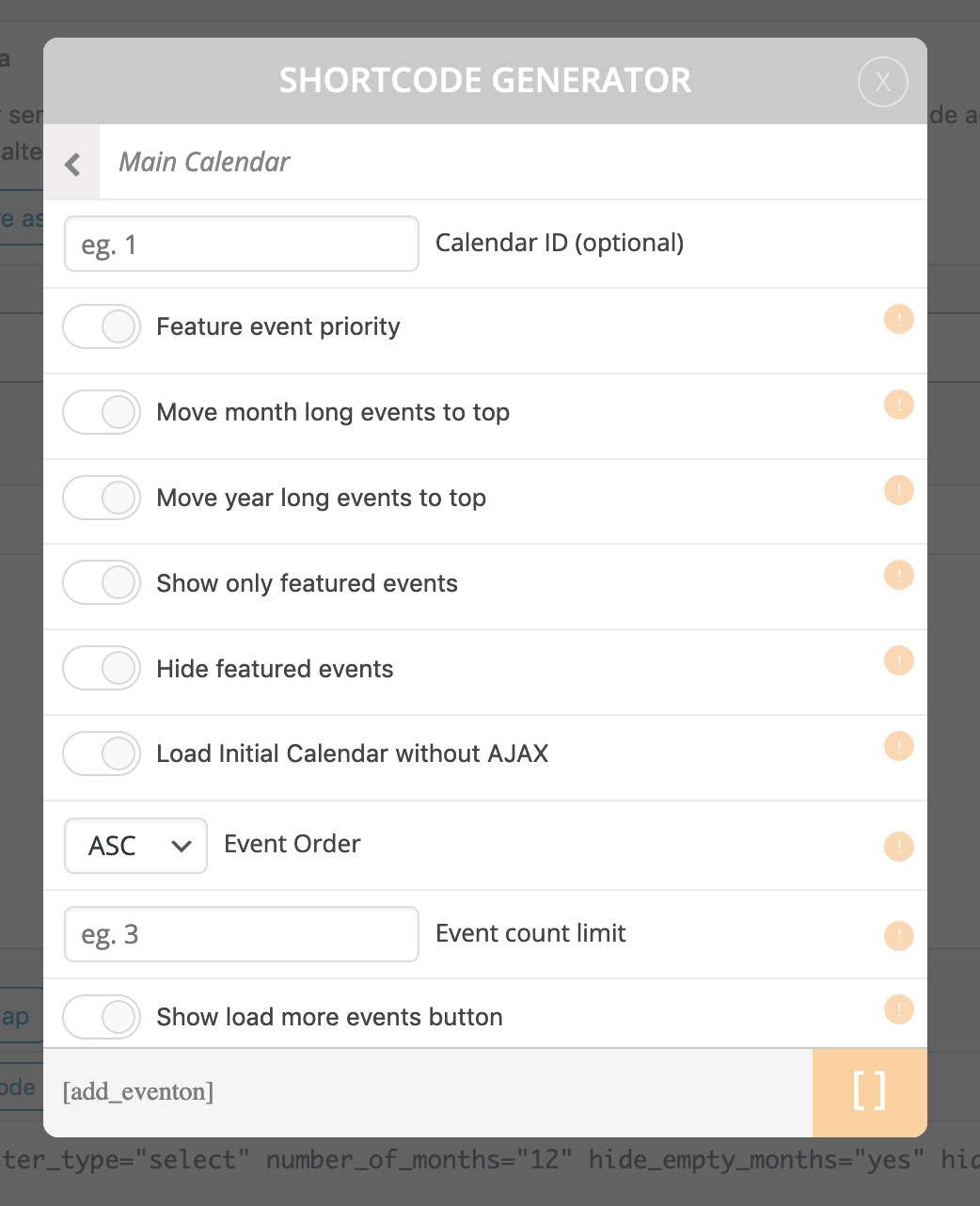
We’ve installed the plugin but it doesn’t show like the image you’ve sent. We’ve attached an image so you can see the options we have available. It says attach to top and not to BOTTOM like we asked and it doesn’t have the option to select how many days.
4. Close ‘x’ circle is not changing color to orange.
5. Why are the buttons a washed out version of the color I chose (our brand orange), or maybe their color is not changing also.
Thank you!
Great thank you!
I’m hoping to change the color of the filter links, and can’t seem to do so.
I’d also like to change the hover state, background color, dropdown text color, basically all of the states. Is it possible for you to provide me the line of code for each part, and I can custom enter the #hex number?
Also, in addition to the above problem.
Question 2: how do you make the top days of the week boxes to be not so tall, and fit the size of the day more, like in the demo version on your site. Thank you!
Great thank you! This seems to work, however there are parts where the line is not showing up for some reason. Go here:
http://highlandctr.wpengine.com/calendar-grid/
Great this seems to work! Thank you!
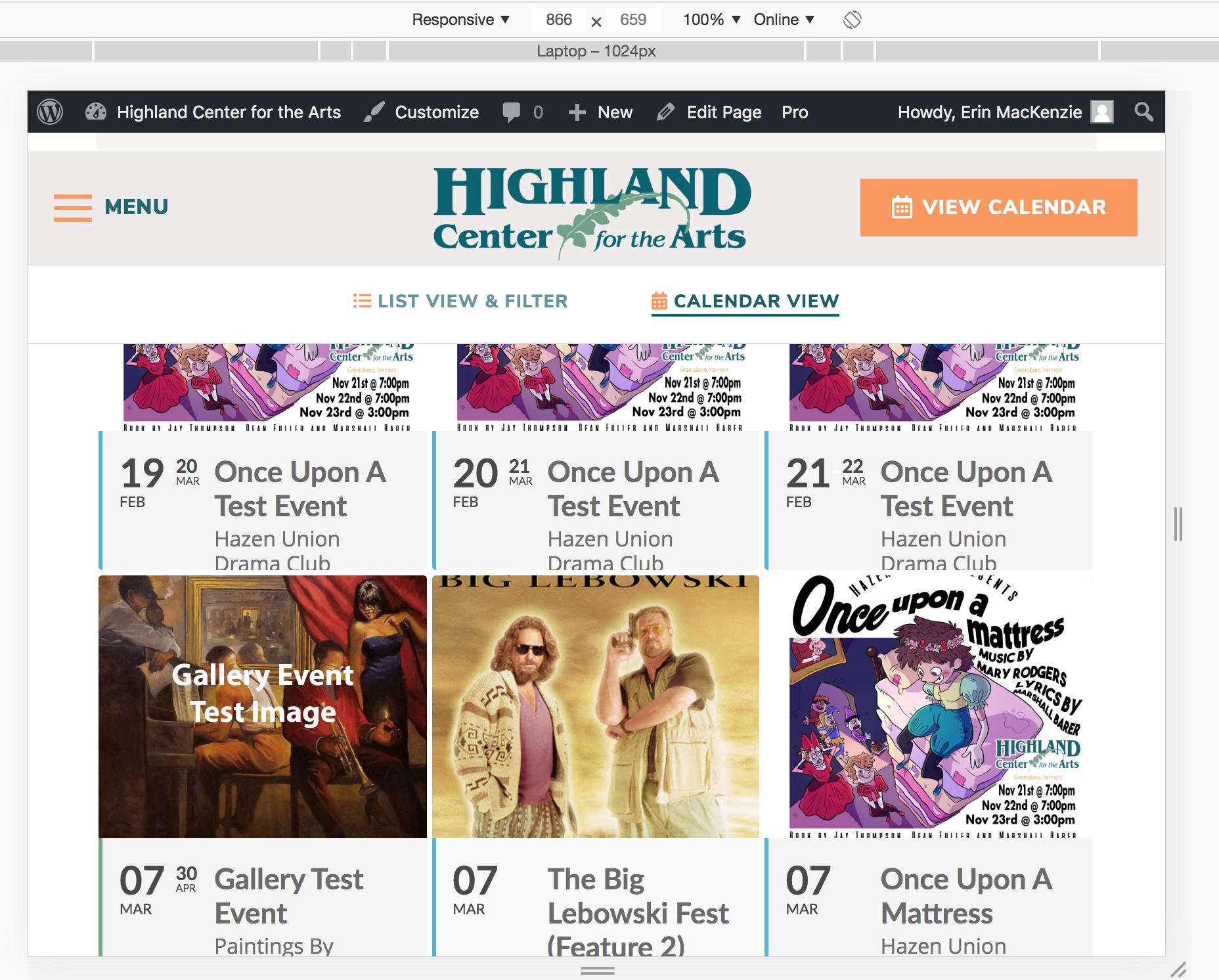
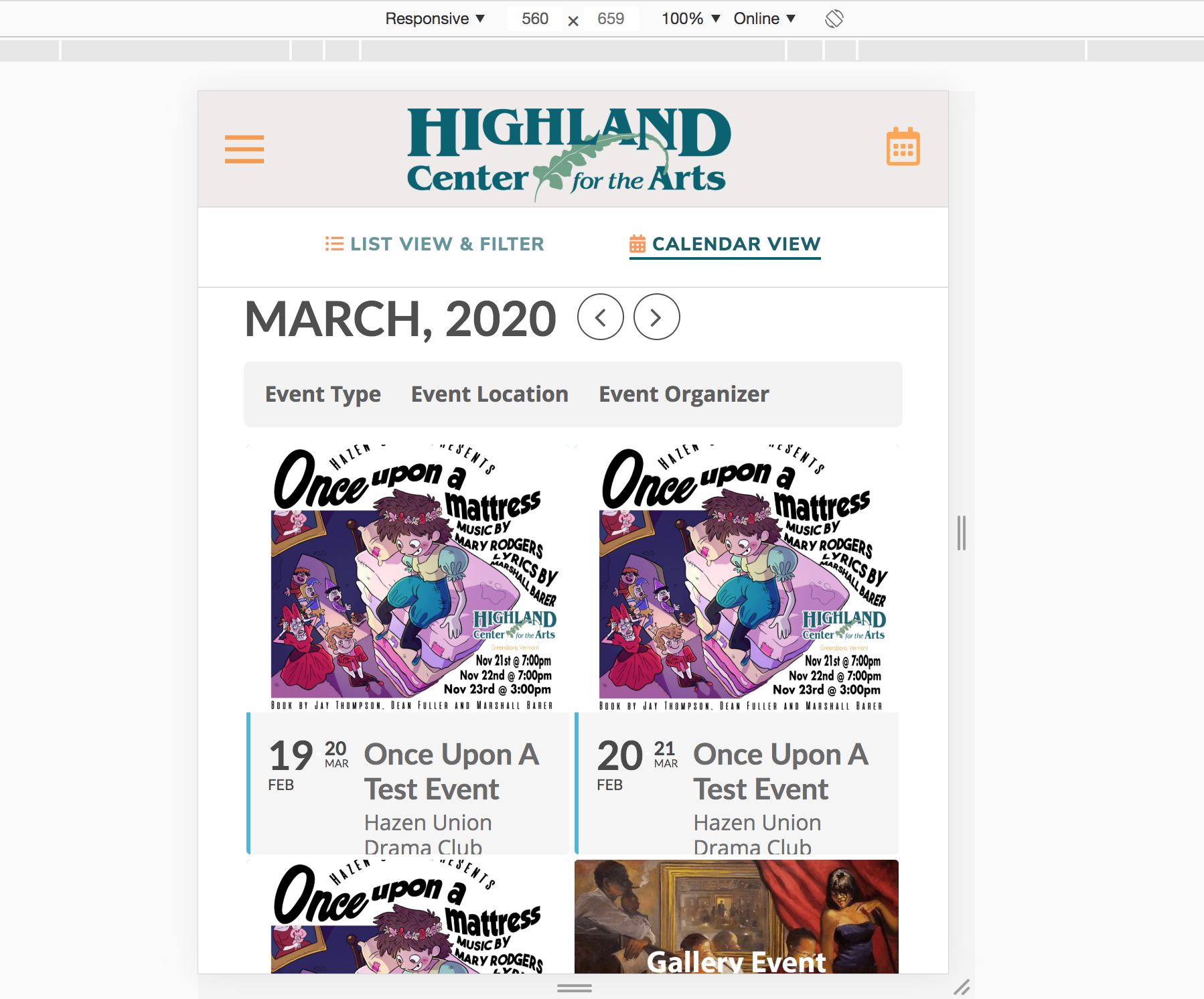
I’m wondering about the break points – how do I change those. I am feeling like it stays at 3 tiles accross for too long and there is not enough for 2 tiles accross. Meaning it should go to two tiles sooner. This is the same for the 1 tile across, I believe this is starting too late also. See screenshots where at this breakpoint it looks a little squished. Thank you!
and how we can edit event with pdf we have upload?