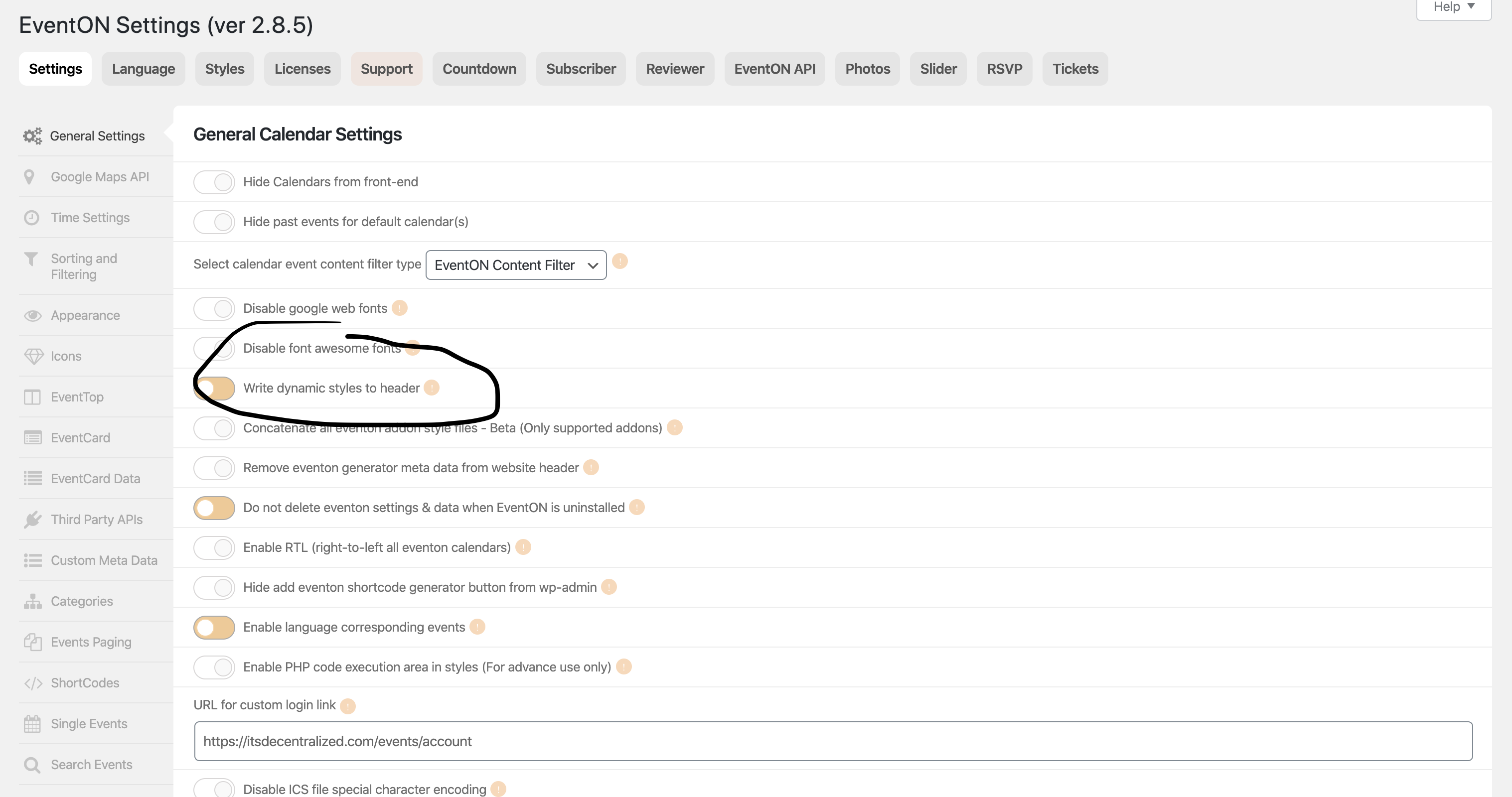
awesome. soo i was able to fix all the icon issues.
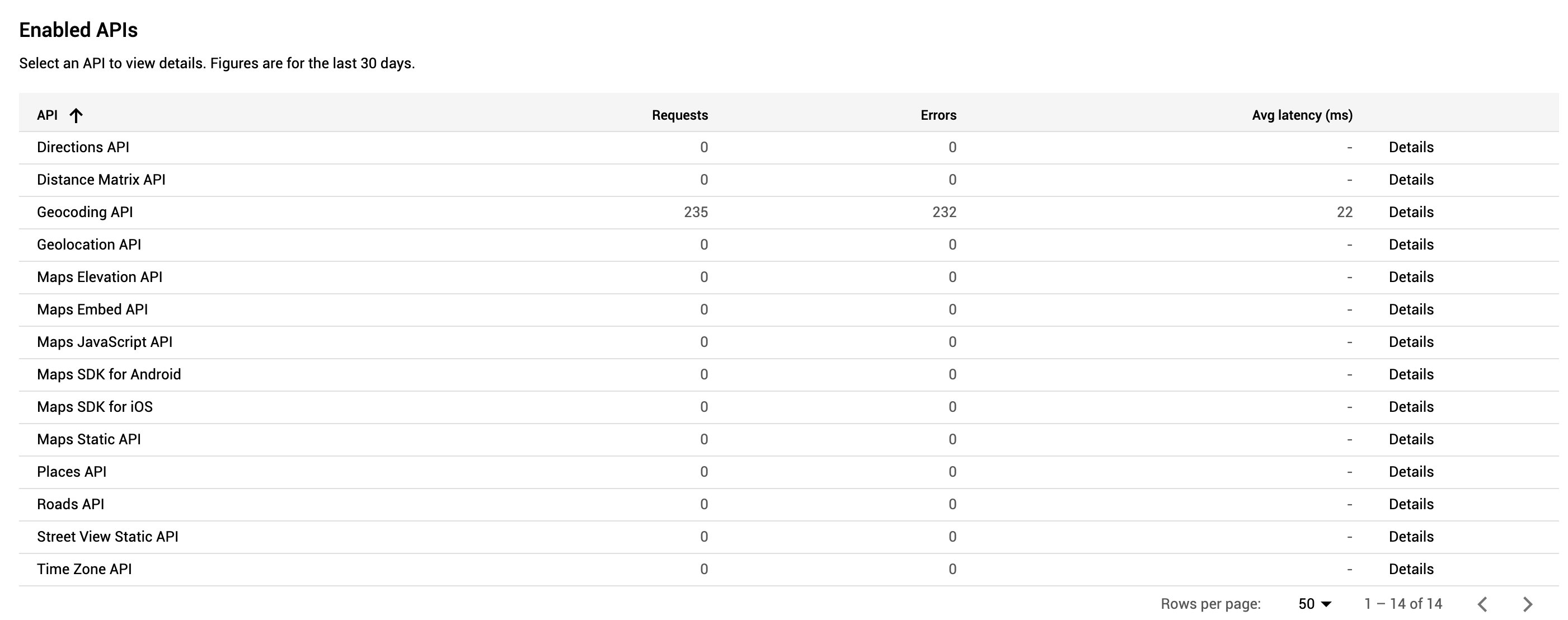
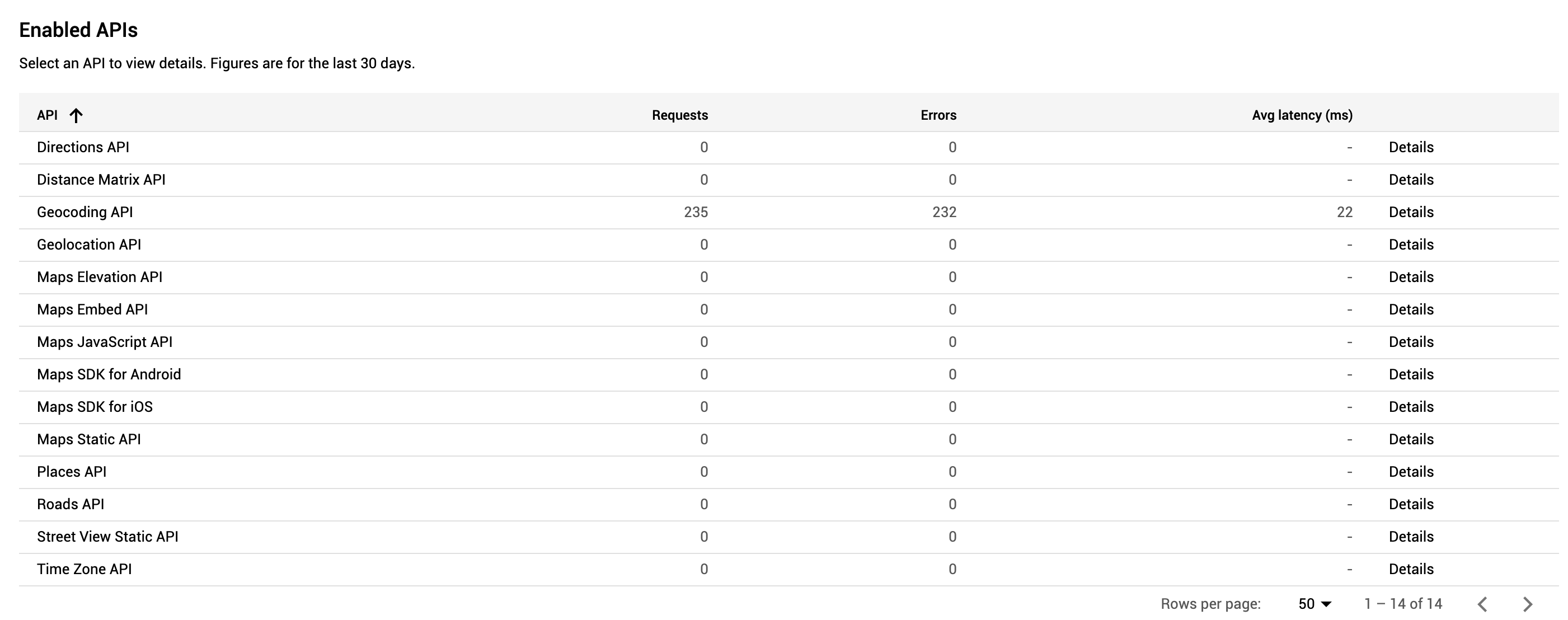
Now the google maps is what we have left and i have done everything and even made another api key. The box shows up when change keys but the error stays even though it is setup properly
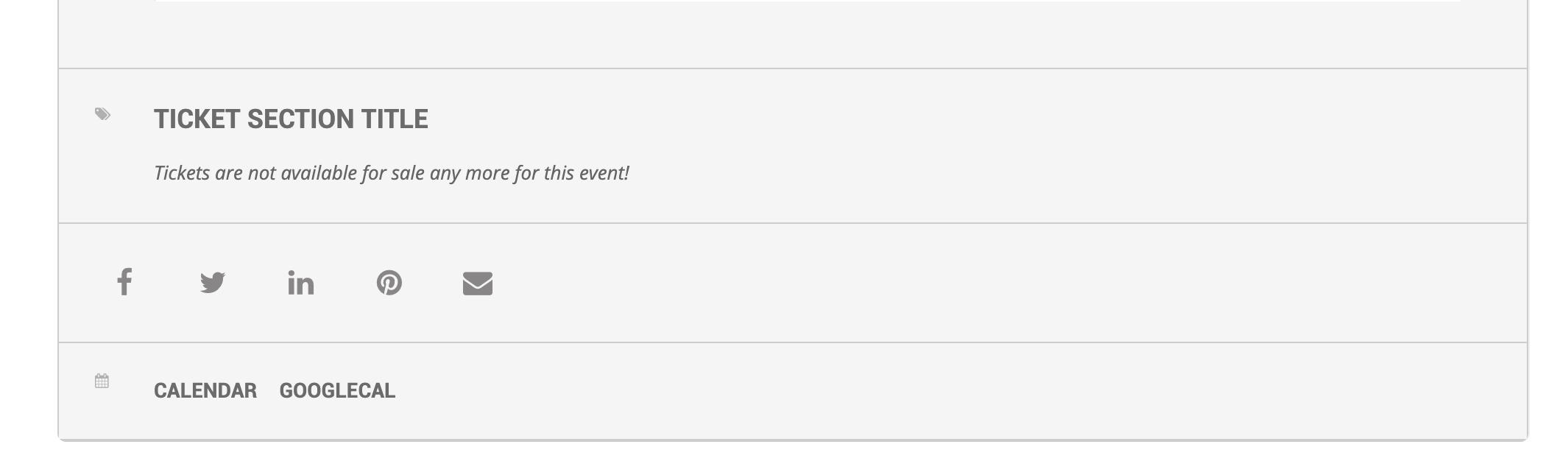
and then the ticket section tile is literally “Ticket Section Title” but i dont see it under language to be able to change that.
so here is where it gets weird. if i turn off the uber menu everything works but if i turn it on but turn off the SVG settings the icon for eventon doesn’t even show up. BUT if i turn it on (Uber menu SVG option) they show up but not properly.
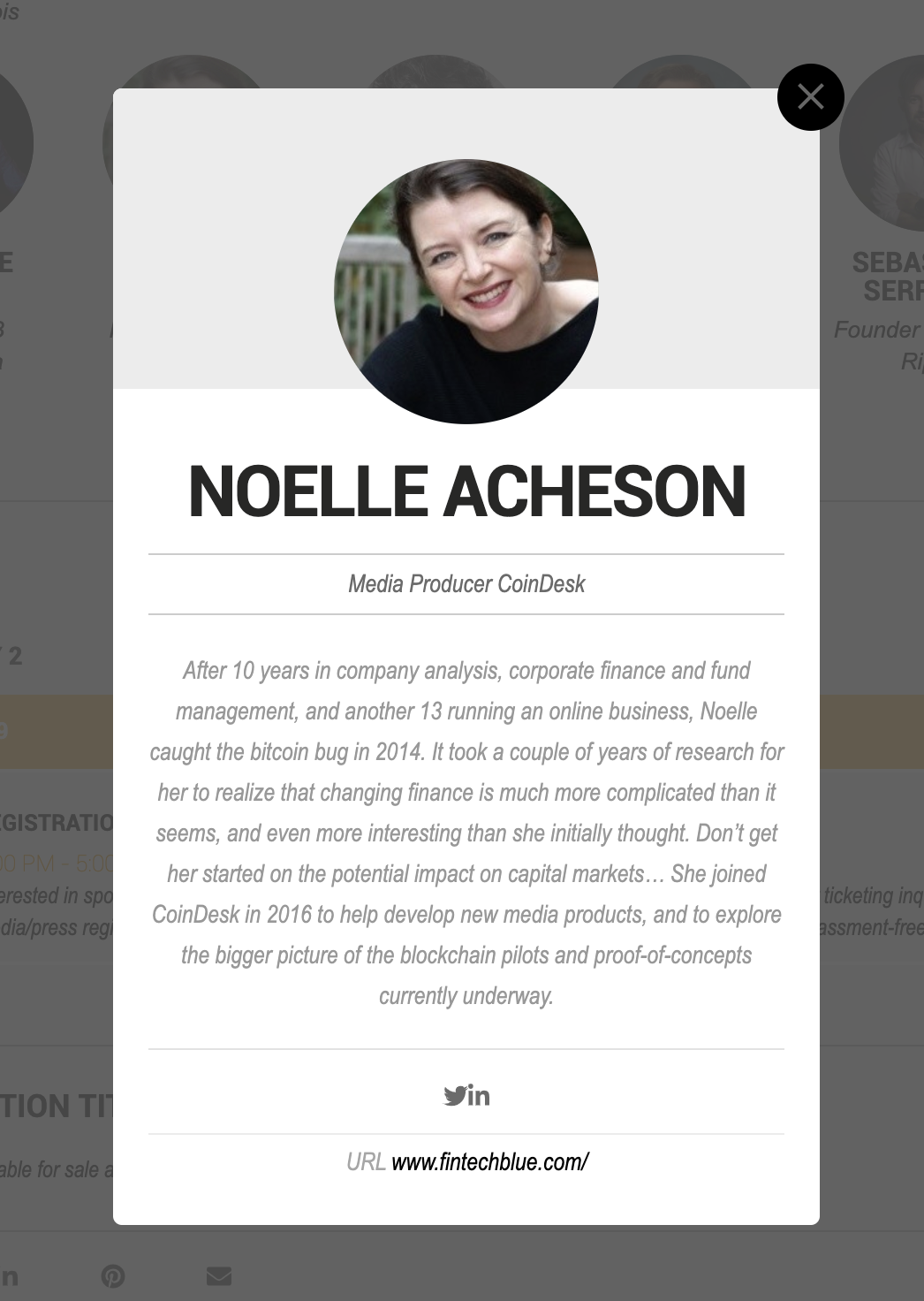
sorry wrong pic on the last one
there is this issue with the SVG but i have turned off all the overriding and pasted the code you sent. as you can see the icons are right up against each other and on the bottom of the page the icons are up against the top. i have turned off the issue with the uber menu plugin and i believe that why the icons showed up that was missing but I’m still having all these issues.
Hey, I want to be able to filter out the US Events and the Australian Events and put them on separate pages.
Is this possible?
I think I may not have explained my problem properly. To make it easier/faster, can you please RSVP into my first event on this link https://www.banjotours.com/peru/tour/valle-de-los-volcanes-colca-canyon-4-days-from-arequipa/ (click on the tab Pricing & Booking) the one from 29 feb to 3 mar please. Once you RSVP I will see it and I will send you an email from RSVP admin side. You will see what I mean
Thanks
Thank you for your reply.
However, the link you sent lets me see the admin side while I want to see the front end side. I took a look at the front end anyway but I cannot find the submission form in order to create an event as a user. Can you point me to the direct page where I can test submit an event as a front end user?
Thanks
I am sorry is this related to single event page or event type archive page?
for single events to show other languages it is controlled via url like this. http://localhost:8888/WP4/events/ticket-w-repeats/var/ri-1.l-L2/