Please purchase and install https://www.myeventon.com/addons/event-lists-extended/. After use this shortcode:
[add_eventon_el hide_empty_months=”yes” event_past_future=”future” number_of_months=”12″ event_count=”4″ event_count_list=”yes” tiles=”yes” tile_bg=”1″]
Try on http://dev.myeventon.com/wp-admin/
What shortcode are you using on this screenshot: https://helpdesk.ashanjay.com/wp-content/uploads/2020/02/Screen-Shot-2020-02-20-at-6.44.48-PM.png?
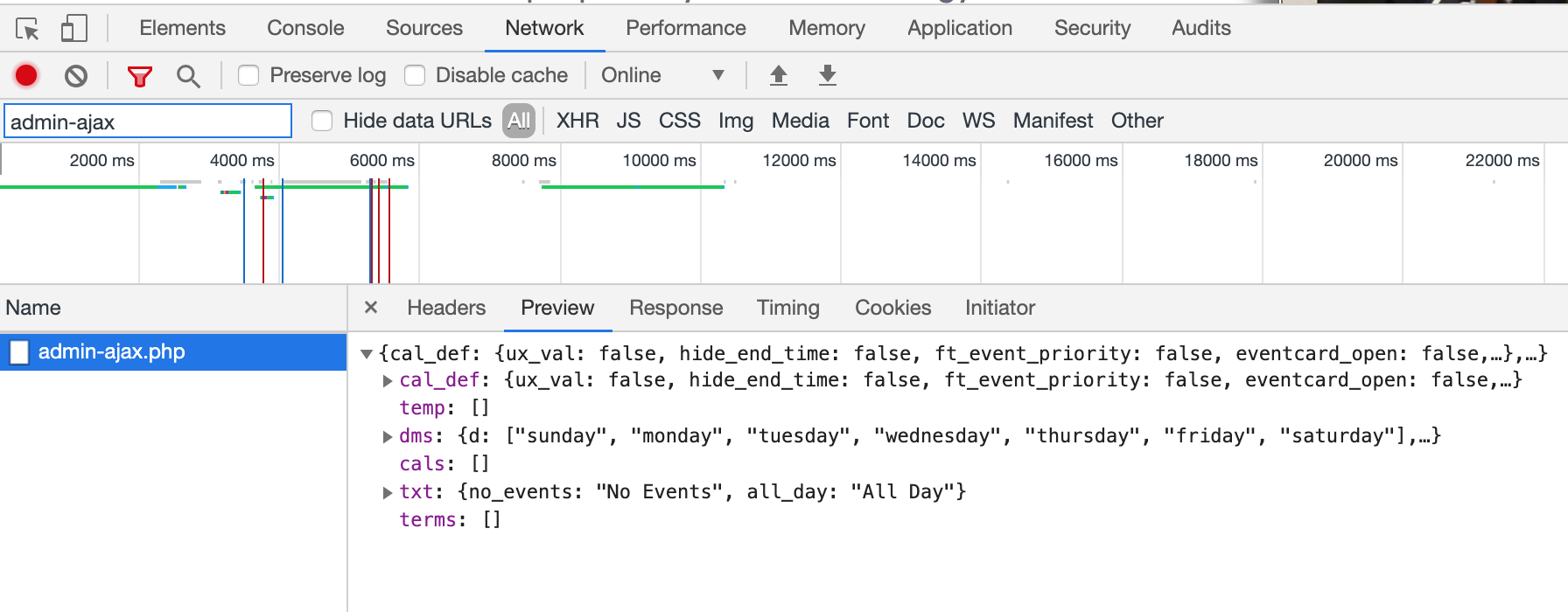
Please find similar shortcode on https://demo.myeventon.com/ and check if it’s performance is different to yours. If it is then the problem is in your server performance.
We are glad your issue is resolved, if you have any further questions or concerns please create a new ticket.
If you have a moment, we would greatly appreciate if you could kindly leave us a review at codecanyon! from your account > downloads. Cheers!
We are glad your issue is resolved, if you have any further questions or concerns please create a new ticket.
If you have a moment, we would greatly appreciate if you could kindly leave us a review at codecanyon! from your account > downloads. Cheers!
hi
we use Myeventon in https://www.festivalbiblico.it/
http://www.festivalbiblico.it/wp-login.php?loggedout=true
User: biblicoadmin2018
Pword: fstvlbblc14
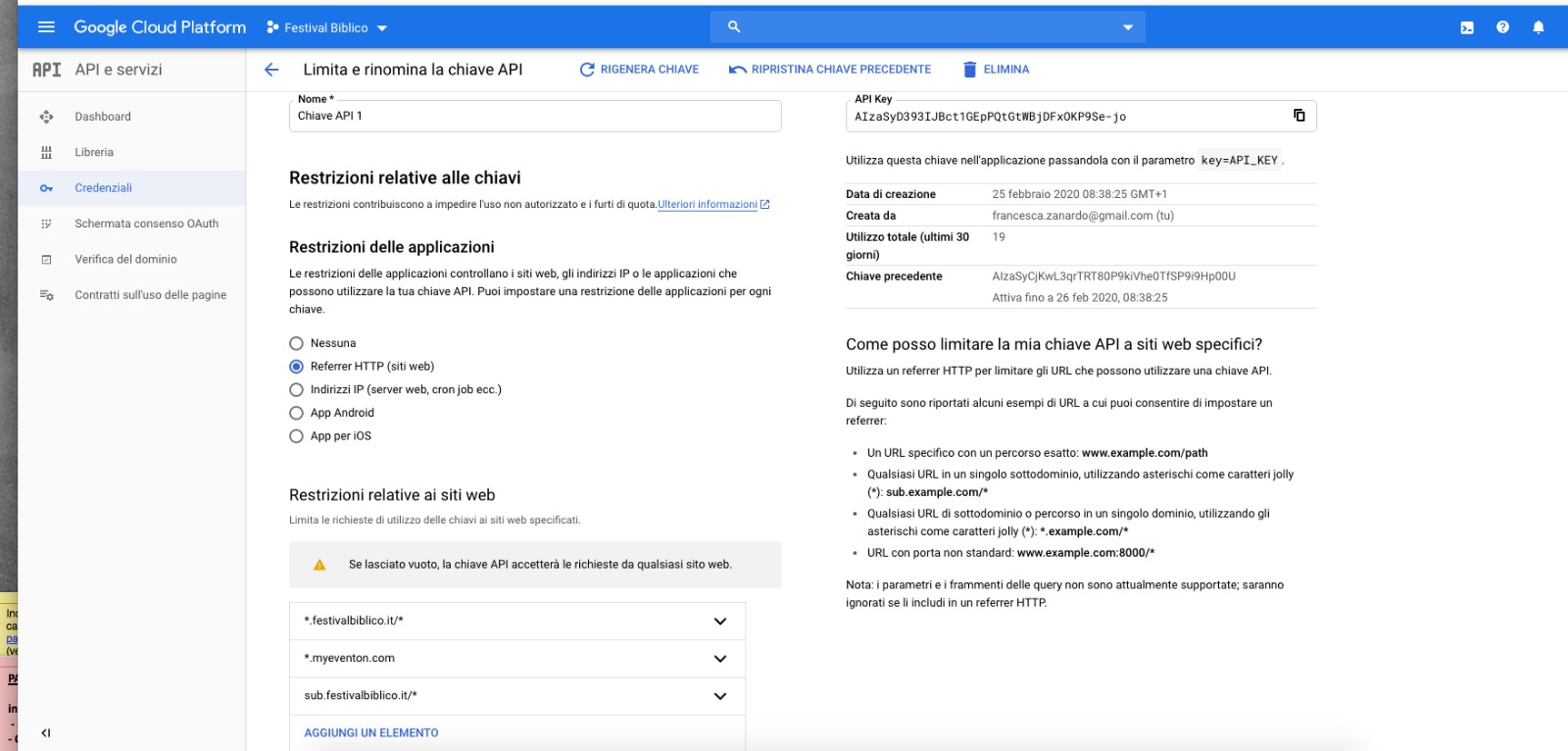
we allowed the website in the google cloud platform but it doesn’t work (see attached image)
I tried version 7.0 and it did not work
Hello,
Please use the Eventon Shortcode Executor widget instead.
Let us know if that doesn’t work.
Thank You
I used your shortcode on our end and it seems to be working fine.
Could you please try the instructions mentioned in this documentation to make sure your issue is indeed coming from eventon.