You can close this ticket. I resolved it. Thanks!
Archives: Replies
Replies for tickets on suppota
Reply to: tickets(163405)
And artem have suggested that code while back when it was working even though it was not fully supported.
Reply to: tickets(163405)
Siavash, I want to get something straightened out first. All the shortcode variables supported by different view options of calendar are inside that view in shortcode generator.
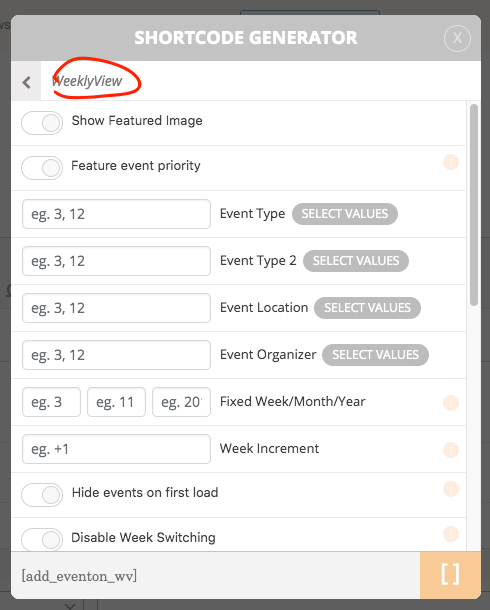
Interchangeably using these shortcode values with diferent views of calendar is not fully support or not supported at all in some cases. So with that being said, the shortcode values you were using were not fully supported before, even though they worked. And with over 2.8 version update we moved to a more ajax based data loading which posed new algorithms which made those not fully supported values not work.
Anyways I will add this to our future list to incorporate support to load more options for weeklyview.
Reply to: tickets(163702)
Hello Matthew a reminder email has indeed been sent to the email on file saying the order will be renewed in 3 days. Here is the gmail draft of the email sent out.
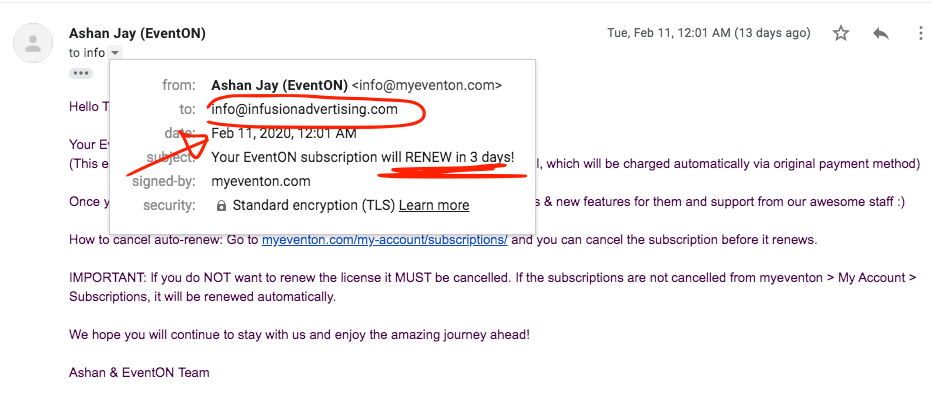
Per our refund policy we do not refund for renewed orders that were processed auto. https://docs.myeventon.com/documentations/terms-and-conditions-and-refund-policy/
the 3 day window is given to allow customers to cancel out, by not cancelling out according to refund terms you are agreeing to continue subscription.
Reply to: tickets(162819)
Sorry yes you can comment out the whole thing as you have already done. This will not restock seats when order failed. This is for seats and all tickets.
You can change seat status by going into event edit > seat map editor and change seat status.
Reply to: tickets(156796)
FullCal latest version is only compatible eventON 2.8 up. Looks like the load function is coming back with server error 500 in ajax. So it may be that your php memory might need increased. Here is how to do it. https://docs.myeventon.com/documentations/increasing-wordpress-memory-limit/
Here is link to fullCal 1.1.6 https://www.dropbox.com/s/jvknl1ungiwjxh6/eventon-full-cal_1.1.6.zip?dl=0
Reply to: tickets(164627)
Ok the new version 0.3 is now out please update and that should resolve this issue.
If you have more questions, kindly send us a new ticket and we would be more than happy to help you resolve your issues!
Reply to: tickets(164627)
Thank you for letting us know. THis is a known issue and we have deviced an update for this and i will released a fixed version soon.
Reply to: tickets(164227)
Take a look at your shortcode used in the calendar generation
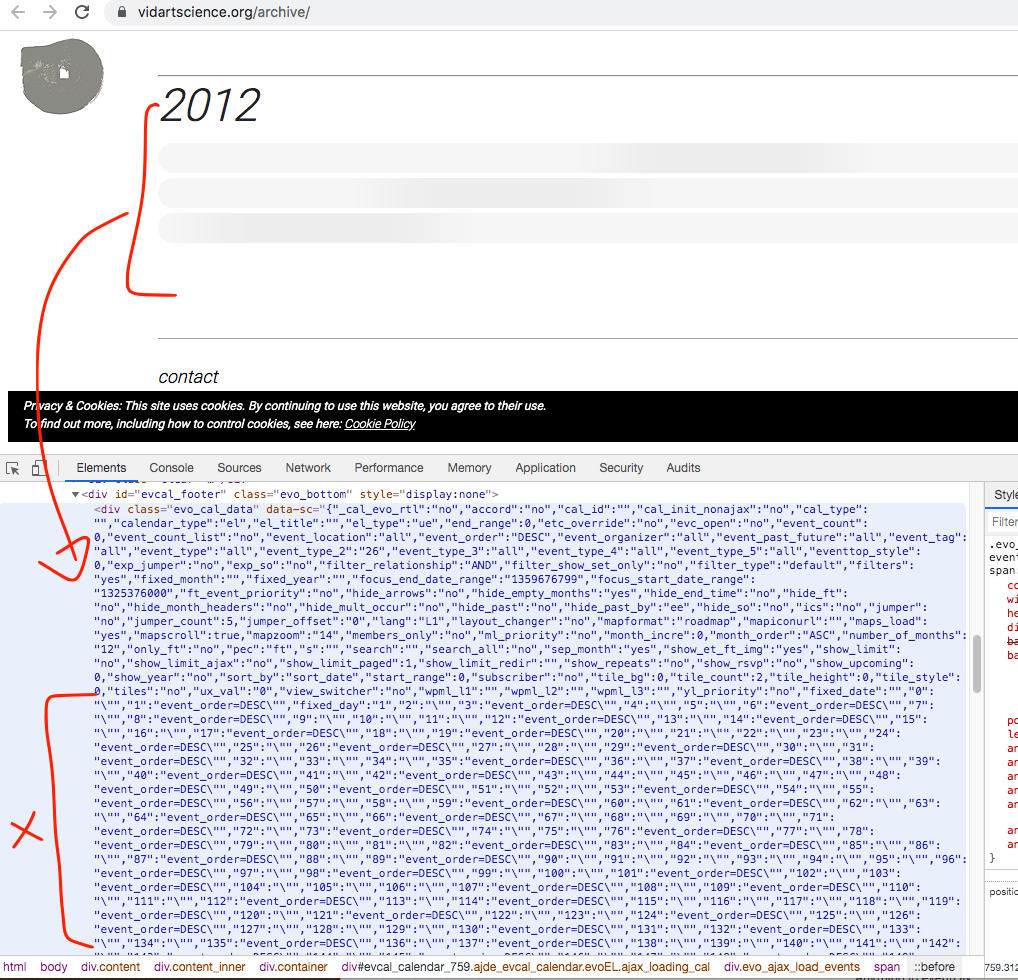
you can using incorrect shortcode quotations thats why this appear in event calednar. So THOROUGHLY check to make sure quotations are correct for the calendar. once this is resolved the events lists will appear correct.
Reply to: tickets(162636)
Actually that is a good point.
Let me run an update and see if that fixes the issue.
Chris