Hello,
Please go to Edit Event > RSVP > enable Set capacity limit for RSVP > set Total Event RSVP capacity less than the current amount of RSVPs.
Replies for tickets on suppota
Hello,
Please go to Edit Event > RSVP > enable Set capacity limit for RSVP > set Total Event RSVP capacity less than the current amount of RSVPs.
Please check this add-on: https://www.myeventon.com/addons/event-lists-items/
Try this shortcode [add_eventon_li] on http://dev.myeventon.com/wp-admin/
Hello,
Past years. Please add this to the shrotcode: jumper_offset=”2″
Unfortunately, you cannot reduce the margin since the text in Event Top is aligned to the top.
Please use these codes to change font sizes:
.evcal_cblock .evo_start em.date { font-size: 16px !important; }
.evcal_cblock .evo_start em.month, .evcal_cblock .evo_end em.month, .evcal_cblock .evo_start em.day { font-size: 11px !important; }
.eventon_events_list .eventon_list_event .evcal_desc span.evcal_event_subtitle, .evo_lightboxes .evo_pop_body .evcal_desc span.evcal_event_subtitle { font-size: 15px !important; }
#evcal_list .eventon_list_event .evcal_desc span.evcal_event_title { font-size: 20px !important }
.eventon_events_list .eventon_list_event .evcal_desc .evcal_desc_info, .evo_pop_body .evcal_desc .evcal_desc_info { font-size: 15px !important }
To change fonts please go to EventON > Appearance > Primary/Secondary Calendar Font family.
Hi,
We have complete the first job already, no? You have confirmed it right?
Hello,
Could you please try updating Bookings add-on to 1.0.7 and check once?
Please also note that you can customize email templates by following this guide: https://docs.myeventon.com/documentations/customize-ticket-email-template/
Multilingual Press
Unfortunately, EventON doesn’t support this plugin.
In this case i can remove the connections and this could solve the problem right?
Please try and let us know.
Because you are using WPML you can follow this guide: https://docs.myeventon.com/documentations/wpml-eventon-front-end/. WPML plugin is supported by EventON so it should translate events without your issue.
It is showing correct for me as well.
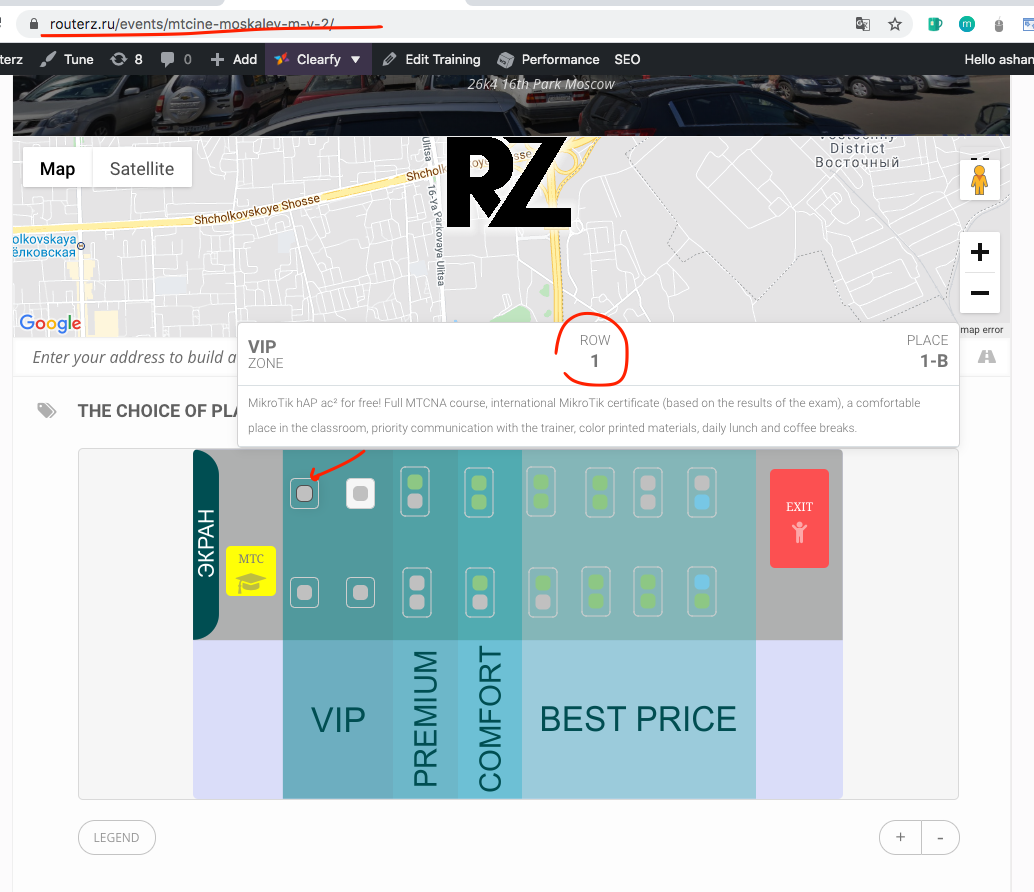
perhaps you just need to clear the cache on the website and browser.
Hi,
Please complete the first job and I will pay you afterwards,
Thnak’s