Hello,
Could you send us your email so we can check it in our system? Cannot find any purchases associated with jeffrey.nichols@gmail.com.
Replies for tickets on suppota
Hello,
Could you send us your email so we can check it in our system? Cannot find any purchases associated with jeffrey.nichols@gmail.com.
Unfortunately, Google now requires you to enter your billing info in order to show the map.
You can try sending us a customization job request by creating a new ticket in here and selecting Customization Request as the category.
Every time I press “Upload ICS File” it downloads admin.php file:
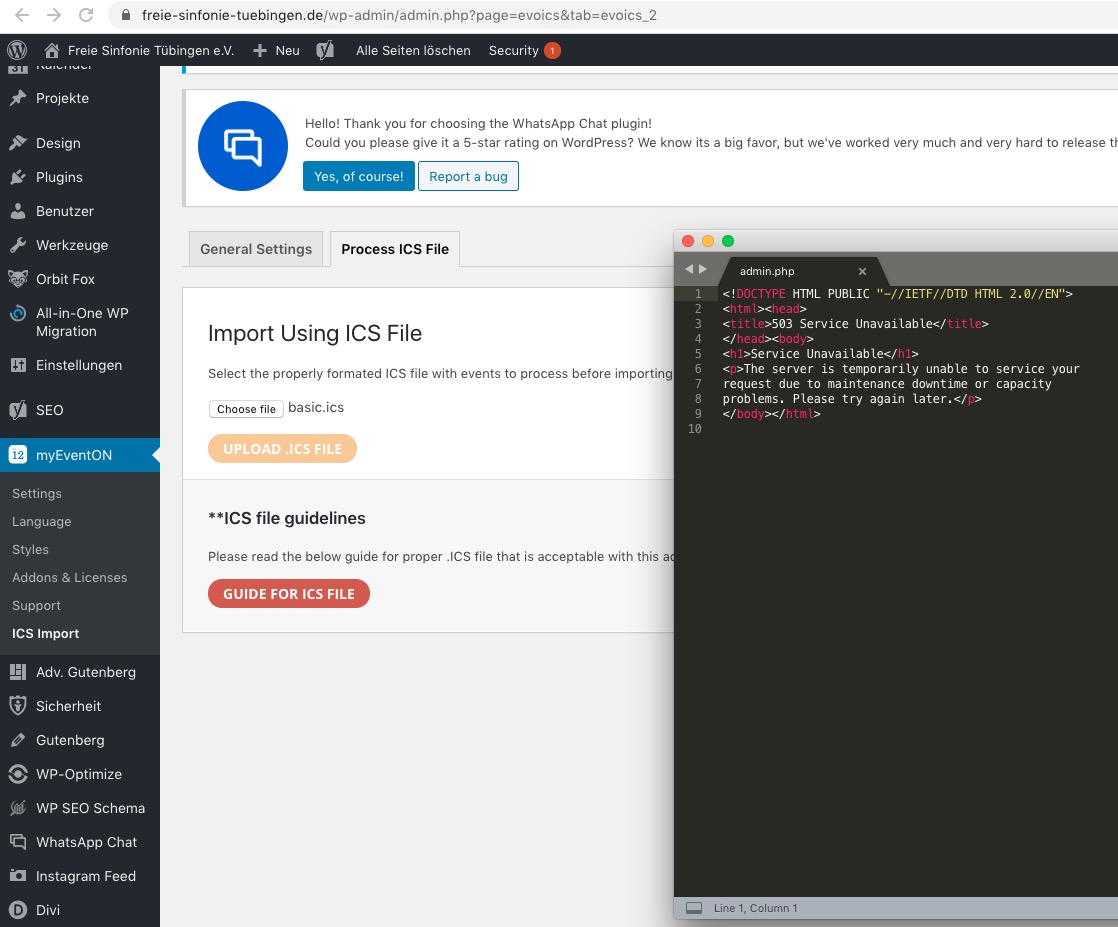
Could you check?
Please also send us a couple of examples of events with this issue so we can test them.
Another problem…
No issues on our test server: http://dev2.myeventon.com/events/u-o-a-s/. Could you please try the instructions mentioned in this documentation to make sure your issue is indeed coming from eventon.
Hi
thanks for your reply
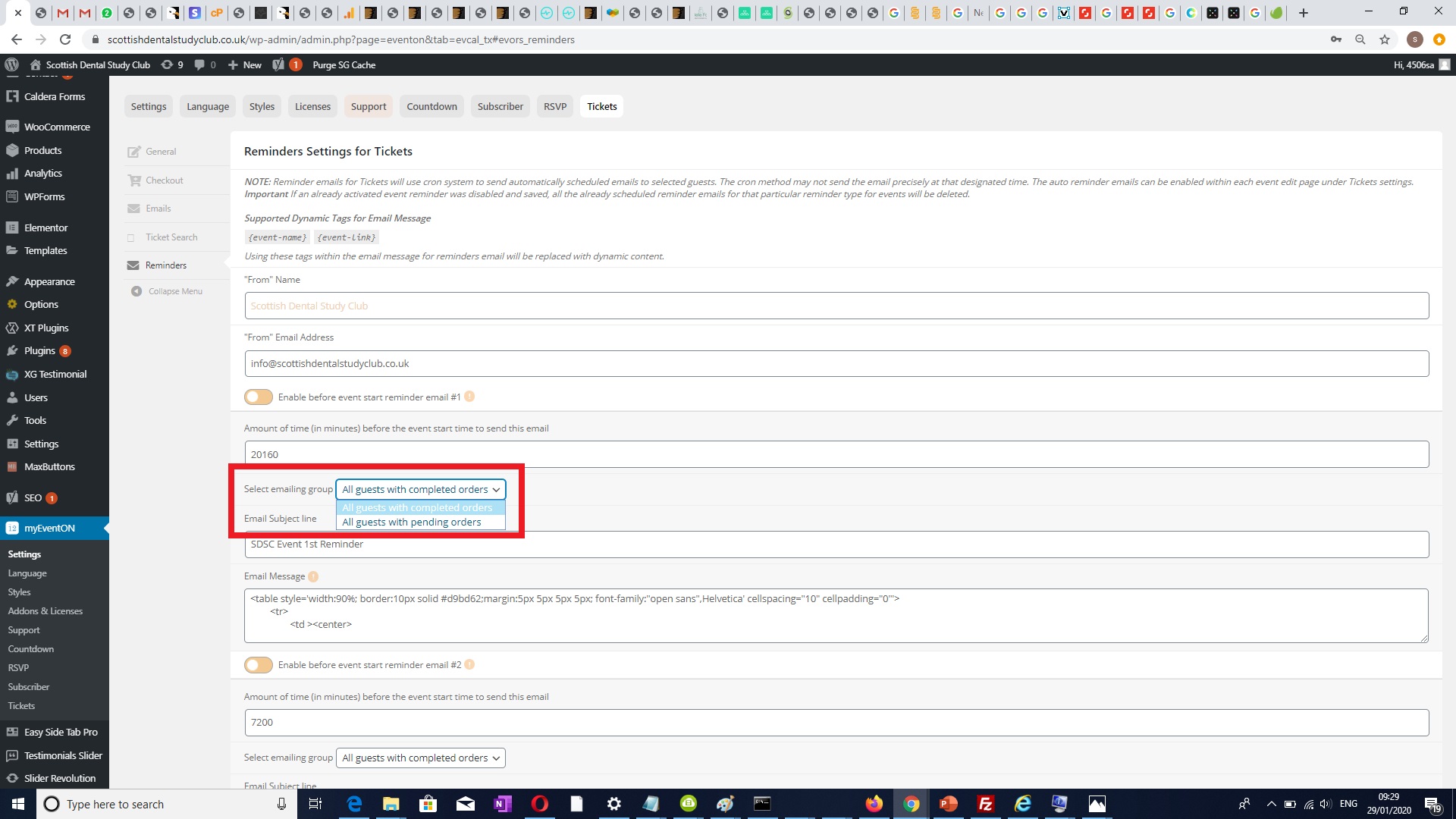
Yes, so if i enable after event email reminders on (myeventon > tickets > reminders ) and if I enable “Enable after event end reminder email” to YES, I would like new option added to the list “All guest Checked-In Only” from the “Select emailing group ” dropdown list, the other options available to me at the moment are (“All guest with completed orders”, “All guest with pending orders”). please see attachment for dropdown list option.
So if I have select “All guest Checked-In Only” from the “Select emailing group” dropdownlist, then the email should only be sent to attendees who has their status changed to checked-in once they attended the event (in other words attendees checked-in to the event). (here is the screenshot https://pasteboard.co/ISc2ckx.jpg). ( the status will be changed automatically when scan event ticket qr code).
So the email after event should only be sent to what I have selected from dropdown list options “Select emailing group”:
I also got this custom job for email reminders before and after event to be set with individual event, i am not sure if this will have any affect on your work. i don’t think it should as the recipient email reminder list still have to be selected from (myeventon > tickets > reminders ) and enabled here is the custom job number Ticket #159606
hope this makes sense.
thanks
Hi,
the link is https://lamontina.com/gestione
or https://lamontina.com/wp-admin
Let me know
thank you
Thanks so much
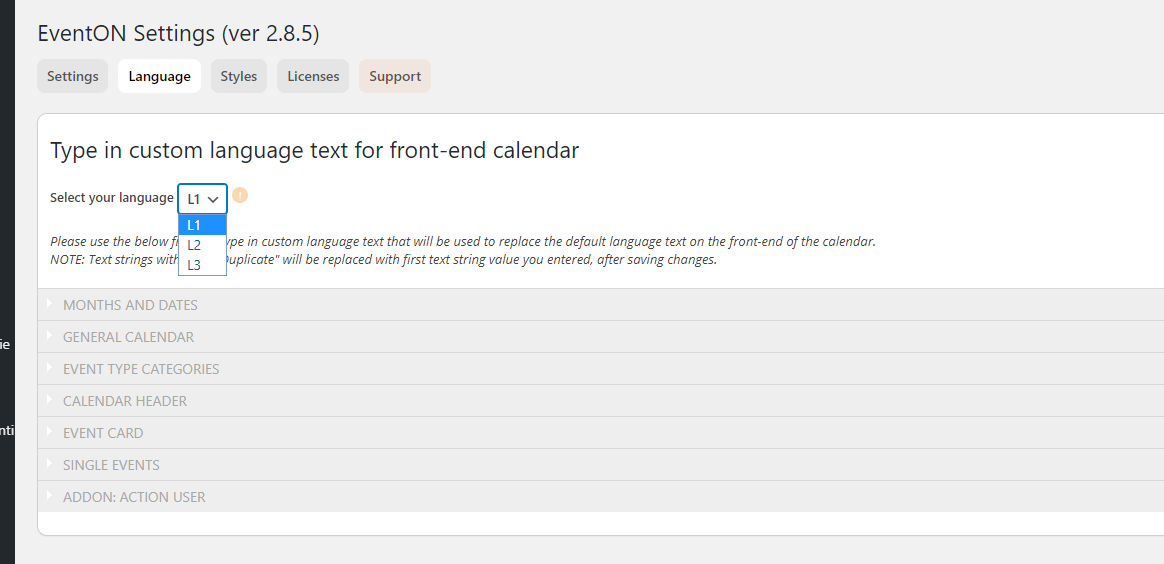
There is something no working in this function
https://ericapiccotti.com/wp-admin/admin.php?page=eventon&tab=evcal_2
When I try to “select your language” in L2 I get logout and I cannot set languages
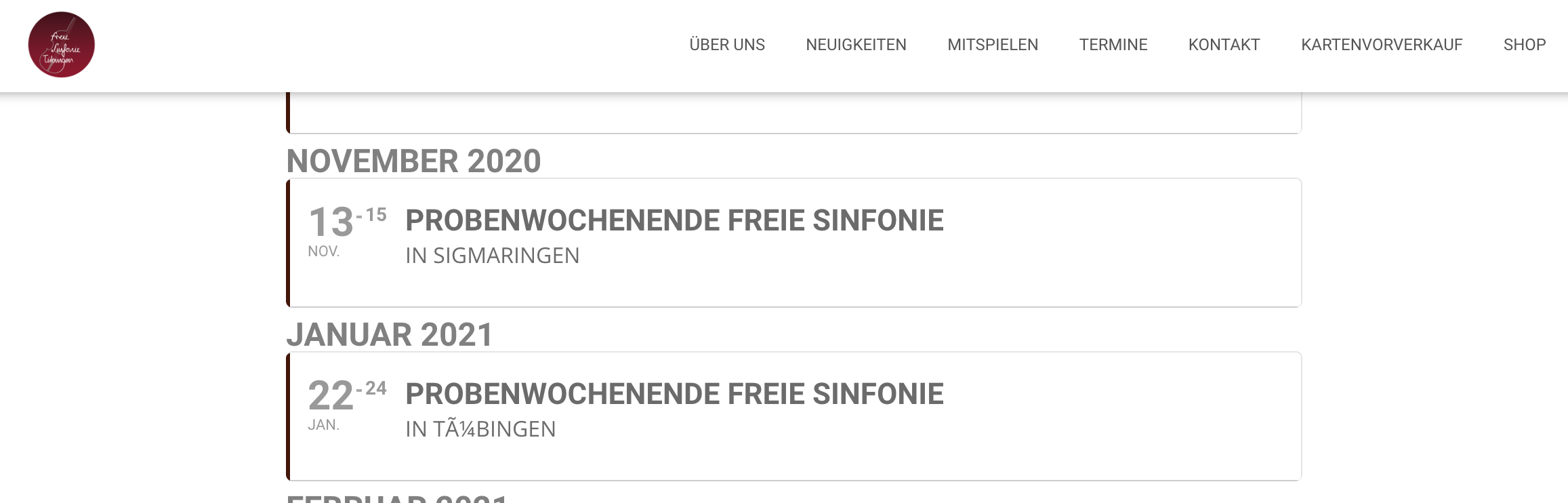
Here you see the problem in this Pic. With this problem i can’t use this plugin and I want to get back my money
Hey,
We will do manage the 2 weeks, but I just want us to be on the same page before. So here are the steps:
1. User buy a ticket to attend an event
2. When the event is over, all those users we send them an email
Is this correct? Do you want something else? I just want all the steps
Thankyou Ashan,
Unfortunately I’ve already checked Google Maps API and it’s setup as default for all countries.
The map works fine on an identical setup but on a networked WordPress it would appear it can only work on one site at a time 🙁
Interestingly it sometimes is viewable in edit mode in Elementor Aslong as the page is being edited correctly and the map is not placed within an external template.
But that is only in Elementor Edit and does not affect the public view. As we can’t solve it I’m forced to cancel my subscription for MyEventOn products.
Thankyou for trying to help
Matt
