Yes – now it works – Thanks
Archives: Replies
Replies for tickets on suppota
Reply to: tickets(376241)
Just updated to the latest version of both plugins but the texts are still in bold and italic in the email
Reply to: tickets(383010)
This was not a PHP error. It was on the user side not being able to see the next month.
I’ve been clearing the cache on GoDaddy and that seems to do the trick, but I don’t want to manually do that every time.
Is there a setting or better way to not have to manually clear the cache every time a customer complains?
Reply to: tickets(382419)
Hi, We tried to set the default time zone to America/Tijuana which is out timezone, but when I left the screen and came back after saving it, it reverted back to Europe. https://gaydesertguide.com
Reply to: tickets(382026)

Hi, another “bug” turned up:
Suddenly, the arrows show for skipping between open event lightboxes (screenshot)
In event card settings that BETA function is disabled
Can you disable it?
Reply to: tickets(382548)
I sent the credentials in private, we need to figure this out asap. Thanks you!
Reply to: tickets(382548)
Wrong url, I meant this one (in dev) : https://dev.cmcm.qc.ca/evenement/test8-subscriber-lorem-ipsum/
Reply to: tickets(382548)
username : dev.cmcm.qc.ca
password : yyJD1-ZB!oB?
You can use and edit this test event if you want (buy ticket, change time etc) : https://cmcm.qc.ca/evenement/test8-subscriber-lorem-ipsum/
Reply to: tickets(383030)
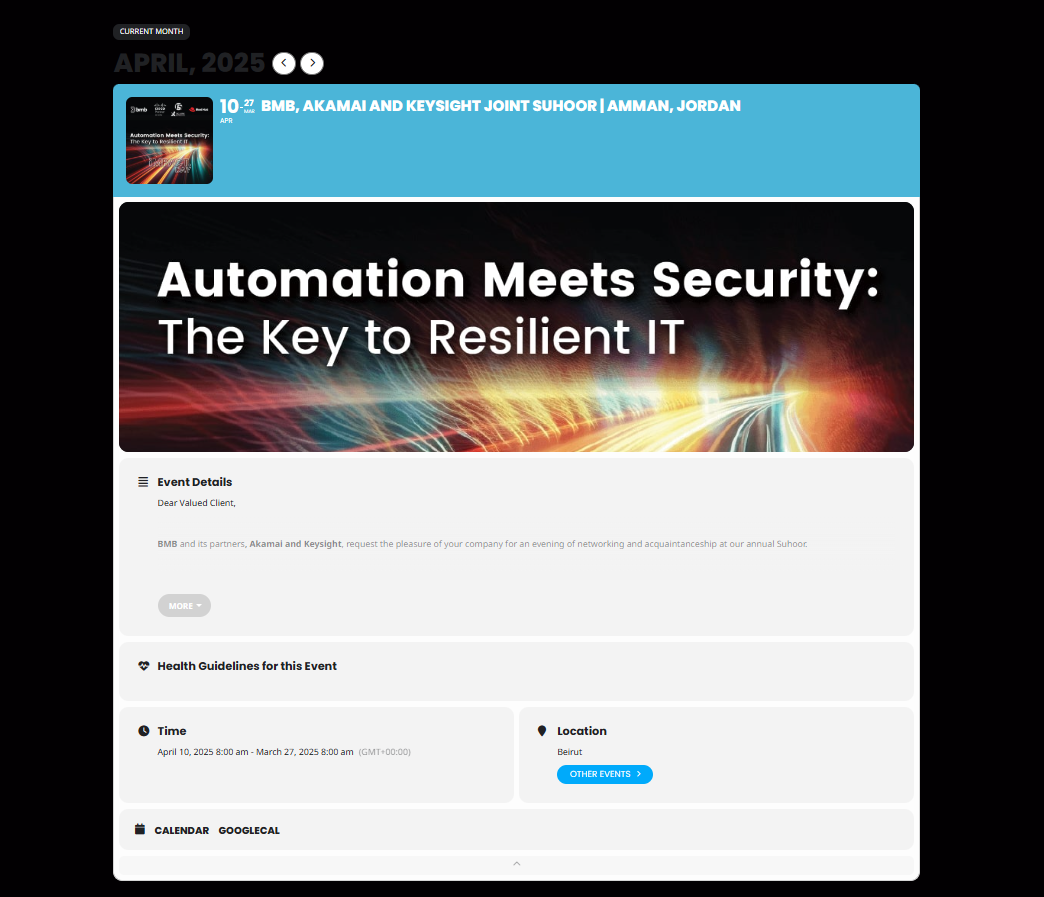
Apologies for the confusion! I’m referring to the event registration form that allows users to sign up for an event. When I create a new event, I expect there to be a registration button to allow users to register to this specific event. Additionally, after a user registers, I need an email notification to be sent to the event manager to confirm the registration. I can’t find any options for these features, and I’m unsure how to set them up. I’ve attached a screenshot of the current settings. Could you guide me on how to enable this functionality?
Reply to: tickets(382972)
Kindly update to the latest version of RSVP Points 1.0 that should resolve the issue.
https://docs.myeventon.com/documentations/changelog-for-rsvp-points-addon/
FYI there are quite a bit of changes in the new version. I would recommend keeping a backup of old version when you update to new.