Hello,
Please install this add-on: https://www.myeventon.com/addons/event-tickets/. Now you can create multiple discount codes users can put during the checkout process. Try on http://dev.myeventon.com/wp-admin/
Replies for tickets on suppota
Hello,
Please install this add-on: https://www.myeventon.com/addons/event-tickets/. Now you can create multiple discount codes users can put during the checkout process. Try on http://dev.myeventon.com/wp-admin/
We are glad your issue is resolved, if you have any further questions or concerns please create a new ticket .If you have a moment, we would greatly appreciate if you could kindly leave us a review at codecanyon! from your account > downloads. Cheers!
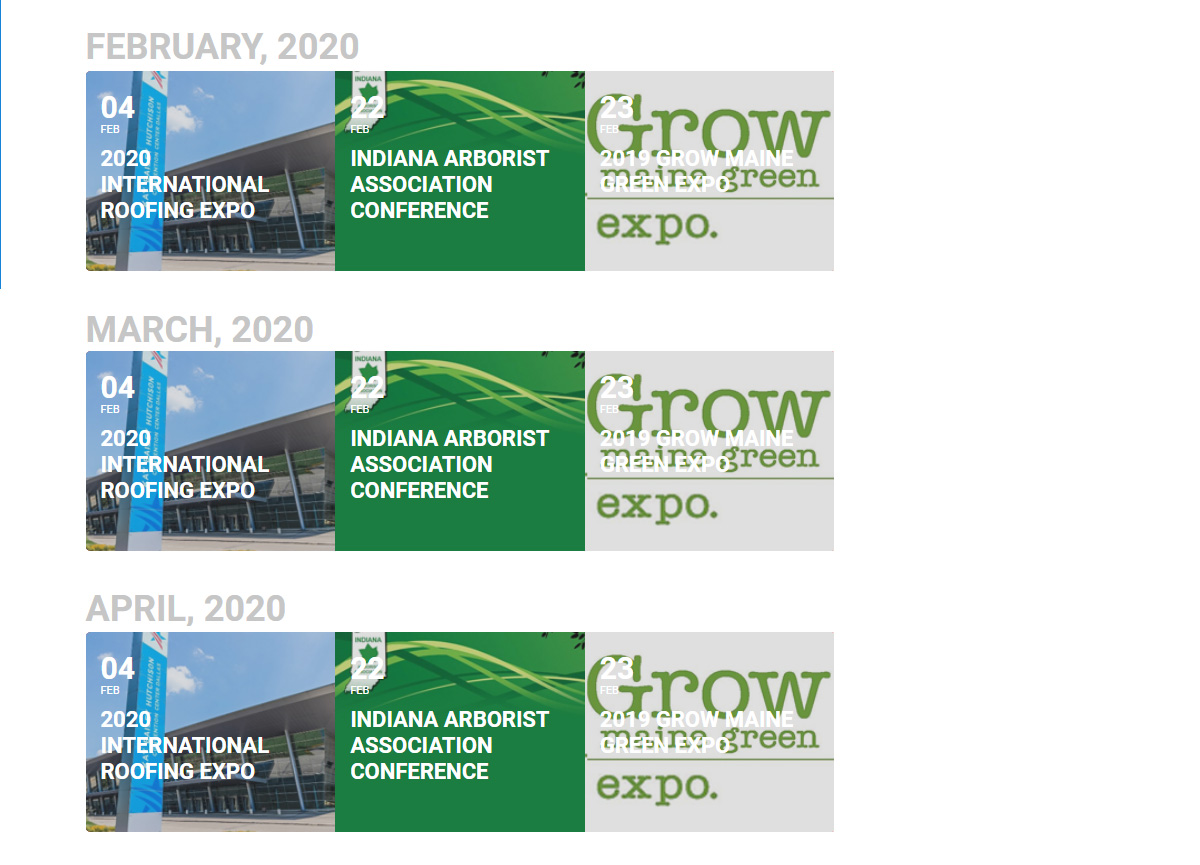
I did not have an option to attach a file when submitting my ticket. The attached image is an example of what I am trying to achieve.
Could you check this video: https://www.youtube.com/watch?v=MG1ka_e9L8Q? Please go to http://www.myeventon.com/my-account/ > download Yearly View add-on and then upload the archive. Please don’t unzip it.
You can also follow this guide on add-on updating: https://docs.myeventon.com/documentations/can-download-addon-updates/. Updating uses the same principle.
Hello,
1. & 2. Please add this CSS code to EventON > Styles (If you can’t see any change, EventON > turn off Write styles to header > save settings > turn on Write styles to header):
.eventon_desc_in li { font-size: 13px !important }
.evo_metarow_socialmedia a.evo_ss i { font-family: evo_FontAwesome !important }
Do you think I set up the archive area wrong?
Everything is correct. It’s just your theme puts “Archive” in the title.
We didn’t get your message. Could you send it again?
I think they are mostly recurring events created in previous months. could this be the issue – should recurring events show up on the external site?
Hello,
In wp-admin > Products you should see “Paid Submission” product with assigned Evo_submission category:

Action User Plus requires WooCommerce installed and enabled. Please delete Action User Plus and then try installing it again.
Hello,
Please check https://docs.myeventon.com/documentations/how-to-use-event-types-to-do-more/. You can also send us a customization job request by creating a new ticket in here and selecting Customization Request as the category.