How do you complete orders? Manually?
Please note that you can go to EventON > Checkout > use Enable auto complete ticket orders.
Could you also send us a link to the event with the issue?
Replies for tickets on suppota
How do you complete orders? Manually?
Please note that you can go to EventON > Checkout > use Enable auto complete ticket orders.
Could you also send us a link to the event with the issue?
Hello,
If you remove filter_clear=”yes” filter_type=”select” from the shortcode, it applies filter immediately after clicking:
https://dev2.myeventon.com/test-168/
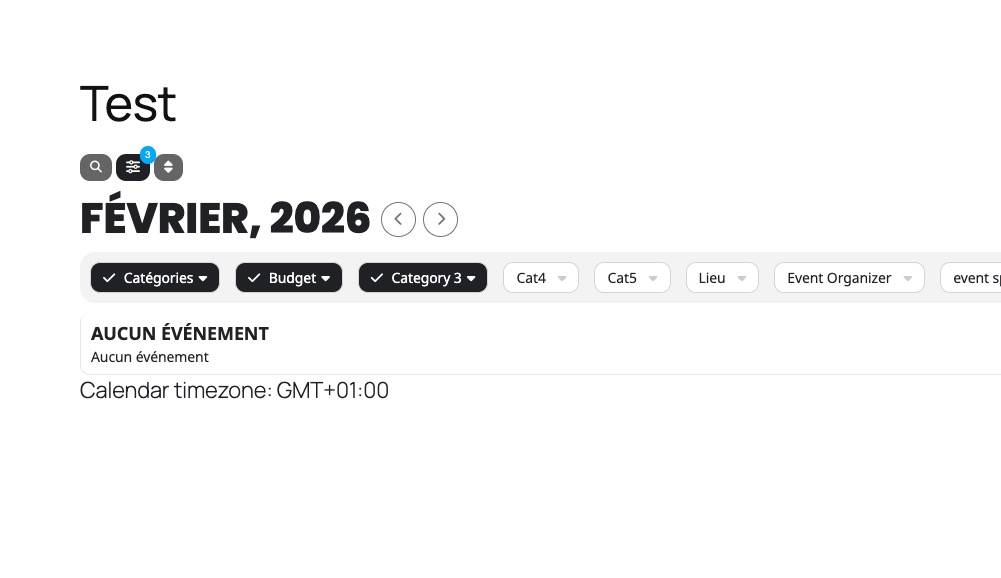
Please check and let me know.
thank you for the fast answer
Hello,
We’ve updated the plugins following the instructions at
But we’re still having the same problem; even though it’s in stock, it won’t let me add it to the cart.
Is the seat map editor configuration incorrect?
Thanks
Account information:
Name: Jocelyn Williams, District Director
Email address: dd@tmd56.org
Website address: https://toastmastershouston.com/
Artem – When will all three Patchstack tickets be resolved with an official ”Fixed version” being added to those reports?
Hello? Did you guys give up on me?
Hello,
I cannot find anything related to EventON the screenshot provided.
On the page you sent us the label exists by hidden:
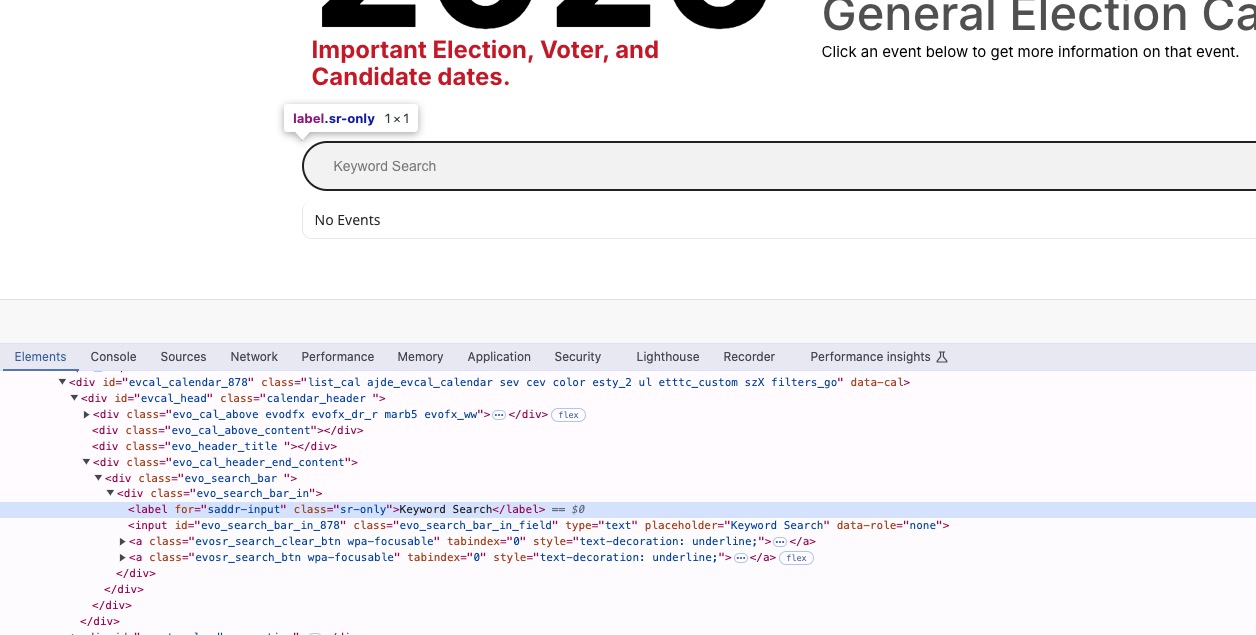
Could you check if WebAIM can see the hidden label and let us know?
Could you try enabling Troubleshooting Mode and then switch the theme and disable your plugins one by one:
https://www.planconpeques.com/wp-admin/site-health.php?tab=troubleshoot
Hello,
Please add this CSS code to EventON > Styles (If you don’t see any change, EventON > Scripts & Styling > turn off Write dynamic styles to header > save settings > turn on Write dynamic styles to header).
You can also add this code to wp-admin > Appearance > Customize > Additional CSS.
.ajde_evcal_calendar.boxy.boxstyle0 #evcal_list .eventon_list_event .desc_trig { flex-direction: column; }