Hello,
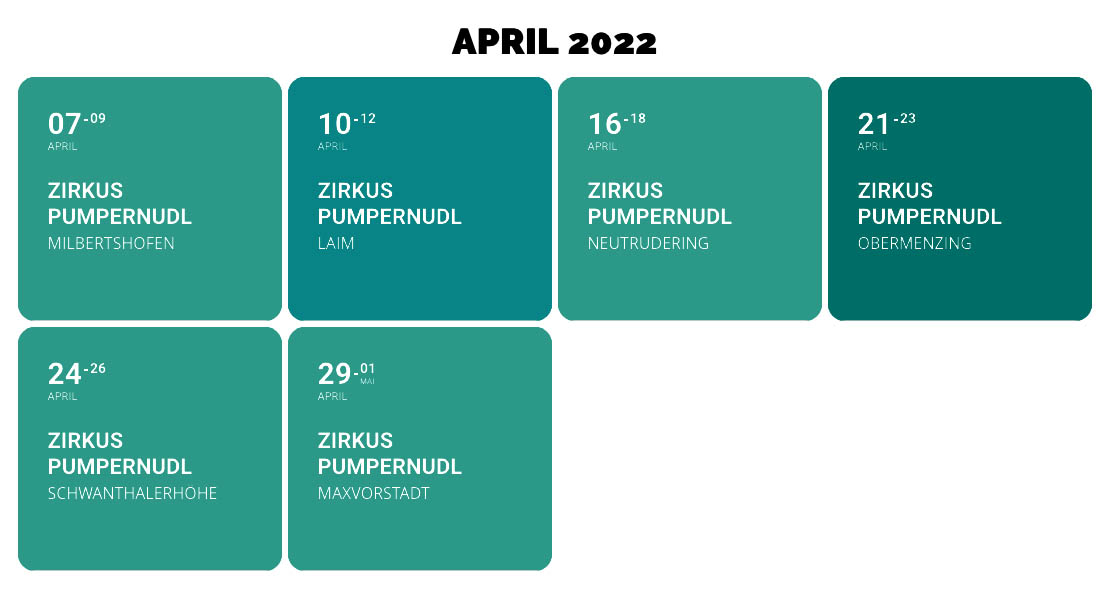
Please add this CSS code to EventON > Styles (If you don’t see any change, EventON > Scripts & Styling > turn off Write dynamic styles to header > save settings > turn on Write dynamic styles to header).
You can also add this code to wp-admin > Appearance > Customize > Additional CSS.
.ajde_evcal_calendar.boxy.boxstyle0 #evcal_list .eventon_list_event .desc_trig { flex-direction: column; }
Hello,
Could you check these guide that cover Event Type and how to use it:
https://docs.myeventon.com/documentations/confused-event-type-categories/
https://docs.myeventon.com/documentations/how-to-use-event-types-to-do-more/
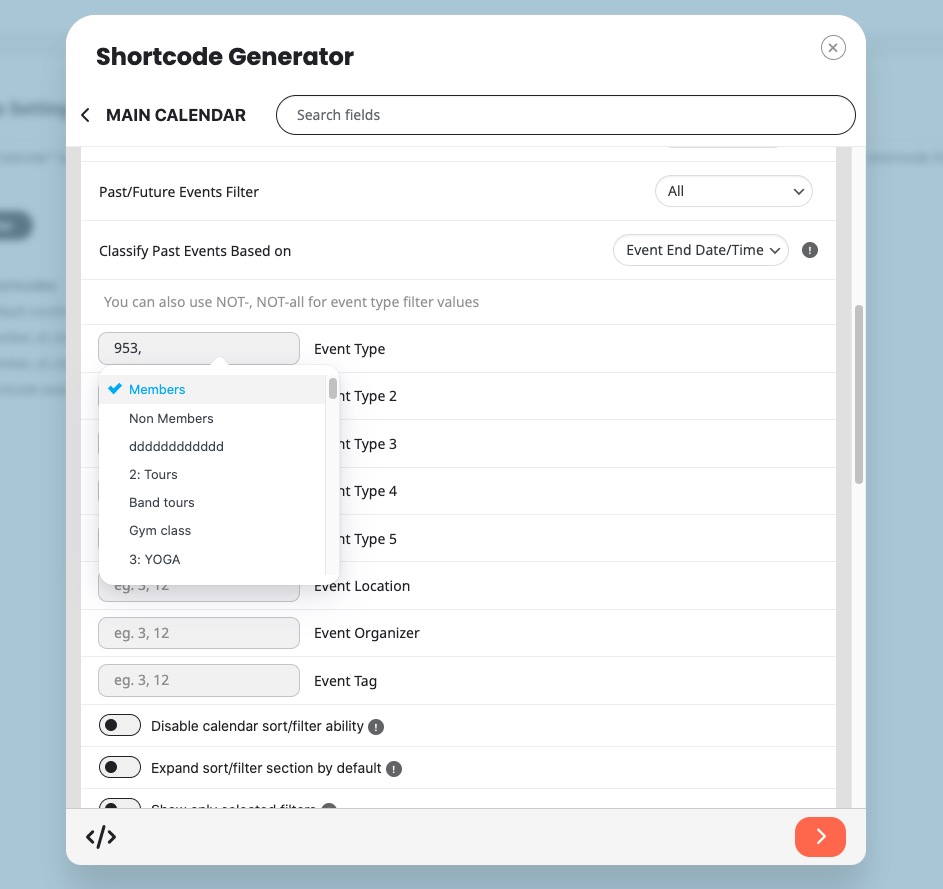
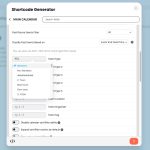
I believe that you can just open Shortcode Generator and then select Event Type from the menu:
Hello,
Could you elaborate? Are you trying to add a custom status by following
https://docs.myeventon.com/documentations/how-to-add-custom-event-statuses/
And what’s happening after you added the custom code?
Interesting from our tests, the guests list stays on, if it is selected.
Would you mind sharing a link to the event whrere you experience this issue with guest list?
That is fine Anthony please share the admin access via right side bar and we can take a look and see what is going on.
BTW did the snippet I shared helped the situation or no?
The latest version is available for you to download from myeventon.com/my-account.
After you update, make sure to clear cache so new file codes are loaded into the page.
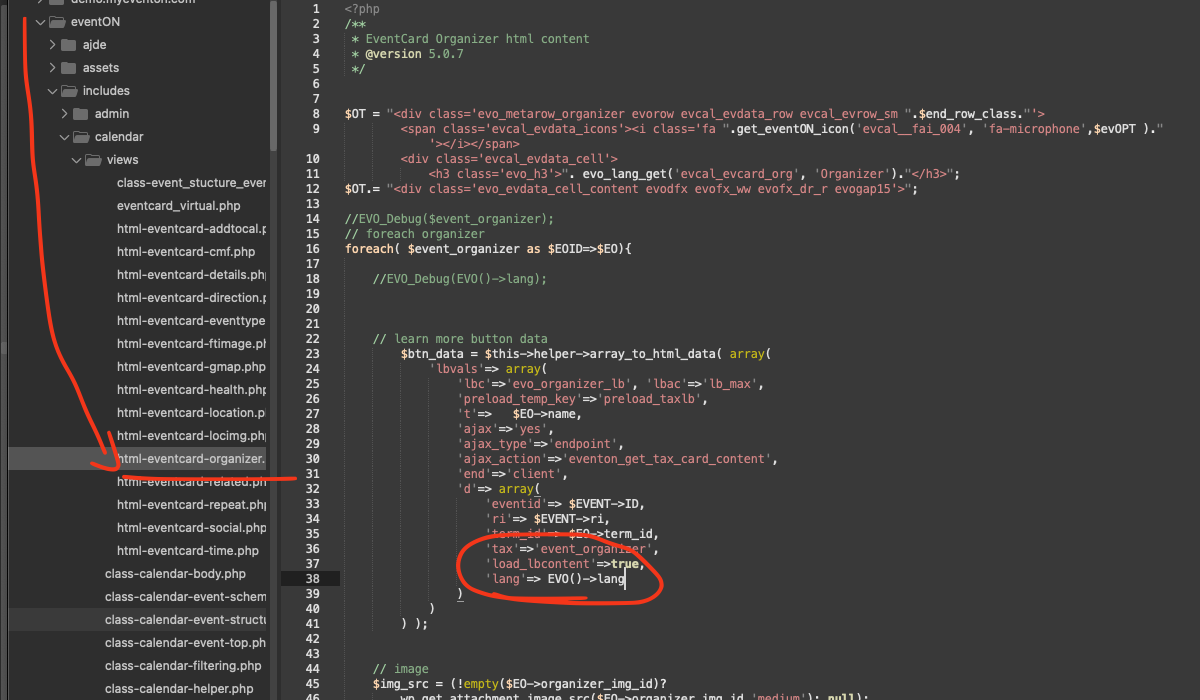
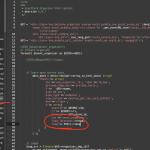
Hello Karoline, thank you very much for sharing this find with us. Kindly make the code change as shows in the screenshot in your copy of EventON, that will fix the issue, and we will pass this change in to the next version update of eventON.
code: ’lang’=> EVO()->lang
Hello,
I have checked your test site (
)
and I confirm that the FullCal mobile view works correctly there.
Regarding the troubleshooting documentation: My website (planconpeques.com) is a live production site with active users. I cannot simply switch themes or disable all plugins one by one as suggested, because it would disrupt the service and break the site for my visitors.
Since the issue is visible on the front end, could you please inspect the mobile view of my site (using browser developer tools/console) to see if you can spot a specific JavaScript error or CSS conflict that is preventing the filter from working?
I need to narrow down the cause without taking the live site offline or removing features.
Thank you.