Hello,
You need to use Event Lists: Ext add-on.
https://www.myeventon.com/addons/event-lists-extended/
As only it has “Month Order for List” option:
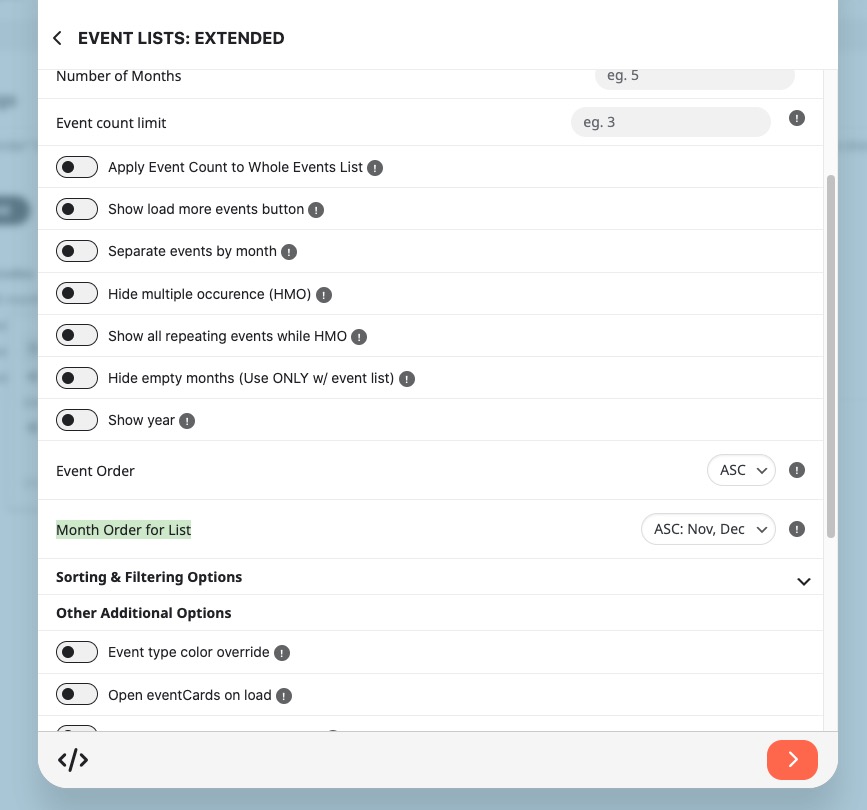
Try on
https://dev.myeventon.com/wp-admin/
Replies for tickets on suppota
Hello,
You need to use Event Lists: Ext add-on.
https://www.myeventon.com/addons/event-lists-extended/
As only it has “Month Order for List” option:
Try on
https://dev.myeventon.com/wp-admin/
I tried to import events and they were imported with locations: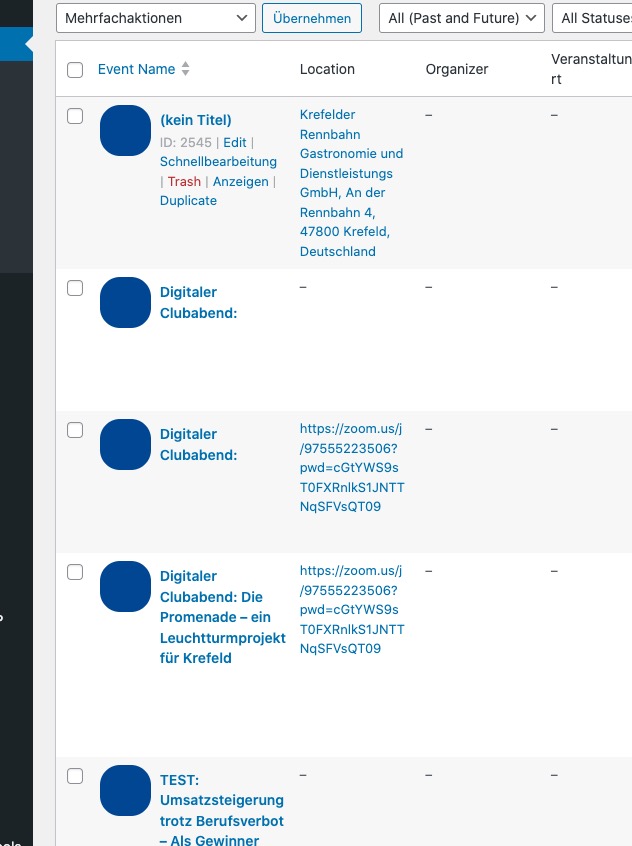
Could you check and let me know?
Hello,
Here’s the issue:
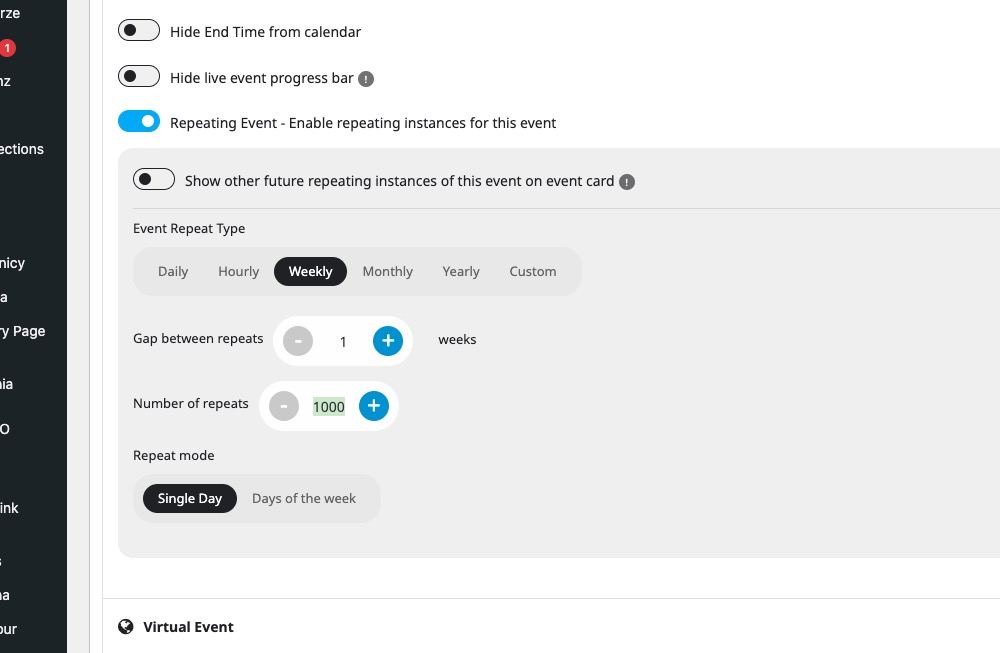
Please try lowering the number as each repeat is a separate event.
Hello,
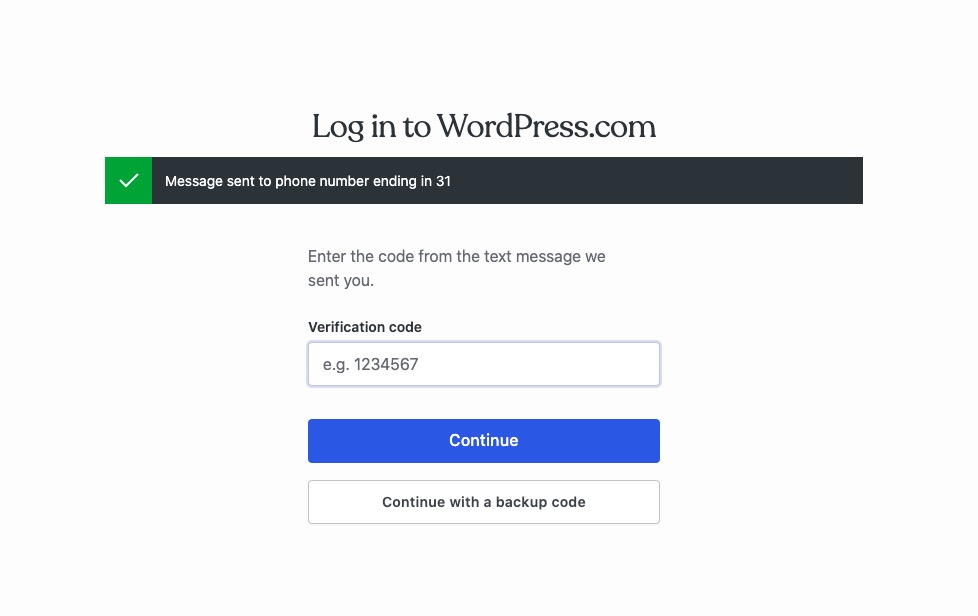
I cannot login to your website because of
As for the issue, please go to EventON > Time Settings > Default Event Timezone is the same as wp-admin > Settings > Timezone and also similar to Edit Event > Timezone.
Could you update EventON, Tickets and other add-ons?
To update eventon to latest version: If you are unable to do autoupdate, you can go to codecanyon your account > download and get the latest eventon version as zip file. Then you can go to your website > make sure “Delete eventon settings & data when EventON is uninstalled” is Deslected from eventon settings, delete old eventon, install new one and activate. This link will further explain the process it. Also you can follow us on twitter to get real-time announcements on updates!
To update eventon addons: You can download latest eventon addons from myeventon > my account. Then you can go to your website, deactivate old addon and install new one and activate then delete the old addon. This link will further explain the process. Also you can follow us on twitter to get real-time announcements on updates!
Hello,
Could you go to EventON > Advanced > try a different Select calendar event content filter type?
If the issue continues, please send us wp-admin access to your site as a private message for us to further assist your situation.
Same problem here.
New information, when add reminder also do the 1970.01.01 problem.
But when just add a new event without any plus feature problem isnt come.
Hi Nevermind – you can disregard. I figured a way.
Cheers
Hi Nevermind – you can disregard. I figured a way.
Cheers
Could you try manually clearing your browser cache? Maybe some files are still old and not updated on your side.