Are you referring to the icon issue?
Archives: Replies
Replies for tickets on suppota
Reply to: tickets(382048)
Hello,
You can use Event Type to filter events by date:
https://docs.myeventon.com/documentations/how-to-use-event-types-to-do-more/
However, the best way is to use one of our add-ons:
https://www.myeventon.com/addons/daily-view/
https://www.myeventon.com/addons/weekly-view/
They allow you to filter by days or weeks.
Try on
https://dev.myeventon.com/wp-admin/
Reply to: tickets(381963)
We are glad your issue is resolved, if you have any further questions or concerns please create a new ticket.
If you have a moment, we would greatly appreciate if you could kindly leave us a review at Codecanyon. By going to your account > Downloads. We are very grateful for your kind review!
Reply to: tickets(381526)
Please use:
.evorow.getdirections .evo_get_direction_content i.mainicon { color: #bd8c4c; }
Reply to: tickets(382054)
Hello,
Please take a look at
https://help.market.envato.com/hc/en-us/articles/205604563-View-Download-Invoices
Reply to: tickets(382053)
Ashan,
The same on dev2:
https://dev2.myeventon.com/events/temp-event-4/
Reply to: tickets(382053)
Hello,
I believe that the way they are shown is part of the design:
https://dev2.myeventon.com/events/temp-event-4/
Thank you for your messages, I am going to assign this ticket to Ashan and he will be able to take it from here and find you a solution. Please allow some time for him to get back to you, we greatly appreciate your patience and thank you for being a eventon customer!
Reply to: tickets(381468)
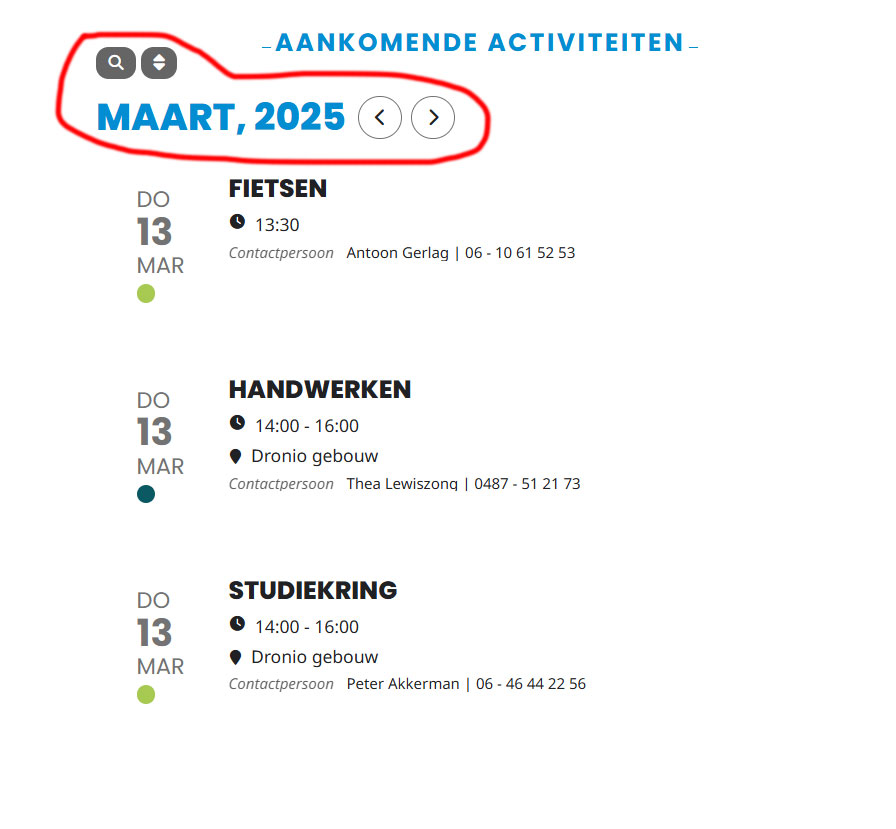
See attachment! How do I remove the red circled?
Reply to: tickets(382053)
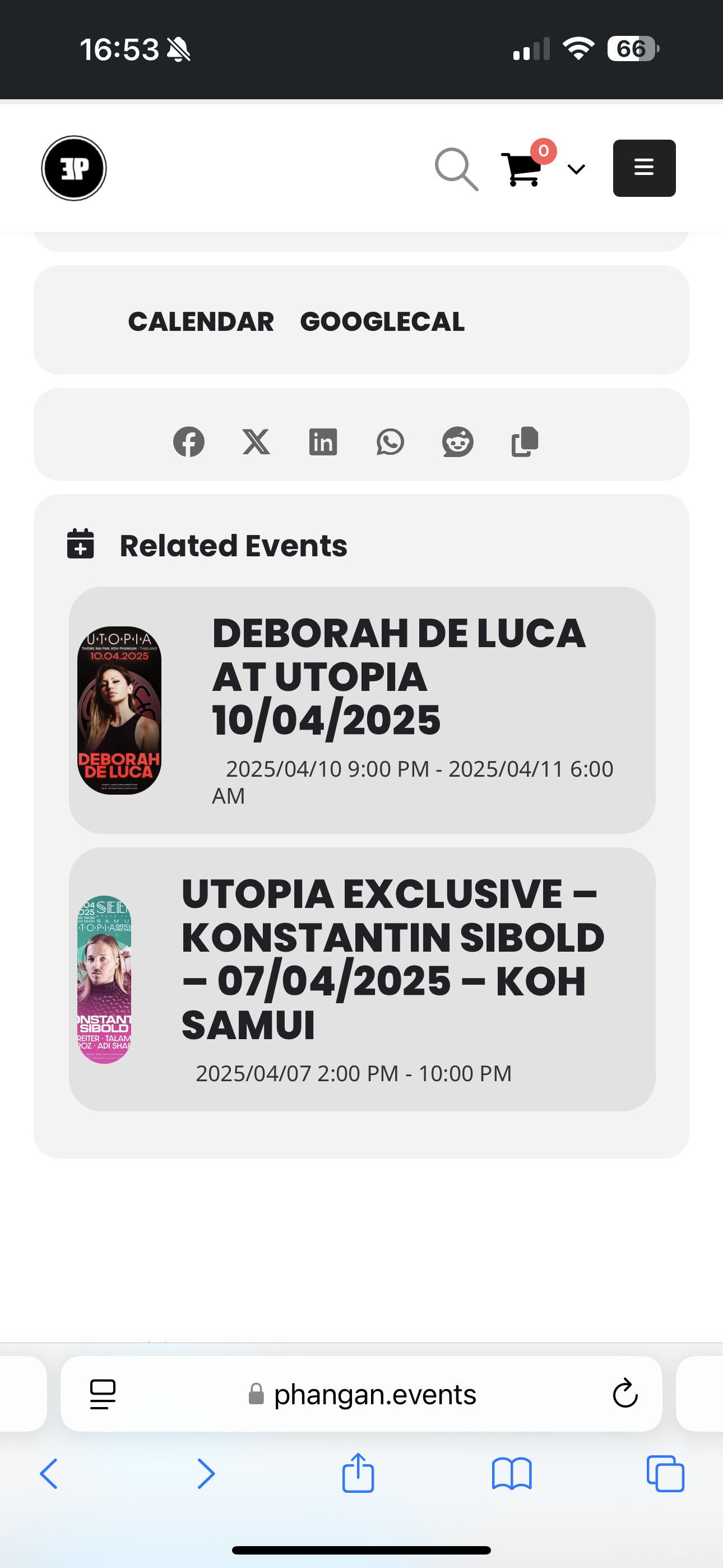
Hi Artem
Could you please help with that
Reply to: tickets(381526)
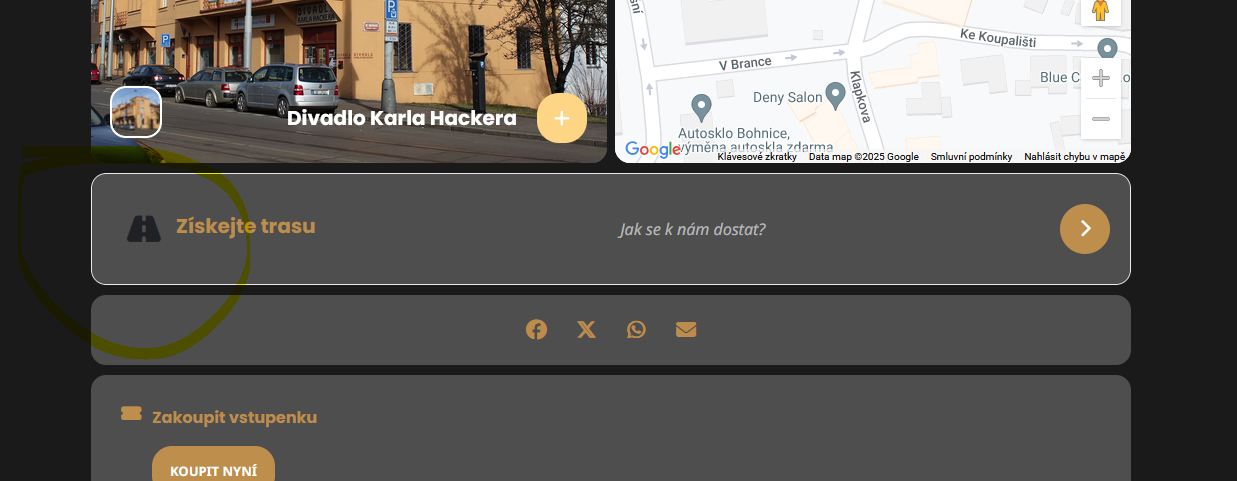
Thank you for the instructions sent, it works. The only thing that didn’t help is the color of one of the “Get Directions” icons. Please change this as well.
https://www.divadlo-okko.cz/events/ve-vytahu-1/