“So please go to these events and make sure that all HTML tags are closed:” How do I do this?
Why is this happening as this has never happened before?
Replies for tickets on suppota
“So please go to these events and make sure that all HTML tags are closed:” How do I do this?
Why is this happening as this has never happened before?
I have added File Manager plugin for FTP access. Thank you!
Taryn
Have you tried disabling paypal-for-woocommerce plugin?
Ashan,
Please check
1. There is an “Align Right” option in the Seat Map Editor, but it has no effect.
The same on dev2:
https://dev2.myeventon.com/wp-admin/post.php?post=56521&action=edit
Not sure what the option does.
4. The same on dev2. Variations aren’t included.
Hello,
1. Thank you for your messages, I am going to assign this ticket to Ashan and he will be able to take it from here and find you a solution. Please allow some time for him to get back to you, we greatly appreciate your patience and thank you for being a eventon customer! Also please disable any IP blocking on your site if there are any.
Please also try rotating the section itself: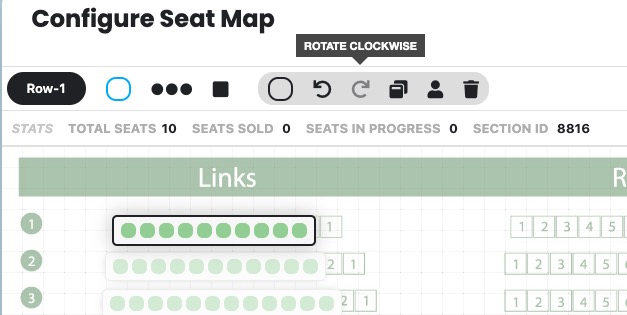
I already rotated the first one, so please check and let me know.
However, Ashan will check Align Right option anyway.
2. You can change the price for the whole section, row or single seat:
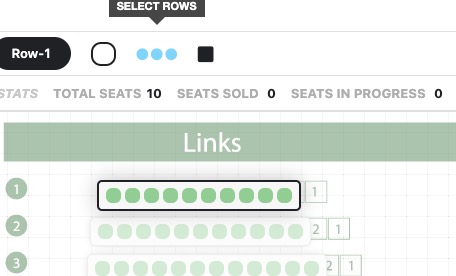
For other issues, could you send us screenshots?
3. You can duplicate the event itself. Just go to wp-admin > Events > Duplicate.
4. Ashan will take a look at this issue as well.
1. Please follow the instructions in this documentation to activate debug in your site to see any PHP errors recorded that can provide insight on to whats going on. Please reply with a link to debug.log file. If you are not able to do this please send us FTP access to your site so we can do this for you.
The issue started after you updated Elementor, EventON or with no changes from your side?
Hello,
Thank you for your great suggestion, at the moment it is not supported. However please create a new ticket and select Feature Request as category so others can vote on your idea and get it moved into development faster.
I went to EventON > Diagnose > enabled Activate event description content HTML validity check. It started showing this issue
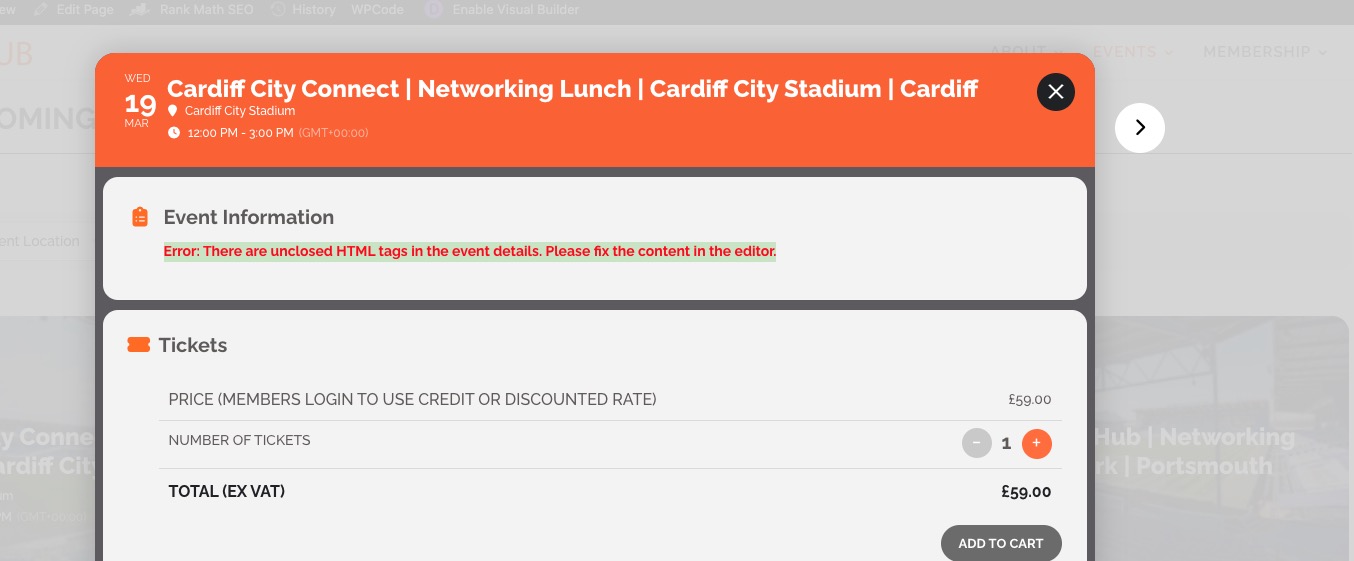
So please go to these events and make sure that all HTML tags are closed:
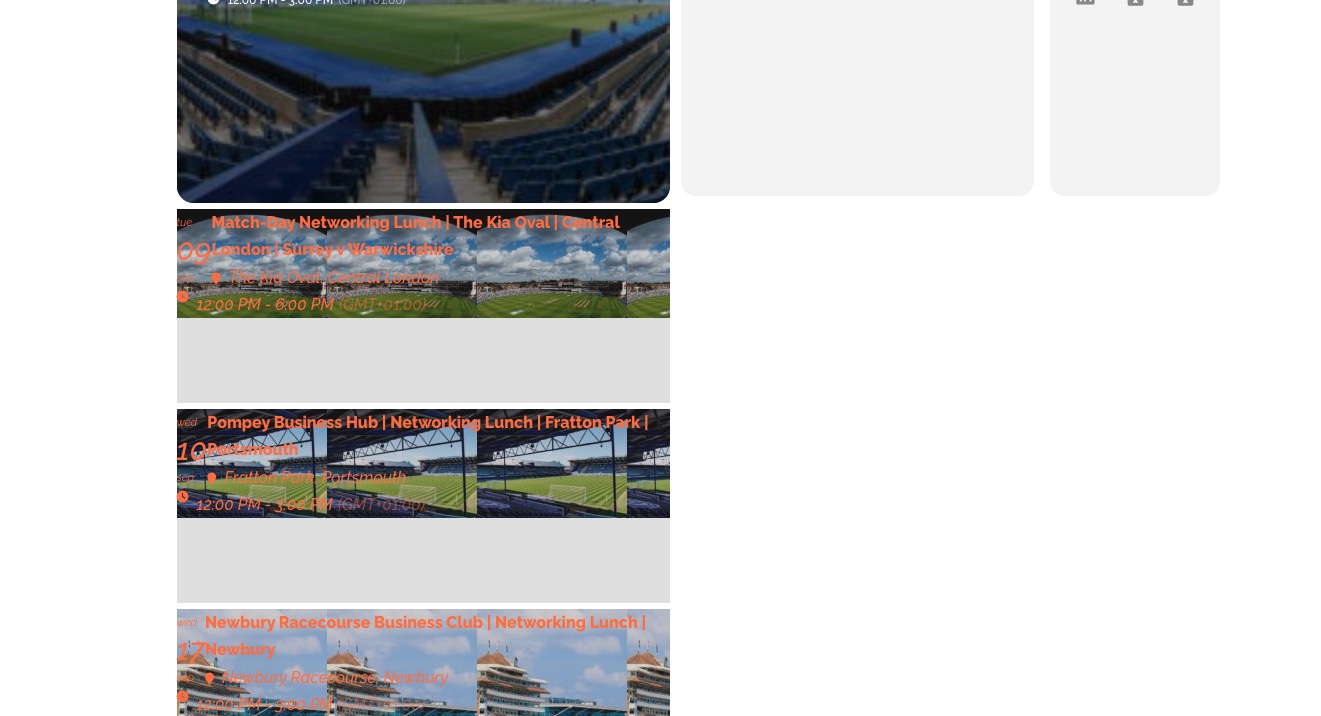
Tried to add several tickets and it worked correctly:
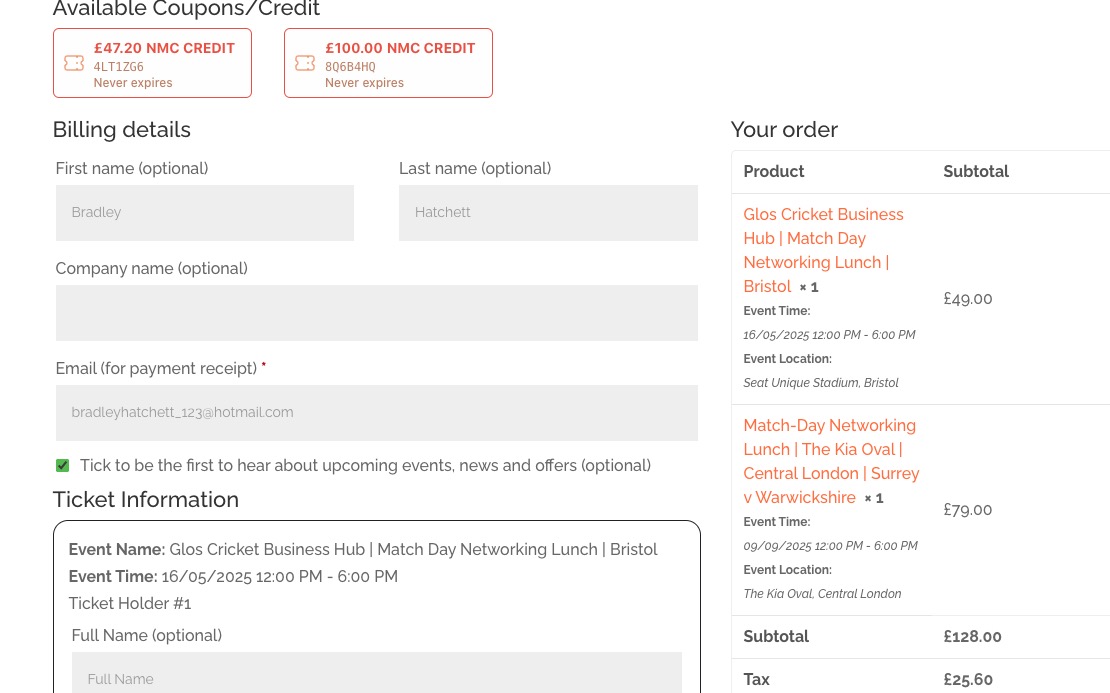
Could you send us a link to an event with the issue?
Single Event Page icons work on my side:
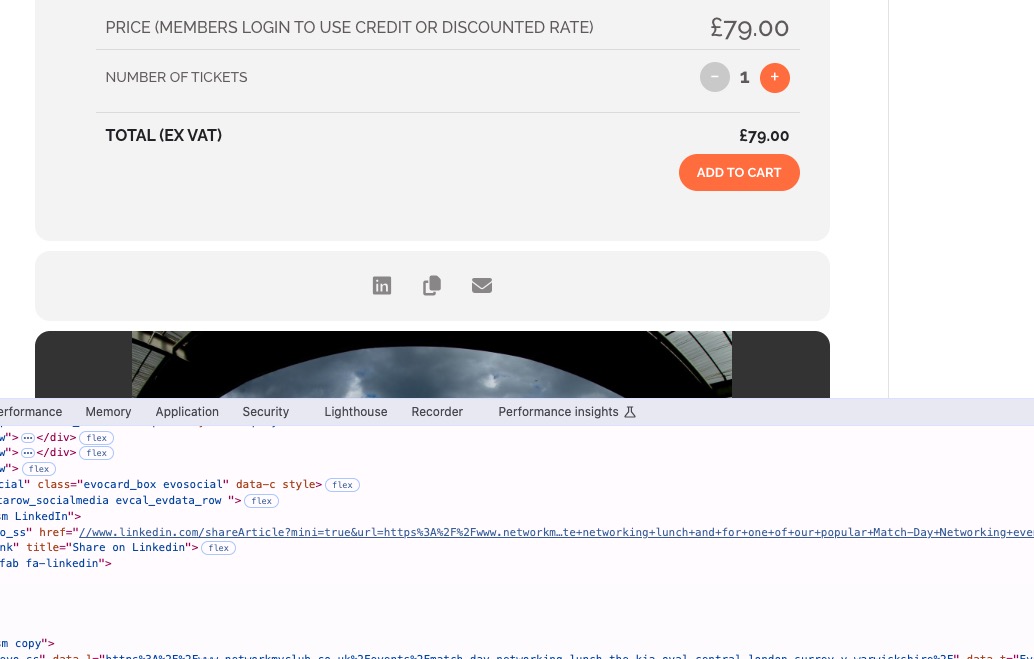
What’s your browser and OS? Also, could you try clearing your browser cache.
As for the calendar icons issue, please follow my suggestion above first to fix the calendar itself.
Hi Artem,