Hello,
Please try using Event Lists shortcode instead of Main Calendar:
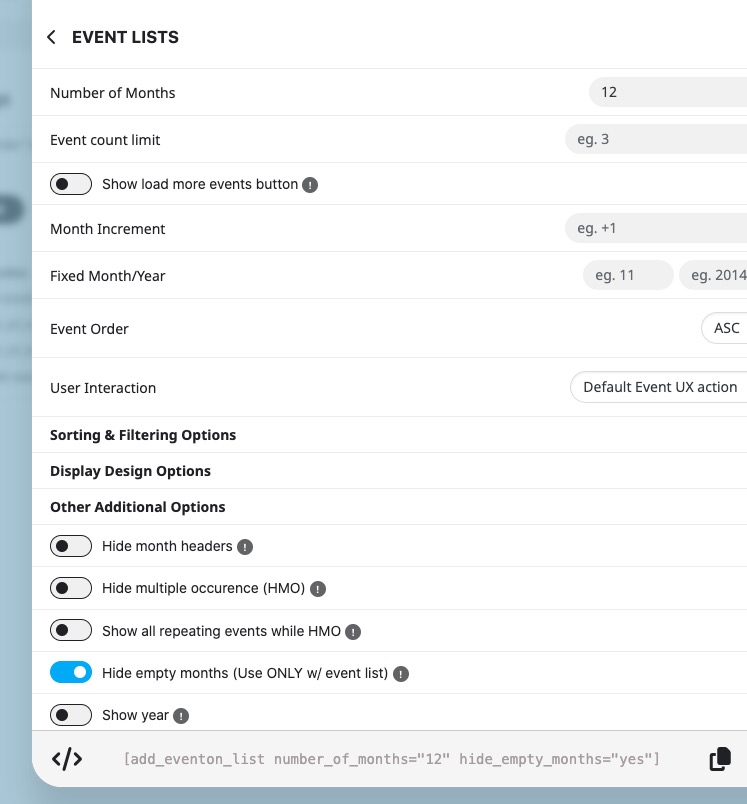
In order to show events from certain months only, please filter them with:
https://docs.myeventon.com/documentations/confused-event-type-categories/
Replies for tickets on suppota
Hello,
Please try using Event Lists shortcode instead of Main Calendar:
In order to show events from certain months only, please filter them with:
https://docs.myeventon.com/documentations/confused-event-type-categories/
Hello,
This is what EventON’s email confirmation looks like:
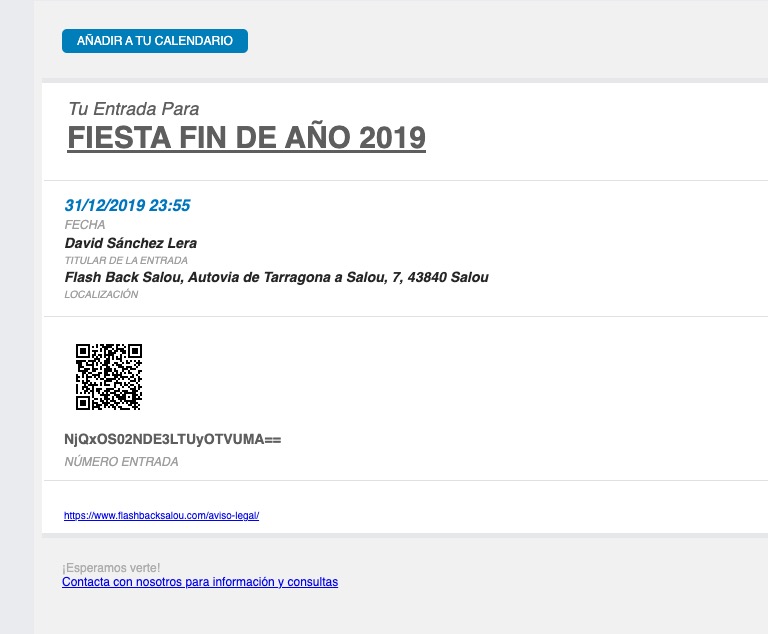
It seems that the ticket on your screenshot is different from EventON’s. Could you check and let me know?
Hello,
1. Please send us a link to an event with the issue.
2. We are aware of the issue and working on the fix. Thank you for letting us know!
Perfect! If you have any further questions or concerns please create a new ticket.
Following as I am having the same issue. FYI, for now, users can still type an even number into the box and register an even # of people, it’s just the plus 1 button that’s acting strange!
Hello Again,
I did follow your documentation etc and there is nothing showing that would indicate an issue.
I still have this issue and I see other people have had this issue as well. Could you please look again?
I have attached a video of it. Also…this person (below) had the same issue last year and you logged in and fixed his. Can you do the same to help us? Thank you! M-J
I just downloaded the paid version of EventOn. Everything looks great EXCEPT…. In the backend (admin side) when I try to create a new event, the Main Event Details block does not load, so I cannot put in time or locations of events. You can see it “thinking” but it does not ever fully load. All other areas appear to be working fine at this time. I tried different browsers and got same result. I see other people have posted about this problem but the only suggestions so far were to purchase add ons??? Is there no way to make this work on its own? Seems like a pretty basic feature… Thanks.
– Feb 14,2024 AT 4:44PM – 1 year ago
Hi Artem,
same login/password
eventon_admin
gospod-sidgUb-4zixmu
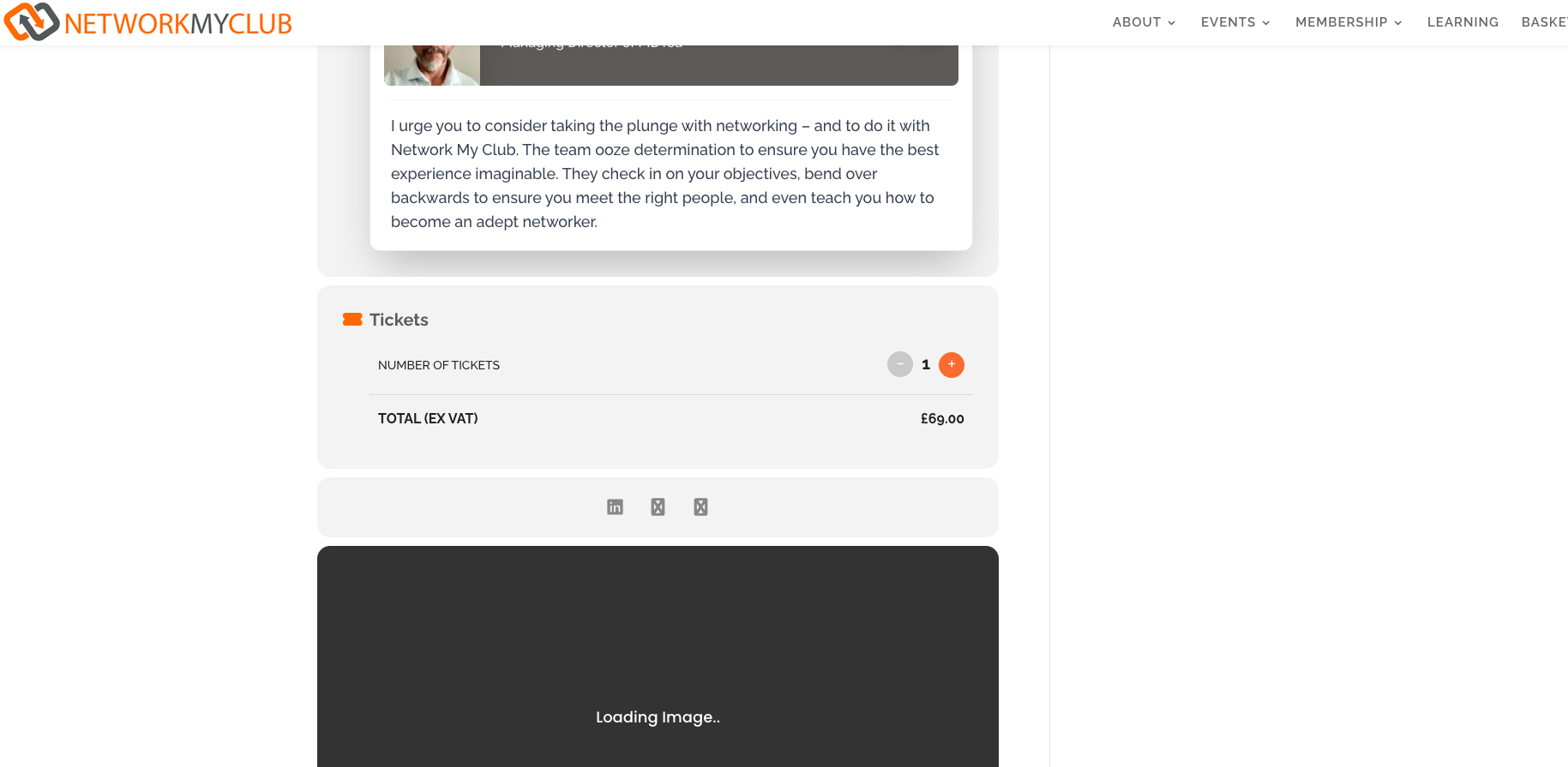
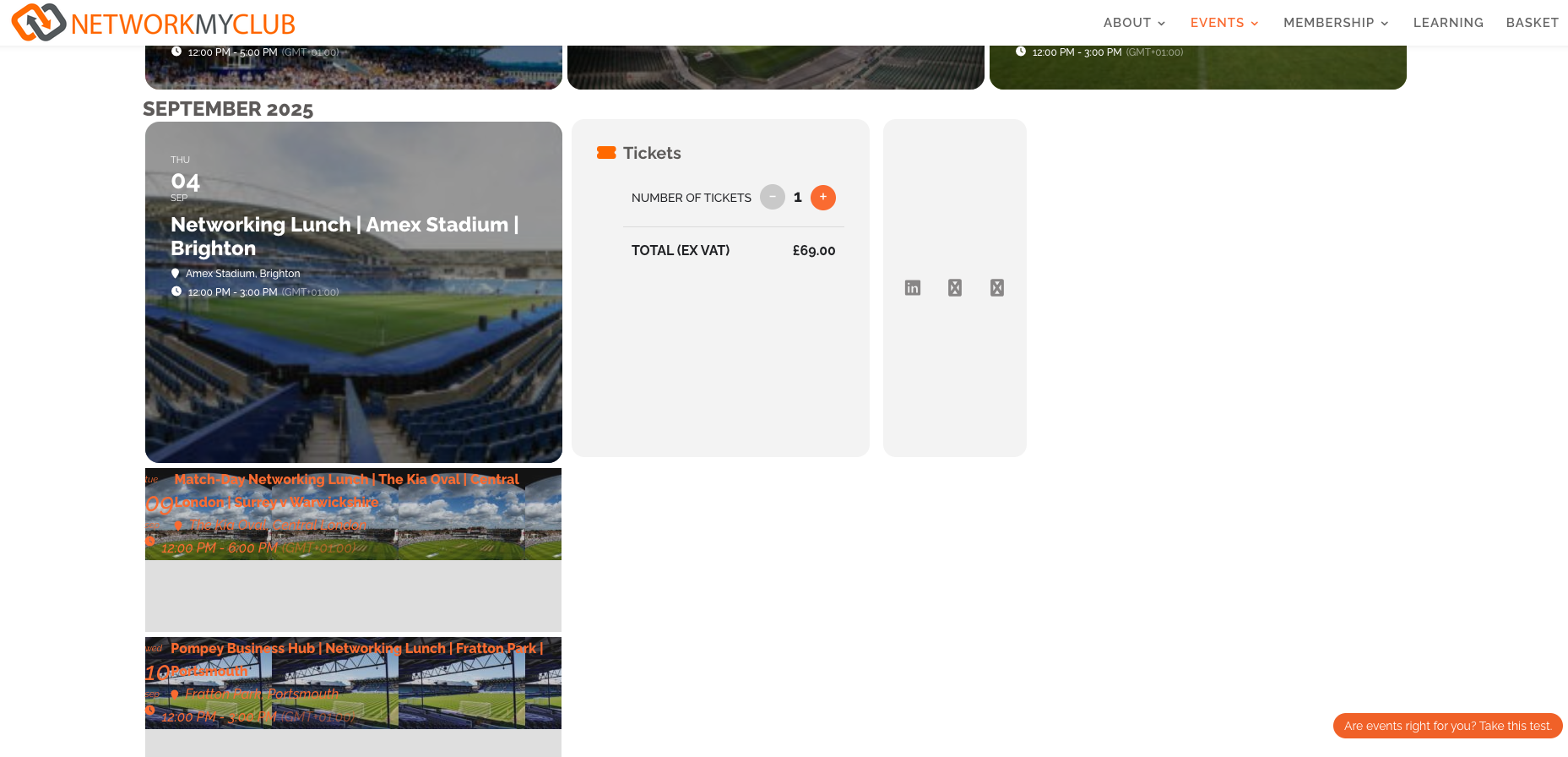
Hi, no this is still not fixed.
On the calendar (attached) you will see it’s not appearing right.
Also on the single event page it’s not allowing people to add to cart or showing the icons
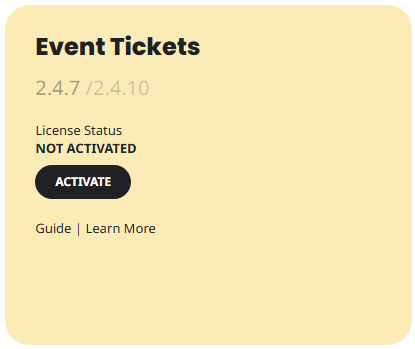
I am having trouble logging in to do that. Once resolved I will update the add-on. I can see that it is not activated and I was not aware of that.