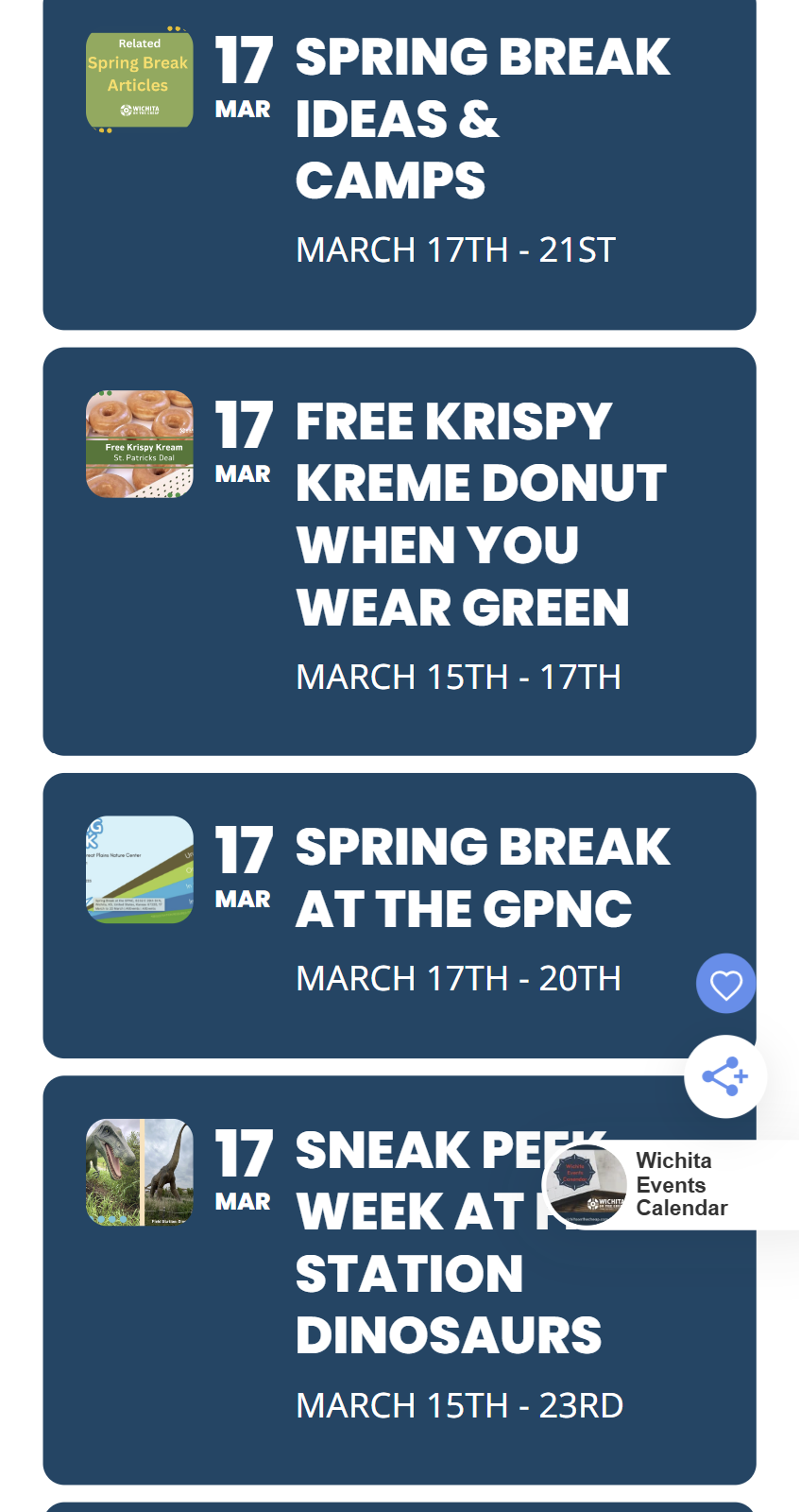
Here is an image of what it currently looks like for us.
Replies for tickets on suppota
Here is an image of what it currently looks like for us.
I’m sorry. I just checked the Daily View on my mobile phone (most of our site’s visitors are on mobile) and the problem still exists.
I have checked the time zone settings again. EventOn > Settings > Time Settings do match WordPress Settings > General time zone setting.
I purged the cache for that page and double-checked in an incognito window with the same results. Tapping tomorrow’s date or any future date on the Daily View table above the events list does nothing to the list itself. It still shows the list of this current (today’s) events only.
https://wichitaonthecheap.com/todays-events
Again, interestingly it seems to work correctly in the desktop view but not when I visit on my Samsung mobile phone.
We also want to change the appearance of the photos on mobile but I can make that a separate ticket if necessary.
We did check the time zones and that didn’t help it, but re-purchasing and updating the Daily View addon did help. Took care of the issue with no further work from us. Thank you.
Oh, that’s interesting! When I look now in logged-out view, I see what your screenshot shows. This is good, but I don’t know what fixed it. We DID update the Daily View add-on, so maybe that took care of it.
(I’m still seeing the incorrect placement when I’m logged in, but that is not very important to us.)
Please hide past events by going to EventON > Time Settings > enable Hide past events for default calendar(s).
Or from the shortcode by adding event_past_future=”future” to it.
Hello,
Perfect! If you have any further questions or concerns please create a new ticket.
The same issue:
https://helpdesk.ashanjay.com/ticket/incorrect-event-countdown/
Ashan,
The same issue:
https://helpdesk.ashanjay.com/ticket/happening-now-section-has-wrong-time-zone-after-update/
Thank you for your messages, I am going to assign this ticket to Ashan and he will be able to take it from here and find you a solution. Please allow some time for him to get back to you, we greatly appreciate your patience and thank you for being a eventon customer! Also please disable any IP blocking on your site if there are any.
Ashan,
Please take a look at
The timezone issue is
Also the time zone setting I change from London to Auckland save, but it is not showing as Auckland when I go back into it the next time.
Also please take a look at:
What happens if someone submits an event during an update of the site?